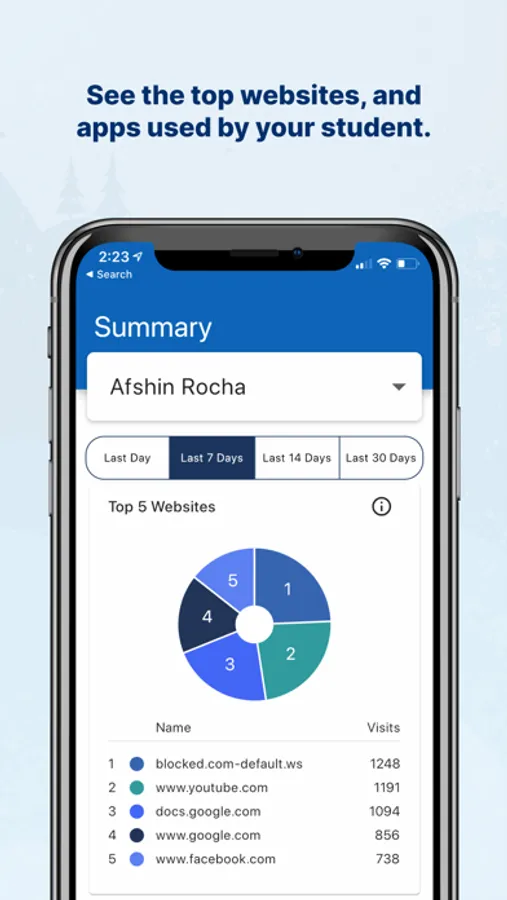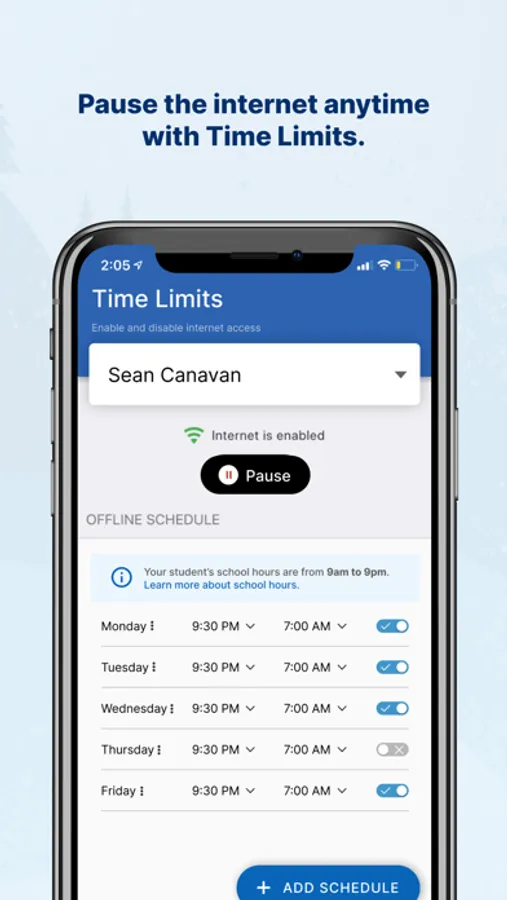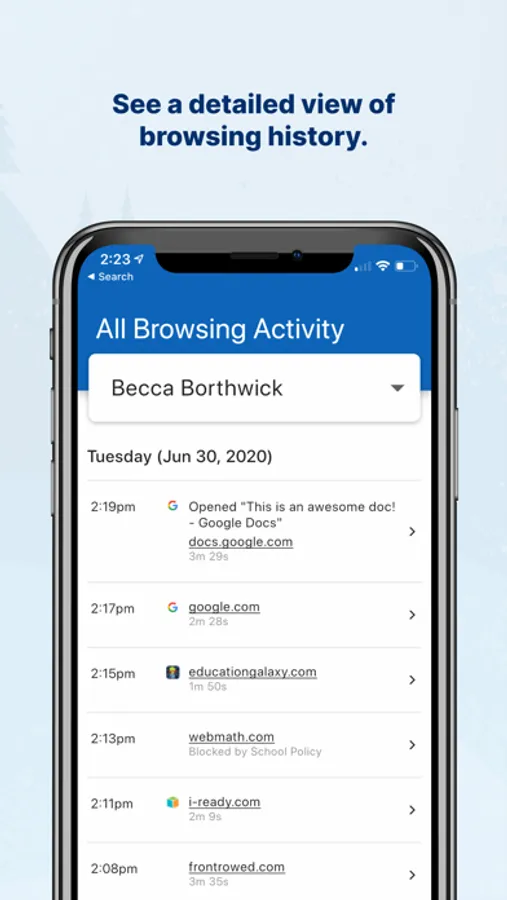
With this parent monitoring app, you can access browsing data, view app usage, and control internet access on school-issued devices. Includes website activity reports, app usage details, and internet blocking features.
AppRecs review analysis
AppRecs rating 1.4. Trustworthiness 75 out of 100. Review manipulation risk 27 out of 100. Based on a review sample analyzed.
★☆☆☆☆
1.4
AppRecs Rating
Ratings breakdown
5 star
13%
4 star
1%
3 star
2%
2 star
3%
1 star
81%
What to know
✓
Low review manipulation risk
27% review manipulation risk
⚠
Mixed user feedback
Average 1.6★ rating suggests room for improvement
⚠
High negative review ratio
84% of sampled ratings are 1–2 stars
About GoGuardian Parent App
Do you wonder about the content your child interacts with on school-issued devices? If your child’s school uses GoGuardian and enables parent reporting, you can use this app to obtain direct access to the data you need to have open and honest conversations with your child.
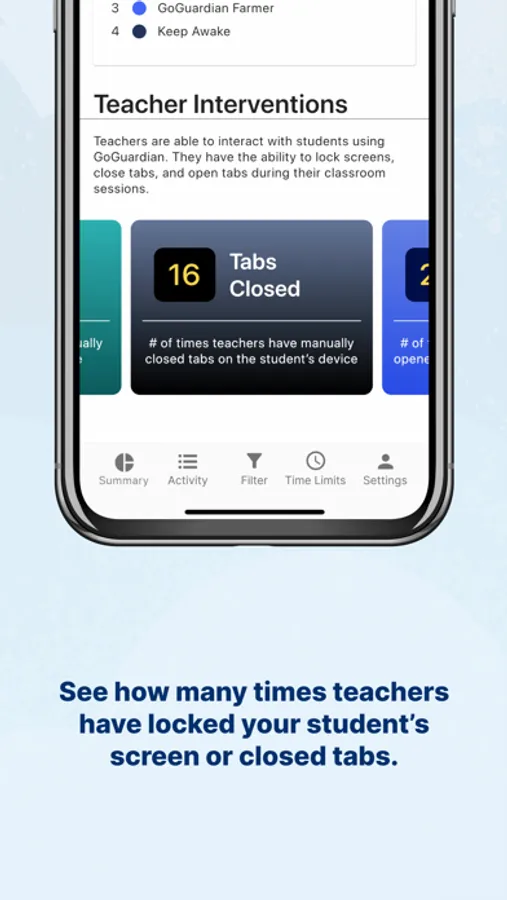
See which websites, apps, and extensions your child uses. Gain internet controls for school-issued devices at home. Also, if your child’s school uses GoGuardian Teacher, see how often teachers have issued intervention commands, like locking screens or closing tabs.
Features:
-View the top 5 websites your student accesses
-View the top 5 apps and extensions your student uses
-View the number of times teachers have locked your student’s screen
-View the number of tabs teachers have closed for your student
-View the number of tabs teachers have opened for your student
-View the number of times your student has reached a blocked page
-Select the period of time you’d like the data to display
-View a more detailed browsing history for your student
-Block specific websites on school-issued devices during out-of-school hours
-Pause internet access on-demand or at a scheduled time on school-issued devices during out-of-school hours
Learn more about GoGuardian Parent App Here: https://www.goguardian.com/parent-app/
Learn more about GoGuardian’s Privacy Information: https://www.goguardian.com/privacy-information/
Privacy Policy: https://www.goguardian.com/product-privacy/
Terms of Service: https://www.goguardian.com/parent-portal-terms/
See which websites, apps, and extensions your child uses. Gain internet controls for school-issued devices at home. Also, if your child’s school uses GoGuardian Teacher, see how often teachers have issued intervention commands, like locking screens or closing tabs.
Features:
-View the top 5 websites your student accesses
-View the top 5 apps and extensions your student uses
-View the number of times teachers have locked your student’s screen
-View the number of tabs teachers have closed for your student
-View the number of tabs teachers have opened for your student
-View the number of times your student has reached a blocked page
-Select the period of time you’d like the data to display
-View a more detailed browsing history for your student
-Block specific websites on school-issued devices during out-of-school hours
-Pause internet access on-demand or at a scheduled time on school-issued devices during out-of-school hours
Learn more about GoGuardian Parent App Here: https://www.goguardian.com/parent-app/
Learn more about GoGuardian’s Privacy Information: https://www.goguardian.com/privacy-information/
Privacy Policy: https://www.goguardian.com/product-privacy/
Terms of Service: https://www.goguardian.com/parent-portal-terms/