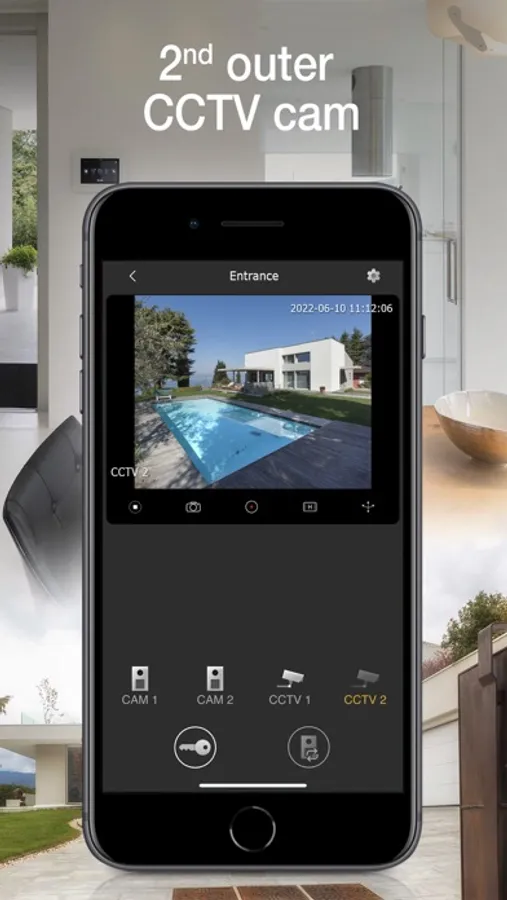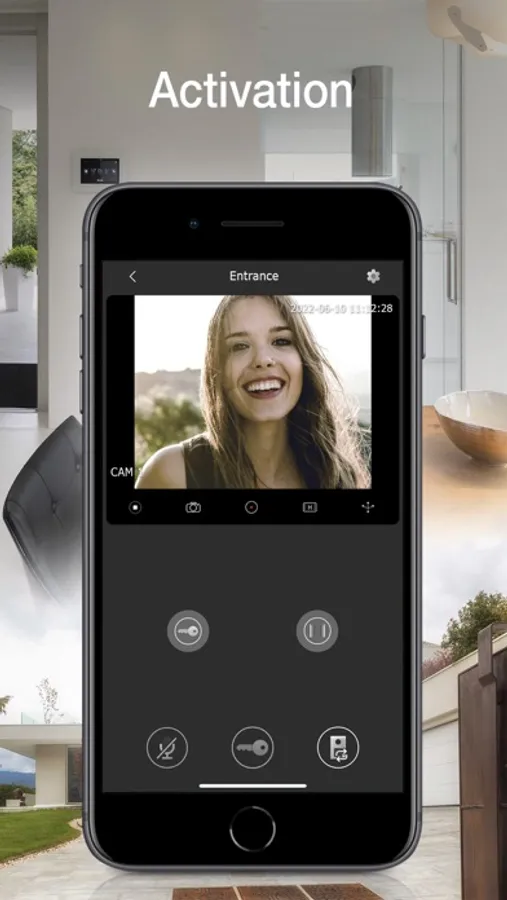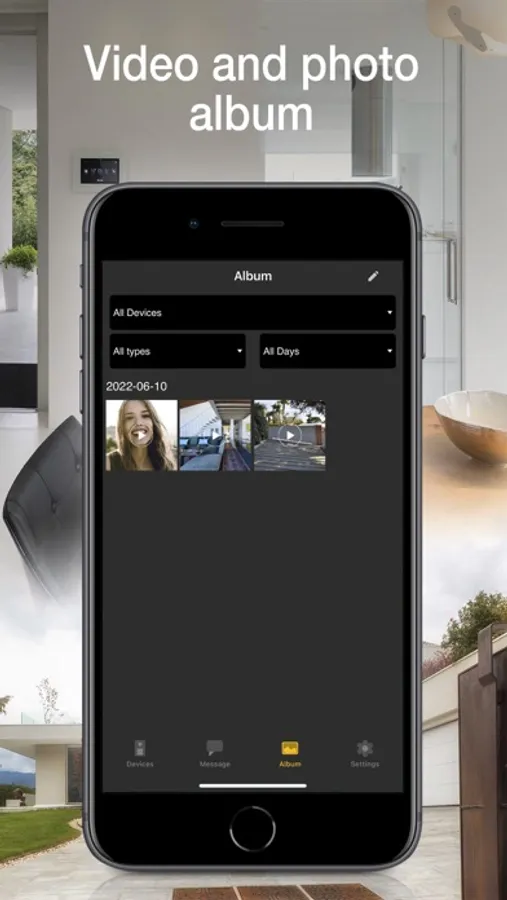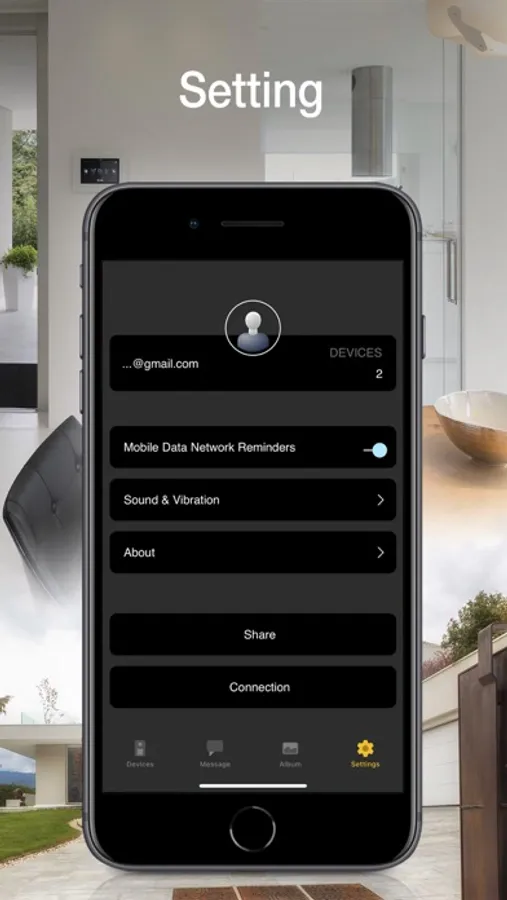
Vimar VIEW Door
Vimar S.p.A.
2.3 ★
store rating
Free
AppRecs review analysis
AppRecs rating 1.8. Trustworthiness 65 out of 100. Review manipulation risk 21 out of 100. Based on a review sample analyzed.
★☆☆☆☆
1.8
AppRecs Rating
Ratings breakdown
5 star
0%
4 star
0%
3 star
0%
2 star
100%
1 star
0%
What to know
✓
Low review manipulation risk
21% review manipulation risk
⚠
Mixed user feedback
Average 2.3★ rating suggests room for improvement
About Vimar VIEW Door
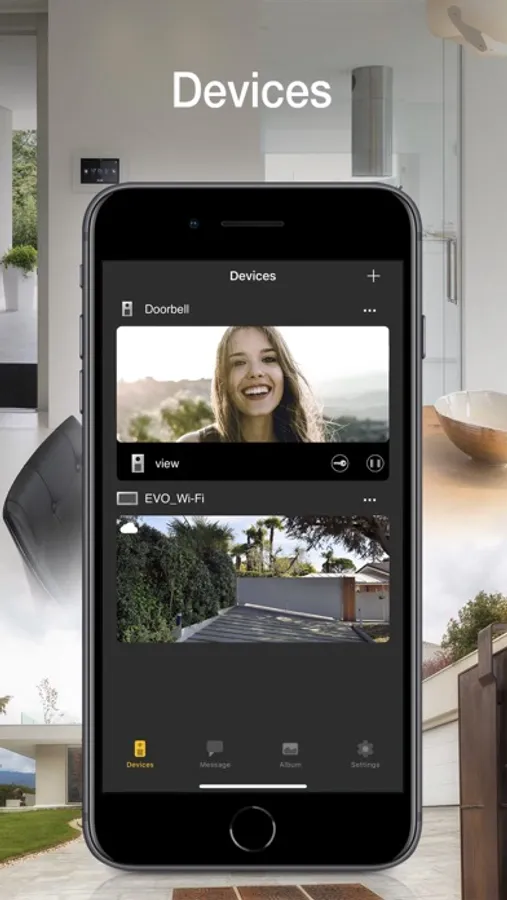
View Door provides mobile phone management of the functions of the Vimar connected video door entry systems in complete safety away from home too. Instant and user-friendly, the App lets you:
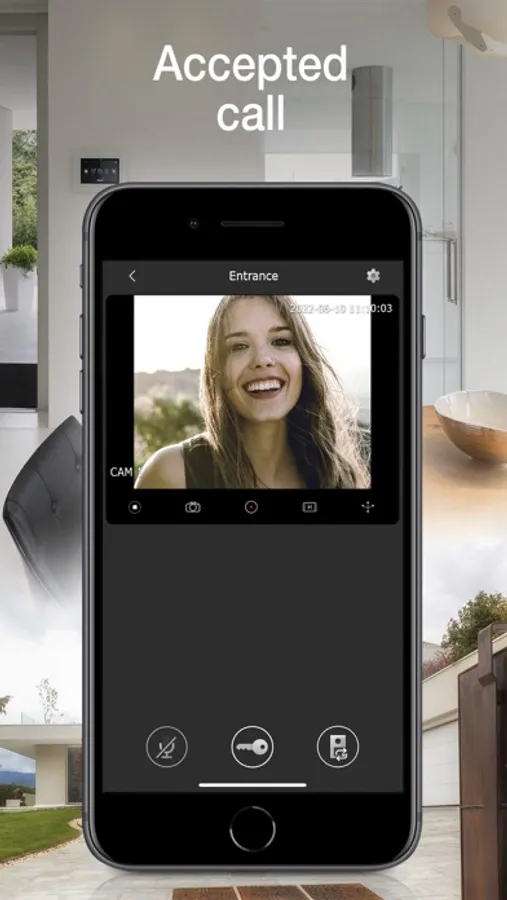
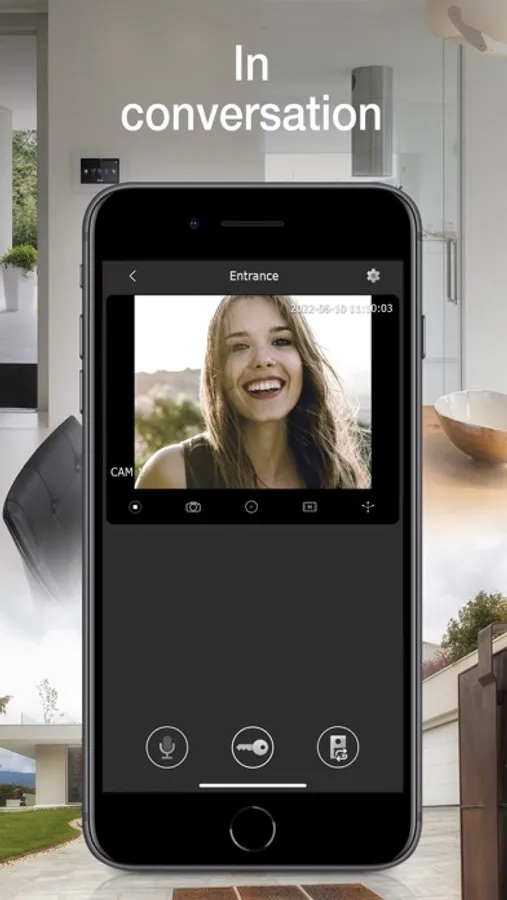
• Manage video door entry system calls
• Manage activations (pedestrian entry, vehicle entry)
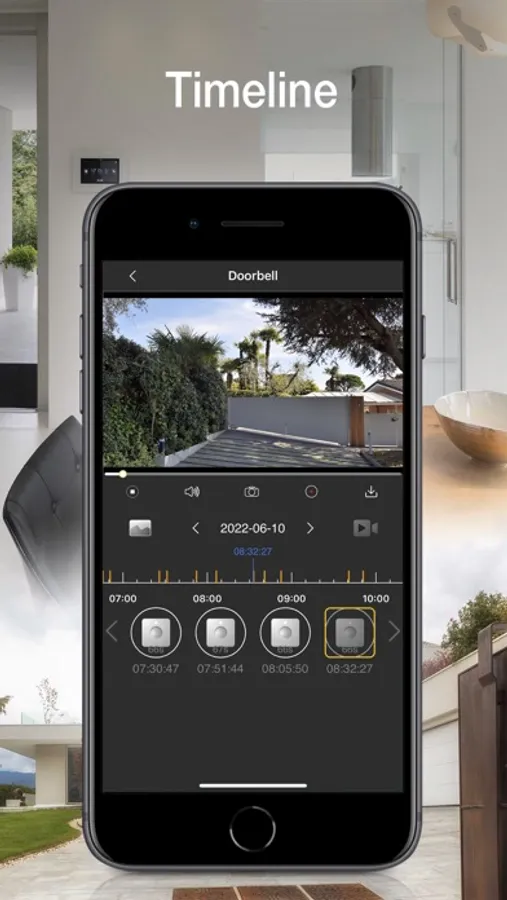
• View your call log
• Manage the settings
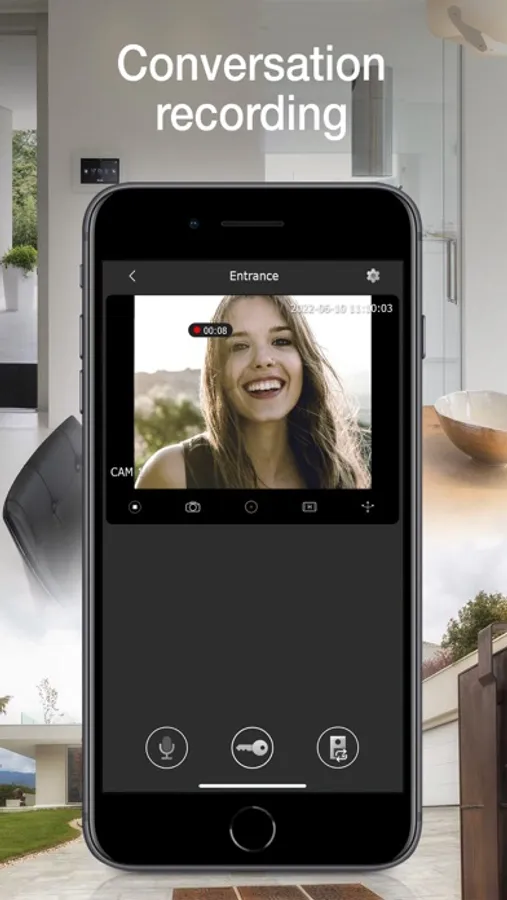
• Record videos and images
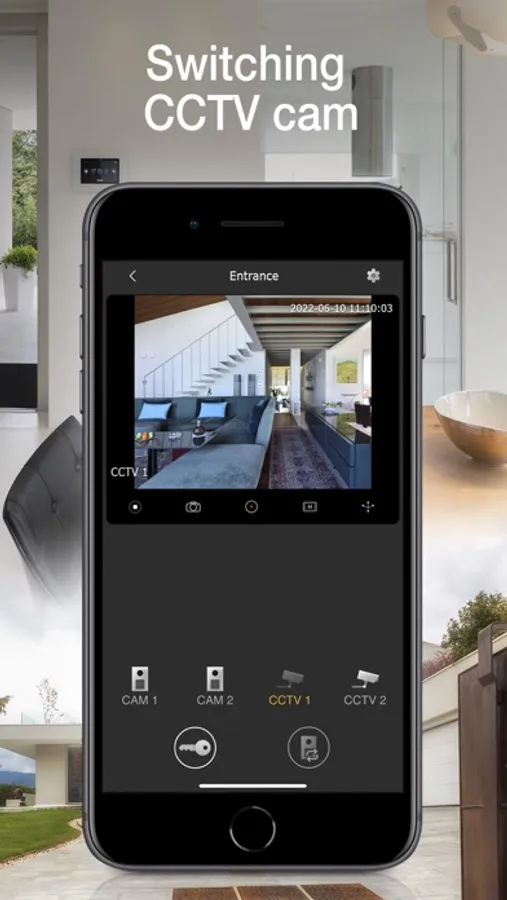
• View video door entry cameras and compatible TVCC cameras - if connected
• Zoom videos
• Functions and controls via voice assistants (for compatible devices Wi-Fi video doorbell K40960 and K40965, IPo2w monitors K40980, K40981 and 40980.M)
• Receive notifications
To start using the App, you need to configure it.
For Wi-Fi connected video door entry kits (K40945, K40946, K40947, K40955, K40956, K40957, K42945, K42946, K42947, K42955, K42956, K42957) and IPo2w kits (K40980, K40981, K40980.AU, K40981.AU and 40980.M) simply scan the QR code displayed on the video entryphone monitor, then follow the procedure in app and configure or use your MyVimar account if required.
For Wi-Fi video doorbell (K40960 and K40965), scan the QR code on the back of the device, then follow the procedure in app and configure or use your MyVimar account.
Further information can be found in the device documentation.
• Manage video door entry system calls
• Manage activations (pedestrian entry, vehicle entry)
• View your call log
• Manage the settings
• Record videos and images
• View video door entry cameras and compatible TVCC cameras - if connected
• Zoom videos
• Functions and controls via voice assistants (for compatible devices Wi-Fi video doorbell K40960 and K40965, IPo2w monitors K40980, K40981 and 40980.M)
• Receive notifications
To start using the App, you need to configure it.
For Wi-Fi connected video door entry kits (K40945, K40946, K40947, K40955, K40956, K40957, K42945, K42946, K42947, K42955, K42956, K42957) and IPo2w kits (K40980, K40981, K40980.AU, K40981.AU and 40980.M) simply scan the QR code displayed on the video entryphone monitor, then follow the procedure in app and configure or use your MyVimar account if required.
For Wi-Fi video doorbell (K40960 and K40965), scan the QR code on the back of the device, then follow the procedure in app and configure or use your MyVimar account.
Further information can be found in the device documentation.