About Dynamic II
With the Dynamic II App you can manage features and set-up your Dynamic II Storage System.
The Dynamic II storage system comes with the Dynamic II App. You will need this app for setting up your storage system and managing features of your system.
!!: Make sure the supplier has configured the Dynamic II before using the App!
How to login:
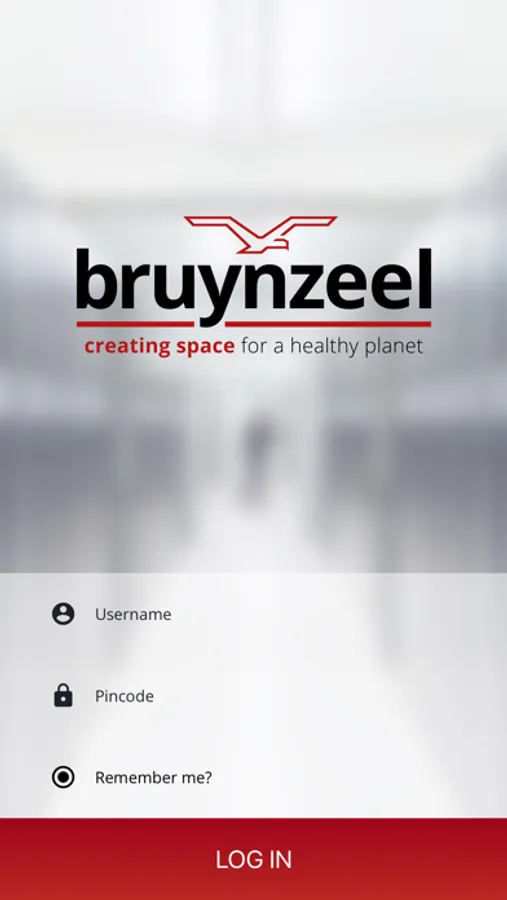
1. Connect your device with the WiFi signal of the Dynamic II system.
2. Login into the app with your username and password.
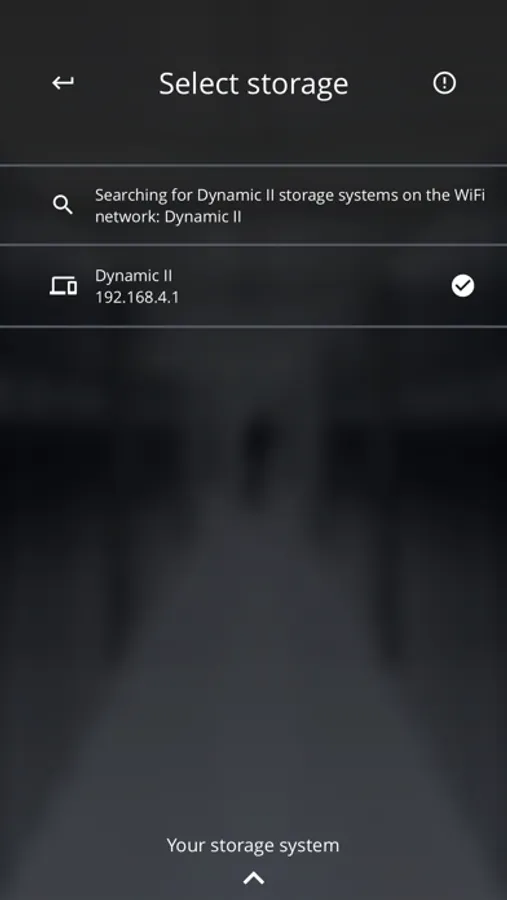
3. Select your storage system.
How to get started with the App:
1. As soon as the storage system is chosen, log in with the details:
Username: Admin
Password: 0000
2. Change your login details.
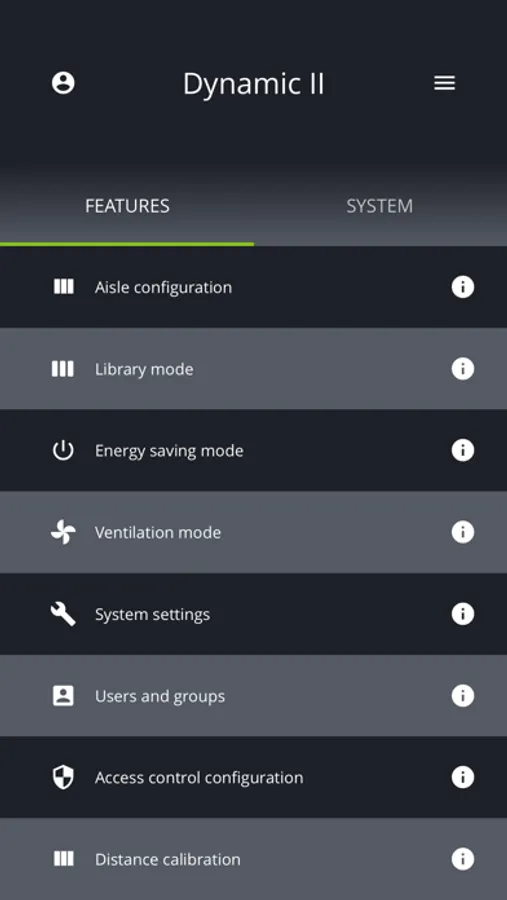
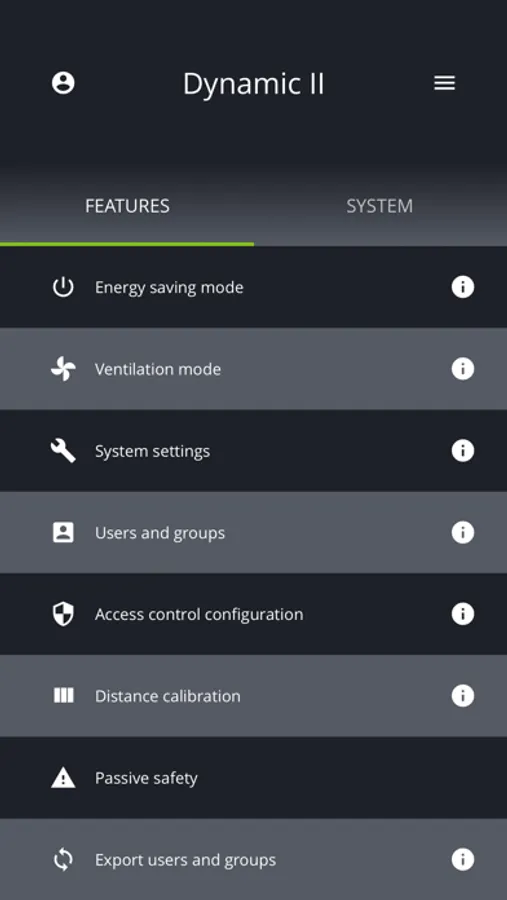
Features:
- Aisle configuration
- Library mode
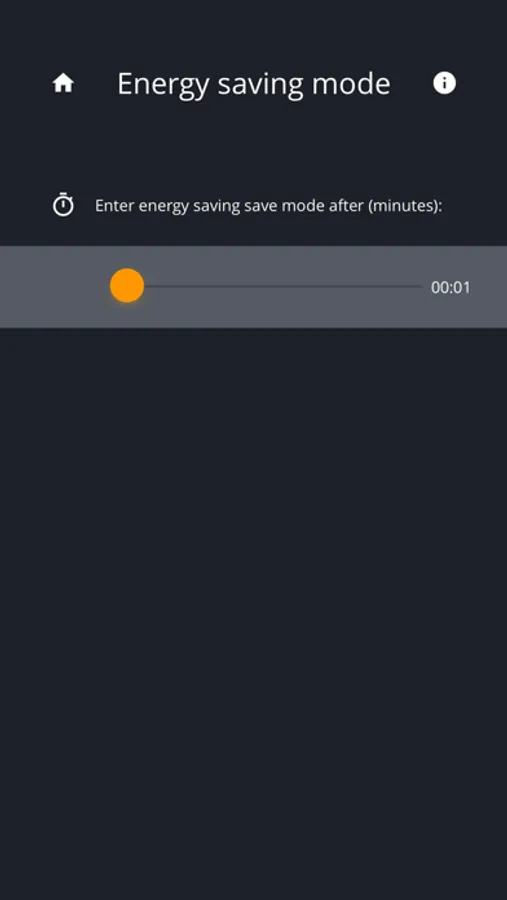
- Energy saving mode
- Ventilation mode
- System settings
- Users and groups
- Access control configuration
- Distance calibration
- Export users and groups
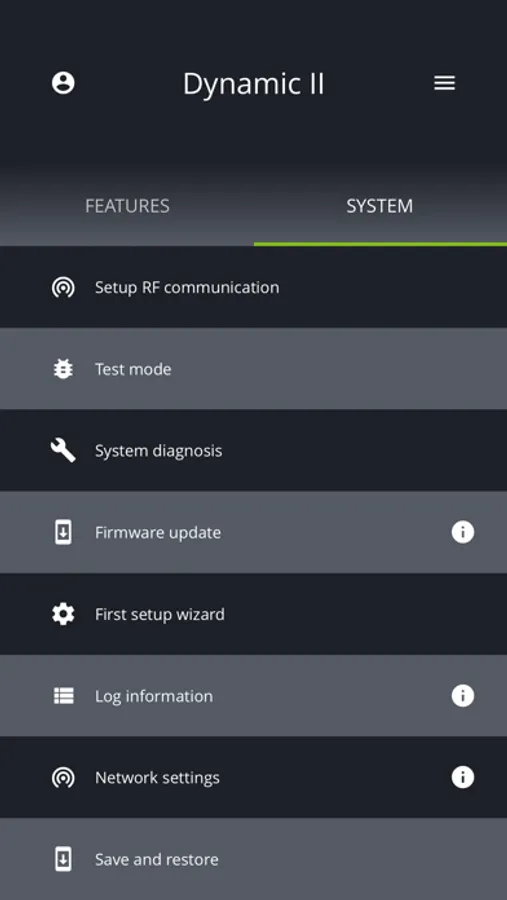
System set-up:
- Test mode
- Firmware update
- Log information
- Network settings
- System info
The Dynamic II storage system comes with the Dynamic II App. You will need this app for setting up your storage system and managing features of your system.
!!: Make sure the supplier has configured the Dynamic II before using the App!
How to login:
1. Connect your device with the WiFi signal of the Dynamic II system.
2. Login into the app with your username and password.
3. Select your storage system.
How to get started with the App:
1. As soon as the storage system is chosen, log in with the details:
Username: Admin
Password: 0000
2. Change your login details.
Features:
- Aisle configuration
- Library mode
- Energy saving mode
- Ventilation mode
- System settings
- Users and groups
- Access control configuration
- Distance calibration
- Export users and groups
System set-up:
- Test mode
- Firmware update
- Log information
- Network settings
- System info