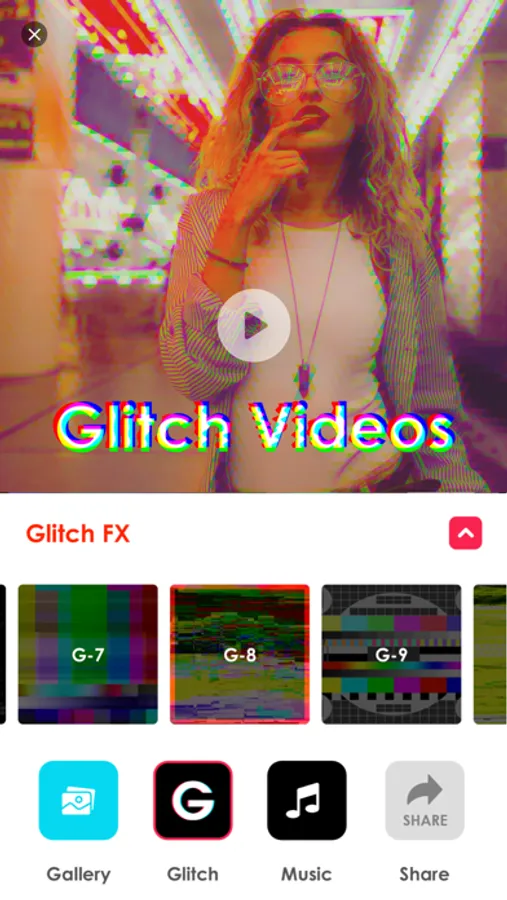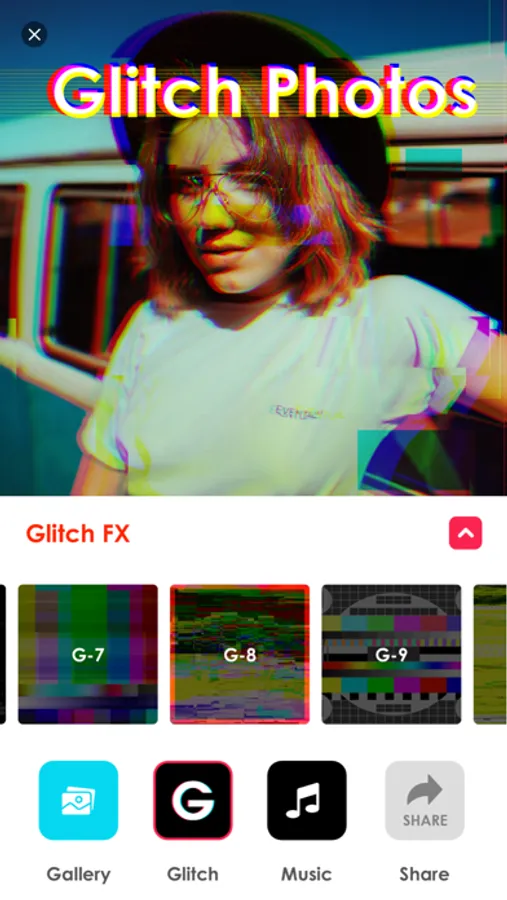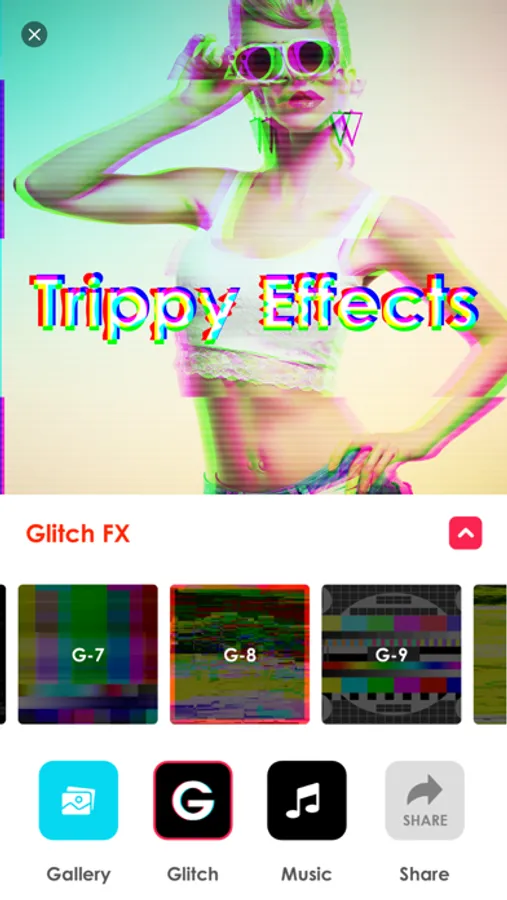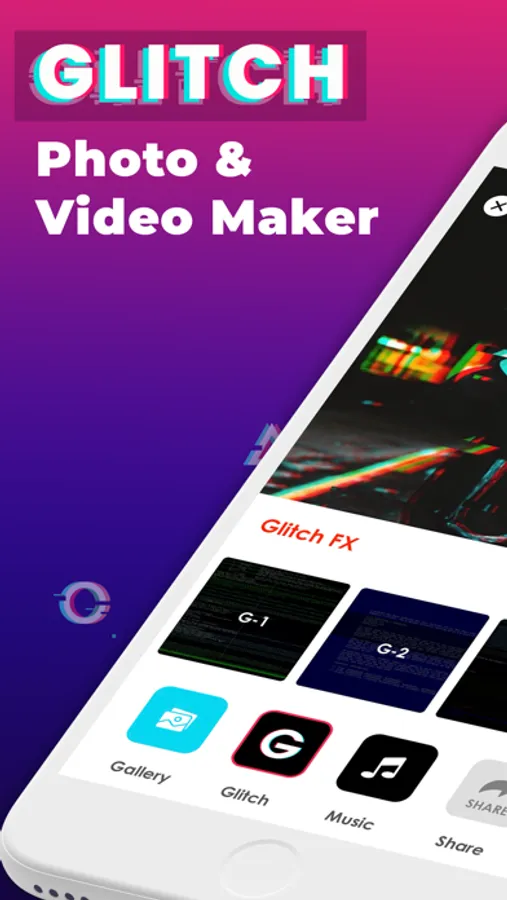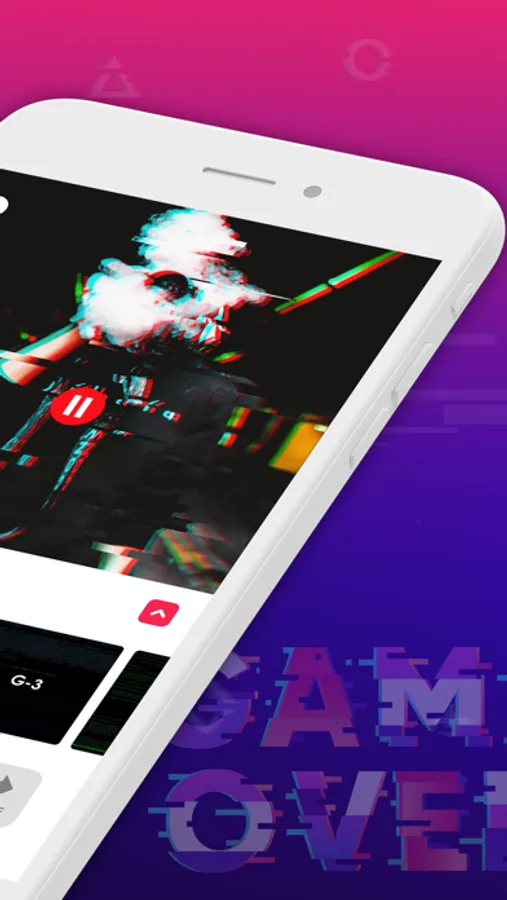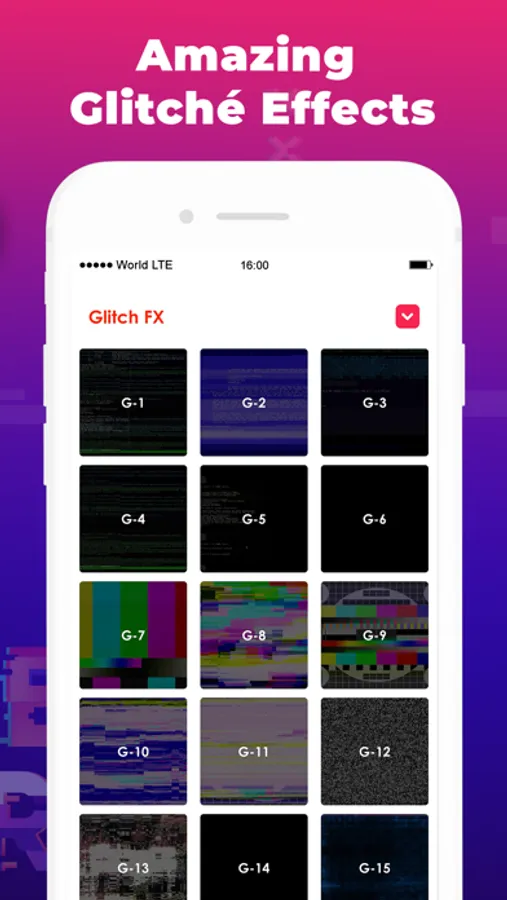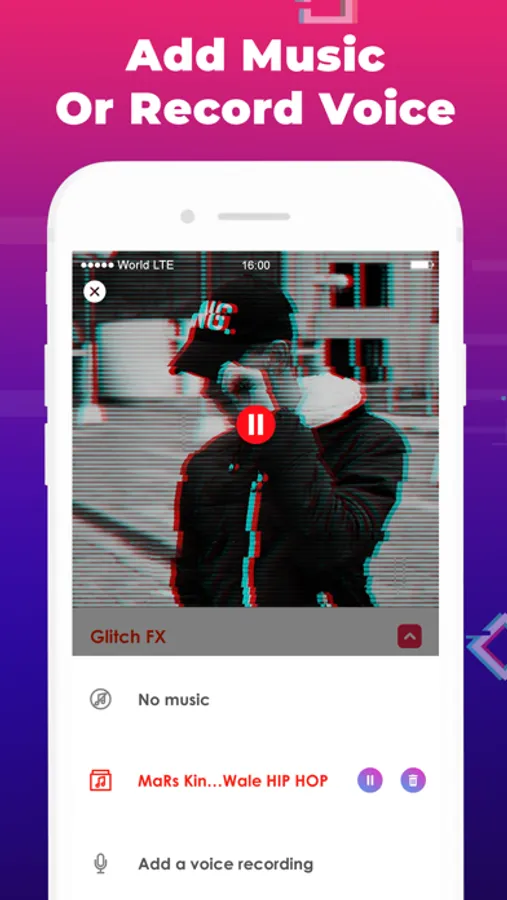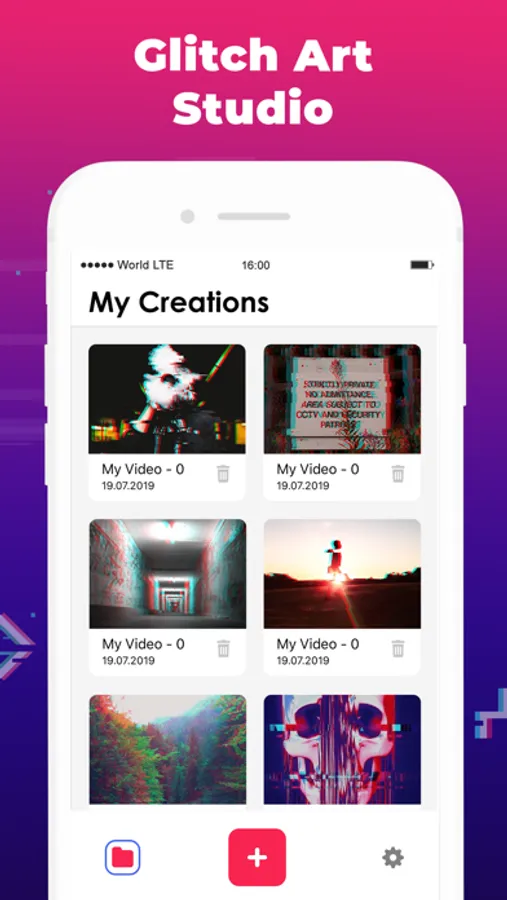
In this video editing app, you can add glitch effects to photos and videos by selecting or capturing media and applying various FX and filters. Includes advanced features like color shifts, RGB adjustments, and effect customization.
AppRecs review analysis
AppRecs rating 2.8. Trustworthiness 64 out of 100. Review manipulation risk 41 out of 100. Based on a review sample analyzed.
★★☆☆☆
2.8
AppRecs Rating
Ratings breakdown
5 star
73%
4 star
7%
3 star
6%
2 star
3%
1 star
11%
What to know
✓
Authentic reviews
Natural distribution, no red flags
⚠
Questionable review patterns
41% review manipulation risk - some review patterns appear unusual
⚠
Review quality concerns
81% of sampled 5-star reviews are very short
About Glitch.Video
Glitch Video Editor is the easiest app to add glitch effects to your photo and videos in just a few clicks. Open or capture video, photo to add glitch art FX and other trippy effects like a glitch wizard.
Glitch Video Editor also has many advanced features that allow you to choose between different color shifts, edit random seed, RGB shift, adjust intensity and thickness of all effects.
You can select photo or video from your gallery or capture directly from your camera to edit.
More than 30 glitch and vaporwave effects ready for your creativity, to distort and mess up your photos and videos.
==========================
Glitch Video Subscriptions:
==========================
1-month subscription: $4.99
The app contains auto-renewable subscription with the following rules:
- Subscription name: Glitch Video Pro
- 1 month length, 3 days free trial
- $4.99 per month
- Payment will be charged to iTunes Account at confirmation of purchase
– Subscription automatically renews unless auto-renew is turned off at least 24-hours before the end of the current period
– Account will be charged for renewal within 24-hours prior to the end of the current period, and identify the cost of the renewal
- Subscriptions may be managed by the user and auto-renewal may be turned off by going to the user's Account Settings after purchase
- Terms of use link: https://glitchcam.com/terms-of-use.html
- Privacy policy link: https://glitchcam.com/privacy-policy.html
Glitch Video Editor also has many advanced features that allow you to choose between different color shifts, edit random seed, RGB shift, adjust intensity and thickness of all effects.
You can select photo or video from your gallery or capture directly from your camera to edit.
More than 30 glitch and vaporwave effects ready for your creativity, to distort and mess up your photos and videos.
==========================
Glitch Video Subscriptions:
==========================
1-month subscription: $4.99
The app contains auto-renewable subscription with the following rules:
- Subscription name: Glitch Video Pro
- 1 month length, 3 days free trial
- $4.99 per month
- Payment will be charged to iTunes Account at confirmation of purchase
– Subscription automatically renews unless auto-renew is turned off at least 24-hours before the end of the current period
– Account will be charged for renewal within 24-hours prior to the end of the current period, and identify the cost of the renewal
- Subscriptions may be managed by the user and auto-renewal may be turned off by going to the user's Account Settings after purchase
- Terms of use link: https://glitchcam.com/terms-of-use.html
- Privacy policy link: https://glitchcam.com/privacy-policy.html