EBS Authenticator
EBS Designated Activity Company
1.6 ★
store rating
Free
AppRecs review analysis
AppRecs rating 1.6. Trustworthiness 0 out of 100. Review manipulation risk 0 out of 100. Based on a review sample analyzed.
★☆☆☆☆
1.6
AppRecs Rating
Ratings breakdown
5 star
0%
4 star
20%
3 star
0%
2 star
0%
1 star
80%
What to know
⚠
Mixed user feedback
Average 1.6★ rating suggests room for improvement
About EBS Authenticator
The EBS Authenticator app allows you to pair your mobile device in order to securely log into EBS Your Accounts Online.
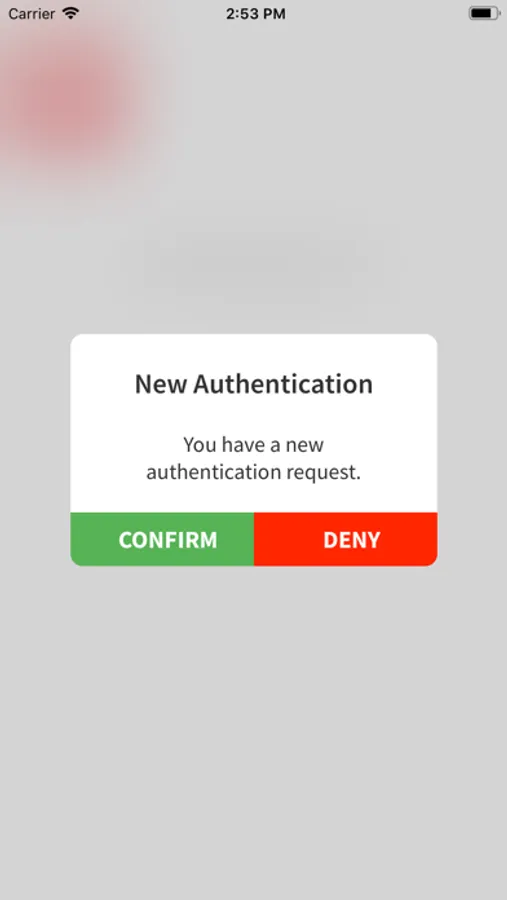
From August 2019 onwards, when you login to your online banking, you will be asked for additional security details, as well as your current log on details.
This extra security layer is to apply what is known as Strong Customer Authentication (SCA) and helps fight fraud and further protect your online banking and payments. You will need a one time activation code from us to setup the app for SCA.
Here is what you need to do:
1. Download this EBS Authenticator app.
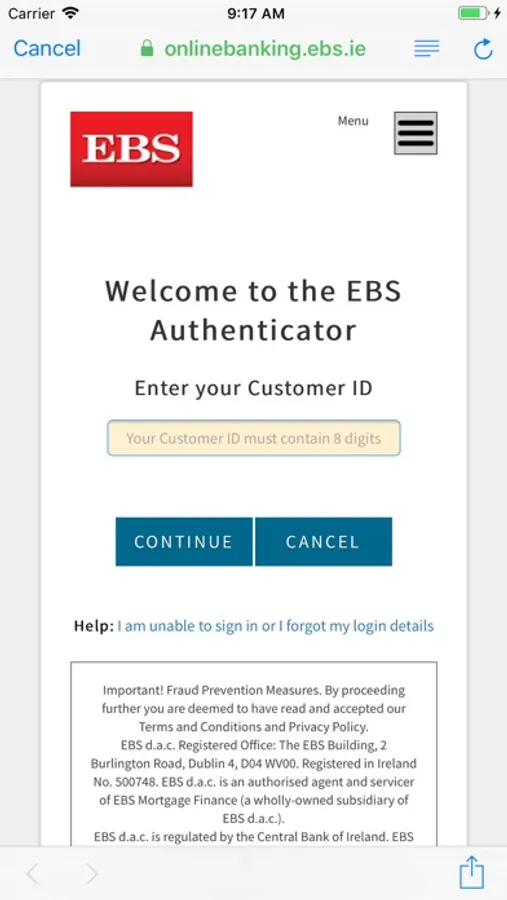
2. Open the EBS Authenticator app. You will be prompted on screen to enter your Customer ID number and Personal Access Code (PAC) as normal, followed by the 6-digit one time activation code which we send to you by post.
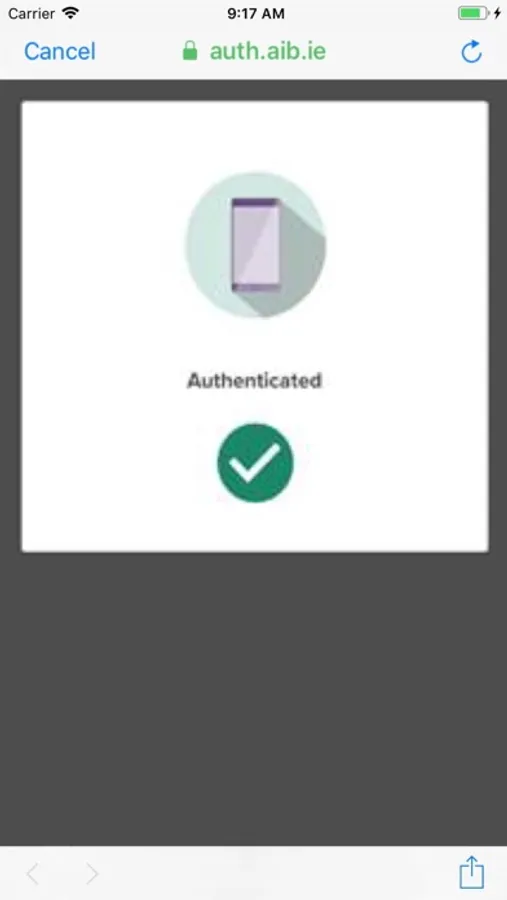
Once you have done this you’ll be able to complete SCA at login and use EBS Your Accounts Online.
From August 2019 onwards, when you login to your online banking, you will be asked for additional security details, as well as your current log on details.
This extra security layer is to apply what is known as Strong Customer Authentication (SCA) and helps fight fraud and further protect your online banking and payments. You will need a one time activation code from us to setup the app for SCA.
Here is what you need to do:
1. Download this EBS Authenticator app.
2. Open the EBS Authenticator app. You will be prompted on screen to enter your Customer ID number and Personal Access Code (PAC) as normal, followed by the 6-digit one time activation code which we send to you by post.
Once you have done this you’ll be able to complete SCA at login and use EBS Your Accounts Online.