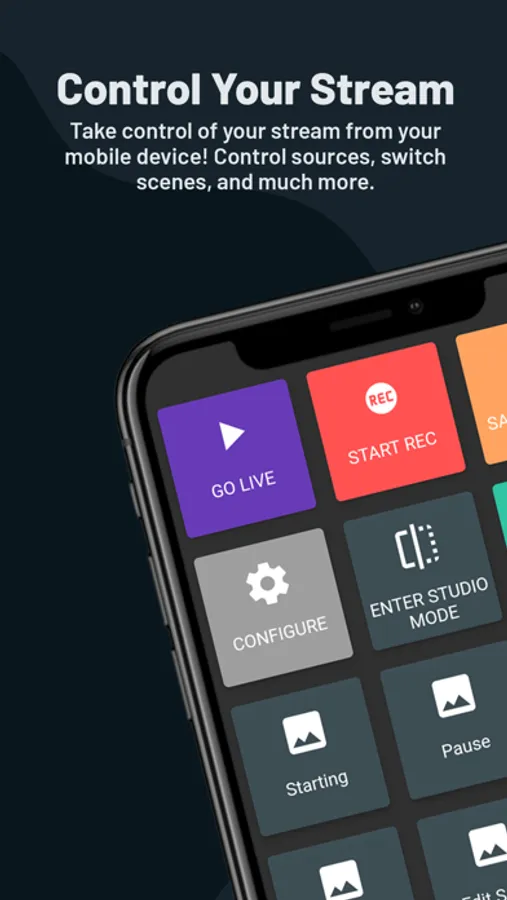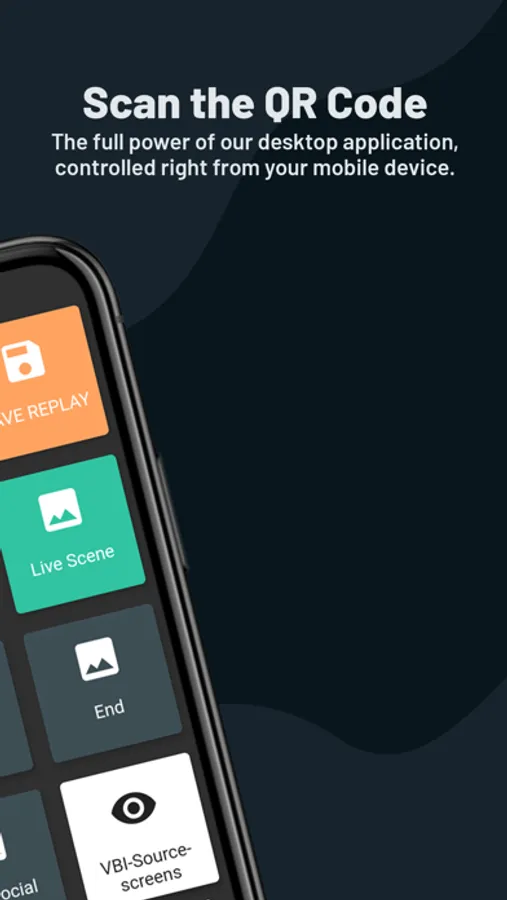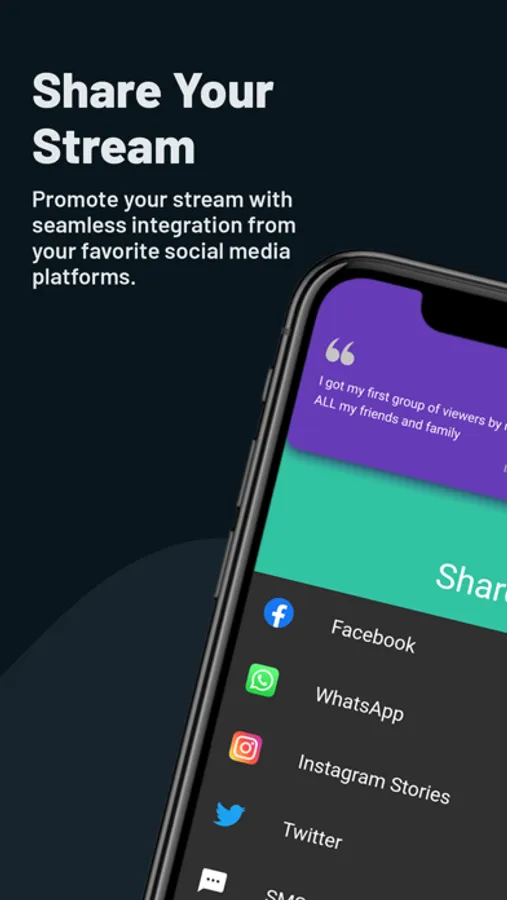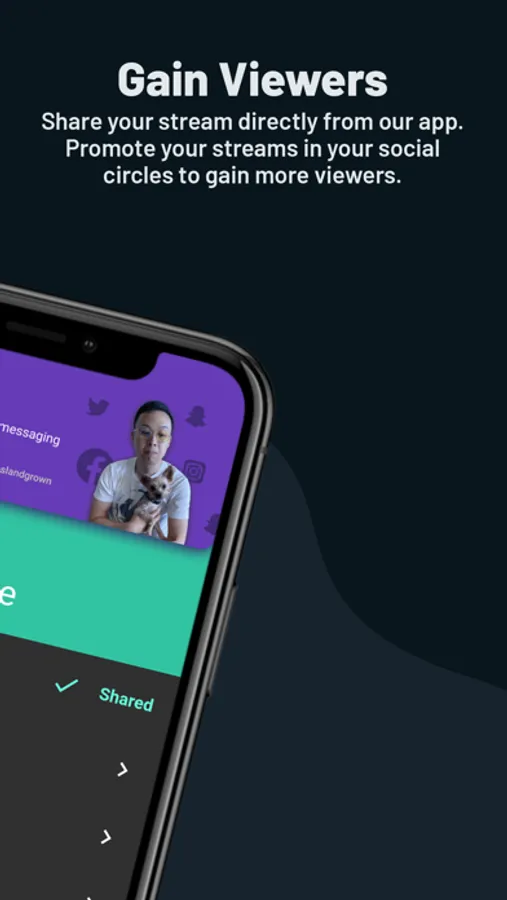
With this app, you can remotely control your Streamlabs Desktop broadcast by switching scenes, controlling sources, and managing recordings. Includes scene management, source toggling, chat viewing, and social sharing features.
AppRecs review analysis
AppRecs rating 4.1. Trustworthiness 78 out of 100. Review manipulation risk 20 out of 100. Based on a review sample analyzed.
★★★★☆
4.1
AppRecs Rating
Ratings breakdown
5 star
83%
4 star
6%
3 star
3%
2 star
2%
1 star
6%
What to know
✓
Low review manipulation risk
20% review manipulation risk
✓
Credible reviews
78% trustworthiness score from analyzed reviews
✓
High user satisfaction
83% of sampled ratings are 5 stars
About Streamlabs Controller
Control your stream in Streamlab Desktop using your mobile device. Streamlabs Controller is the best hotkey system for when you stream from a computer!
No more need for expensive hardware! Use your mobile phone as a remote controller to run your desktop broadcast and put even more power in your hands. Just link your device to Streamlabs Desktop using the same network that you are streaming from on your desktop or laptop and you can instantly:
- Switch between scenes and scene collections
- Control your broadcast
- Start and stop the recording of your live stream
- Toggle each and every source visibility
- Mute and unmute audio sources
- Precisely adjust the sound volume for your audio mixer sources
- See your chats and recent events
- Share your stream on social media
No more need for expensive hardware! Use your mobile phone as a remote controller to run your desktop broadcast and put even more power in your hands. Just link your device to Streamlabs Desktop using the same network that you are streaming from on your desktop or laptop and you can instantly:
- Switch between scenes and scene collections
- Control your broadcast
- Start and stop the recording of your live stream
- Toggle each and every source visibility
- Mute and unmute audio sources
- Precisely adjust the sound volume for your audio mixer sources
- See your chats and recent events
- Share your stream on social media