With this PDF to EPUB Converter, you can upload PDF files, select conversion settings, and generate EPUB files for easier reading. Includes options to preserve images and customize output format.
AppRecs review analysis
AppRecs rating 4.2. Trustworthiness 78 out of 100. Review manipulation risk 28 out of 100. Based on a review sample analyzed.
★★★★☆
4.2
AppRecs Rating
Ratings breakdown
5 star
86%
4 star
6%
3 star
1%
2 star
1%
1 star
6%
What to know
✓
Low review manipulation risk
28% review manipulation risk
✓
Credible reviews
78% trustworthiness score from analyzed reviews
⚠
Ad complaints
Many low ratings mention excessive ads
About PDF to Epub Converter
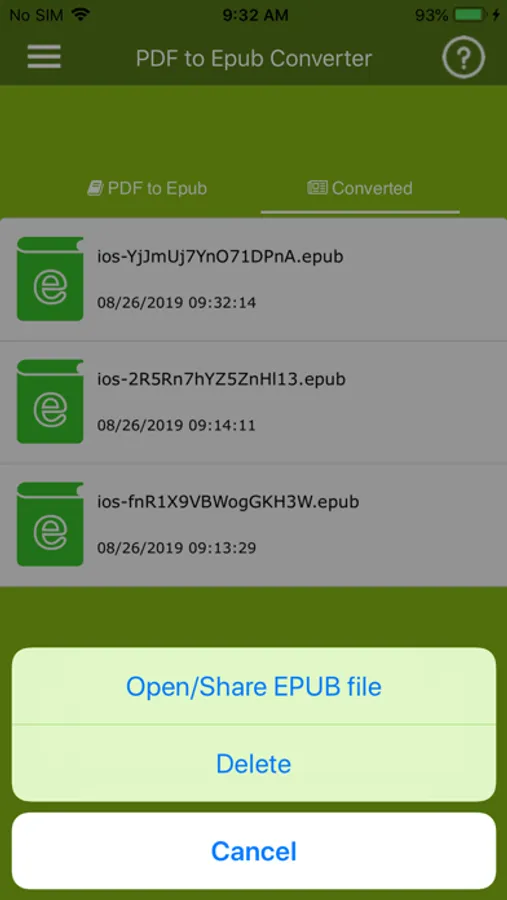
PDF to ePUB Converter helps you to convert pdf books into ePUB files so that you can read it in a mobile device.
Significantly improve your reading experience by converting PDF to EPUB. So you can read your PDF ebook in a flowable format without scrolling all the time.
Epub is supported by most of devices, such as iPad, iPhone and many free ebook readers. Epub is definitely a better format for ebook reading.
How to Convert PDF to EPUB ?
1. Click "Open PDF file" or Share PDF file to PDF to EPUB converter app
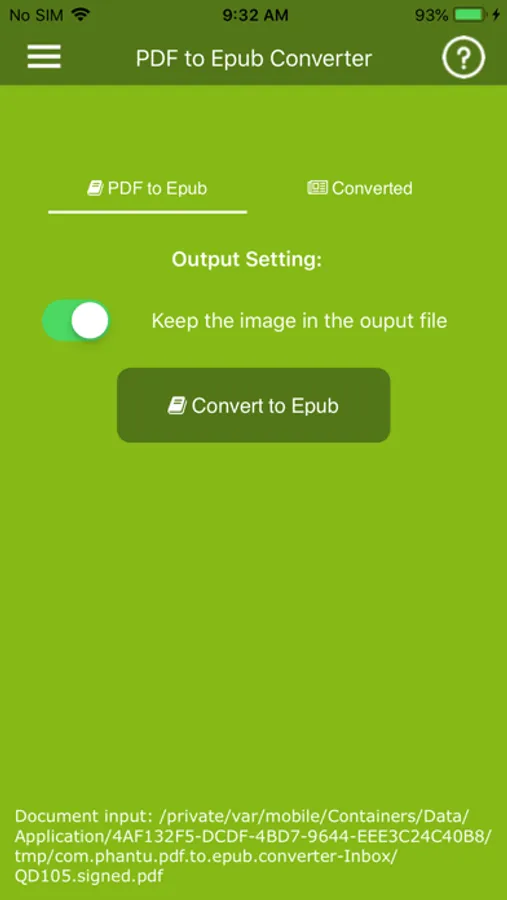
2. Select the output option, you can preserve images in the output EPUB for better reading experience.
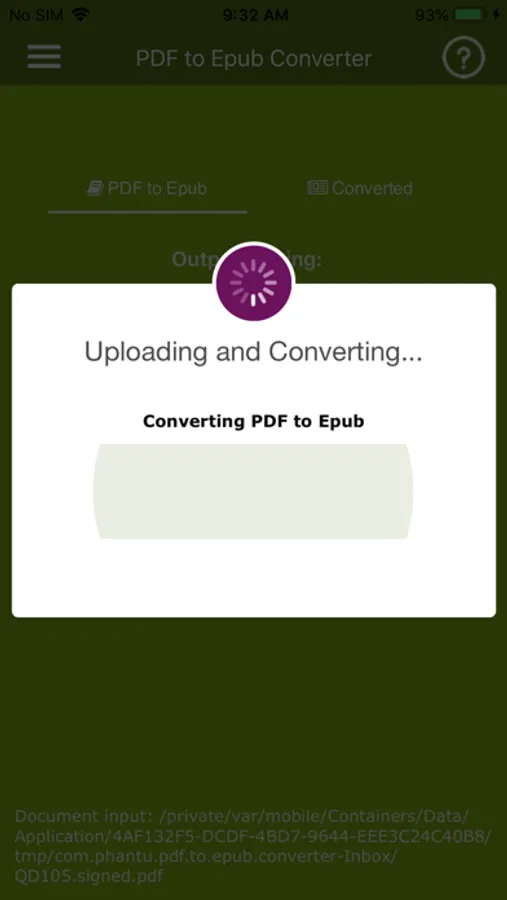
3. Click 'Convert to Epub' when output setting is done, the conversion will start instantly.
Enjoy!
Significantly improve your reading experience by converting PDF to EPUB. So you can read your PDF ebook in a flowable format without scrolling all the time.
Epub is supported by most of devices, such as iPad, iPhone and many free ebook readers. Epub is definitely a better format for ebook reading.
How to Convert PDF to EPUB ?
1. Click "Open PDF file" or Share PDF file to PDF to EPUB converter app
2. Select the output option, you can preserve images in the output EPUB for better reading experience.
3. Click 'Convert to Epub' when output setting is done, the conversion will start instantly.
Enjoy!