Classroom Library Manager
Follett School Solutions, LLC
1.1 ★
store rating
Free
AppRecs review analysis
AppRecs rating 1.0. Trustworthiness 58 out of 100. Review manipulation risk 25 out of 100. Based on a review sample analyzed.
★☆☆☆☆
1.0
AppRecs Rating
Ratings breakdown
5 star
0%
4 star
0%
3 star
0%
2 star
11%
1 star
89%
What to know
⚠
Mixed user feedback
Average 1.1★ rating suggests room for improvement
About Classroom Library Manager
Classroom Library Manager from Follett lets you maintain control of your classroom library and provides insights into what your students are reading when they choose to read.
Students check books out on their own at the website - follettclm.com When students check books back in, they are prompted to return the book to the correct bin. All without needing your help. Your reading station becomes a fun activity for students while you are free to work with other students in your class.
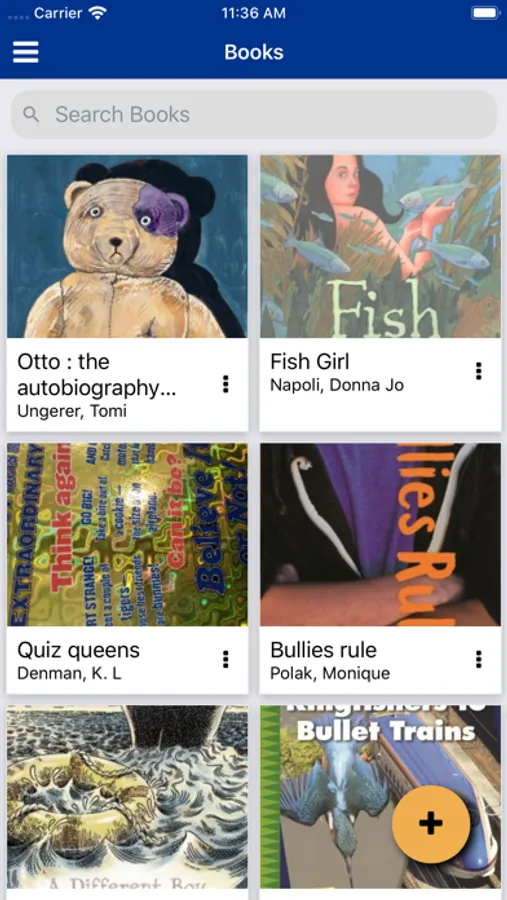
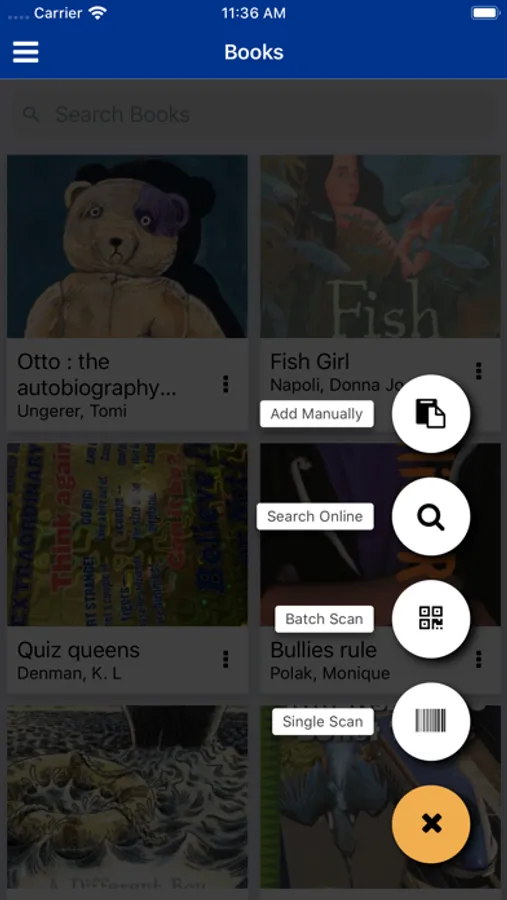
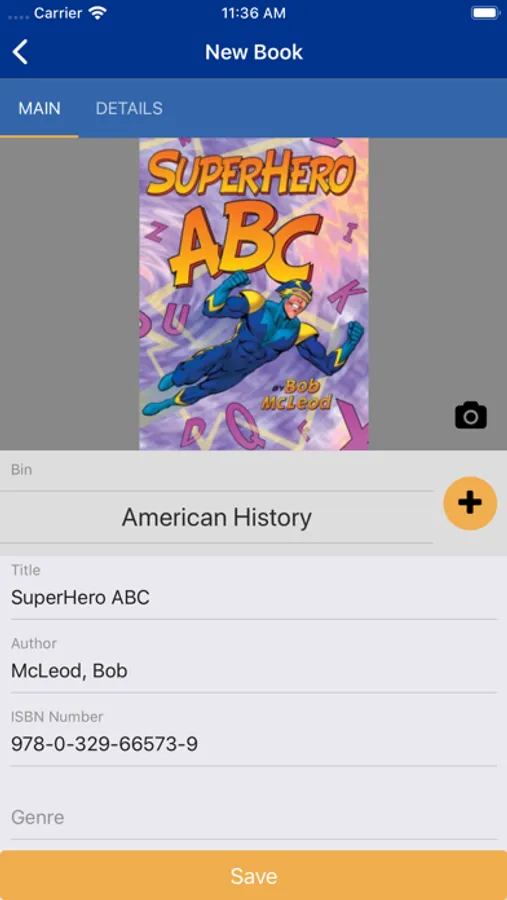
This app lets you quickly add books to your library. Add books individually or use the Batch Scan feature to scan multiple books into your library. Title, Author, book cover image, and reading level data are added just by scanning the barcode on each book.
Manually add books that are not found in our extensive database of books. Type in the Title and Author, take a picture of the cover using your phone, adjust the picture and Save.
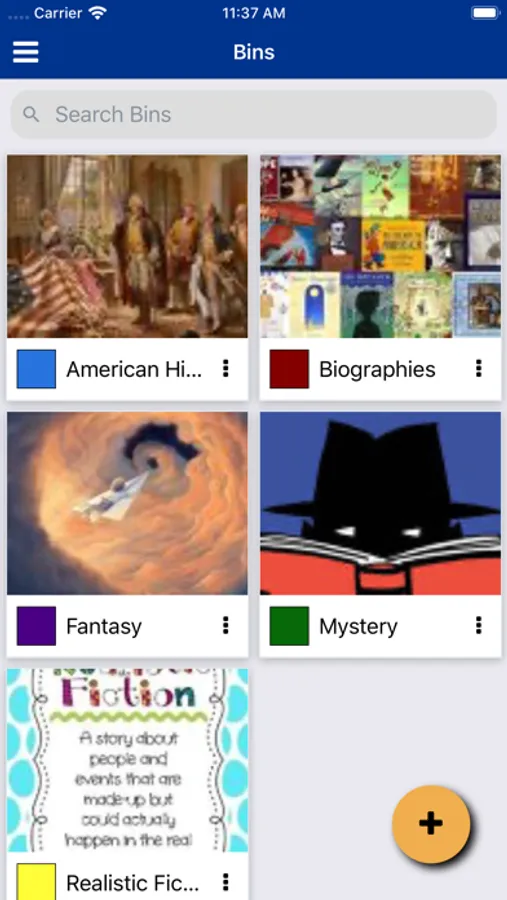
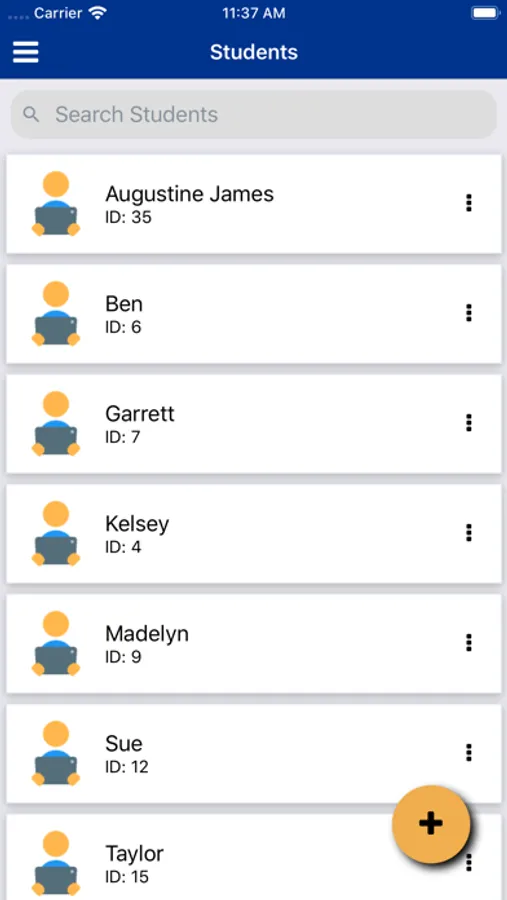
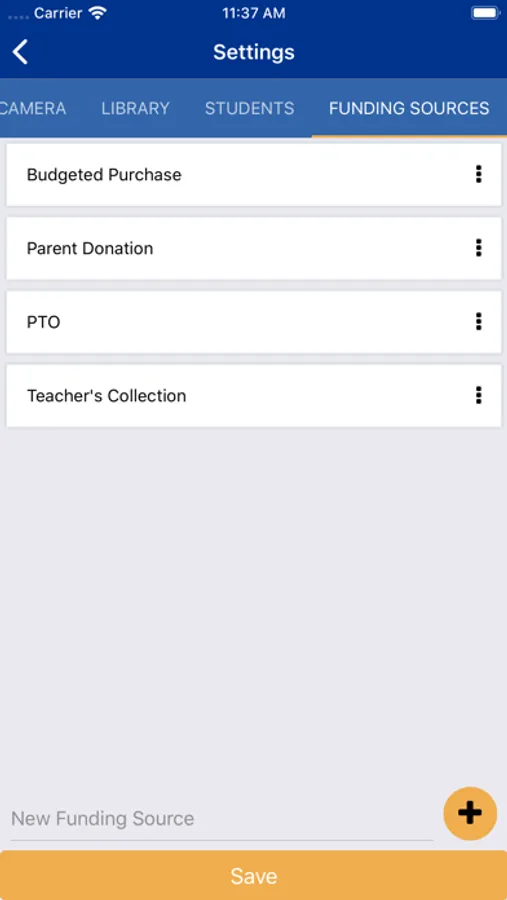
This app also lets you add library bins and students.
FEATURES
* Add books to your library using the barcode or printed ISBN on the book.
* Add missing cover images to your library
* Create and manage bins
* Quickly scan multiple books into the same bin
* Add student users
Students check books out on their own at the website - follettclm.com When students check books back in, they are prompted to return the book to the correct bin. All without needing your help. Your reading station becomes a fun activity for students while you are free to work with other students in your class.
This app lets you quickly add books to your library. Add books individually or use the Batch Scan feature to scan multiple books into your library. Title, Author, book cover image, and reading level data are added just by scanning the barcode on each book.
Manually add books that are not found in our extensive database of books. Type in the Title and Author, take a picture of the cover using your phone, adjust the picture and Save.
This app also lets you add library bins and students.
FEATURES
* Add books to your library using the barcode or printed ISBN on the book.
* Add missing cover images to your library
* Create and manage bins
* Quickly scan multiple books into the same bin
* Add student users