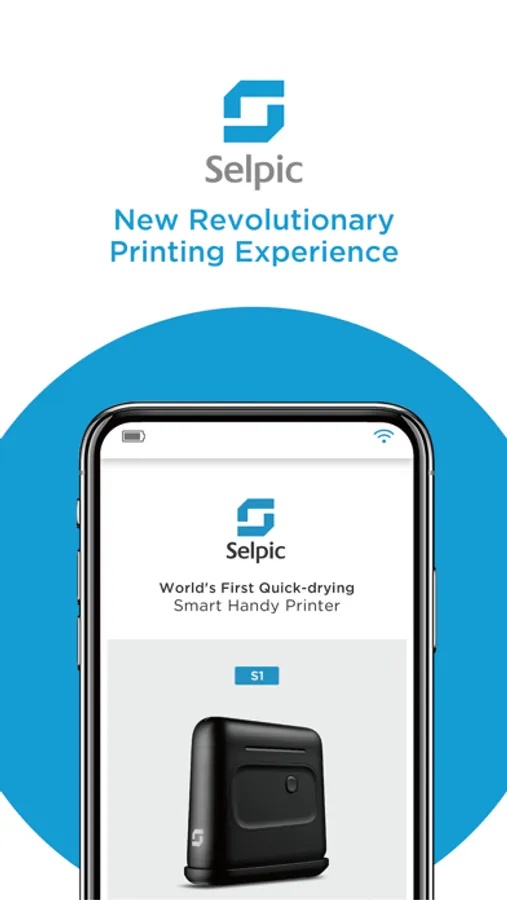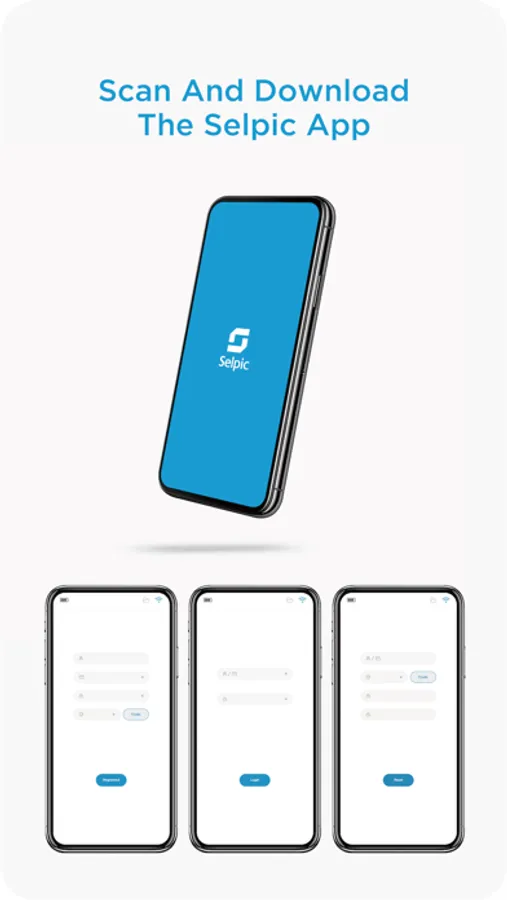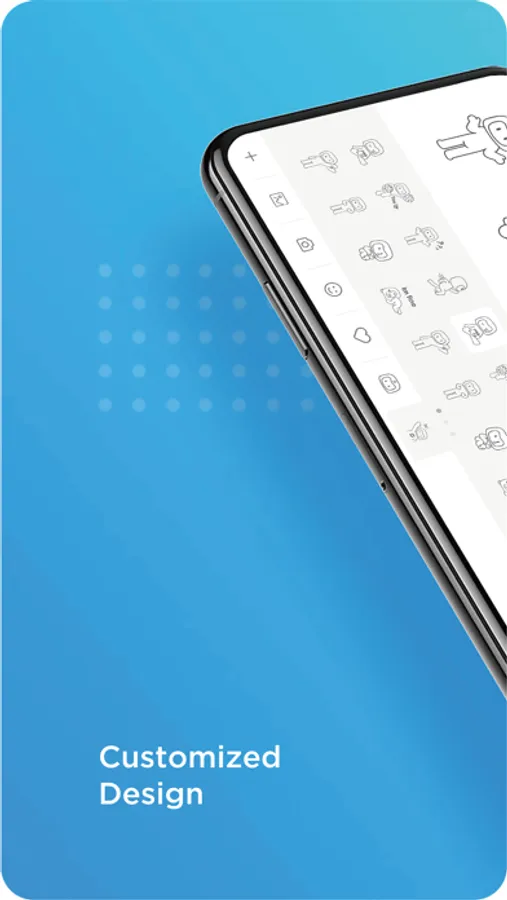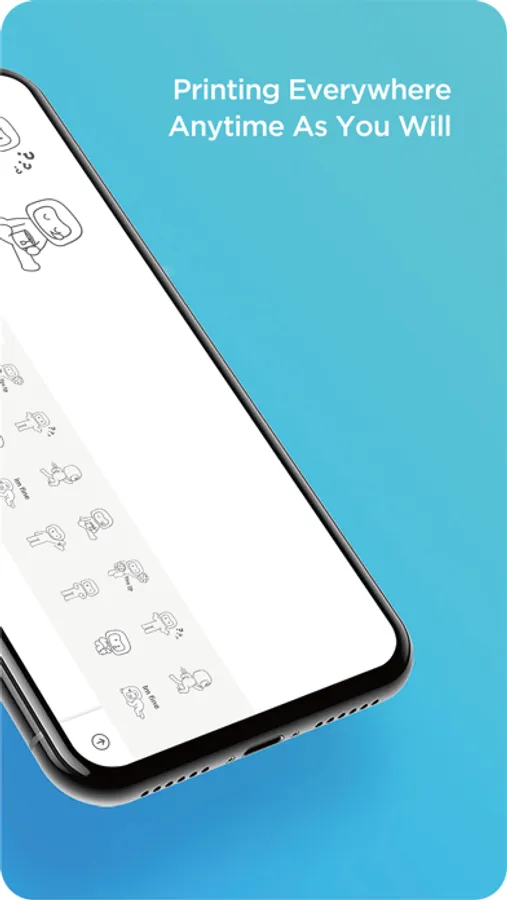
With this app, you can connect to the Selpic S1 printer, configure texts, images, QR codes, barcodes, or logos, and initiate printing by pressing the button on the device. Includes device management, image editing, and print job history features.
About Selpic handy printer
With SELPIC you can print text, images, QR codes, barcodes or logos simply by sliding the printer along any surface. Power your S1 printer device on and connect to the Selpic App. Once your image or text is configured, simply press the button on the side of the unit, and between rolling the Selpic printer to begin printing your customized message.