GrowCube
Shenzhen Yikenuo Tech Develop Co., Ltd.
1.0 ★
store rating
Free
AppRecs review analysis
AppRecs rating 1.0. Trustworthiness 71 out of 100. Review manipulation risk 24 out of 100. Based on a review sample analyzed.
★☆☆☆☆
1.0
AppRecs Rating
Ratings breakdown
5 star
0%
4 star
0%
3 star
0%
2 star
0%
1 star
100%
What to know
✓
Low review manipulation risk
24% review manipulation risk
✓
Credible reviews
71% trustworthiness score from analyzed reviews
⚠
Mixed user feedback
Average 1.0★ rating suggests room for improvement
About GrowCube
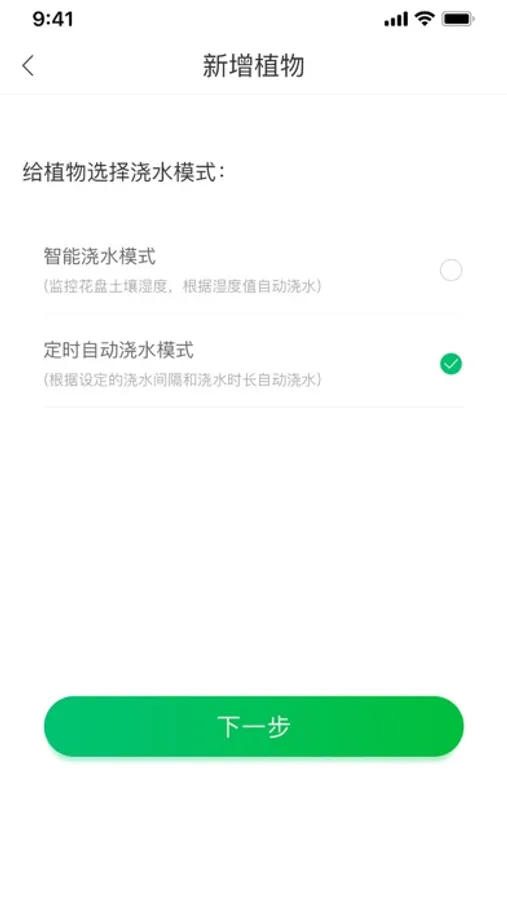
GrowCube is an intelligent watering product meticulously designed by Elecrow, which is the world's first and first to be launched globally. GrowCube offers multiple watering methods, with an independent 4-channel humidity sensor and water outlet design, allowing for the independent watering of 4 types of plants. By monitoring soil moisture in real time, CrowCube can offer you a unique experience as a flower lover. No matter where you are, it can intelligently take good care of your beloved flowers for you.
1. Add equipment
To set up the network configuration for the device, first connect your mobile phone to the device hotspot starting with "GrowCube". After a successful connection, enter the wifi name and password of the current environment in the network configuration interface. Once the setup is successful, switch your mobile phone to the wifi of the current environment and you can use it.
2. Equipment:
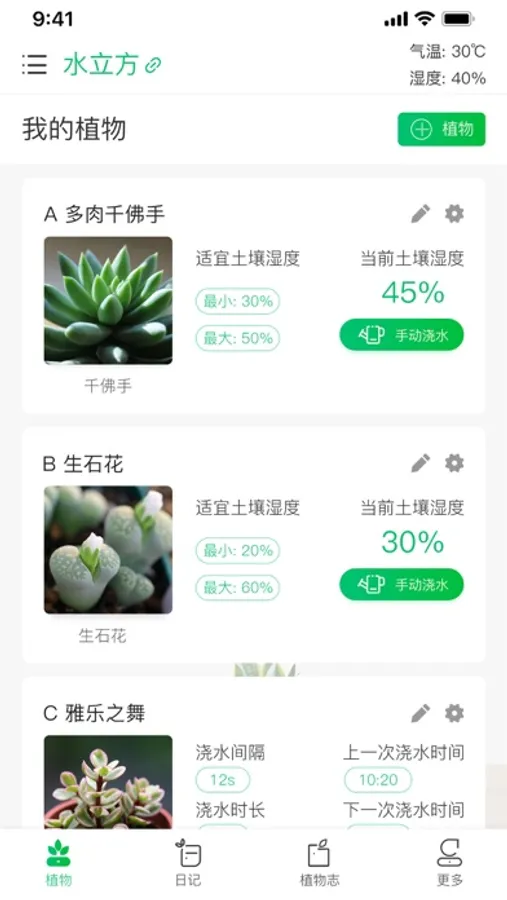
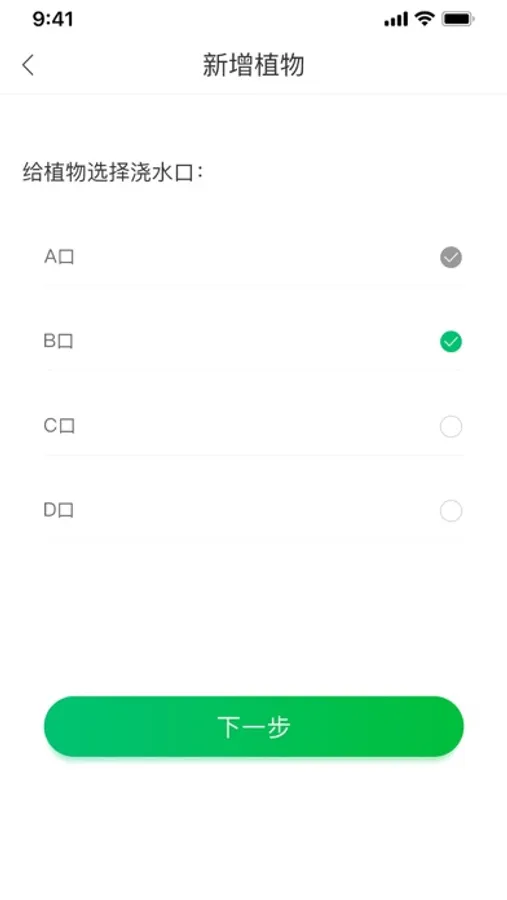
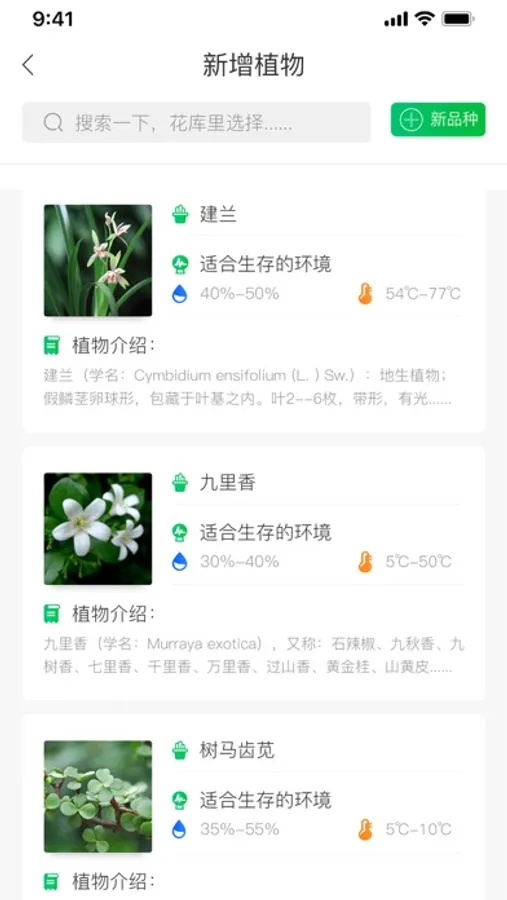
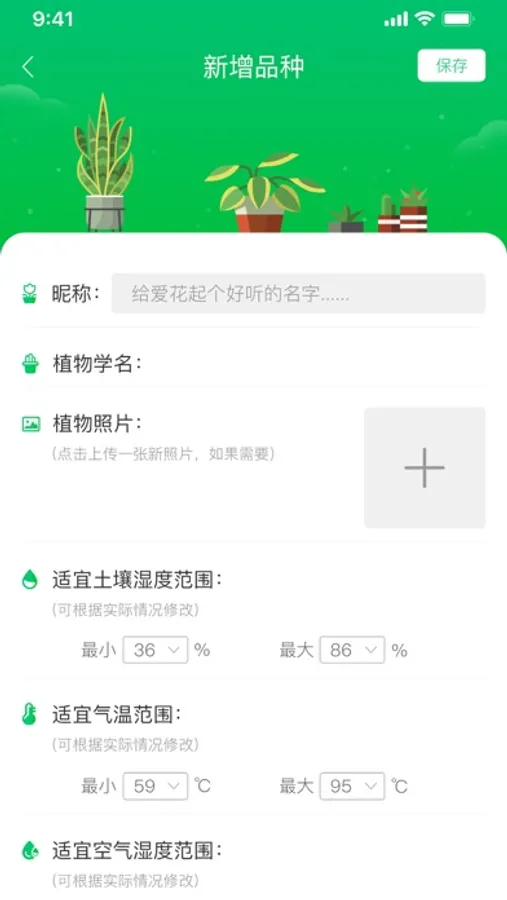
Users can manage and browse the plants currently being planted on the device, including the suitable environment and soil moisture curve of the current plants. ABCD correspond to four different water valve outlets, and the currently planted plants can be added or removed from each water valve outlet. Click the "Water" button to water.
3. Planting log
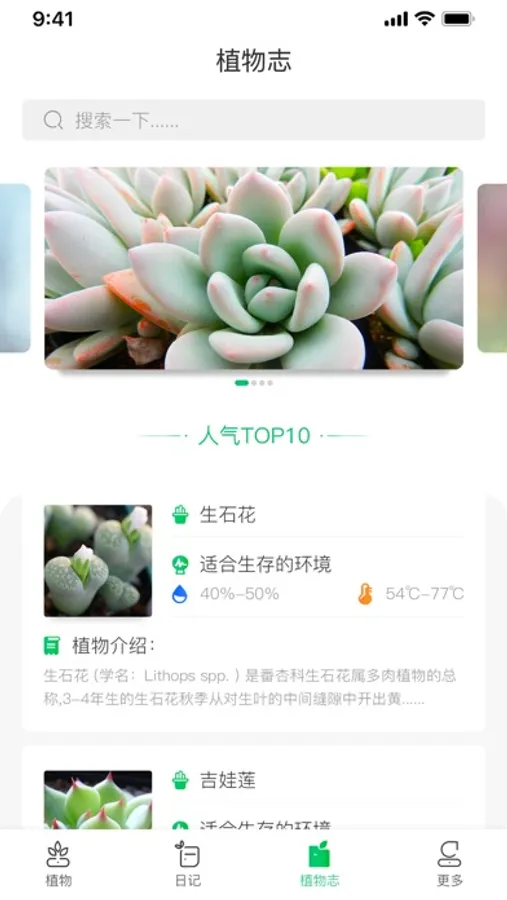
The exclusive plant diary function records and shares thoughts, ideas and feelings during the plant cultivation process.
1. Add equipment
To set up the network configuration for the device, first connect your mobile phone to the device hotspot starting with "GrowCube". After a successful connection, enter the wifi name and password of the current environment in the network configuration interface. Once the setup is successful, switch your mobile phone to the wifi of the current environment and you can use it.
2. Equipment:
Users can manage and browse the plants currently being planted on the device, including the suitable environment and soil moisture curve of the current plants. ABCD correspond to four different water valve outlets, and the currently planted plants can be added or removed from each water valve outlet. Click the "Water" button to water.
3. Planting log
The exclusive plant diary function records and shares thoughts, ideas and feelings during the plant cultivation process.