Fractal Bits
Alexander Zolotov
4.8 ★
store rating
$1.99
AppRecs review analysis
AppRecs rating 4.3. Trustworthiness 61 out of 100. Review manipulation risk 26 out of 100. Based on a review sample analyzed.
★★★★☆
4.3
AppRecs Rating
Ratings breakdown
5 star
95%
4 star
1%
3 star
0%
2 star
1%
1 star
3%
What to know
✓
Low review manipulation risk
26% review manipulation risk
✓
High user satisfaction
95% of sampled ratings are 5 stars
✓
Authentic reviews
No red flags detected
About Fractal Bits
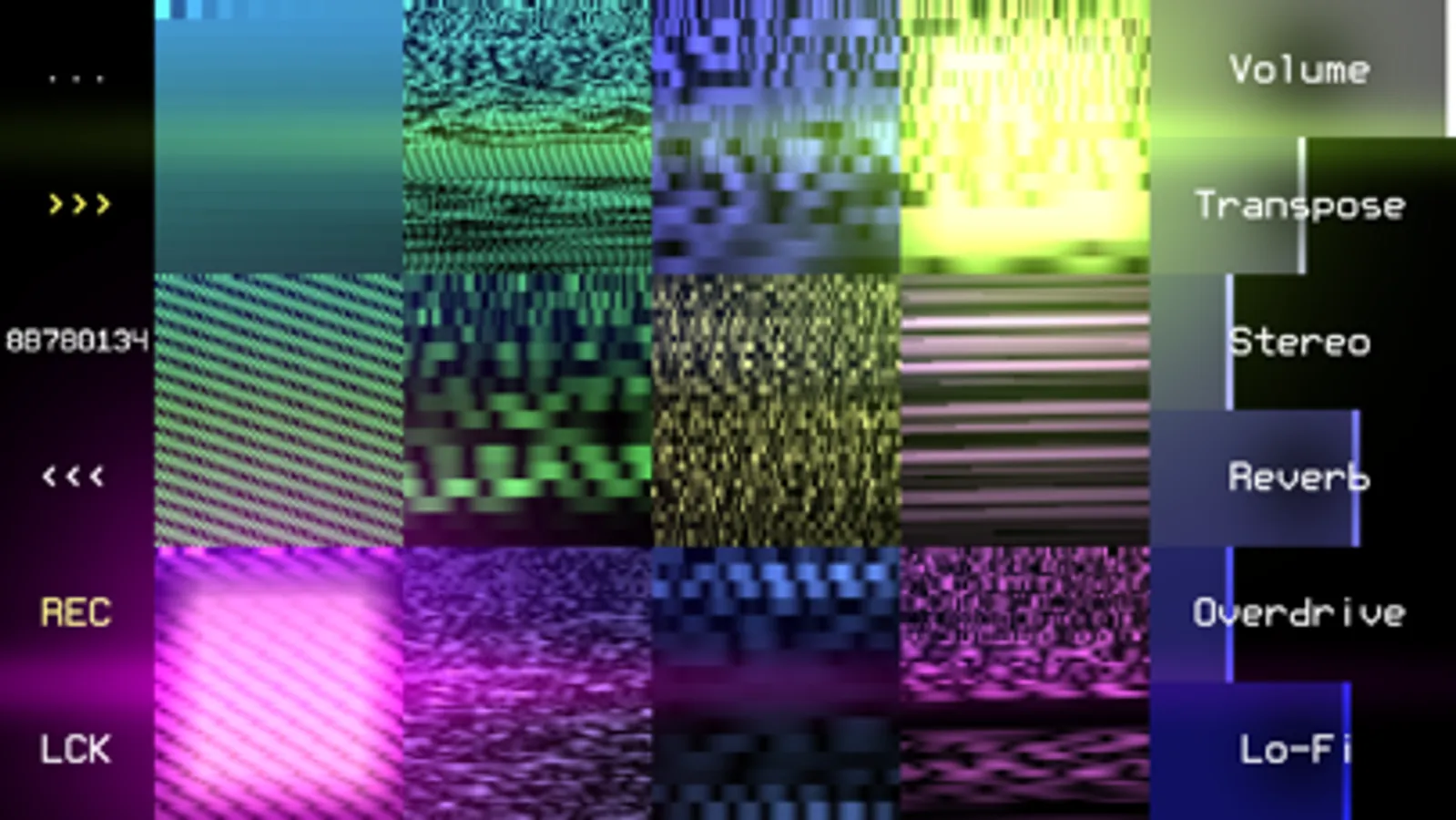
Fractal Bits is a drum synth with over four billion unique sounds created by fractal algorithms.
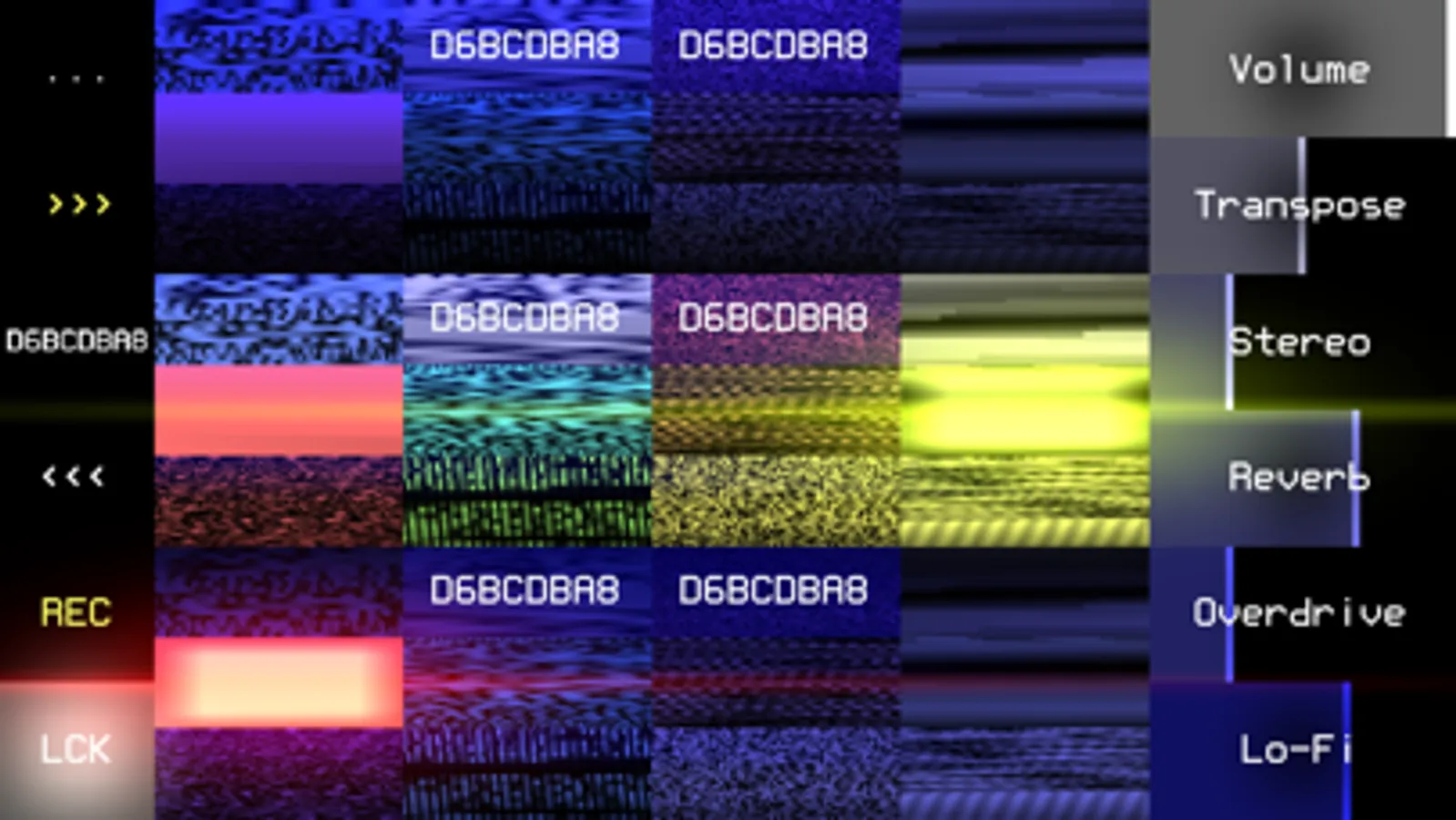
Each set of 12 drums corresponds to a code of 8 characters (you can save/copy/paste it as plain text).
Features:
* Audio Unit Extension (AUv3), Audiobus;
* search for new sounds with three buttons: next random set, edit code, previous set;
* three types of keyboards for live drumming: on-screen buttons, PC keyboard, MIDI input;
* several processing parameters + control via MIDI;
* real-time audio recording to WAV (32-bit);
* export to: WAV (one file or a set), SunVox (samples + effects in one file), text clipboard;
* the LCK button freezes individual drums - they will not change during the search for new sets;
* Wi-Fi export/import.
Double clicking on a parameter opens a window for setting the exact value.
If you enable the Hold option, the notes will play endlessly, without reacting to key release (noteOff) events; turning the note on again works like turning it off; there are two ways to enable this option:
1) using the Hold parameter in the "MIDI Mapping" window;
2) by pressing the HOLD button, which appears in place of LCK while playing the musical keyboard: press HOLD, release the desired notes - then the released notes will continue to play.
Each set of 12 drums corresponds to a code of 8 characters (you can save/copy/paste it as plain text).
Features:
* Audio Unit Extension (AUv3), Audiobus;
* search for new sounds with three buttons: next random set, edit code, previous set;
* three types of keyboards for live drumming: on-screen buttons, PC keyboard, MIDI input;
* several processing parameters + control via MIDI;
* real-time audio recording to WAV (32-bit);
* export to: WAV (one file or a set), SunVox (samples + effects in one file), text clipboard;
* the LCK button freezes individual drums - they will not change during the search for new sets;
* Wi-Fi export/import.
Double clicking on a parameter opens a window for setting the exact value.
If you enable the Hold option, the notes will play endlessly, without reacting to key release (noteOff) events; turning the note on again works like turning it off; there are two ways to enable this option:
1) using the Hold parameter in the "MIDI Mapping" window;
2) by pressing the HOLD button, which appears in place of LCK while playing the musical keyboard: press HOLD, release the desired notes - then the released notes will continue to play.