AppRecs review analysis
AppRecs rating 2.5. Trustworthiness 65 out of 100. Review manipulation risk 21 out of 100. Based on a review sample analyzed.
★★☆☆☆
2.5
AppRecs Rating
Ratings breakdown
5 star
0%
4 star
0%
3 star
100%
2 star
0%
1 star
0%
What to know
✓
Low review manipulation risk
21% review manipulation risk
About KioskMode
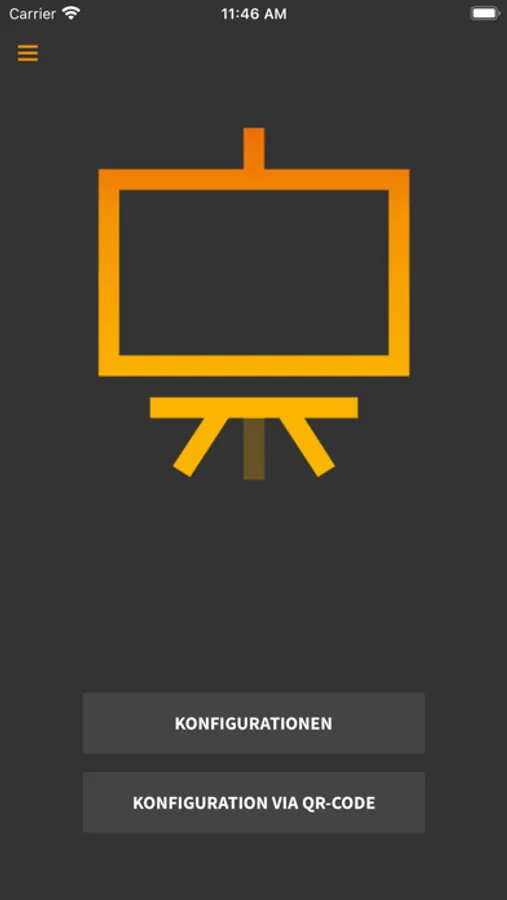
Transform your web content into a rich, full-screen experience with KioskMode. Our app gives you the opportunity to present any URL in a clear and unobtrusive way.
Why KioskMode?
- Full Screen: Free your presentations from distracting elements. Your content takes center stage, with no browser bars or distractions.
- Simplicity: KioskMode makes creating full-screen presentations a breeze. You don't have to be an expert to make appealing renderings possible.
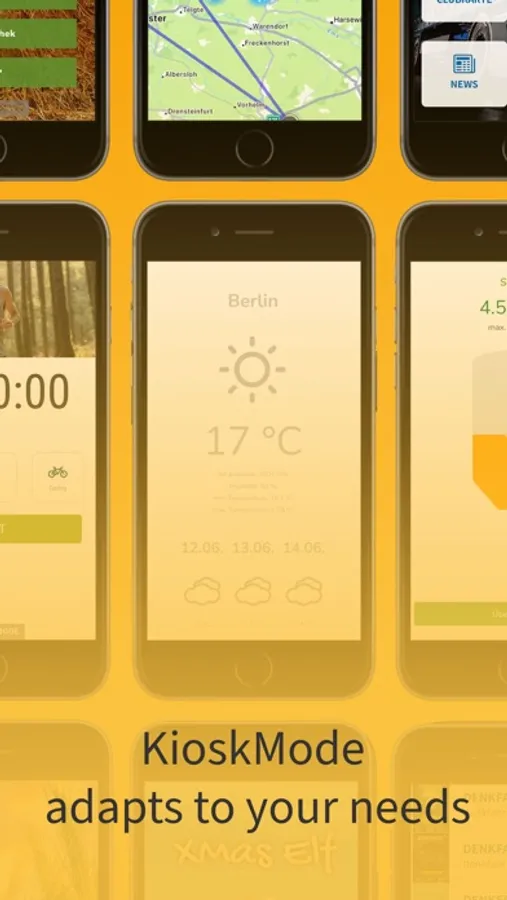
- Versatile: Whether for business presentations, training materials or personal slide shows - KioskMode adapts to your needs.
- Responsive display: Your presentations look good on different devices - be it iPhone or iPad.
How it works:
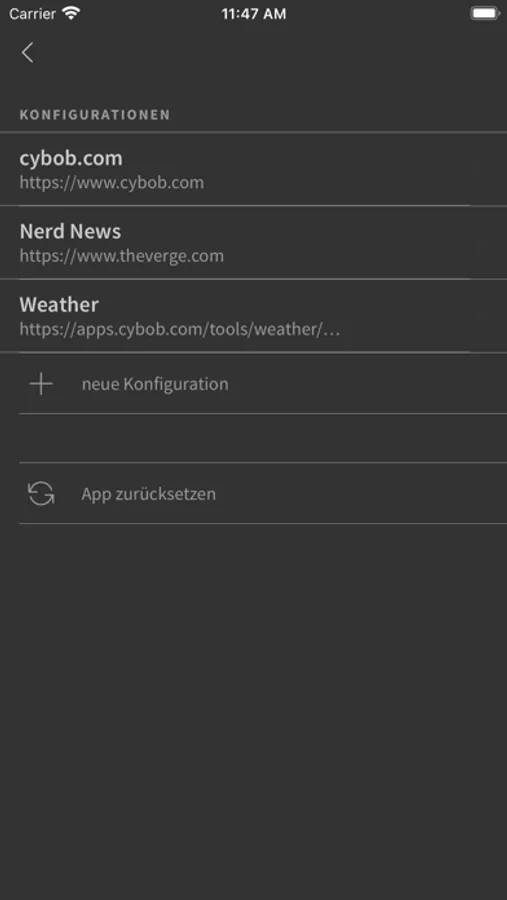
1. Just add the URL you want to show in full screen.
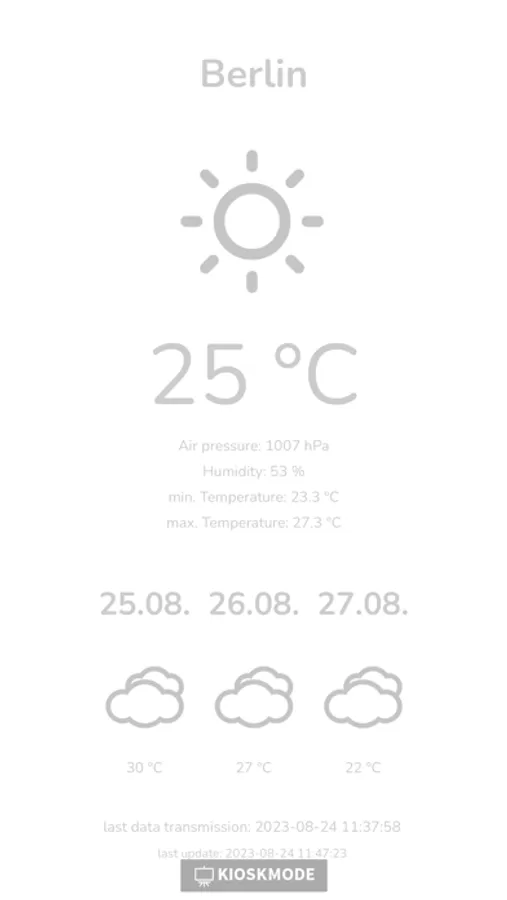
2. Click Load and dive into your content in full screen mode.
Experience a new way of presenting on screen with KioskMode - focused, clear and without distractions.
Sharing made easy!
You can easily share your configuration with your friends, colleagues:
1. Simply click on Share, then your iPhone will send the data via Bluetooth.
2. Scan the QR code
3. Send the configuration via email
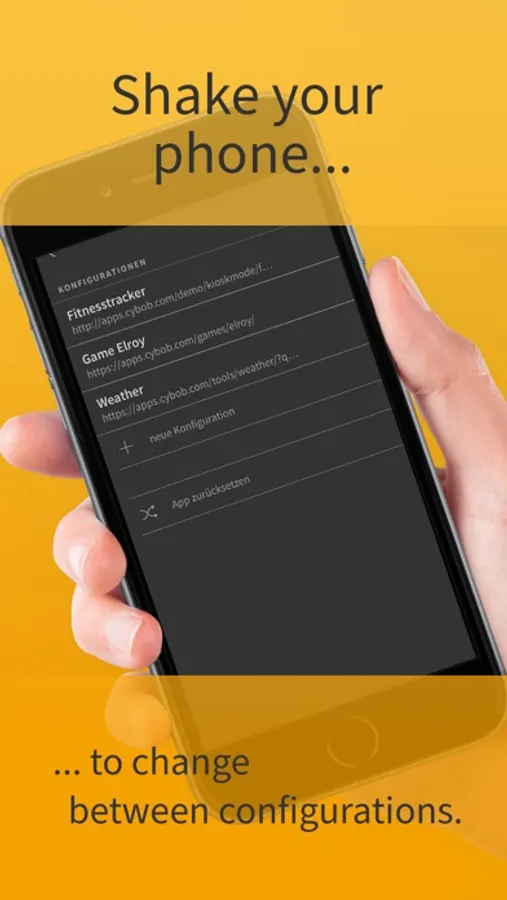
Shake your phone!
If you shake your device you can change the configuration or reset the app.
Why KioskMode?
- Full Screen: Free your presentations from distracting elements. Your content takes center stage, with no browser bars or distractions.
- Simplicity: KioskMode makes creating full-screen presentations a breeze. You don't have to be an expert to make appealing renderings possible.
- Versatile: Whether for business presentations, training materials or personal slide shows - KioskMode adapts to your needs.
- Responsive display: Your presentations look good on different devices - be it iPhone or iPad.
How it works:
1. Just add the URL you want to show in full screen.
2. Click Load and dive into your content in full screen mode.
Experience a new way of presenting on screen with KioskMode - focused, clear and without distractions.
Sharing made easy!
You can easily share your configuration with your friends, colleagues:
1. Simply click on Share, then your iPhone will send the data via Bluetooth.
2. Scan the QR code
3. Send the configuration via email
Shake your phone!
If you shake your device you can change the configuration or reset the app.