NGTeco Time
NGTECO CO., LIMITED
2.5 ★
store rating
Free
AppRecs review analysis
AppRecs rating 2.0. Trustworthiness 80 out of 100. Review manipulation risk 21 out of 100. Based on a review sample analyzed.
★☆☆☆☆
2.0
AppRecs Rating
Ratings breakdown
5 star
26%
4 star
4%
3 star
9%
2 star
14%
1 star
48%
What to know
✓
Low review manipulation risk
21% review manipulation risk
⚠
Mixed user feedback
Average 2.5★ rating suggests room for improvement
⚠
High negative review ratio
62% of sampled ratings are 1–2 stars
About NGTeco Time
Managing time with your NGTeco time clock is easier using the NGTeco Time App!
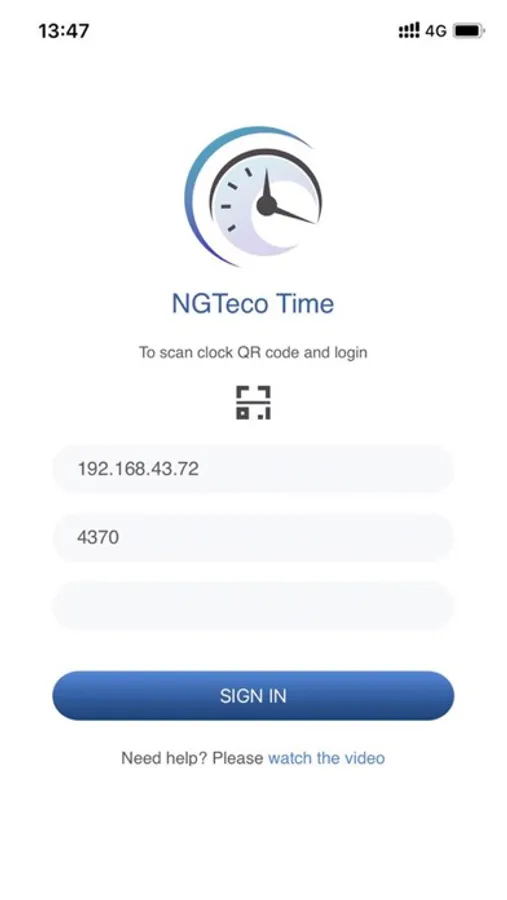
Connect the NGTeco Time App to a local Wi-Fi that is shared with the timeclock (no software required).
Securely connect the app to the clock by scanning the QR code from the Admin Menu.
Using the app, admin users can:
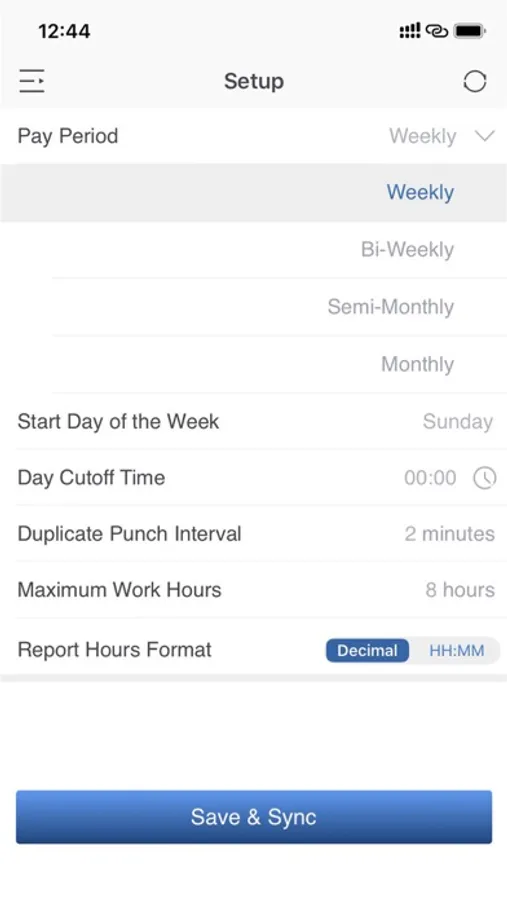
1. Setup clock punch rules and configure clock options.
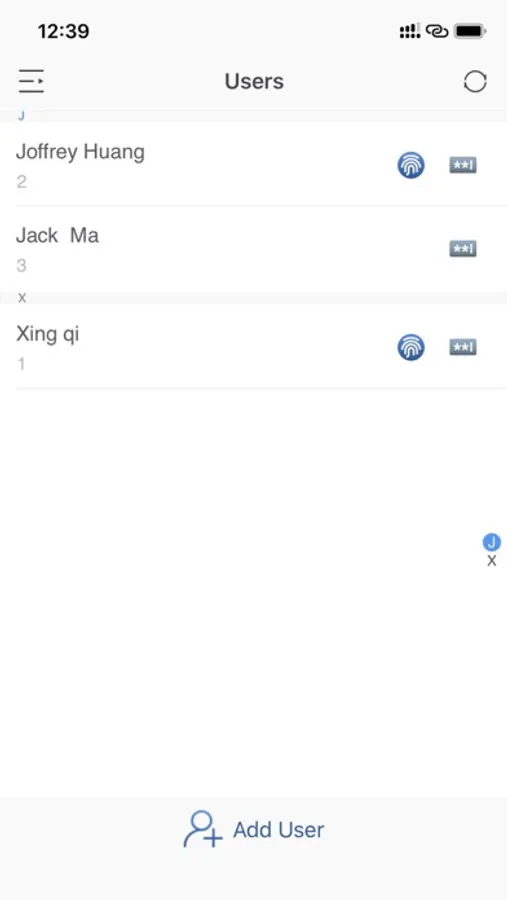
2. Add/update the employee data and push the data to the time clock.
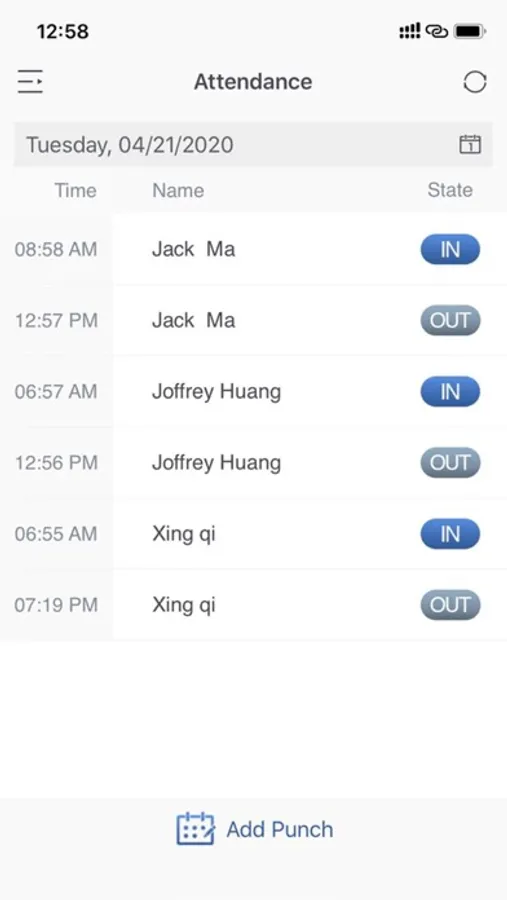
3. View attendance records retrieved from the time clock.
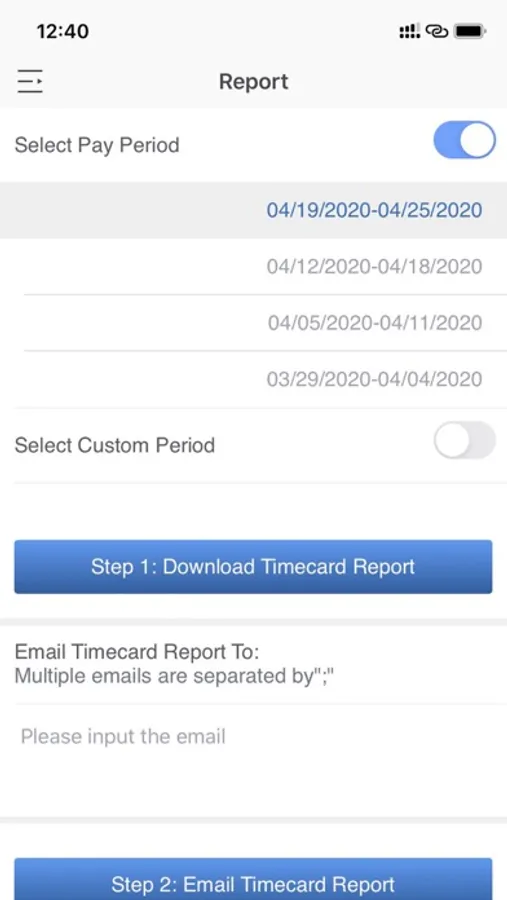
4. Pull time card from the clock and email the report to admin user account.
5. Add employee missing punches and push to the clock for time card calculation.
To ensure data security on the App, the following protection measures are provided:
1. Admin user can set the passcode from time clock admin menu, and the passcode is required to connect the App to the device.
2. NGTeco Time App does not store any data locally in the mobile phone, the new added or updated data is pushed directly to the time clock.
Support and service:
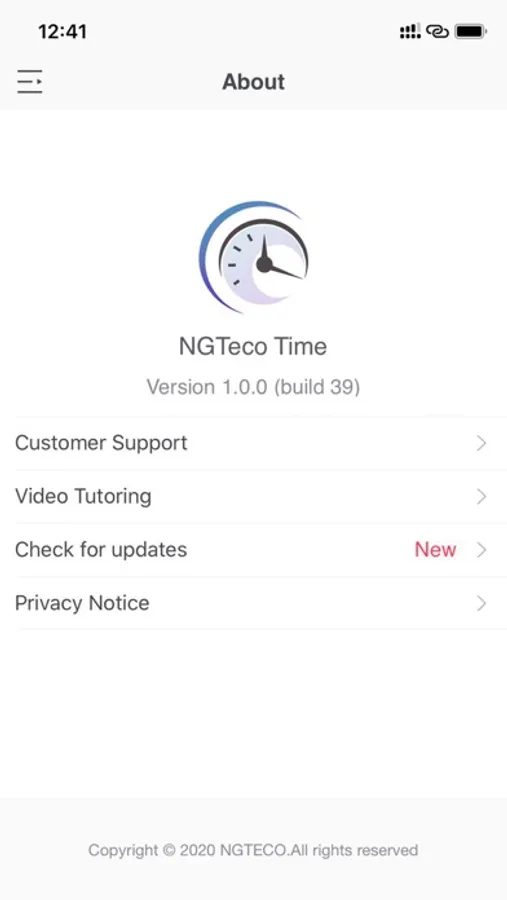
NGTeco Time App offers free unlimited phone, email and ticket support to all of our customers. Have a question? We're always happy to help
Website: www.ngteco.com
Phone: 770.800.2321
Email: ngtime@ngteco.com
NGTeco
Connect the NGTeco Time App to a local Wi-Fi that is shared with the timeclock (no software required).
Securely connect the app to the clock by scanning the QR code from the Admin Menu.
Using the app, admin users can:
1. Setup clock punch rules and configure clock options.
2. Add/update the employee data and push the data to the time clock.
3. View attendance records retrieved from the time clock.
4. Pull time card from the clock and email the report to admin user account.
5. Add employee missing punches and push to the clock for time card calculation.
To ensure data security on the App, the following protection measures are provided:
1. Admin user can set the passcode from time clock admin menu, and the passcode is required to connect the App to the device.
2. NGTeco Time App does not store any data locally in the mobile phone, the new added or updated data is pushed directly to the time clock.
Support and service:
NGTeco Time App offers free unlimited phone, email and ticket support to all of our customers. Have a question? We're always happy to help
Website: www.ngteco.com
Phone: 770.800.2321
Email: ngtime@ngteco.com
NGTeco