Snap Draw
andrew bell
2.2 ★
store rating
Free
AppRecs review analysis
AppRecs rating 2.0. Trustworthiness 75 out of 100. Review manipulation risk 25 out of 100. Based on a review sample analyzed.
★★☆☆☆
2.0
AppRecs Rating
Ratings breakdown
5 star
20%
4 star
5%
3 star
0%
2 star
25%
1 star
50%
What to know
✓
Low review manipulation risk
25% review manipulation risk
✓
Credible reviews
75% trustworthiness score from analyzed reviews
⚠
Mixed user feedback
Average 2.2★ rating suggests room for improvement
About Snap Draw
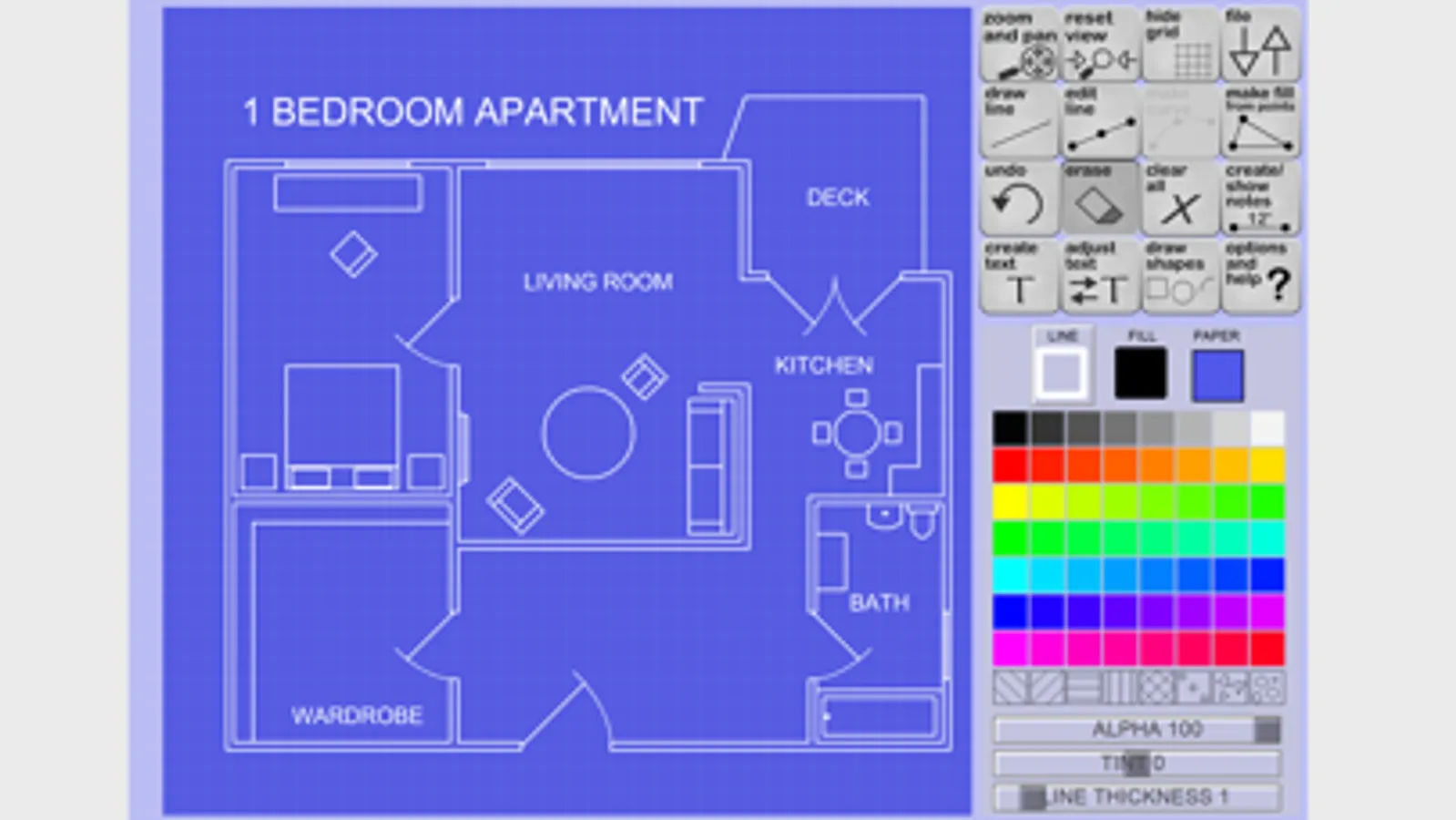
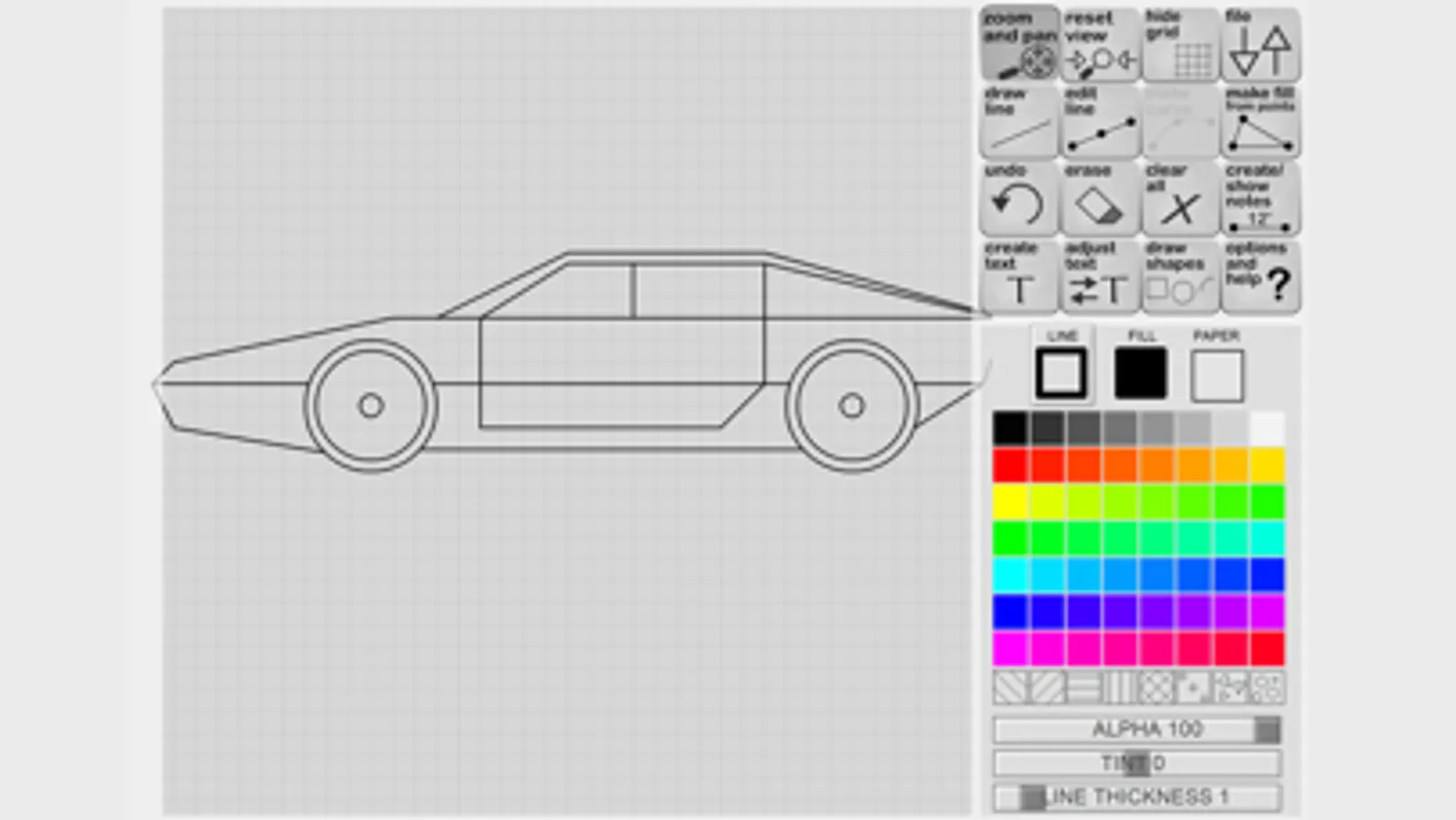
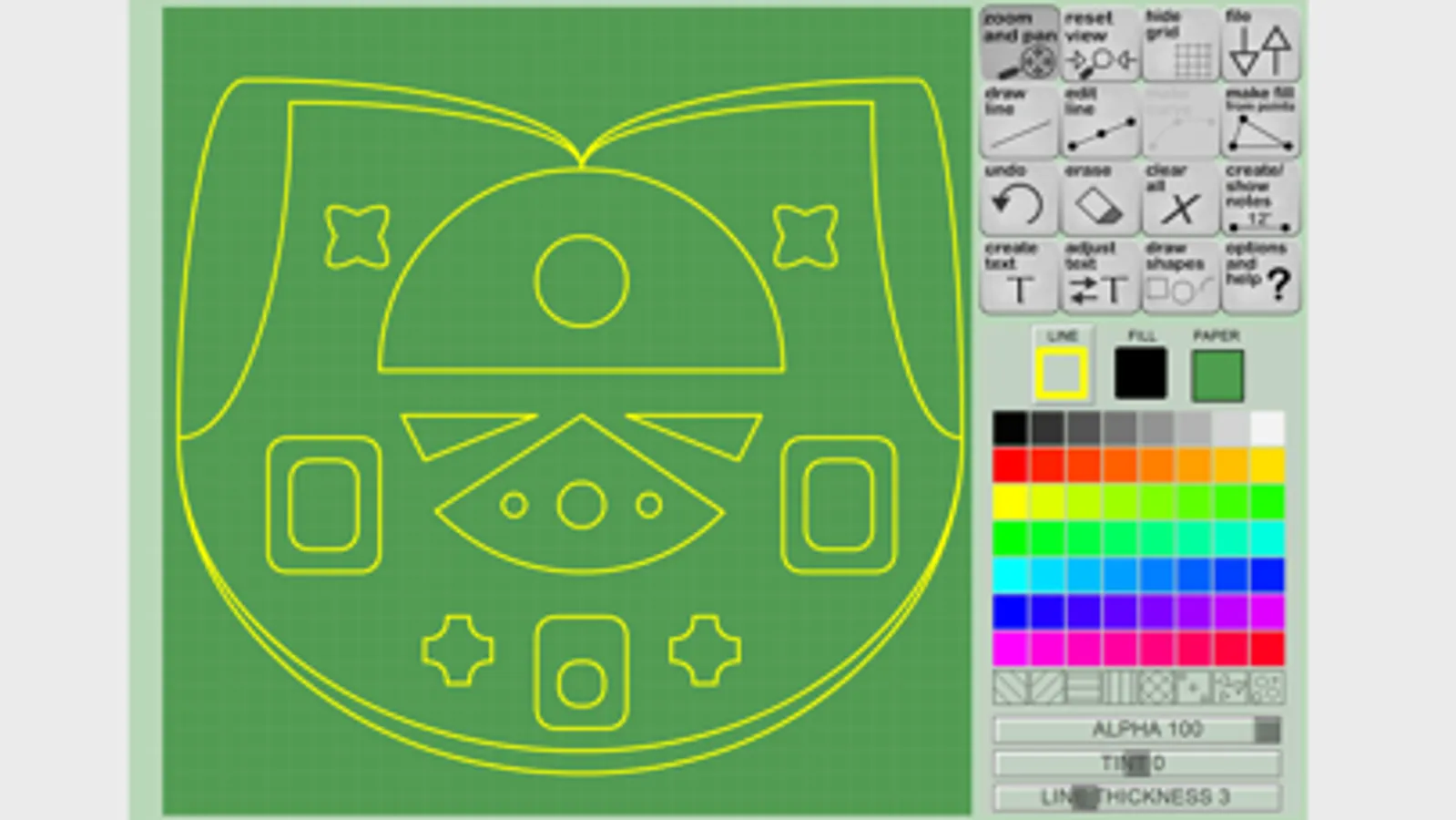
Snap Draw is a simple to use and powerful app to help you make detailed plans or simple drawings.
Hear and see a Snap when lines are connected, easing your ability to draw with your finger and KNOW the lines are lining up or joining. This is a feature that sets Snap Draw apart from other vector drawing apps - the ability to know what is under your fingertip (since humans don't have transparent fingers yet)
*Save up to 75 projects on your device
*Export and share your creations online as .png, svg., or .pdf formats
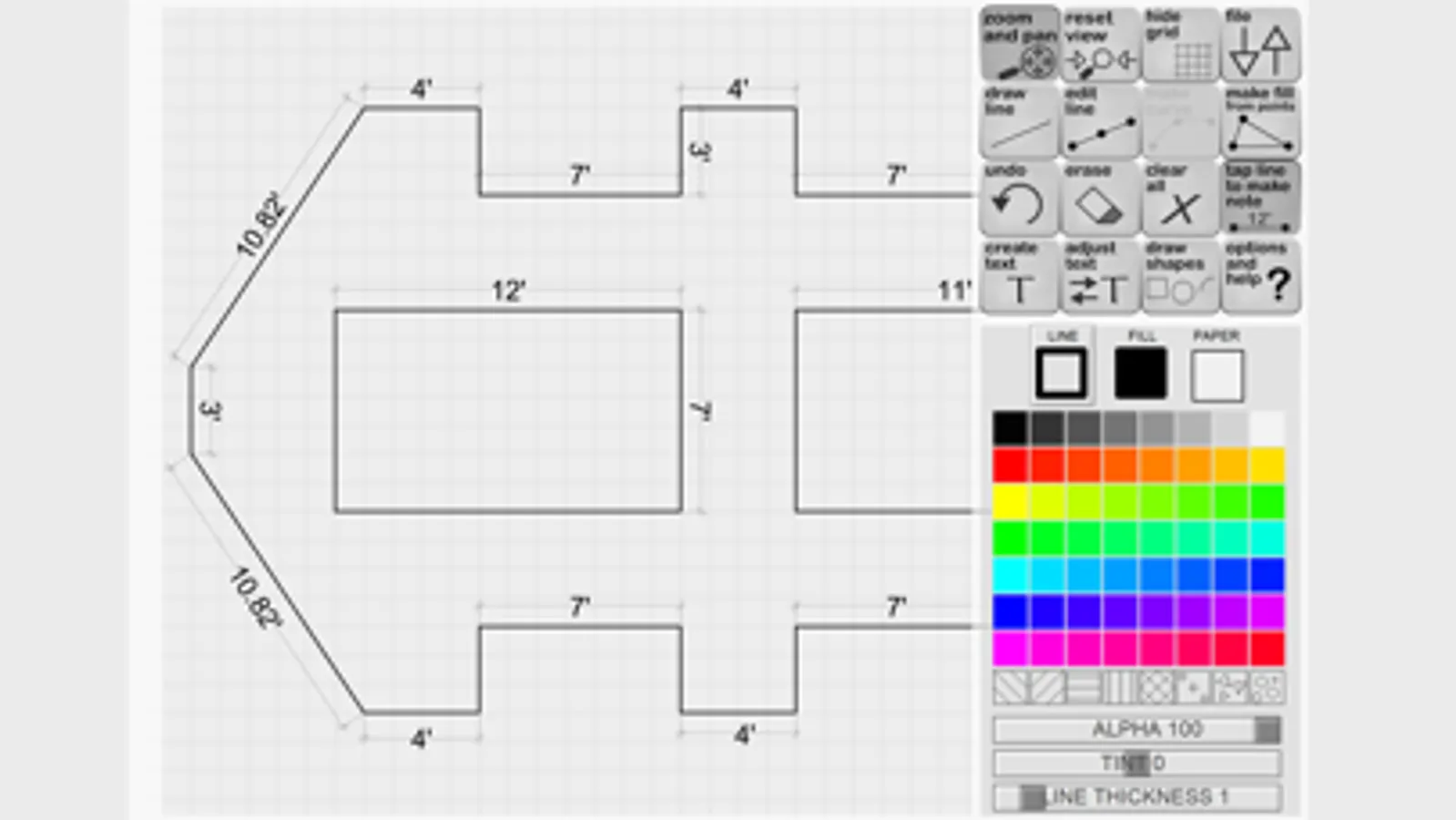
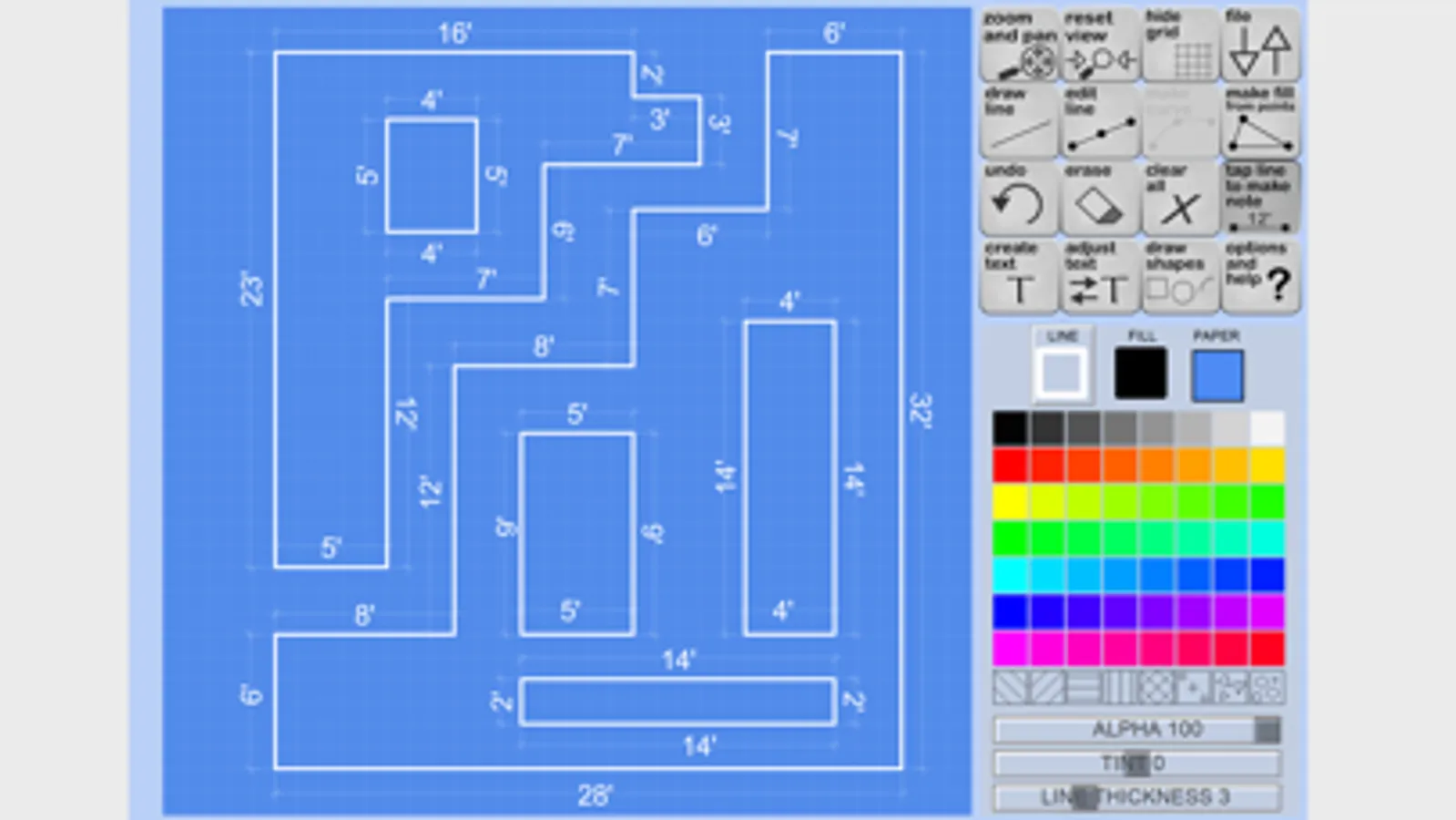
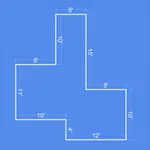
*Ability to add and edit per line notes showing it's length and handles, ideal for blueprints
*Built in shapes and features, like doors, walls, circles, squares and more!
*Draw lines and arcs, stretch a line into a curve and edit it at will
*Zoom and Pan to get the details just right
*Email your drawing as a .svg and edit in professional vector art and cad design software
*Great for casual drawing fun, or design your deck with measurements!
Hear and see a Snap when lines are connected, easing your ability to draw with your finger and KNOW the lines are lining up or joining. This is a feature that sets Snap Draw apart from other vector drawing apps - the ability to know what is under your fingertip (since humans don't have transparent fingers yet)
*Save up to 75 projects on your device
*Export and share your creations online as .png, svg., or .pdf formats
*Ability to add and edit per line notes showing it's length and handles, ideal for blueprints
*Built in shapes and features, like doors, walls, circles, squares and more!
*Draw lines and arcs, stretch a line into a curve and edit it at will
*Zoom and Pan to get the details just right
*Email your drawing as a .svg and edit in professional vector art and cad design software
*Great for casual drawing fun, or design your deck with measurements!