CommUnity Mobile
Sangoma Technologies
2.6 ★
store rating
Free
AppRecs review analysis
AppRecs rating 2.4. Trustworthiness 81 out of 100. Review manipulation risk 29 out of 100. Based on a review sample analyzed.
★★☆☆☆
2.4
AppRecs Rating
Ratings breakdown
5 star
32%
4 star
5%
3 star
5%
2 star
11%
1 star
47%
What to know
✓
Low review manipulation risk
29% review manipulation risk
✓
Credible reviews
81% trustworthiness score from analyzed reviews
⚠
Mixed user feedback
Average 2.6★ rating suggests room for improvement
About CommUnity Mobile
Communicate, Collaborate and Connect from Anywhere!
Get CommUnity Mobile by NetFortris.
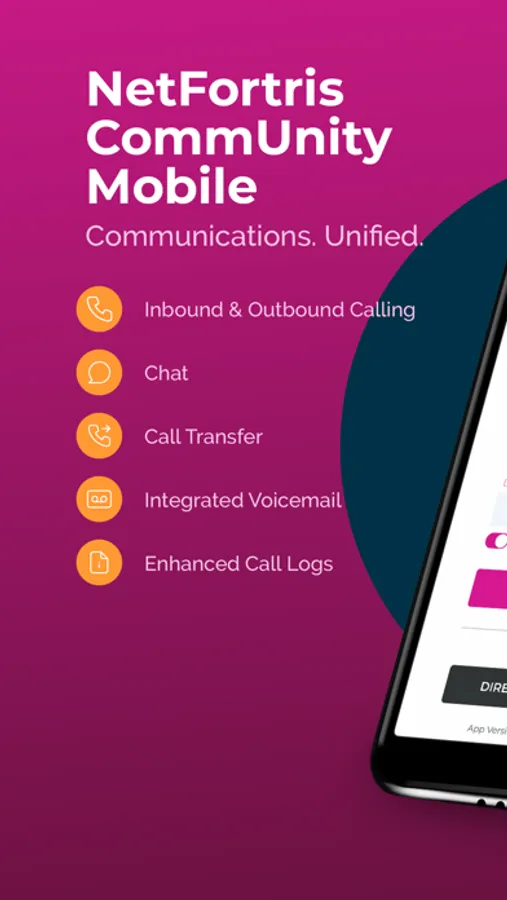
Take control and command your business communications from the palm of your hand. Access CommUnity calling, chat, presence and call handling features from your smartphone for a seamless transition from the office to work from home or on the go.
CommUnity Mobile is easy to use and simple to manage using an intuitive graphical interface.
CommUnity Mobile is available free for use with supported licenses of NetFortris’ CommUnity business phone system.
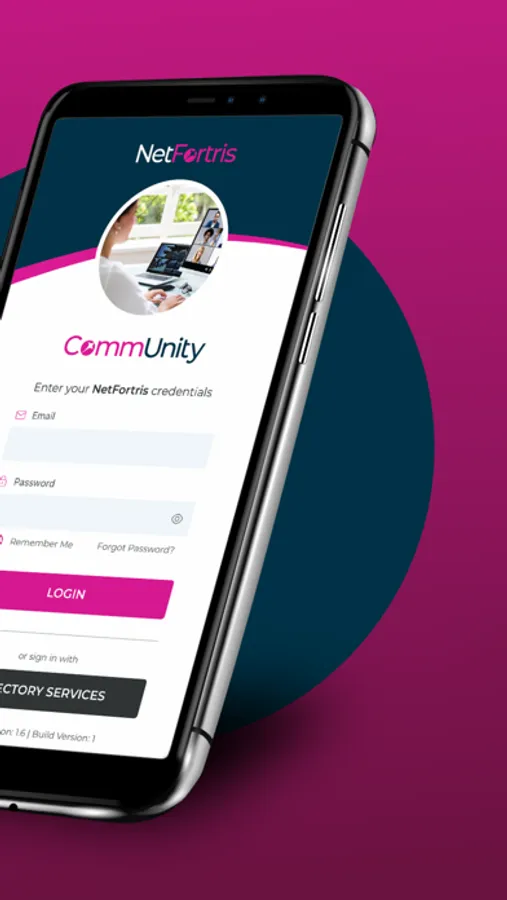
After downloading and installing CommUnity Mobile on your smartphone, you will be able to log into your CommUnity from anywhere and communicate as if you were still at the office.
With CommUnity Mobile you can:
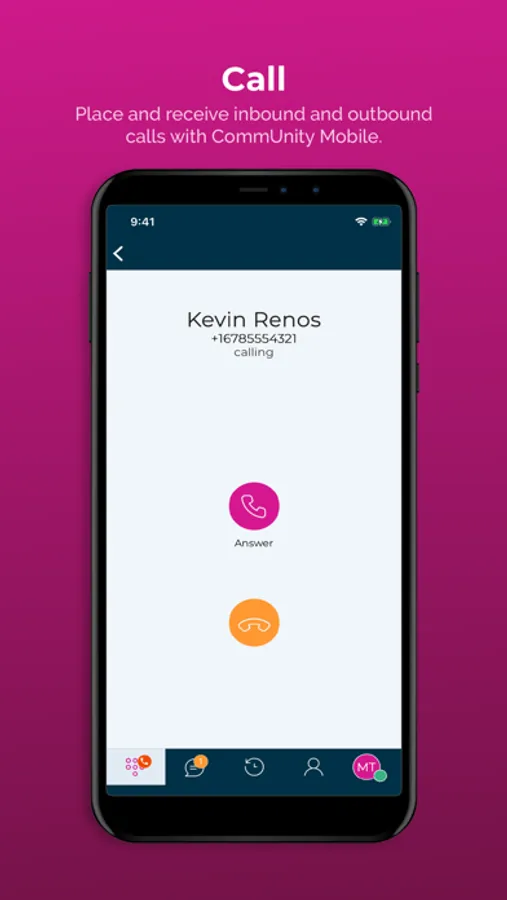
• Make and receive calls using your extension and office caller ID
• Use the device you love most - your own!
• Keep CommUnity running in the background so you never miss a call or chat
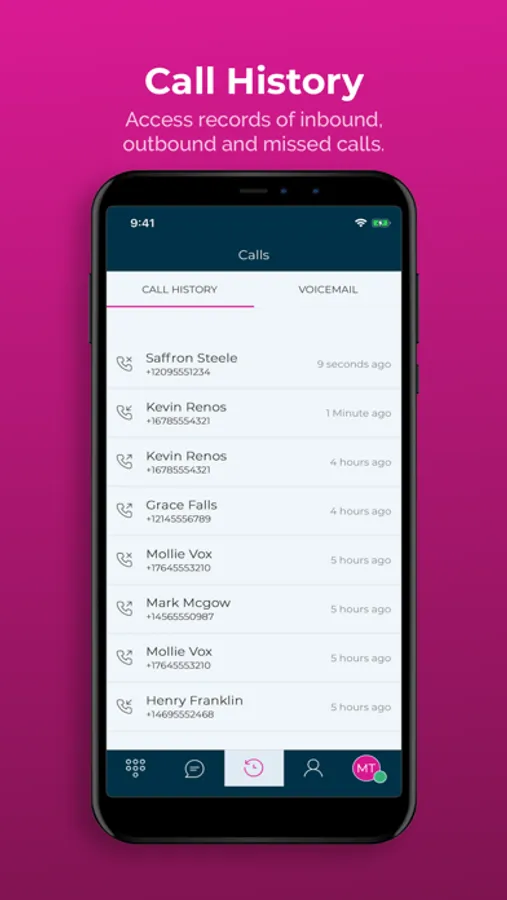
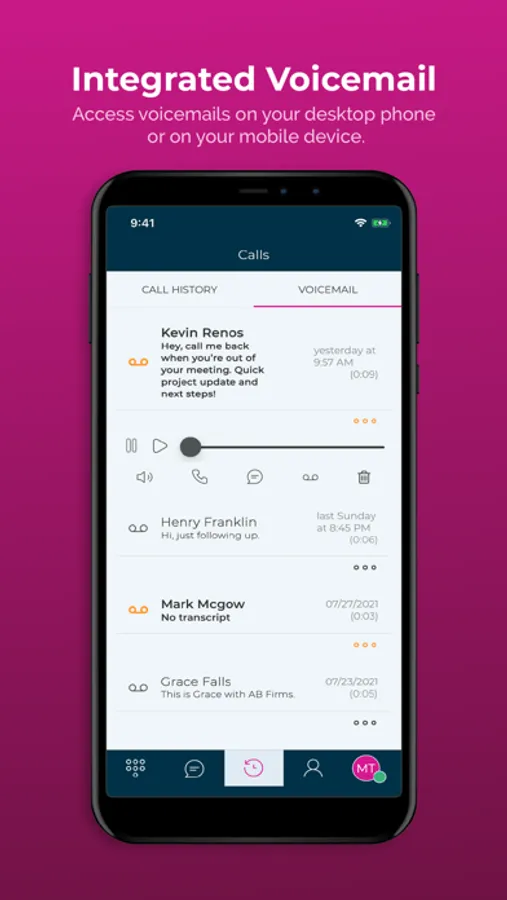
• Use visual voicemail to see who left a message, when, and how long the message is
• Keep your mobile number private
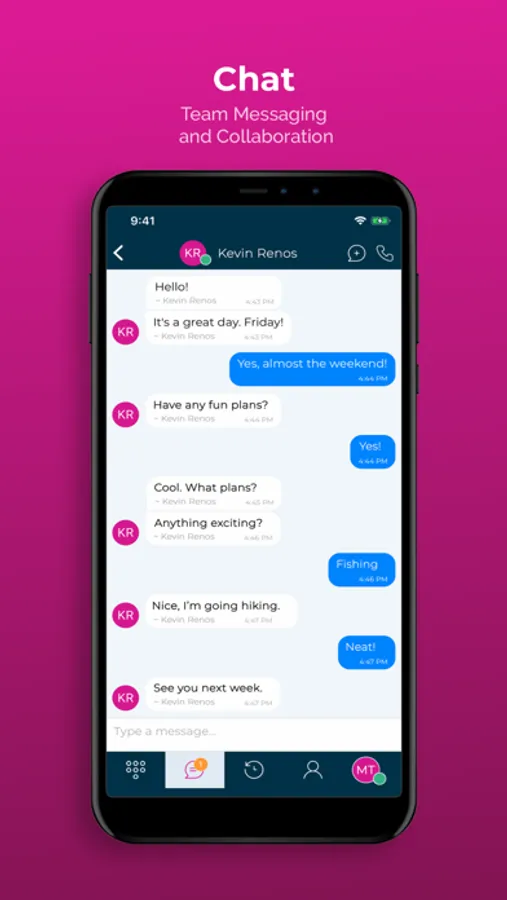
• Chat with users and sync conversations to CommUnity Desktop
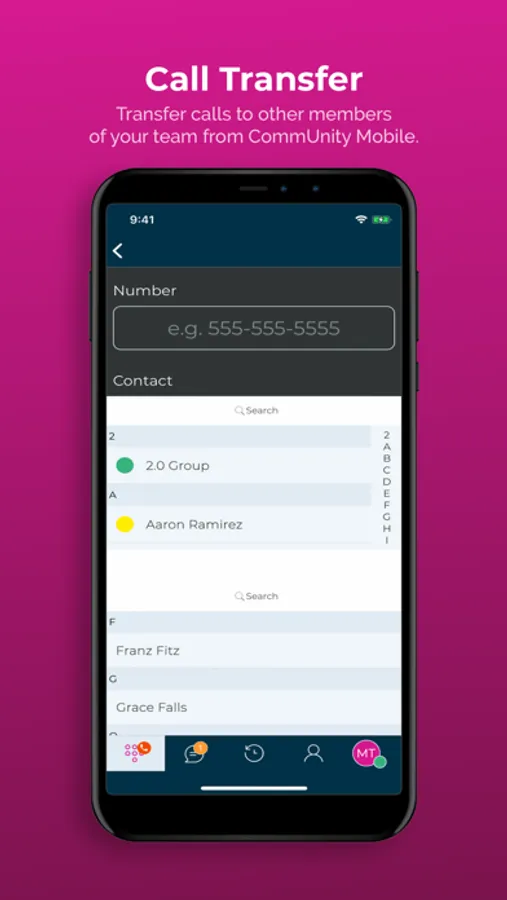
• Put calls on hold, transfer them to others, or to your own office phone
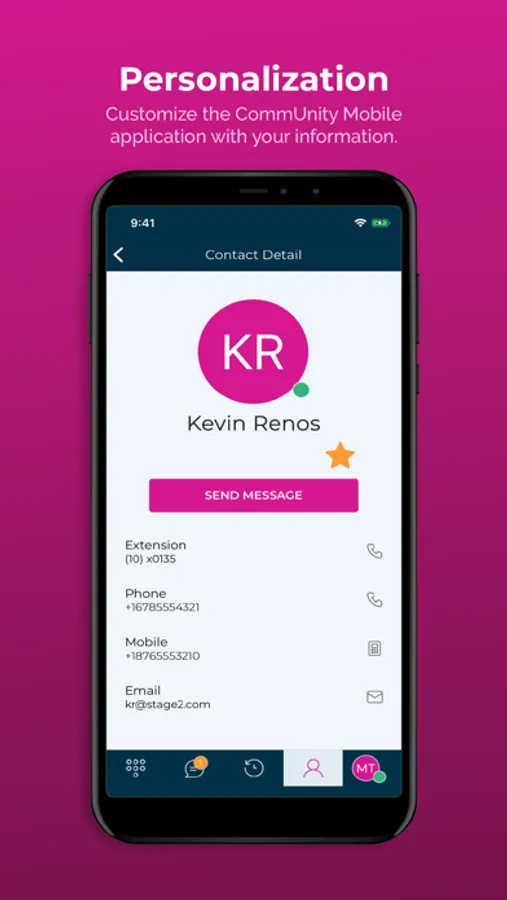
• Control when you’re available with statuses
In today’s always-on, mobile and distributed work culture, CommUnity by NetFortris helps you to be responsive, productive and connected inside the office or out.
Details and Requirements:
CommUnity Mobile must be used in conjunction with an eligible NetFortris CommUnity business phone system.
CommUnity Mobile supports iOS phones running iOS 13 or greater.
Do you love CommUnity Mobile? If so, please give it a 5-star rating. Thanks!
Get CommUnity Mobile by NetFortris.
Take control and command your business communications from the palm of your hand. Access CommUnity calling, chat, presence and call handling features from your smartphone for a seamless transition from the office to work from home or on the go.
CommUnity Mobile is easy to use and simple to manage using an intuitive graphical interface.
CommUnity Mobile is available free for use with supported licenses of NetFortris’ CommUnity business phone system.
After downloading and installing CommUnity Mobile on your smartphone, you will be able to log into your CommUnity from anywhere and communicate as if you were still at the office.
With CommUnity Mobile you can:
• Make and receive calls using your extension and office caller ID
• Use the device you love most - your own!
• Keep CommUnity running in the background so you never miss a call or chat
• Use visual voicemail to see who left a message, when, and how long the message is
• Keep your mobile number private
• Chat with users and sync conversations to CommUnity Desktop
• Put calls on hold, transfer them to others, or to your own office phone
• Control when you’re available with statuses
In today’s always-on, mobile and distributed work culture, CommUnity by NetFortris helps you to be responsive, productive and connected inside the office or out.
Details and Requirements:
CommUnity Mobile must be used in conjunction with an eligible NetFortris CommUnity business phone system.
CommUnity Mobile supports iOS phones running iOS 13 or greater.
Do you love CommUnity Mobile? If so, please give it a 5-star rating. Thanks!