Fallon Health OTC
FALLON COMMUNITY HEALTH PLAN, INC.
2.1 ★
store rating
Free
AppRecs review analysis
AppRecs rating 2.1. Trustworthiness 0 out of 100. Review manipulation risk 0 out of 100. Based on a review sample analyzed.
★★☆☆☆
2.1
AppRecs Rating
Ratings breakdown
5 star
25%
4 star
0%
3 star
0%
2 star
13%
1 star
63%
What to know
⚠
Mixed user feedback
Average 2.1★ rating suggests room for improvement
About Fallon Health OTC
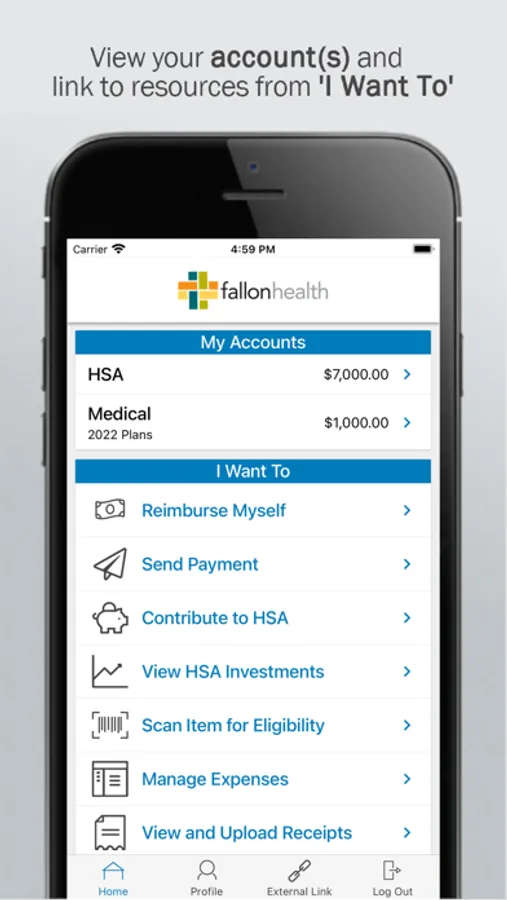
Save time and hassles while making the most of your Fallon Health benefits. Our secure app lets you check your balances and scan barcodes of products in stores to check eligibility. Other powerful features include:
Easy, convenient, and secure
• Before using this app, set up your username and password by logging in to MyFallon through either fallonhealth.org/myfallon-medicare or fallonhealth.org/myfallon-navicare. Then, go to the My Resources menu and select Benefit Bank (Fallon Medicare Plus) or Save Now (NaviCare). Follow the instructions to set up your Fallon Health OTC account.
• Then, open the Fallon Health OTC app to log in using your username and password.
• Set up Touch ID or Face ID to quickly log in to the mobile app.
• No sensitive account information is ever stored on your mobile device.
Connects you with the details
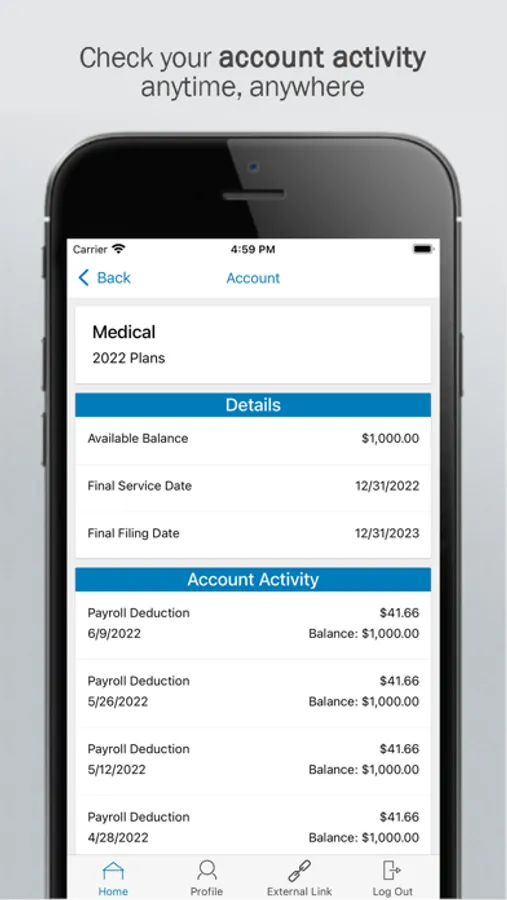
• Quickly check available balances 24/7.
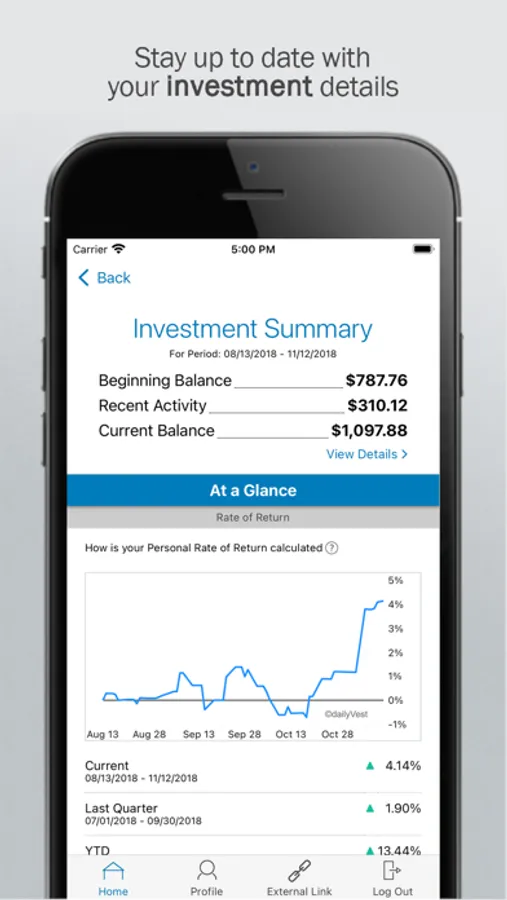
• View charts summarizing account(s).
• Click to call or email the Fallon Health service team.
• View your statements and notifications.
• Scan product barcodes to determine their eligibility.
Provides additional time-saving options (if supported or applicable to your account(s))
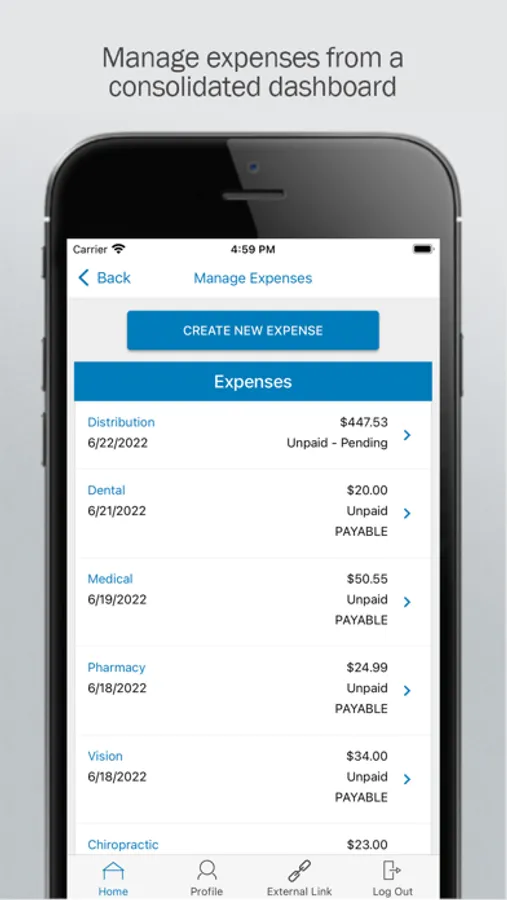
• File a reimbursement request, when needed.
• Take or upload a picture of a receipt and submit for a new or existing claim.
• Report a benefit card as lost or stolen.
If you forget your username or password:
Benefit Bank Support
● Call Customer Service 1-800-325-5669
● Email Customer Service cs@fallonhealth.org
Save Now Support
● Call Enrollee Services 1-877-700-6996
● Email Enrollee Services esr.mailbox@fallonhealth.org
Powered by WEX®
*Disclaimer: Amounts shown in app previews are generic and may not reflect your actual balance*
Easy, convenient, and secure
• Before using this app, set up your username and password by logging in to MyFallon through either fallonhealth.org/myfallon-medicare or fallonhealth.org/myfallon-navicare. Then, go to the My Resources menu and select Benefit Bank (Fallon Medicare Plus) or Save Now (NaviCare). Follow the instructions to set up your Fallon Health OTC account.
• Then, open the Fallon Health OTC app to log in using your username and password.
• Set up Touch ID or Face ID to quickly log in to the mobile app.
• No sensitive account information is ever stored on your mobile device.
Connects you with the details
• Quickly check available balances 24/7.
• View charts summarizing account(s).
• Click to call or email the Fallon Health service team.
• View your statements and notifications.
• Scan product barcodes to determine their eligibility.
Provides additional time-saving options (if supported or applicable to your account(s))
• File a reimbursement request, when needed.
• Take or upload a picture of a receipt and submit for a new or existing claim.
• Report a benefit card as lost or stolen.
If you forget your username or password:
Benefit Bank Support
● Call Customer Service 1-800-325-5669
● Email Customer Service cs@fallonhealth.org
Save Now Support
● Call Enrollee Services 1-877-700-6996
● Email Enrollee Services esr.mailbox@fallonhealth.org
Powered by WEX®
*Disclaimer: Amounts shown in app previews are generic and may not reflect your actual balance*