CALLA V
NOTEGG Corp.
4.3 ★
store rating
Free
AppRecs review analysis
AppRecs rating 3.8. Trustworthiness 64 out of 100. Review manipulation risk 23 out of 100. Based on a review sample analyzed.
★★★☆☆
3.8
AppRecs Rating
Ratings breakdown
5 star
65%
4 star
13%
3 star
13%
2 star
6%
1 star
3%
What to know
✓
Low review manipulation risk
23% review manipulation risk
✓
High user satisfaction
77% of sampled ratings are 4+ stars (4.3★ average)
About CALLA V
New app [CALLA V] has been released! Thank you so much for your love of CALLA and our other apps.
We want to return your support. So we made [CALLA V] application.
* Limited time for the promotion of the AD removal items!
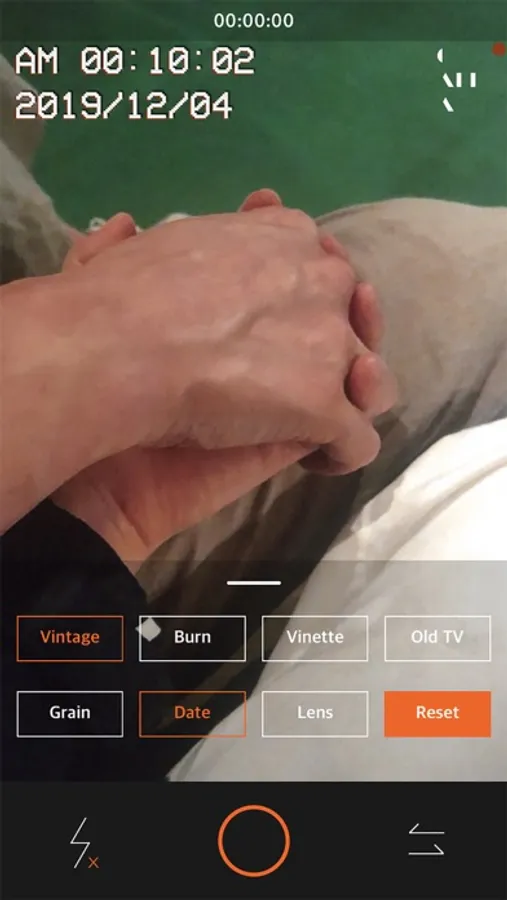
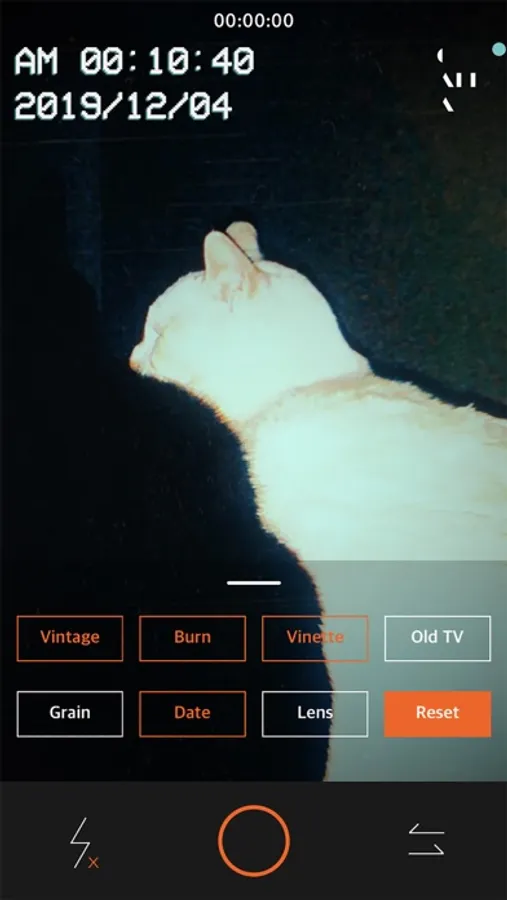
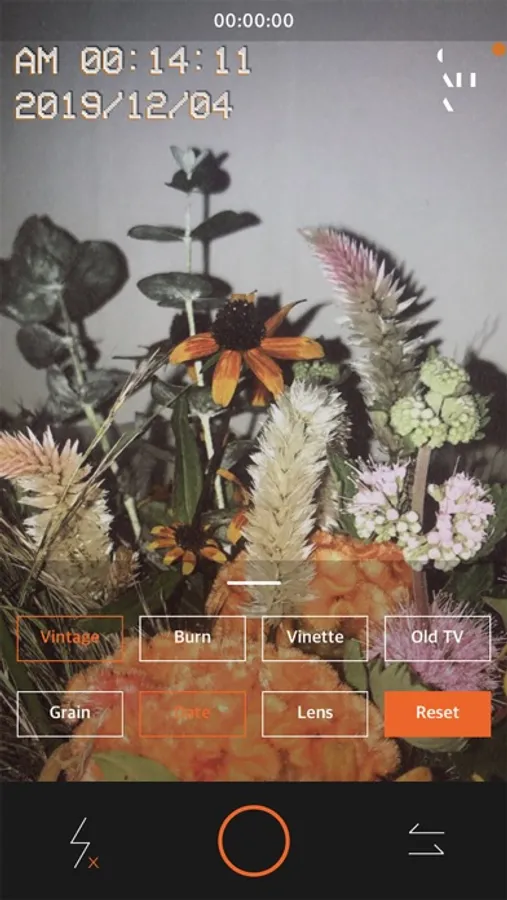
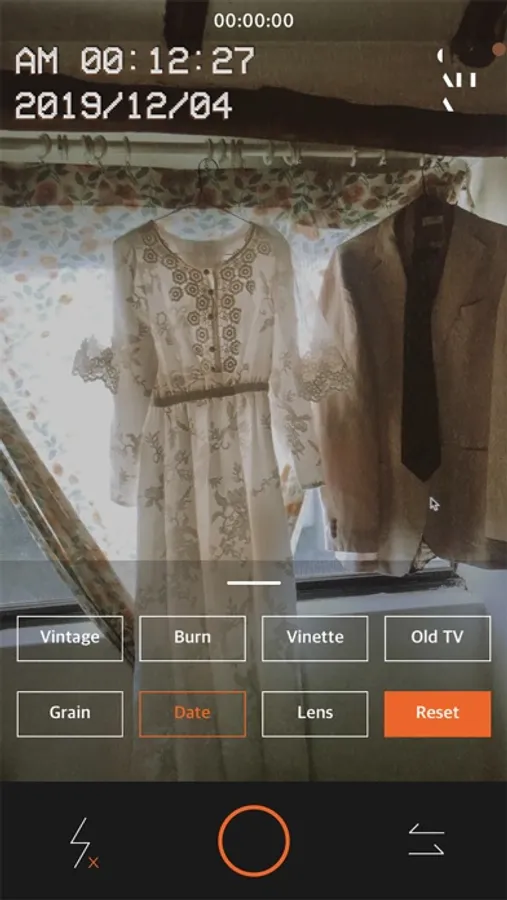
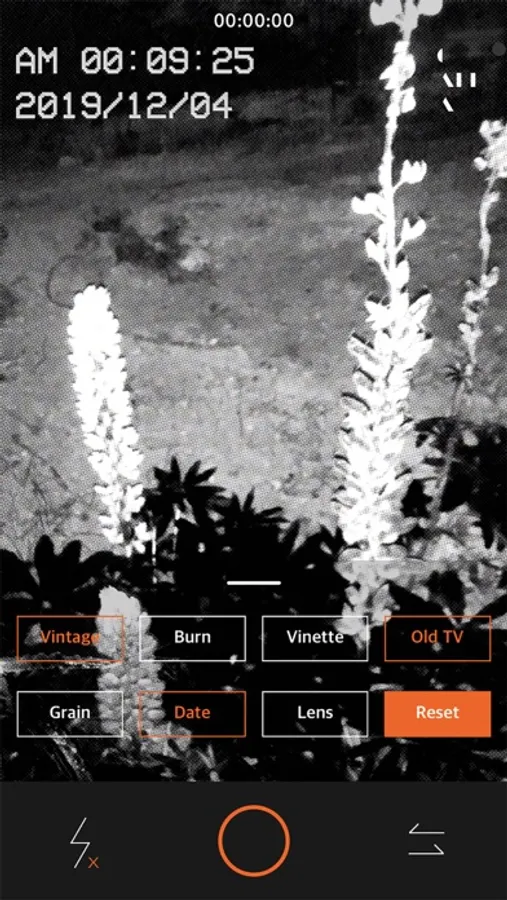
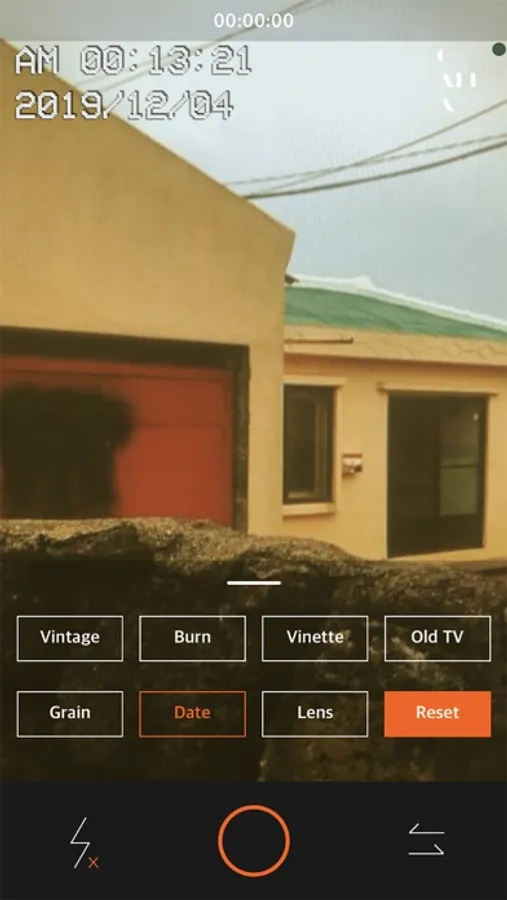
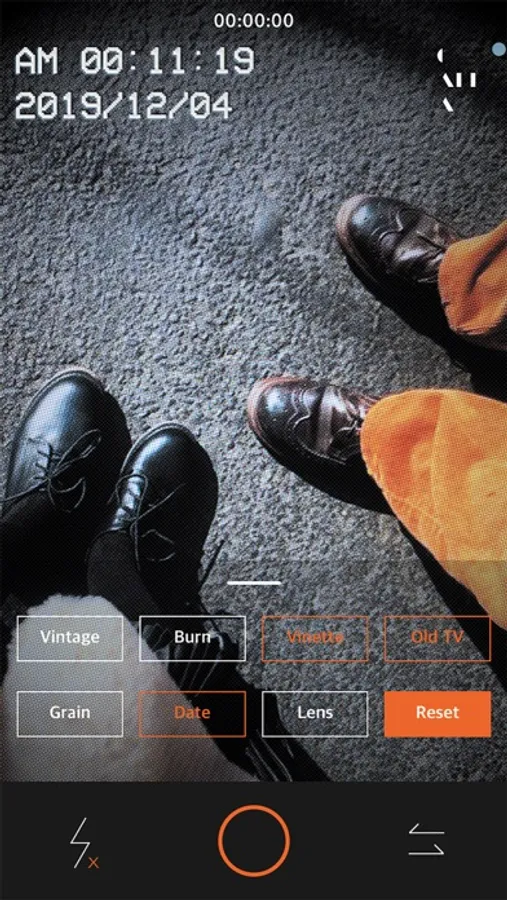
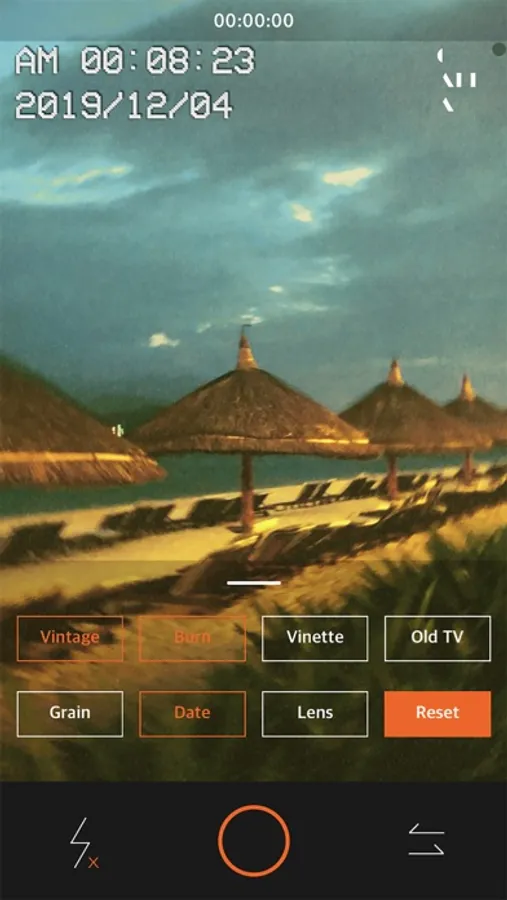
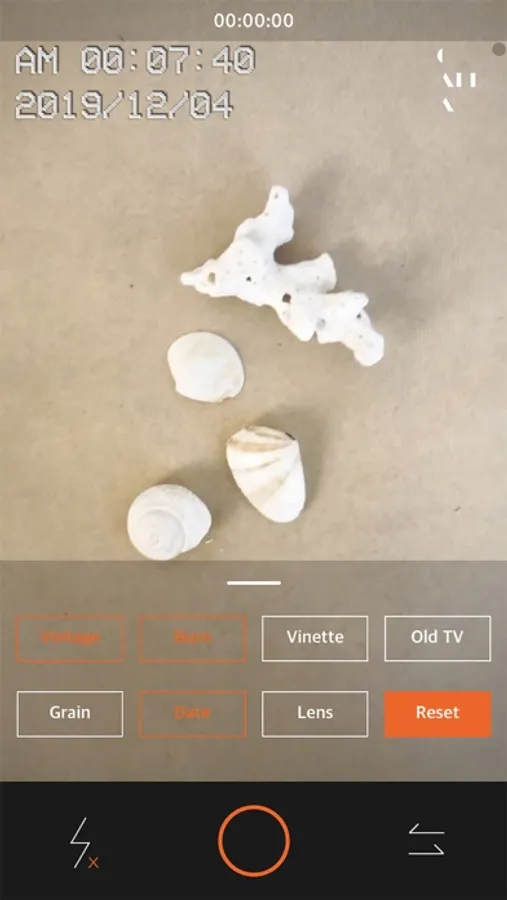
[CALLA V] is a vintage film video camera that lets you use a variety of films and effects.
In [CALLA V], you can apply all the CALLA filters, as well as eight different effects, to record images.
- CALLA's All filter
- Vintage noise effect
- Vintage film burn effect
- Vignetting effect
- Old TV effects
- Grain effect
- Lens effect
- Camcorder date timestamp
You can mix and match effects to make your videos look great.
Because it is a free application, it contains ads.
If you are uncomfortable, please use [Remove AD].
Thank you!
[How to use]
1. You can swap the film by swiping from side to side.
2. Swipe up or down to change various filters for each film.
(* Each film consists of several filters.)
3. Try using effects directly from the menu at the bottom.
[Q&A]
@ : youarenotegg@gmail.com
W : www.notegg.co.kr
We want to return your support. So we made [CALLA V] application.
* Limited time for the promotion of the AD removal items!
[CALLA V] is a vintage film video camera that lets you use a variety of films and effects.
In [CALLA V], you can apply all the CALLA filters, as well as eight different effects, to record images.
- CALLA's All filter
- Vintage noise effect
- Vintage film burn effect
- Vignetting effect
- Old TV effects
- Grain effect
- Lens effect
- Camcorder date timestamp
You can mix and match effects to make your videos look great.
Because it is a free application, it contains ads.
If you are uncomfortable, please use [Remove AD].
Thank you!
[How to use]
1. You can swap the film by swiping from side to side.
2. Swipe up or down to change various filters for each film.
(* Each film consists of several filters.)
3. Try using effects directly from the menu at the bottom.
[Q&A]
@ : youarenotegg@gmail.com
W : www.notegg.co.kr