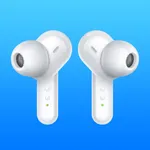
Samsung Galaxy Buds
Samsung Electronics Co., Ltd.
1.8 ★
store rating
Free
With this app, you can connect and manage your Galaxy Buds, monitor battery status, and customize settings. Includes device pairing, firmware updates, and feature adjustments.
AppRecs review analysis
AppRecs rating 1.2. Trustworthiness 69 out of 100. Review manipulation risk 28 out of 100. Based on a review sample analyzed.
★☆☆☆☆
1.2
AppRecs Rating
Ratings breakdown
5 star
13%
4 star
4%
3 star
5%
2 star
6%
1 star
73%
What to know
✓
Low review manipulation risk
28% review manipulation risk
⚠
Mixed user feedback
Average 1.8★ rating suggests room for improvement
⚠
High negative review ratio
79% of sampled ratings are 1–2 stars
About Samsung Galaxy Buds
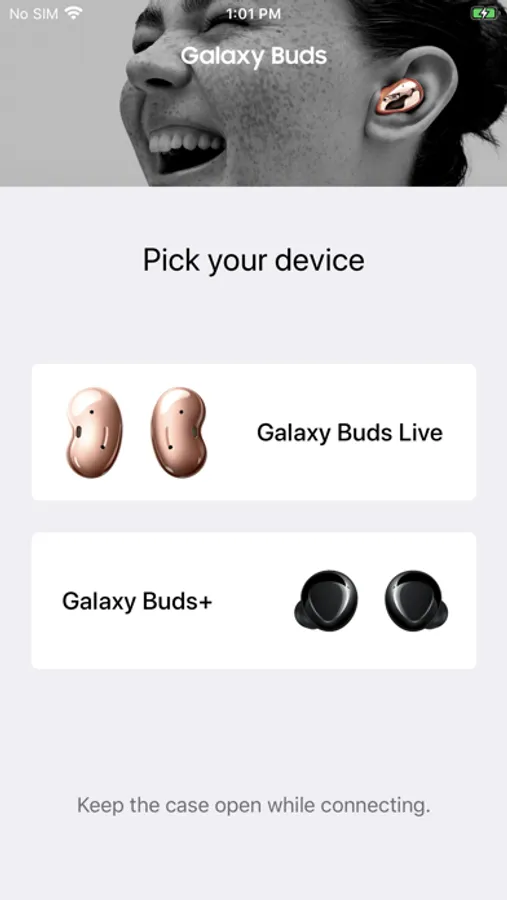
*This application is for Galaxy Buds+ and Galaxy Buds Live. Support for Galaxy Buds (SM-R170) is not available.
Open the charging case.
On your mobile device, tap Settings → Bluetooth and then connect earbuds and mobile devices.
Launch the Samsung Galaxy Buds app, and the follow the on-screen instructions to complete the connection.
* The Samsung Galaxy Buds application connects Samsung Galaxy Buds+ and Samsung Galaxy Buds Live to your iPhone.
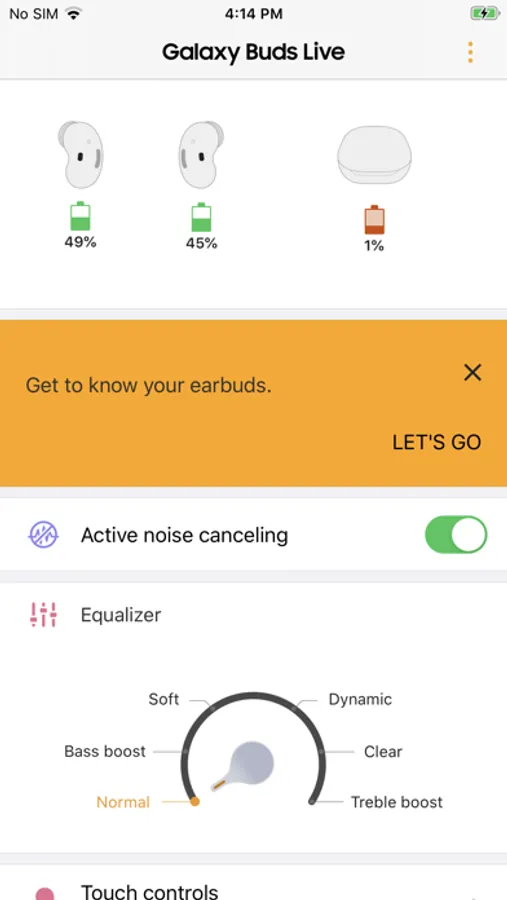
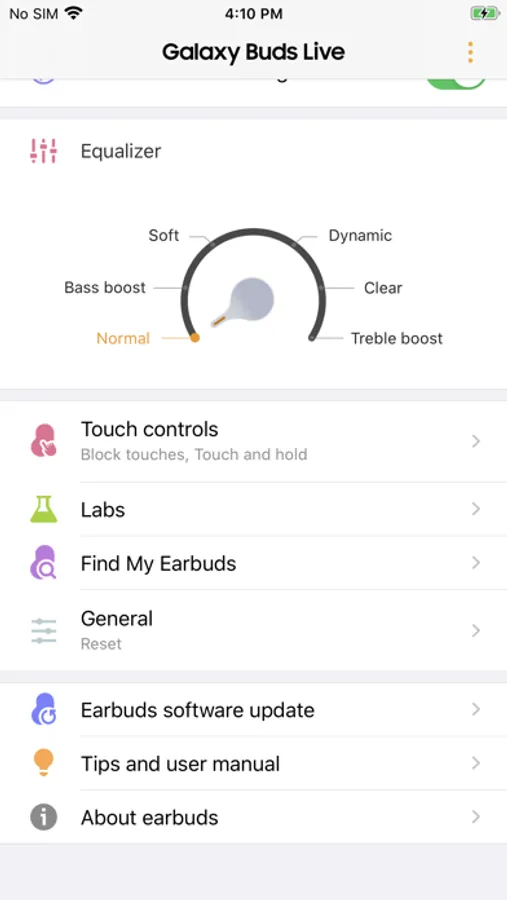
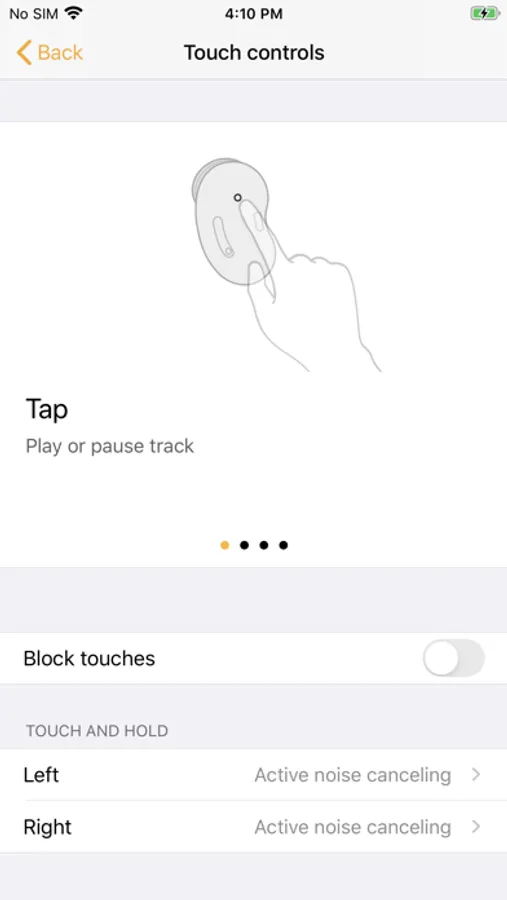
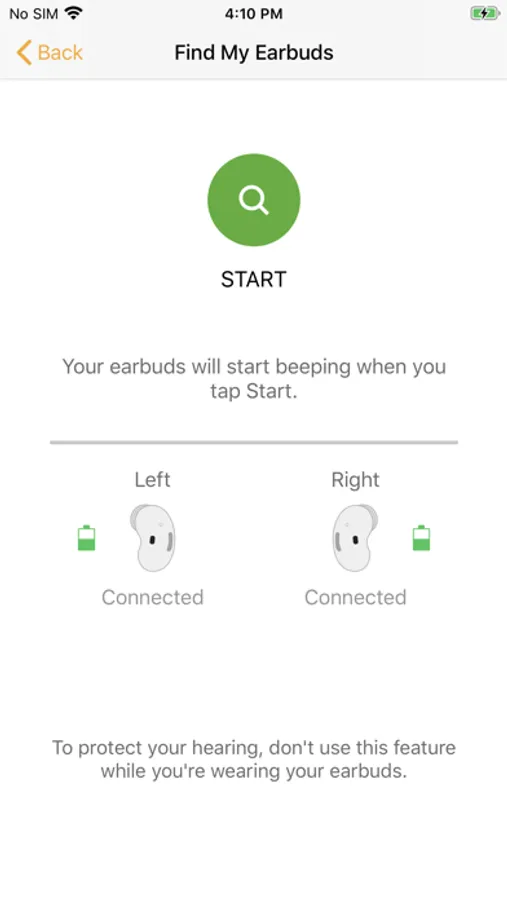
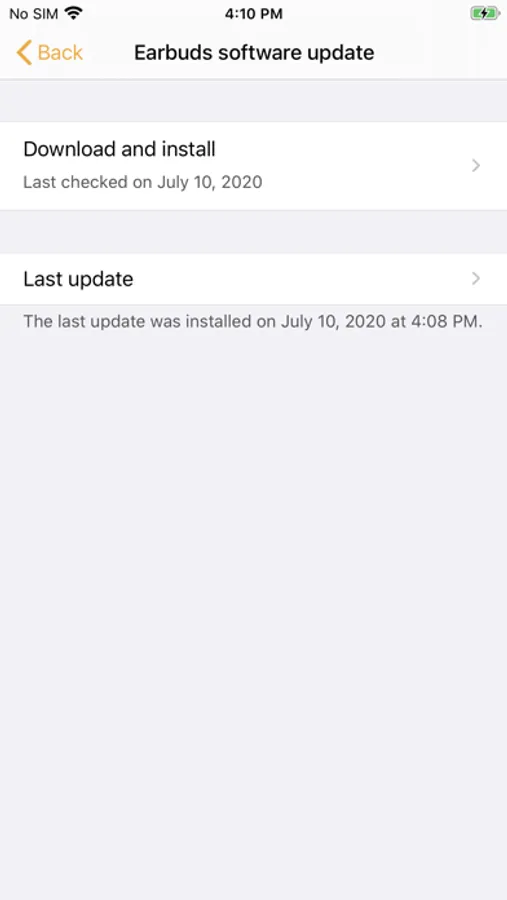
* Use the Samsung Galaxy Buds application to set up and manage the following features.
- Connect to and disconnect from a mobile device
- Earbuds & Charging Case battery status
- Ambient Sound (Samsung Galaxy Buds+ only)
- Active Noise Cancelling (Samsung Galaxy Buds Live only)
- Equalizer Setting
- Touchpad Setting
- Advanced Feature
- Find my Earbuds
- Earbuds Software Update
* Compatibility:
- iPhone 7 or later models with the iOS 10 and higher version
- The Galaxy Buds application is not compatible with Galaxy Buds (SM-R170)
* Settings and features provided by the Galaxy Buds application are only available when Galaxy Buds+ or Galaxy Buds Live is connected to your mobile device. Features will not work properly without a proper connection between your earbuds and your mobile device.
* If you have any questions, please contact to the web page below.
(http://www.samsung.com/support/)
※ User Agreement
Following User Agreements are required for the app service.
Even if you don't agree the agreements you can use basic service but can't use disagree services.
[Required User Agreements]
- Bluetooth: Required for communication with Buds+ or Buds Live
Open the charging case.
On your mobile device, tap Settings → Bluetooth and then connect earbuds and mobile devices.
Launch the Samsung Galaxy Buds app, and the follow the on-screen instructions to complete the connection.
* The Samsung Galaxy Buds application connects Samsung Galaxy Buds+ and Samsung Galaxy Buds Live to your iPhone.
* Use the Samsung Galaxy Buds application to set up and manage the following features.
- Connect to and disconnect from a mobile device
- Earbuds & Charging Case battery status
- Ambient Sound (Samsung Galaxy Buds+ only)
- Active Noise Cancelling (Samsung Galaxy Buds Live only)
- Equalizer Setting
- Touchpad Setting
- Advanced Feature
- Find my Earbuds
- Earbuds Software Update
* Compatibility:
- iPhone 7 or later models with the iOS 10 and higher version
- The Galaxy Buds application is not compatible with Galaxy Buds (SM-R170)
* Settings and features provided by the Galaxy Buds application are only available when Galaxy Buds+ or Galaxy Buds Live is connected to your mobile device. Features will not work properly without a proper connection between your earbuds and your mobile device.
* If you have any questions, please contact to the web page below.
(http://www.samsung.com/support/)
※ User Agreement
Following User Agreements are required for the app service.
Even if you don't agree the agreements you can use basic service but can't use disagree services.
[Required User Agreements]
- Bluetooth: Required for communication with Buds+ or Buds Live