Meme Generator - Create a meme
Danylo Andriushchenko
4.8 ★
store rating
Free
In this meme generator app, you can browse templates, add labels, and customize captions for meme creation. Includes a large template library, editing tools, and sharing options.
AppRecs review analysis
AppRecs rating 4.6. Trustworthiness 71 out of 100. Review manipulation risk 29 out of 100. Based on a review sample analyzed.
★★★★☆
4.6
AppRecs Rating
Ratings breakdown
5 star
87%
4 star
7%
3 star
3%
2 star
1%
1 star
2%
What to know
✓
Low review manipulation risk
29% review manipulation risk
✓
Credible reviews
71% trustworthiness score from analyzed reviews
⚠
Ad complaints
Many low ratings mention excessive ads
About Meme Generator - Create a meme
"Meme Generator - Create a meme" is one of the best meme generators on the App Store with a lot of fresh templates and easy editing.
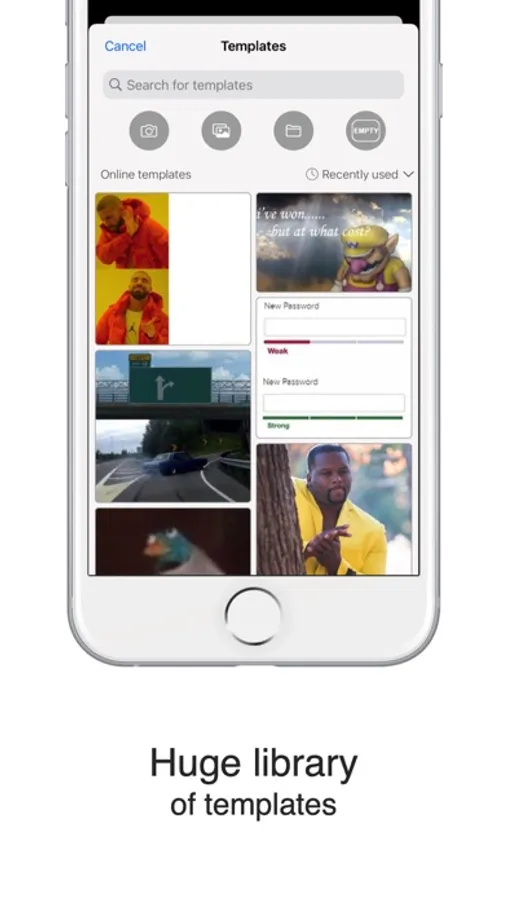
* Huge library of templates that keeps updating almost every day.
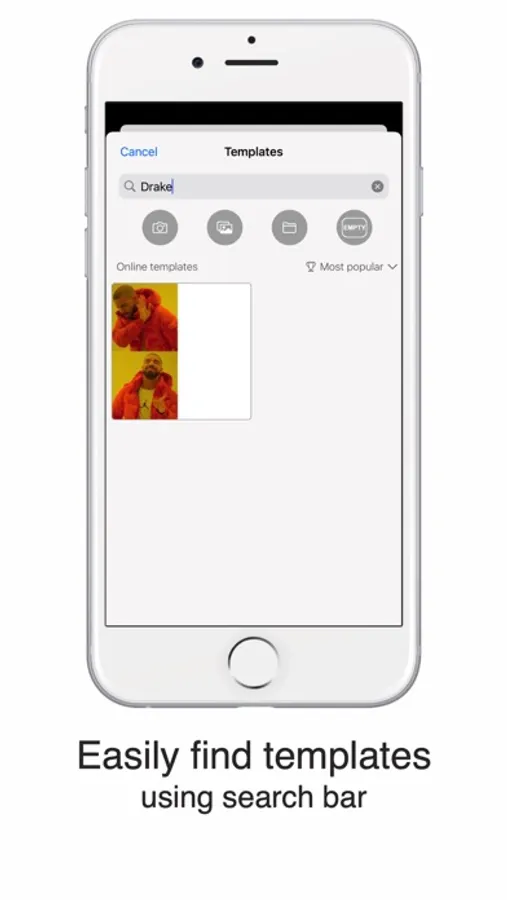
* Search bar helps you find the right template.
* Sort templates by:
- Popularity;
- Relevance;
- Date of addition;
- Recently used;
- Most used by you;
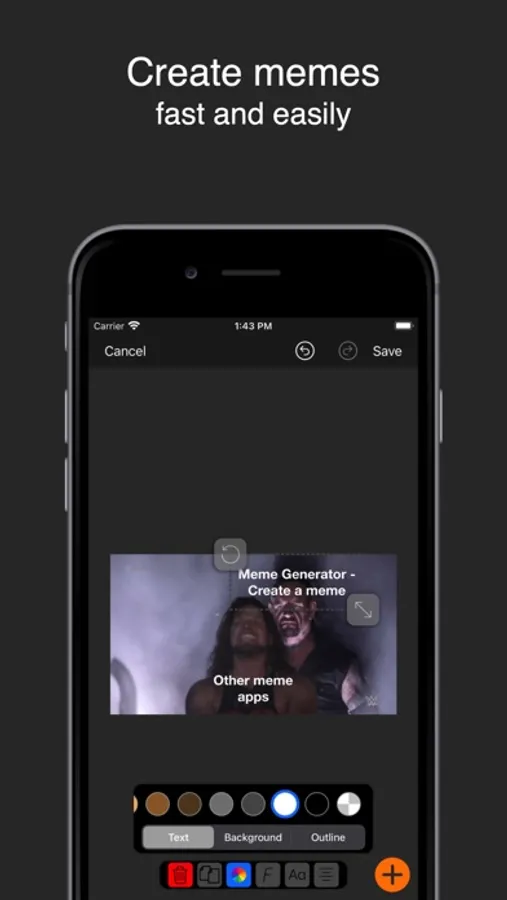
* Add labels and images.
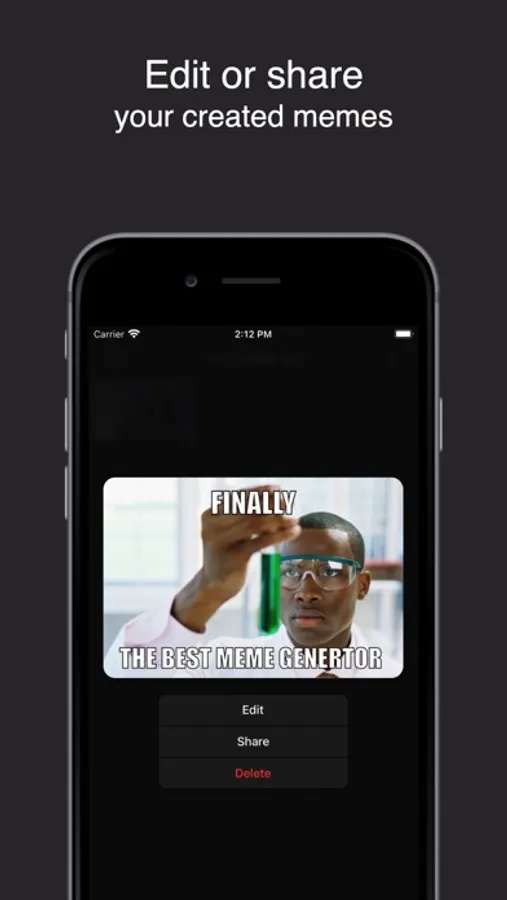
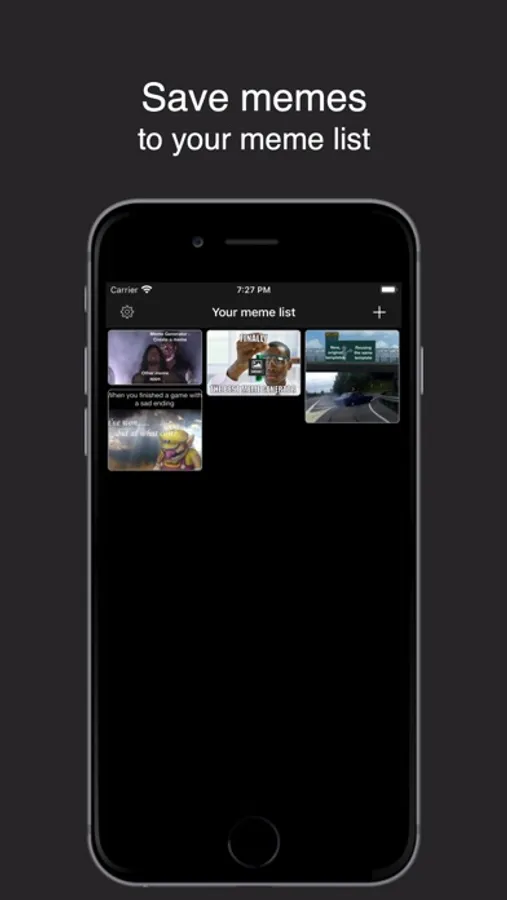
* Save your created memes to your meme list to edit them anytime.
* Undo and redo changes while editing your meme.
* You can add free space to templates to fit captions and images.
* Rotate images and labels.
Captions:
- Change vertical and horizontal alignment.
- Set the color of the text, background, and outline.
- Choose font, font styles.
Images:
- Crop the in a way you like.
- Pick an image from the camera, photo library, and "Files".
* Share your created memes to different social networks.
* Huge library of templates that keeps updating almost every day.
* Search bar helps you find the right template.
* Sort templates by:
- Popularity;
- Relevance;
- Date of addition;
- Recently used;
- Most used by you;
* Add labels and images.
* Save your created memes to your meme list to edit them anytime.
* Undo and redo changes while editing your meme.
* You can add free space to templates to fit captions and images.
* Rotate images and labels.
Captions:
- Change vertical and horizontal alignment.
- Set the color of the text, background, and outline.
- Choose font, font styles.
Images:
- Crop the in a way you like.
- Pick an image from the camera, photo library, and "Files".
* Share your created memes to different social networks.