In this document scanner app, you can capture, edit, and sign PDFs quickly through simple taps. Includes features such as automatic border detection, OCR, and secure file storage.
AppRecs review analysis
AppRecs rating 4.8. Trustworthiness 0 out of 100. Review manipulation risk 0 out of 100. Based on a review sample analyzed.
★★★★☆
4.8
AppRecs Rating
Ratings breakdown
5 star
91%
4 star
5%
3 star
0%
2 star
1%
1 star
3%
What to know
✓
High user satisfaction
91% of sampled ratings are 5 stars
✓
Authentic reviews
No red flags detected
About UltraScanner: Sign PDF and Doc
Transform your iPhone or iPad into an all-in-one document scanner that makes going paperless effortless. UltraScanner lets you quickly scan, edit, sign, and share documents with just a few simple taps.
Advanced Scanning Capabilities
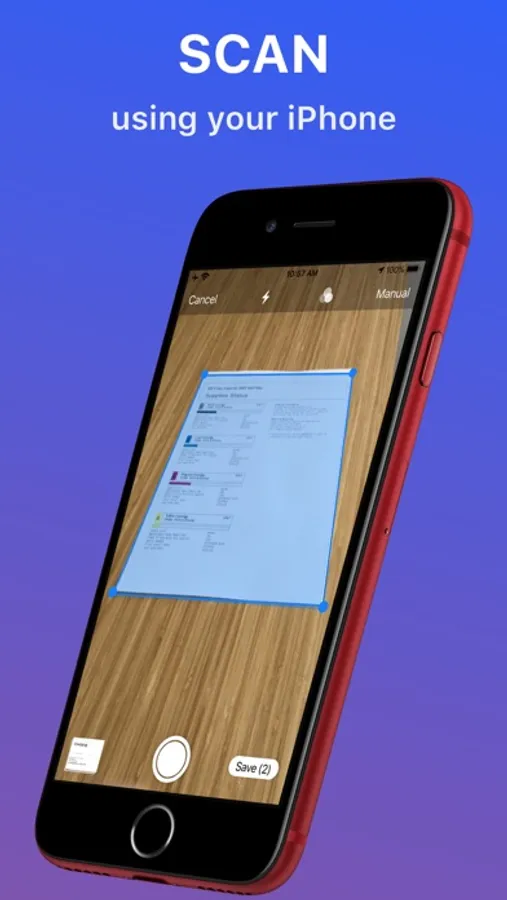
• Smart Capture: Automatically scan multipage documents with intuitive shutter control and precise border detection.
• Easy Scanning: Quickly capture receipts, letters, invoices, books, homework, IDs, business cards, credit cards, and more.
• Image Enhancement: Automatic shadow and noise removal plus color correction for clear, legible scans.
• PDF Editing: Crop, rotate, add, delete, reorder, and merge pages to create the perfect PDF.
Seamless Sharing & Printing
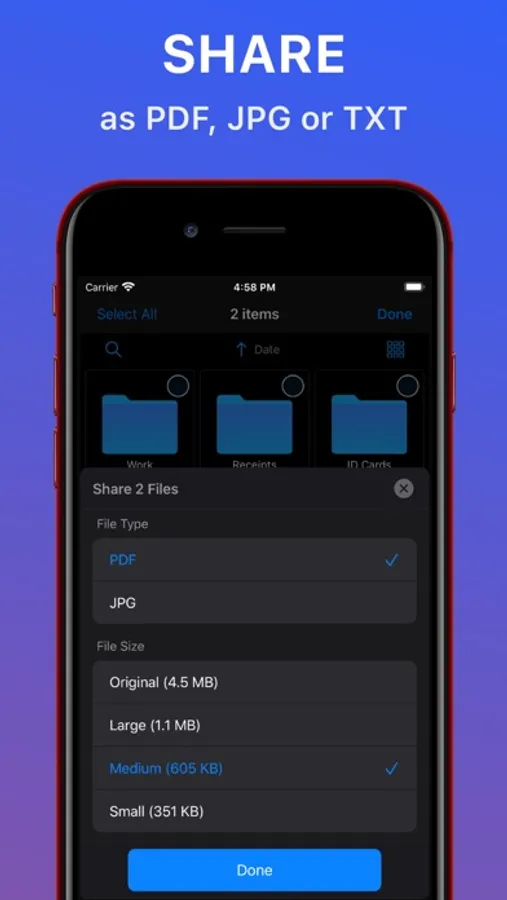
• Instant Sharing: Tap the “Share” button to email, message, or export your scans as PDF, JPG, or TXT files.
• Flexible Output: Choose from multiple file sizes and print directly via any WiFi printer.
Effortless E-Sign & OCR
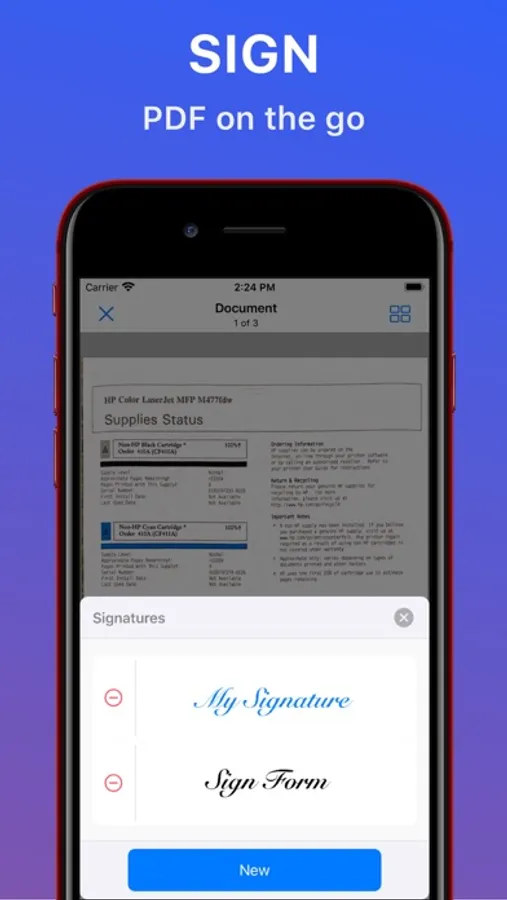
• E-Signature Ready: Create, save, and apply custom signatures in various colors, then sign PDFs in seconds.
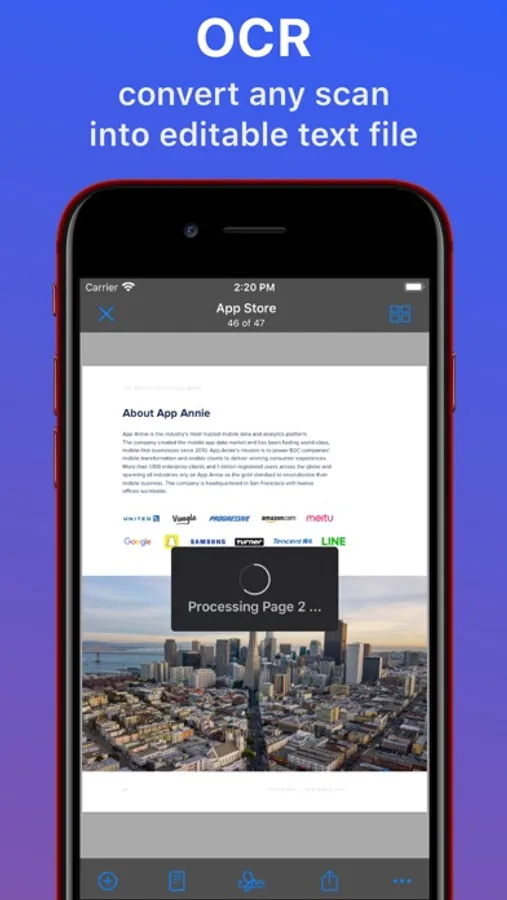
• Powerful OCR: Convert scanned pages into editable text and save extracted content as a text file.
Organize Your Documents
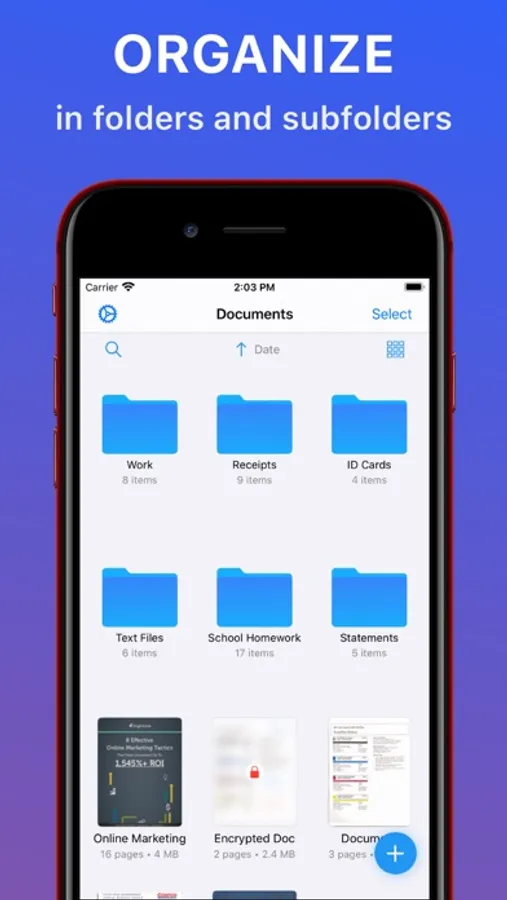
• Smart Organization: Store and manage your scans in unlimited folders and subfolders directly on your device—no Internet required.
• Easy Navigation: View your files in thumbnail or list mode, and quickly search or sort by date, name, or size.
Robust Security & Privacy
• Secure Your Files: Lock and encrypt your PDFs by adding a password.
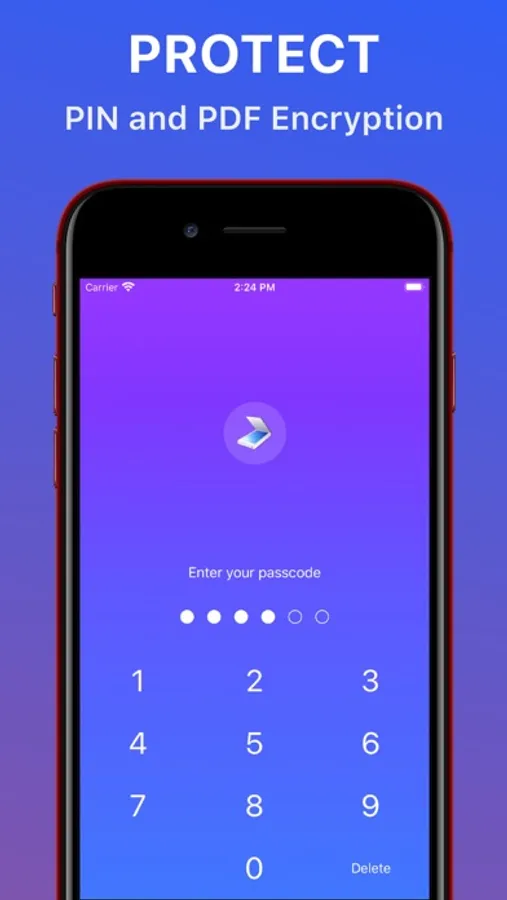
• Advanced Protection: Safeguard documents with a 4-8 digit PIN or biometric authentication (Face ID/Touch ID).
* Upgrade to UltraScanner Premium
Unlock all features with UltraScanner Premium! In the free version, you can save up to 5 PDF files—advanced OCR and PDF signing are reserved for premium users. Choose from a lifetime purchase, monthly, or yearly subscriptions. Payment is charged to your iTunes account, and auto-renewal occurs 24 hours prior to the end of the current period (auto-renewal can be disabled anytime in your iTunes settings).
For support or feedback, please email us at support@rambax.com or contact us directly from within the app.
Terms of Service:
http://rambax.com/scanner/termsofservice
Privacy policy:
http://rambax.com/scanner/privacypolicy
Advanced Scanning Capabilities
• Smart Capture: Automatically scan multipage documents with intuitive shutter control and precise border detection.
• Easy Scanning: Quickly capture receipts, letters, invoices, books, homework, IDs, business cards, credit cards, and more.
• Image Enhancement: Automatic shadow and noise removal plus color correction for clear, legible scans.
• PDF Editing: Crop, rotate, add, delete, reorder, and merge pages to create the perfect PDF.
Seamless Sharing & Printing
• Instant Sharing: Tap the “Share” button to email, message, or export your scans as PDF, JPG, or TXT files.
• Flexible Output: Choose from multiple file sizes and print directly via any WiFi printer.
Effortless E-Sign & OCR
• E-Signature Ready: Create, save, and apply custom signatures in various colors, then sign PDFs in seconds.
• Powerful OCR: Convert scanned pages into editable text and save extracted content as a text file.
Organize Your Documents
• Smart Organization: Store and manage your scans in unlimited folders and subfolders directly on your device—no Internet required.
• Easy Navigation: View your files in thumbnail or list mode, and quickly search or sort by date, name, or size.
Robust Security & Privacy
• Secure Your Files: Lock and encrypt your PDFs by adding a password.
• Advanced Protection: Safeguard documents with a 4-8 digit PIN or biometric authentication (Face ID/Touch ID).
* Upgrade to UltraScanner Premium
Unlock all features with UltraScanner Premium! In the free version, you can save up to 5 PDF files—advanced OCR and PDF signing are reserved for premium users. Choose from a lifetime purchase, monthly, or yearly subscriptions. Payment is charged to your iTunes account, and auto-renewal occurs 24 hours prior to the end of the current period (auto-renewal can be disabled anytime in your iTunes settings).
For support or feedback, please email us at support@rambax.com or contact us directly from within the app.
Terms of Service:
http://rambax.com/scanner/termsofservice
Privacy policy:
http://rambax.com/scanner/privacypolicy