AppRecs review analysis
AppRecs rating 4.5. Trustworthiness 71 out of 100. Review manipulation risk 37 out of 100. Based on a review sample analyzed.
★★★★☆
4.5
AppRecs Rating
Ratings breakdown
5 star
78%
4 star
11%
3 star
4%
2 star
0%
1 star
7%
What to know
✓
Credible reviews
71% trustworthiness score from analyzed reviews
✓
High user satisfaction
78% of sampled ratings are 5 stars
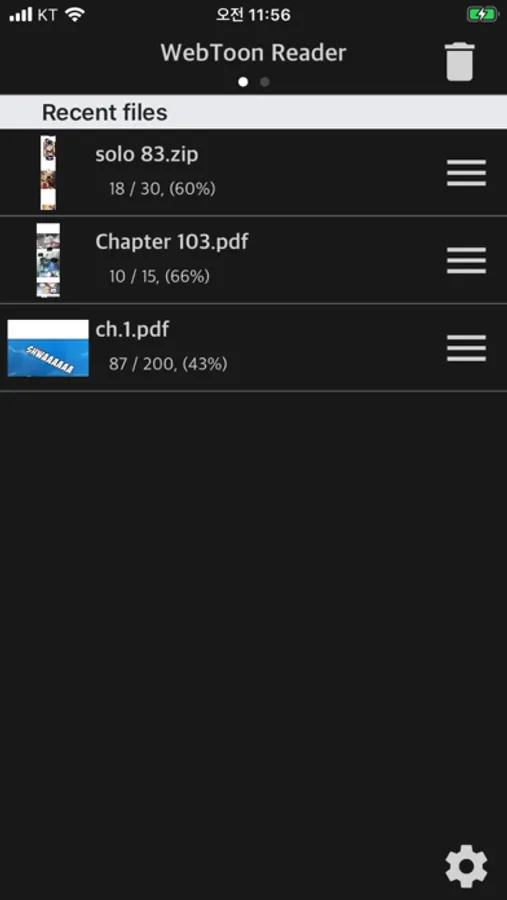
About WebToon Reader - WebComic File
Simple Comic File Reader App
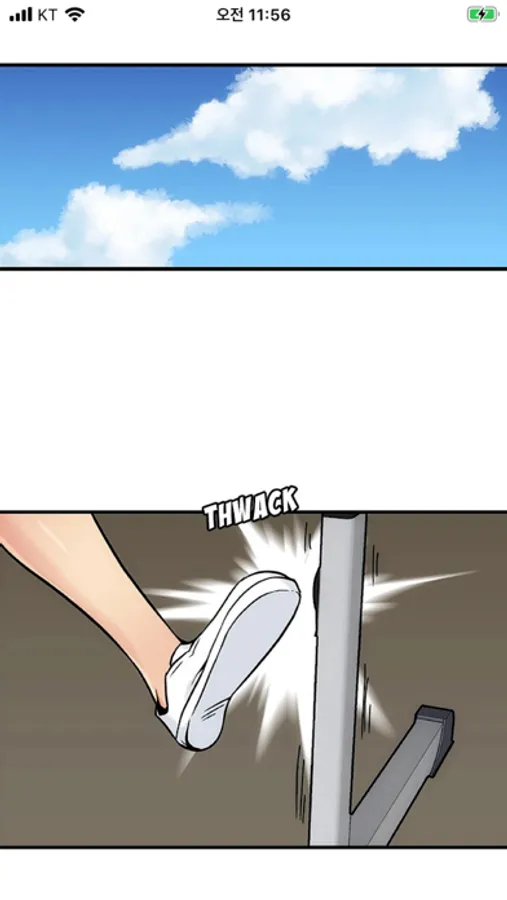
Horizontal Scroll Like Korean Webtoon
- Smooth horizontal scrolling
- Simple options
- CBR, CBZ, CB7, ZIP, RAR, 7Z
- Also supports PDF files
- iPhone, iPad, Mac(Apple Silicon) support (* Some functions may not be supported on Mac)
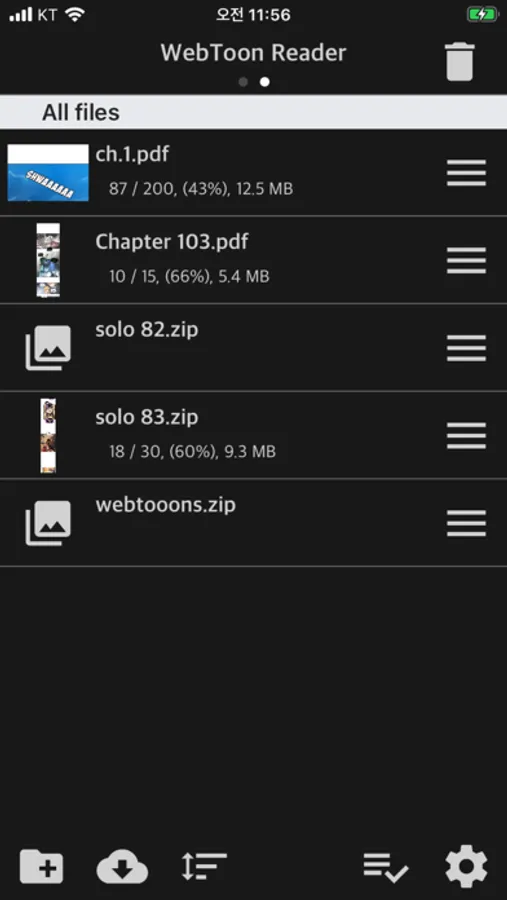
This app can upload and view compressed files or PDF files that users have. (File containing webtoon or Manga image files)
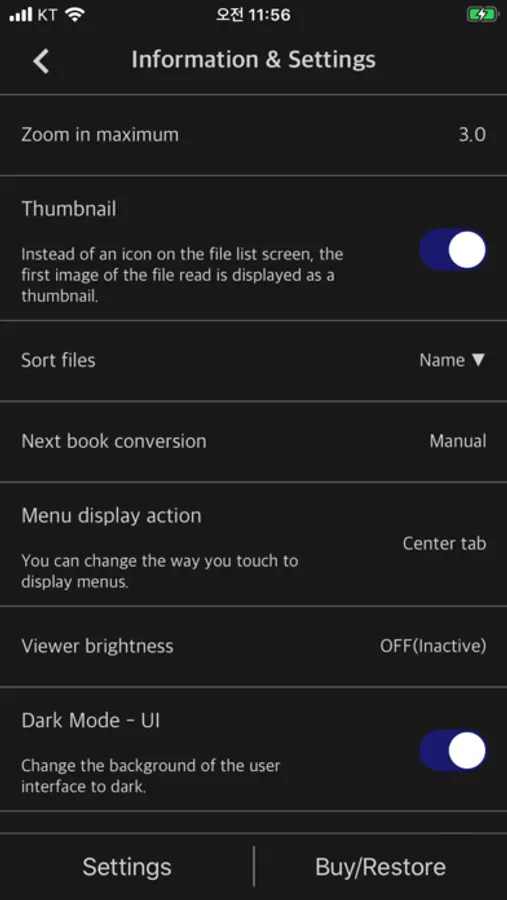
We've optimized and simplified the options to view webtoon files in the current “Manga Viewer” app.
Normal cartoon files can be viewed like watching a webtoon.
** Characteristic **
- Zip, RAR, 7z, cbz, cbr, cb7 compressed files (including images with png, jpeg, jpg and gif extensions + bmp, tiff, tif, webp, avif)
- PDF file support
- Upload via PC web browser (WIFI)
- Import files from cloud apps such as iCloud, Google Drive, Dropbox, OneDrive, Box, etc.
- OneDrive, Dropbox direct login and download
- WebDav, SMB, FTP
- SFTP support
- Upload files with iTunes file sharing
- Cloud app, copy files from mail attachments
- Apply default image sharpening filter
- iPhone, iPad, Mac(Apple Silicon) support
- Pad supports multitasking
- Rotate the screen horizontally and vertically
- “App Lock” function to enter password when entering the app
- “File lock” function to enter password when opening file
- Screen auto off (ON / OFF)
- Continue to last file (ON / OFF)
** Please install the cloud app on your iPhone and log in to import files from the cloud.
If you have any bugs or issues, please send them to the Send button on the top right of the setting screen or send them to junhuloveapple@gmail.com. (Answer in comments may take up to a day to respond to Apple's comment system. Please email us for a quick reply.)
Horizontal Scroll Like Korean Webtoon
- Smooth horizontal scrolling
- Simple options
- CBR, CBZ, CB7, ZIP, RAR, 7Z
- Also supports PDF files
- iPhone, iPad, Mac(Apple Silicon) support (* Some functions may not be supported on Mac)
This app can upload and view compressed files or PDF files that users have. (File containing webtoon or Manga image files)
We've optimized and simplified the options to view webtoon files in the current “Manga Viewer” app.
Normal cartoon files can be viewed like watching a webtoon.
** Characteristic **
- Zip, RAR, 7z, cbz, cbr, cb7 compressed files (including images with png, jpeg, jpg and gif extensions + bmp, tiff, tif, webp, avif)
- PDF file support
- Upload via PC web browser (WIFI)
- Import files from cloud apps such as iCloud, Google Drive, Dropbox, OneDrive, Box, etc.
- OneDrive, Dropbox direct login and download
- WebDav, SMB, FTP
- SFTP support
- Upload files with iTunes file sharing
- Cloud app, copy files from mail attachments
- Apply default image sharpening filter
- iPhone, iPad, Mac(Apple Silicon) support
- Pad supports multitasking
- Rotate the screen horizontally and vertically
- “App Lock” function to enter password when entering the app
- “File lock” function to enter password when opening file
- Screen auto off (ON / OFF)
- Continue to last file (ON / OFF)
** Please install the cloud app on your iPhone and log in to import files from the cloud.
If you have any bugs or issues, please send them to the Send button on the top right of the setting screen or send them to junhuloveapple@gmail.com. (Answer in comments may take up to a day to respond to Apple's comment system. Please email us for a quick reply.)