AppRecs review analysis
AppRecs rating 4.0. Trustworthiness 0 out of 100. Review manipulation risk 0 out of 100. Based on a review sample analyzed.
★★★★☆
4.0
AppRecs Rating
Ratings breakdown
5 star
50%
4 star
33%
3 star
0%
2 star
0%
1 star
17%
What to know
✓
High user satisfaction
83% of sampled ratings are 4+ stars (4.0★ average)
About Facetone: Selfie Photo Editor
Facetone is a simple photo editor and avatar maker. The app is easy to use but will get you excellent results. Use it to make perfect selfies, photos, and avatars. Various filters and effects will help you achieve the look you're going for. Want to have amazing photos to surprise your friends and followers? Use Facetone to add stickers to your selfies to change up your look. Get your pictures to a new level. Add filters and effects in a simple tap.
Just tap twice on the screen to load a photo from the gallery or to open the camera (you can use the edit mode if you need to crop the image), and move the slider on the right to see, how the app acts on your skin. Then, you can share your new face and avatar on Instagram, TikTok, Facebook, Twitter, and other social networks and apps.
SELFIES
- Smooth out your skin
- Use filters to beautify your skin
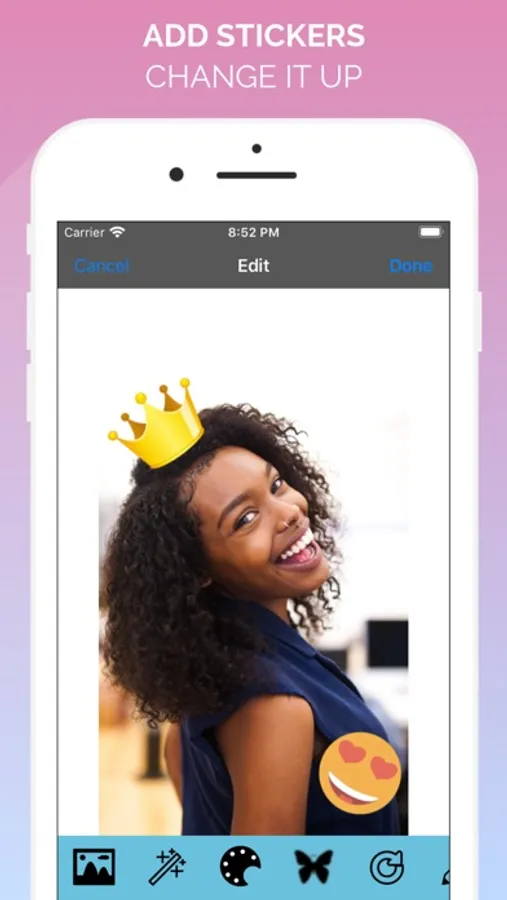
- Add stickers to make your selfies stand out more
STICKERS
- Add stickers to your pictures to make them stand out more
- Change up your look
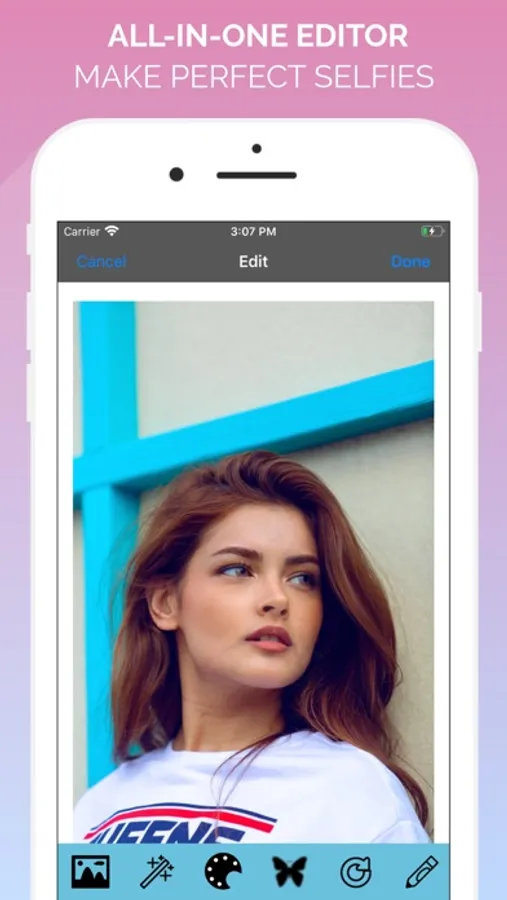
ALL-IN-ONE-EDITOR
- Play with different settings to make your photos unique
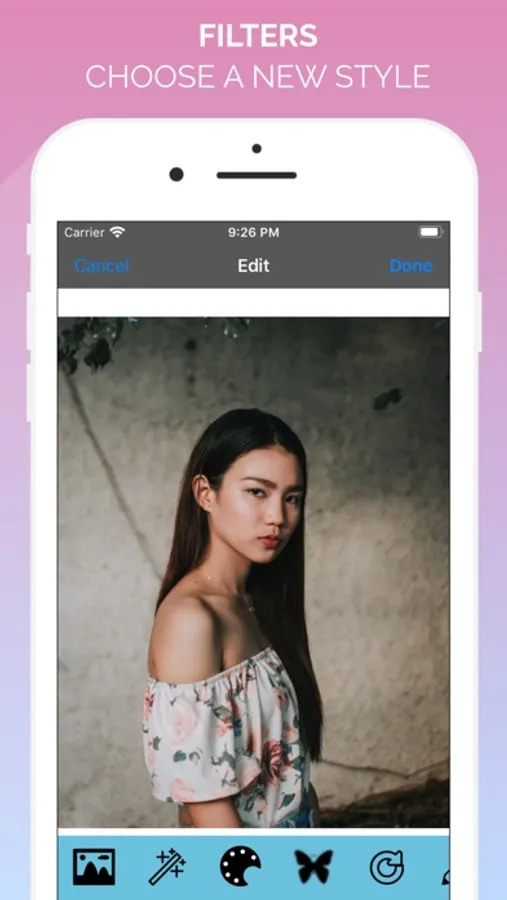
- Use different filters to change your style
- Apply color filters and numerous other tools
- Change the style and color of your photos
- Combine effects to personalize your style
Quickly edit your photos and avatars to perfection! Share them with your friends and followers!
Just tap twice on the screen to load a photo from the gallery or to open the camera (you can use the edit mode if you need to crop the image), and move the slider on the right to see, how the app acts on your skin. Then, you can share your new face and avatar on Instagram, TikTok, Facebook, Twitter, and other social networks and apps.
SELFIES
- Smooth out your skin
- Use filters to beautify your skin
- Add stickers to make your selfies stand out more
STICKERS
- Add stickers to your pictures to make them stand out more
- Change up your look
ALL-IN-ONE-EDITOR
- Play with different settings to make your photos unique
- Use different filters to change your style
- Apply color filters and numerous other tools
- Change the style and color of your photos
- Combine effects to personalize your style
Quickly edit your photos and avatars to perfection! Share them with your friends and followers!