AppRecs review analysis
AppRecs rating 5.0. Trustworthiness 45 out of 100. Review manipulation risk 20 out of 100. Based on a review sample analyzed.
★★★★★
5.0
AppRecs Rating
Ratings breakdown
5 star
100%
4 star
0%
3 star
0%
2 star
0%
1 star
0%
What to know
⚠
Unusually uniform ratings
100% of sampled ratings are 5 stars with very little variation
About Harvard Library Checkout
All patrons with a Harvard Library borrowing account may use the Harvard Library checkout app to check out items from Cabot Science, Tozzer, and Countway Libraries and the Biblioteca Berenson
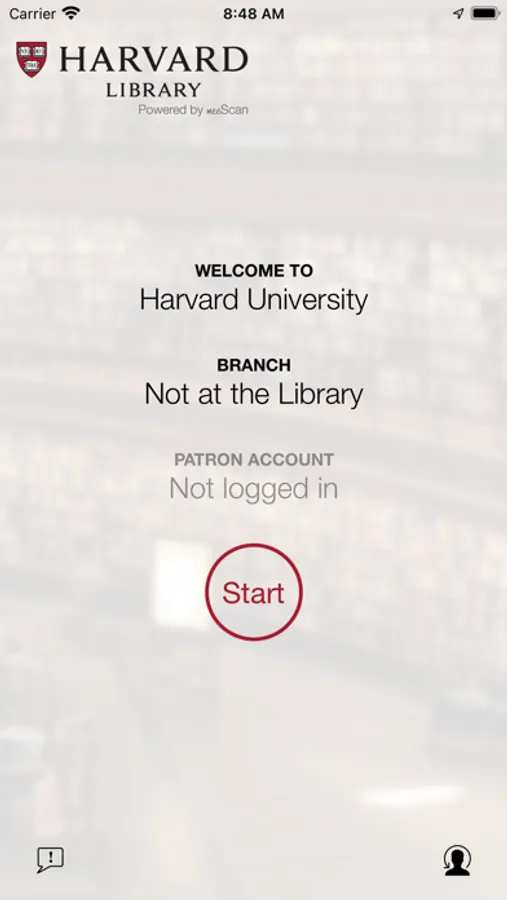
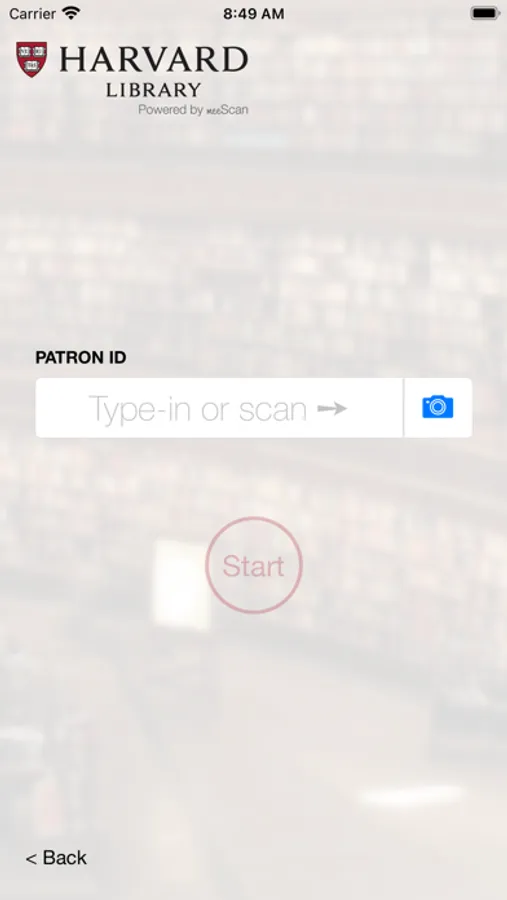
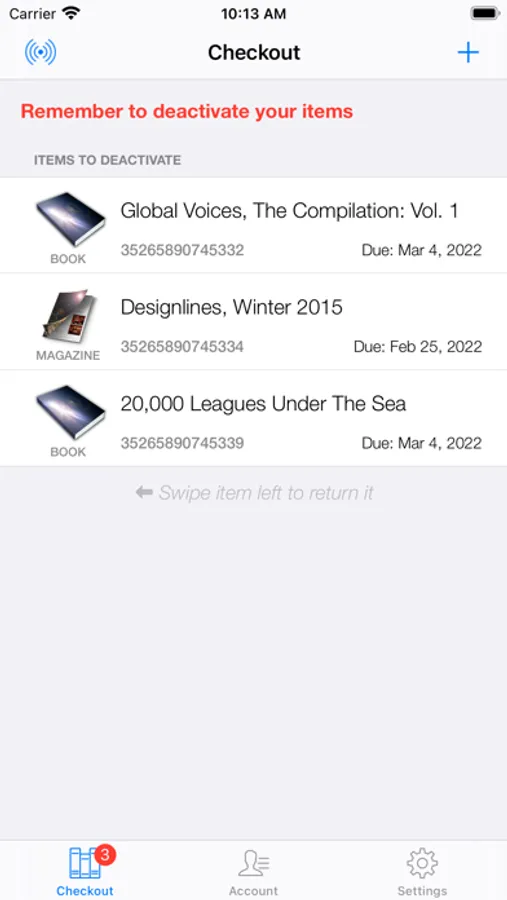
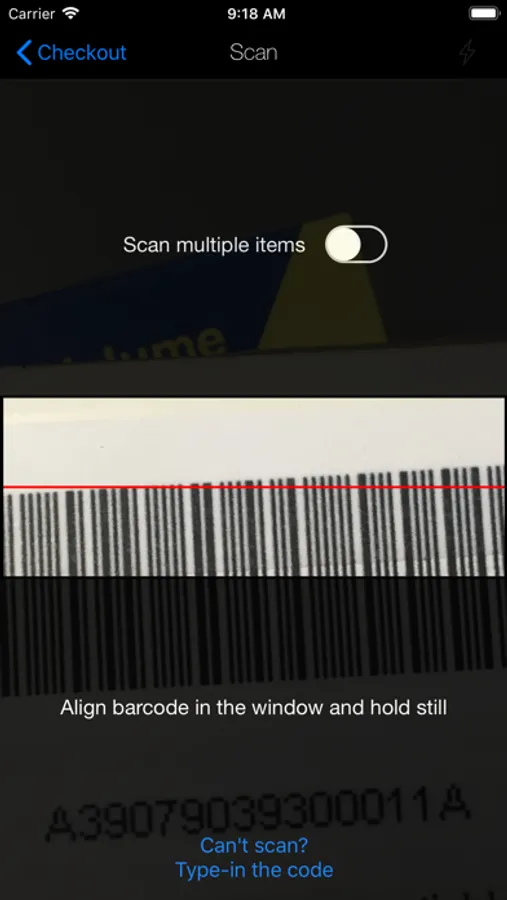
The app will automatically recognize your library location. Download the app to your phone, open the app and login with your with your Harvard ID number (located on the front of your Harvard ID or Harvard Library borrower card) and use your phone’s camera to take pictures of the barcodes on the items you want to check out. Note that at Tozzer Library you will also need to deactivate the checked-out item at the deactivation station before leaving the library.
The app will automatically recognize your library location. Download the app to your phone, open the app and login with your with your Harvard ID number (located on the front of your Harvard ID or Harvard Library borrower card) and use your phone’s camera to take pictures of the barcodes on the items you want to check out. Note that at Tozzer Library you will also need to deactivate the checked-out item at the deactivation station before leaving the library.