Virtual Dashboard
Kevinnovate, LLC
4.5 ★
store rating
Free
AppRecs review analysis
AppRecs rating 4.0. Trustworthiness 45 out of 100. Review manipulation risk 28 out of 100. Based on a review sample analyzed.
★★★☆☆
4.0
AppRecs Rating
Ratings breakdown
5 star
77%
4 star
8%
3 star
8%
2 star
0%
1 star
8%
About Virtual Dashboard
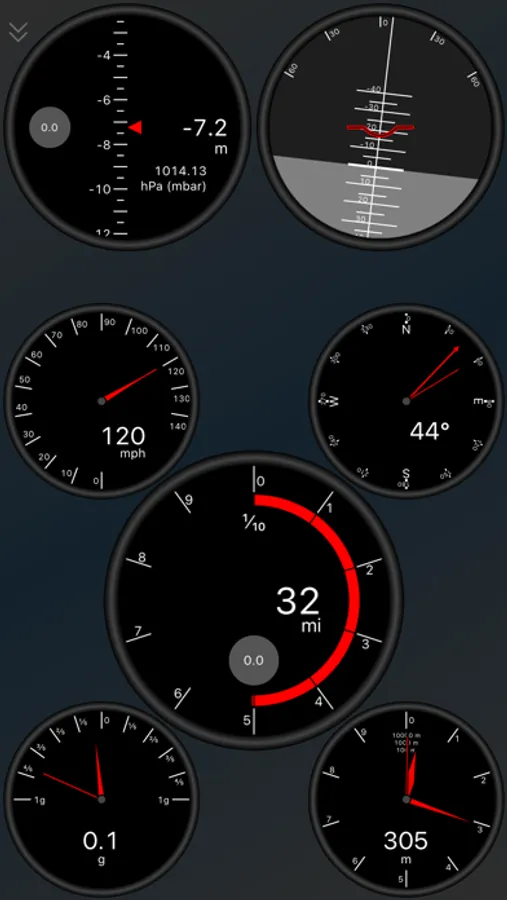
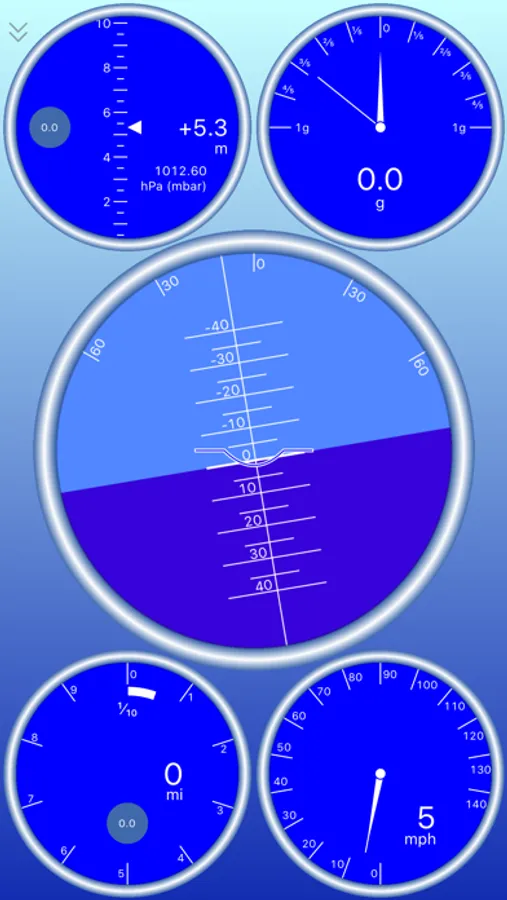
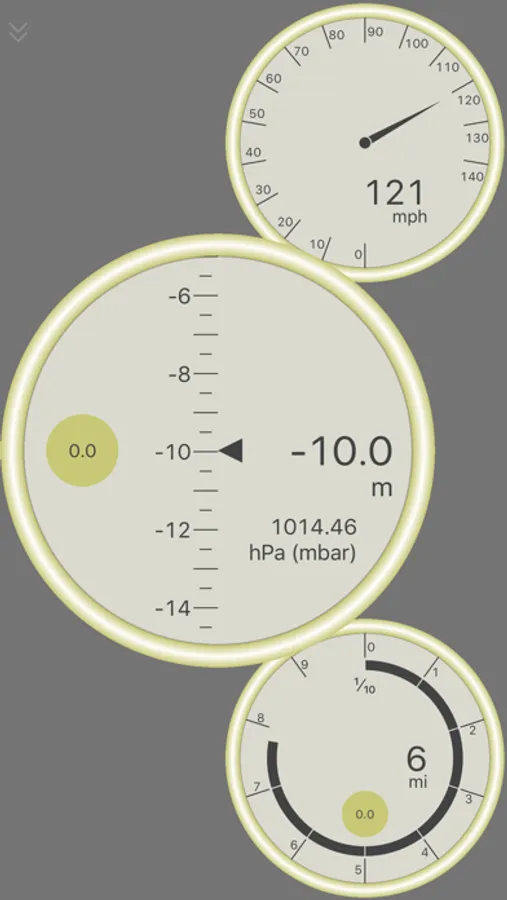
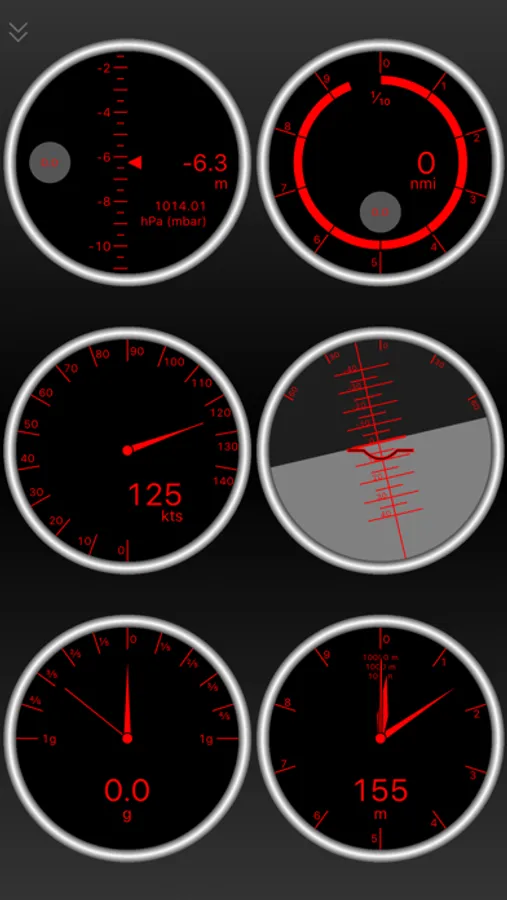
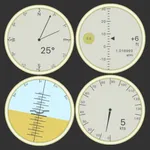
Bring your iPhone and iPad's sensors to life on Virtual Dashboard. Arrange a variety of different gauges to create your own custom dashboards. You can choose from:
○ Speedometer (with peak hold)
○ Odometer (distance travelled, resettable)
○ GPS Altimeter (absolute altitude)
○ Barometric Altimeter (relative altitude)
○ Accelerometer (with peak hold)
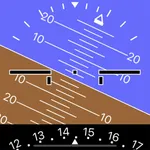
○ Artificial Horizon (pitch and roll)
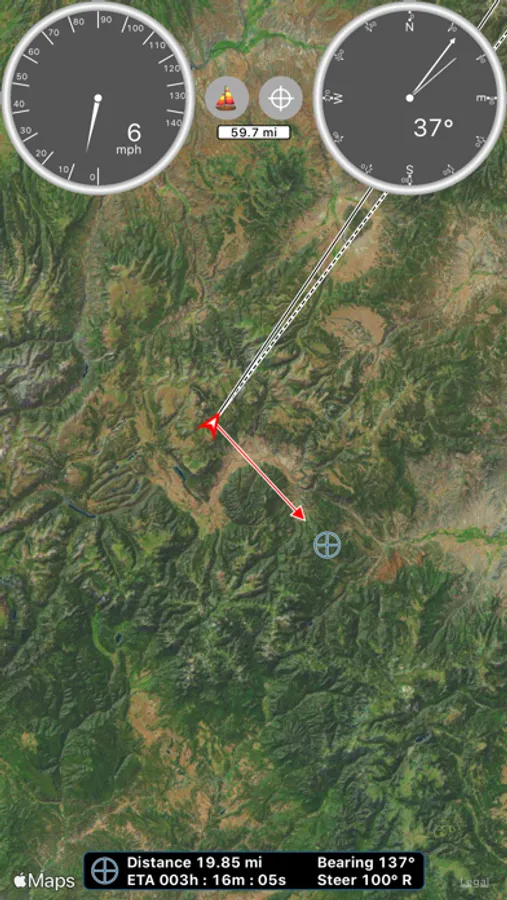
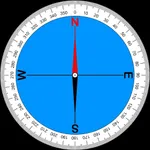
○ Compass (with magnetic heading and true track indicator)
○ Elapsed time (with average speed)
Swipe to display a navigational map with resizable gauge overlays. You can select from road, bike, nautical chart, satellite, topographic, and survey (blank) modes.
The map shows your current coordinates, track, and heading, and drops breadcrumb markers as you travel.
Tap to set a destination and the map displays your distance, bearing, direction to steer, and ETA to the destination.
Search the map for points of interest or street addresses.
Customize your units, map features, and gauge behavior. Select from one of the many available themes (theme requires in-app purchase).
Connect your external MFI GPS device and see faster updates. We currently support the Bad Elf GPS units.
○ Speedometer (with peak hold)
○ Odometer (distance travelled, resettable)
○ GPS Altimeter (absolute altitude)
○ Barometric Altimeter (relative altitude)
○ Accelerometer (with peak hold)
○ Artificial Horizon (pitch and roll)
○ Compass (with magnetic heading and true track indicator)
○ Elapsed time (with average speed)
Swipe to display a navigational map with resizable gauge overlays. You can select from road, bike, nautical chart, satellite, topographic, and survey (blank) modes.
The map shows your current coordinates, track, and heading, and drops breadcrumb markers as you travel.
Tap to set a destination and the map displays your distance, bearing, direction to steer, and ETA to the destination.
Search the map for points of interest or street addresses.
Customize your units, map features, and gauge behavior. Select from one of the many available themes (theme requires in-app purchase).
Connect your external MFI GPS device and see faster updates. We currently support the Bad Elf GPS units.