Cut-ups
Geoffry Gambling
3.7 ★
store rating
Free
AppRecs review analysis
AppRecs rating 4.0. Trustworthiness 82 out of 100. Review manipulation risk 16 out of 100. Based on a review sample analyzed.
★★★☆☆
4.0
AppRecs Rating
Ratings breakdown
5 star
67%
4 star
0%
3 star
0%
2 star
0%
1 star
33%
What to know
✓
Low review manipulation risk
16% review manipulation risk
✓
Credible reviews
82% trustworthiness score from analyzed reviews
✓
Good user ratings
67% positive sampled reviews
About Cut-ups
The Cut-up technique is a creativity process originally popularized by the DADAists. It involves cutting up existing text sources and rearranging them to inspire new ideas. The method was later used by William S. Burroughs, David Bowie, and Radiohead among others.
Instructions:
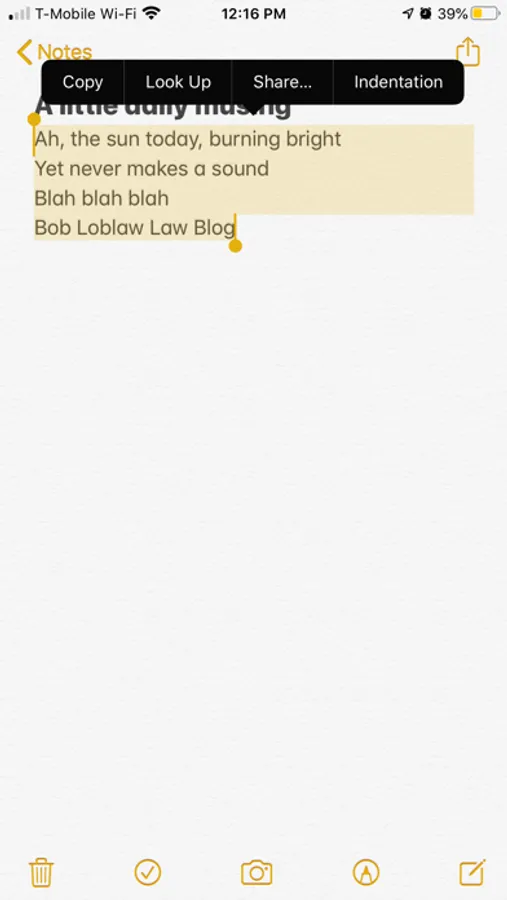
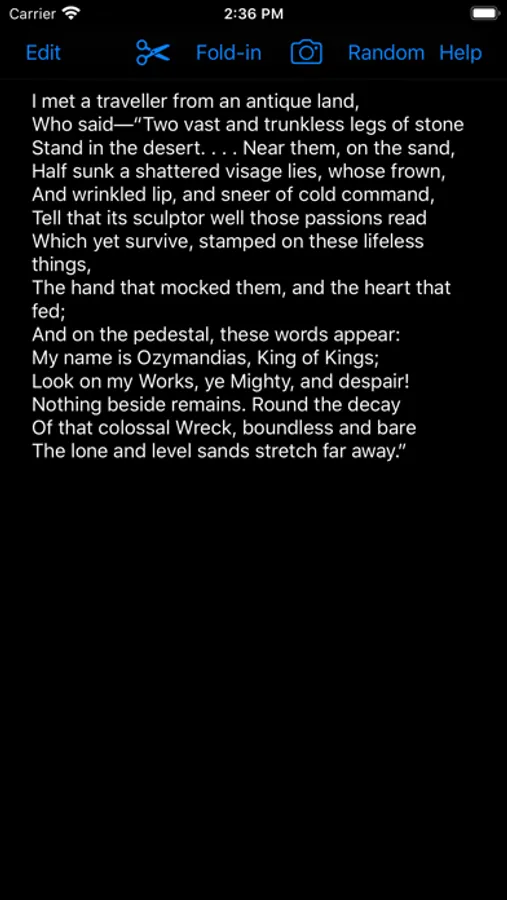
•) Paste in any copied text such as a poem, lyrics, a journal or diary entry-- even *news articles(although these may require more care in formatting into separate lines). Paste in any text you want
•) Any text that is separated by a "return" will be counted as a new line
•) You can use the "return" on the iOS keyboard to simulate cutting the text anywhere you want. Many source materials may already automatically have lines separated when you paste them in, but it could be fun to cut up lines even further, perhaps in-half.
•) Feel free to type in extra lines on the fly or edit existing lines using the keyboard
•) Copying and pasting from different sources is a good way to get interesting blends
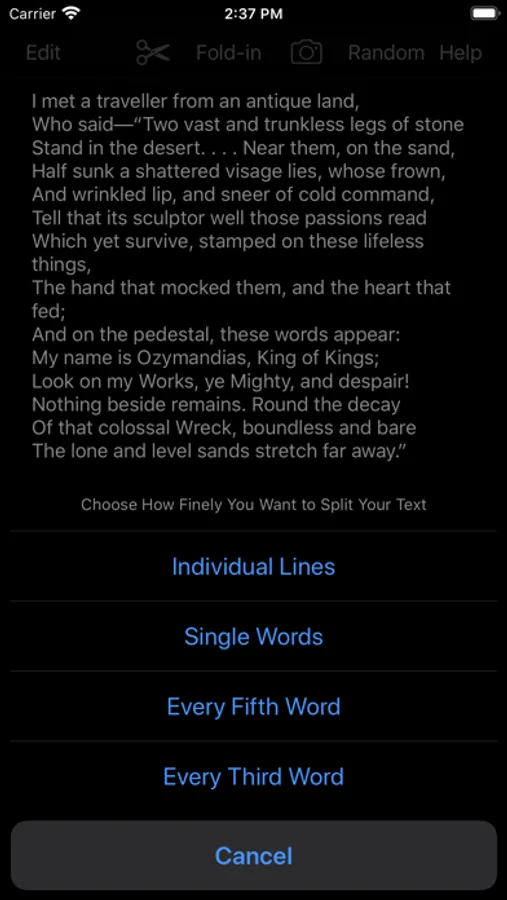
•) When you are satisfied with your formatting, clicking on "Automatic" will cut the text into lines and send them to the editing board
•) You can also use iOS' built-in copy and paste to manually send a single line, words, or word to the editing board.
•) To begin rearranging the lines, click on the "Edit" button
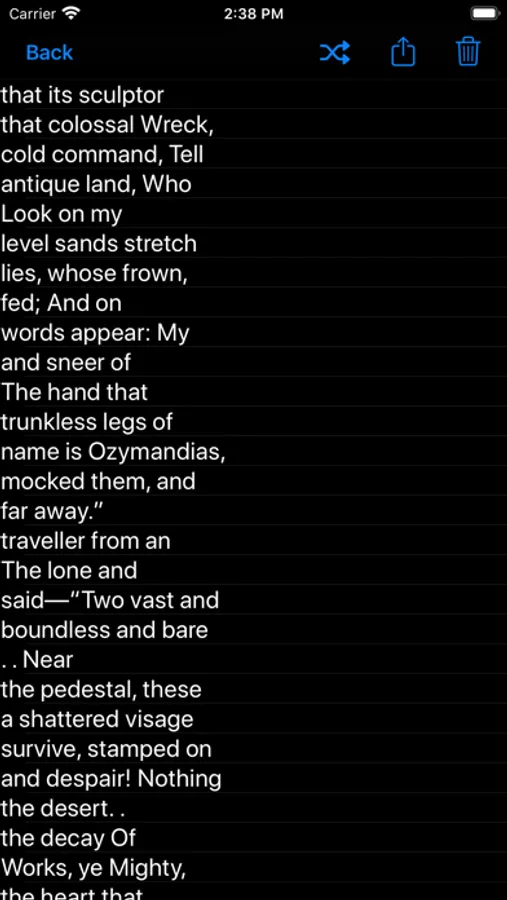
•) Rearranging can be done manually by clicking on a line and dragging it, or automatically by clicking "shuffle". You can press shuffle as many times as you wish
•) You can go back to the input screen and add more content at any time
•) Export your rearranged lines via the "Share" button.
•) Press "Clear" to start over completely
* REMEMBER TO ABIDE BY ANY LICENSING AND ATTRIBUTION REQUIREMENTS IF YOU USE THIRD PARTY SOURCES
"""
App Icons were made by https://www.flaticon.com/authors/flat-icons
Gutenberg.org is used for the "random" feature per their permission to only use human interaction and only for educational use.
Instructions:
•) Paste in any copied text such as a poem, lyrics, a journal or diary entry-- even *news articles(although these may require more care in formatting into separate lines). Paste in any text you want
•) Any text that is separated by a "return" will be counted as a new line
•) You can use the "return" on the iOS keyboard to simulate cutting the text anywhere you want. Many source materials may already automatically have lines separated when you paste them in, but it could be fun to cut up lines even further, perhaps in-half.
•) Feel free to type in extra lines on the fly or edit existing lines using the keyboard
•) Copying and pasting from different sources is a good way to get interesting blends
•) When you are satisfied with your formatting, clicking on "Automatic" will cut the text into lines and send them to the editing board
•) You can also use iOS' built-in copy and paste to manually send a single line, words, or word to the editing board.
•) To begin rearranging the lines, click on the "Edit" button
•) Rearranging can be done manually by clicking on a line and dragging it, or automatically by clicking "shuffle". You can press shuffle as many times as you wish
•) You can go back to the input screen and add more content at any time
•) Export your rearranged lines via the "Share" button.
•) Press "Clear" to start over completely
* REMEMBER TO ABIDE BY ANY LICENSING AND ATTRIBUTION REQUIREMENTS IF YOU USE THIRD PARTY SOURCES
"""
App Icons were made by https://www.flaticon.com/authors/flat-icons
Gutenberg.org is used for the "random" feature per their permission to only use human interaction and only for educational use.