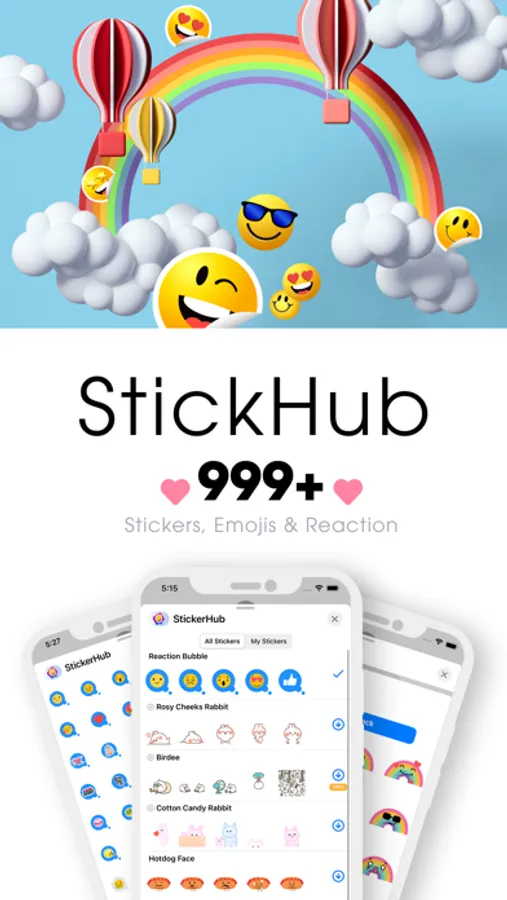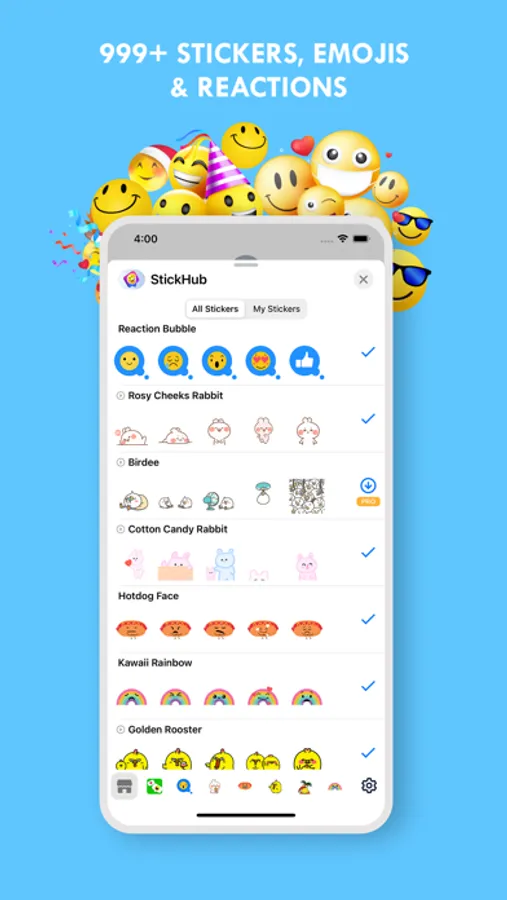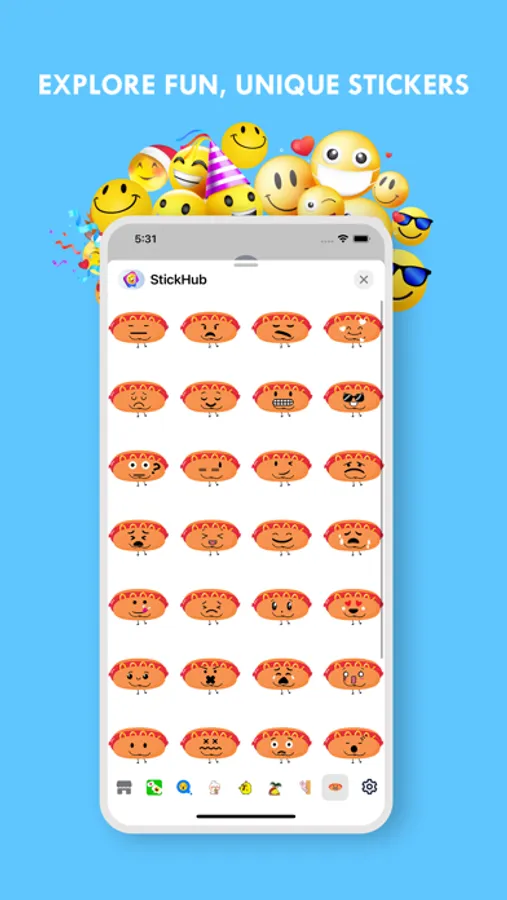
In this messaging app, users can access a library of animated stickers and emojis for iMessage chats. Includes custom sticker creation with fonts, colors, and the ability to reverse messages or react with emojis.
About StickHub: Yes No Reverse Maker
StikHub - Top sticker library for iMessage
With StikHub you will be able to use hundreds of sticker packs for iMessage
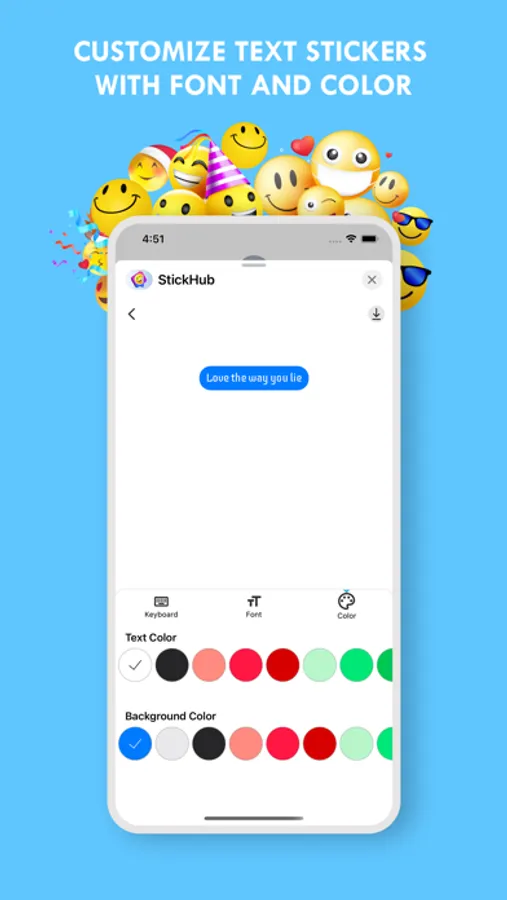
StikHub will let you create your own reverse stickers, text stickers. You will be free to create your stickers with custom colors and fonts. Send them to friends or use them to reverse messages
EXPLORE:
- Hundreds of animated sticker packs, emojis for you to use in iMessage chats
- New sticker packs update regularly
CREATE:
- Use beautiful fonts and elegant colors to create your stickers
- Send stickers immediately after creating or save them for repeated use
- Create text message to reverse message.
REACTION:
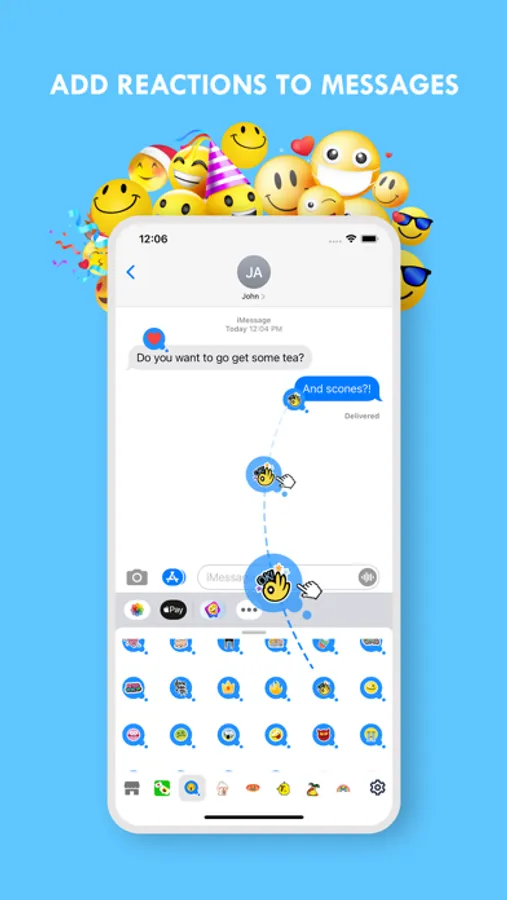
- You can react to messages with an emoji, like a smiley face, to make it more visual and playful.
- To use this: Open Reaction Bubble packs → Drag & Drop emoji to message bubble
With StikHub you will be able to use hundreds of sticker packs for iMessage
StikHub will let you create your own reverse stickers, text stickers. You will be free to create your stickers with custom colors and fonts. Send them to friends or use them to reverse messages
EXPLORE:
- Hundreds of animated sticker packs, emojis for you to use in iMessage chats
- New sticker packs update regularly
CREATE:
- Use beautiful fonts and elegant colors to create your stickers
- Send stickers immediately after creating or save them for repeated use
- Create text message to reverse message.
REACTION:
- You can react to messages with an emoji, like a smiley face, to make it more visual and playful.
- To use this: Open Reaction Bubble packs → Drag & Drop emoji to message bubble