About DCX.Client 2
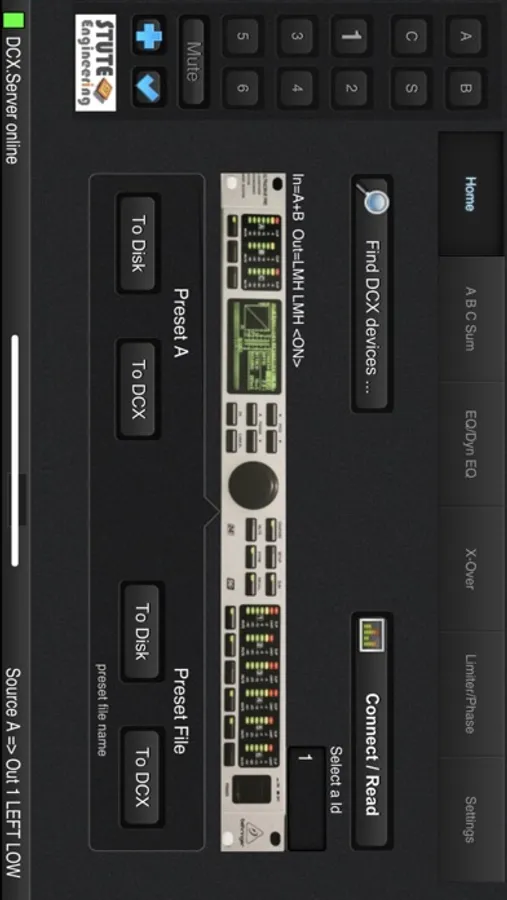
Wi-Fi remote control system for DCX2496 device.
What you need to control:
• This DCX.Client app
• The extra PC software DCX.Server 2 (MS-Windows / macOS) with a USB-RS232 interface
Tip: For the first experiences with DCX.Client download the free test version DCX.Server 2 from our homepage.
Supported DCX2496 functions
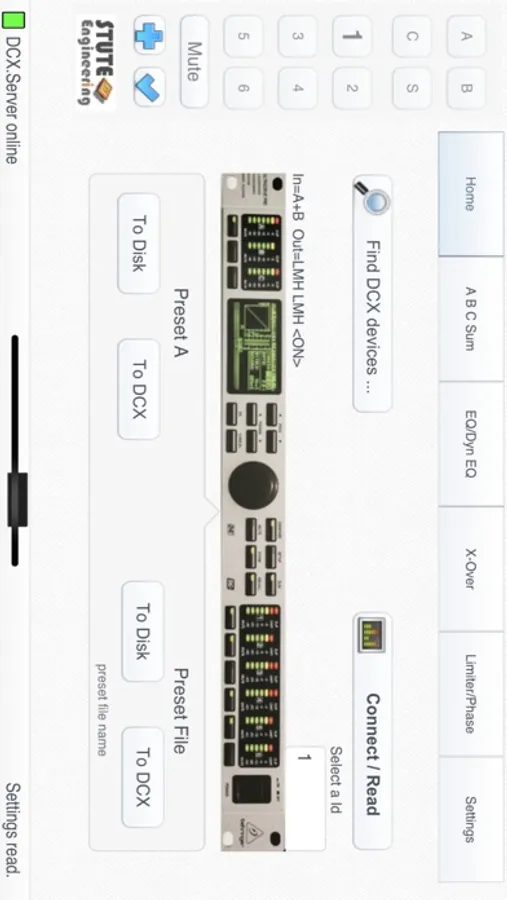
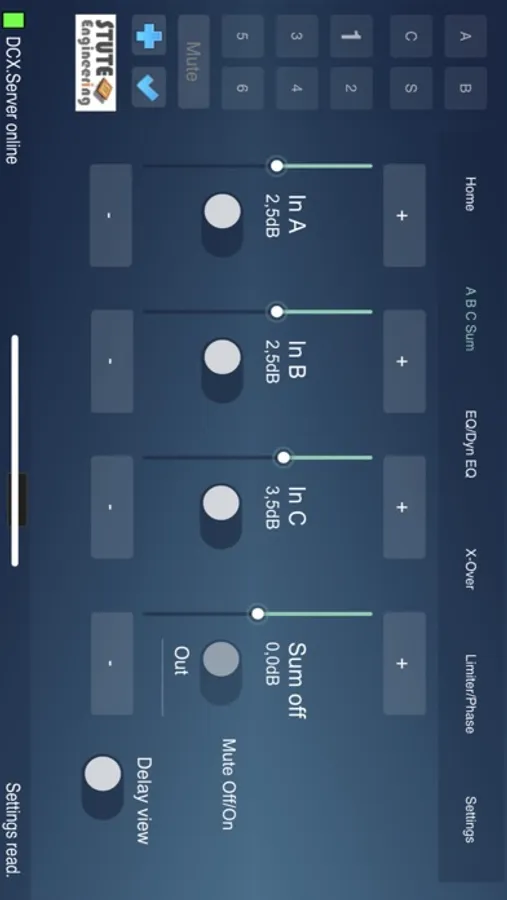
• Input A/B/C/Sum: Gain, Mute, Delay, EQ 1..9, Dynamic EQ, Sum In A/B/C
• Output 1..6: Gain, Mute, Delay (long & short), EQ 1..9, Dynamic EQ, X-Over incl. X-over Link, Phase, Polarity, Limiter
• Adjust Output configuration (e.g. LMH LMH)
• Configure In Stereo Link (e.g. A+B)
• Set "Sum" signal sources
• Select input sources for the outputs 1..6
Features
• Unlimited app version (no demo/trail version)
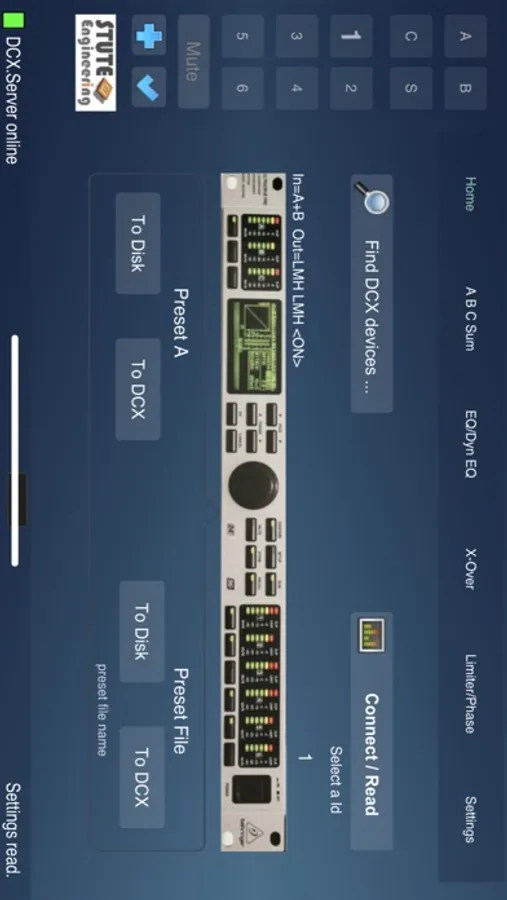
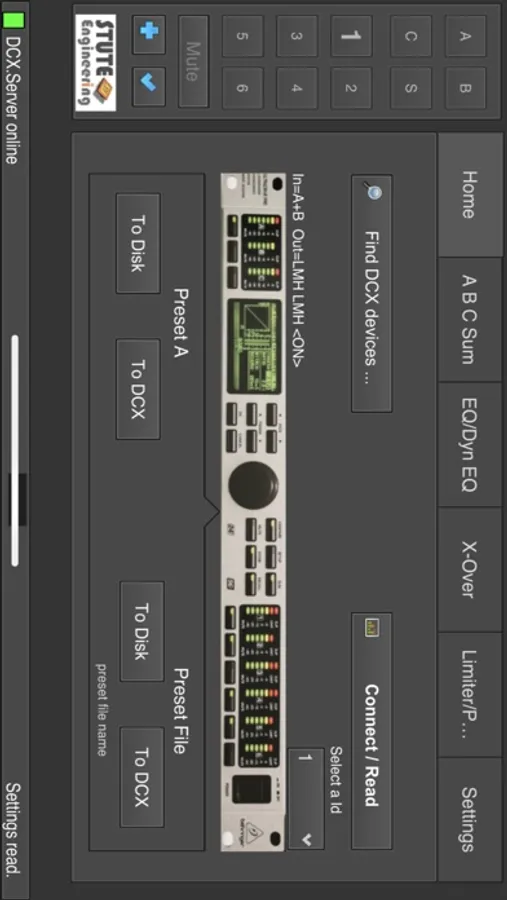
• File presets to down-/upload your sound setup for different music halls
• Setup transfer from device A to B
• Undo-Redo of the last action
• Mute/Un-mute all outputs with a single button
• Control up to 16 DCX2496 devices with a single app (RS232/RS485 cluster)
• Search for the device Id of the connected DCX2496 devices
• Password protection to avoid inadvertent re-adjustment
• PDF Manual in English and German (online)
Note: DCX.Client is also available for macOS devices.
What you need to control:
• This DCX.Client app
• The extra PC software DCX.Server 2 (MS-Windows / macOS) with a USB-RS232 interface
Tip: For the first experiences with DCX.Client download the free test version DCX.Server 2 from our homepage.
Supported DCX2496 functions
• Input A/B/C/Sum: Gain, Mute, Delay, EQ 1..9, Dynamic EQ, Sum In A/B/C
• Output 1..6: Gain, Mute, Delay (long & short), EQ 1..9, Dynamic EQ, X-Over incl. X-over Link, Phase, Polarity, Limiter
• Adjust Output configuration (e.g. LMH LMH)
• Configure In Stereo Link (e.g. A+B)
• Set "Sum" signal sources
• Select input sources for the outputs 1..6
Features
• Unlimited app version (no demo/trail version)
• File presets to down-/upload your sound setup for different music halls
• Setup transfer from device A to B
• Undo-Redo of the last action
• Mute/Un-mute all outputs with a single button
• Control up to 16 DCX2496 devices with a single app (RS232/RS485 cluster)
• Search for the device Id of the connected DCX2496 devices
• Password protection to avoid inadvertent re-adjustment
• PDF Manual in English and German (online)
Note: DCX.Client is also available for macOS devices.