Passly Authenticator
Kaseya International Limited
3.2 ★
store rating
Free
AppRecs review analysis
AppRecs rating 3.0. Trustworthiness 81 out of 100. Review manipulation risk 23 out of 100. Based on a review sample analyzed.
★★☆☆☆
3.0
AppRecs Rating
Ratings breakdown
5 star
50%
4 star
0%
3 star
4%
2 star
8%
1 star
38%
What to know
✓
Low review manipulation risk
23% review manipulation risk
✓
Credible reviews
81% trustworthiness score from analyzed reviews
About Passly Authenticator
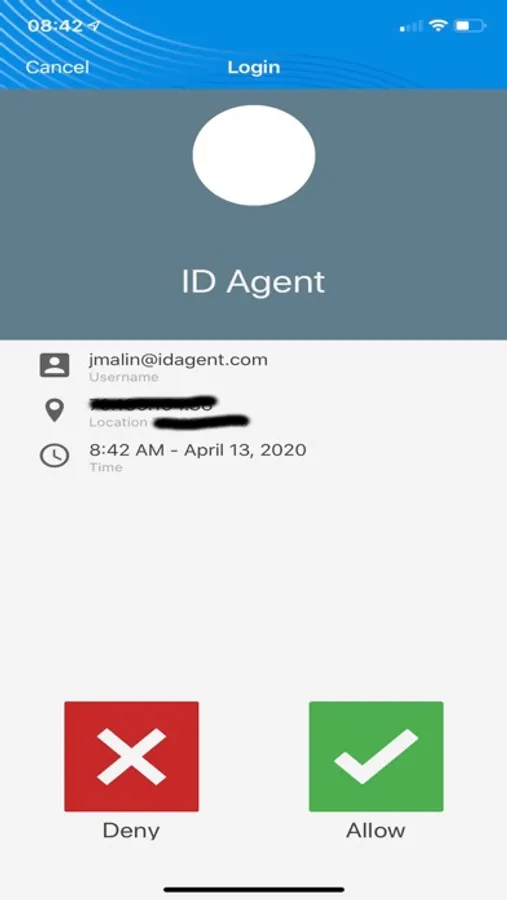
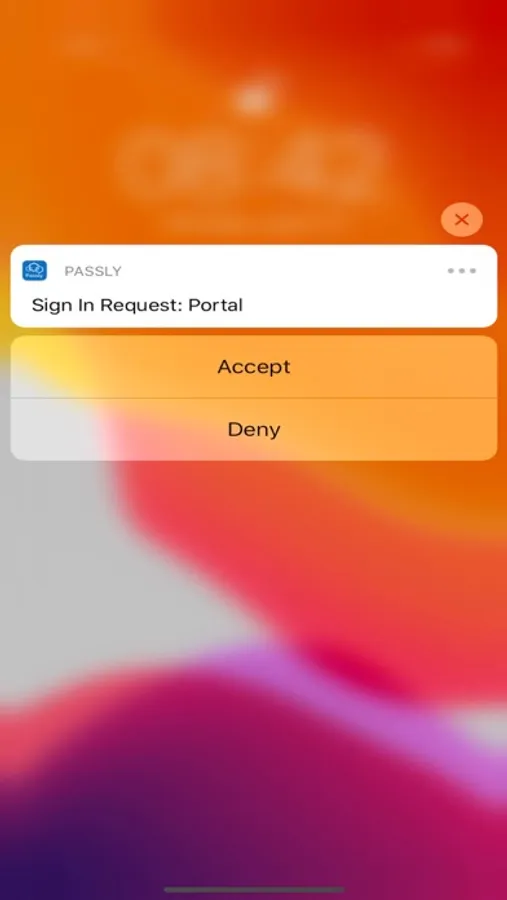
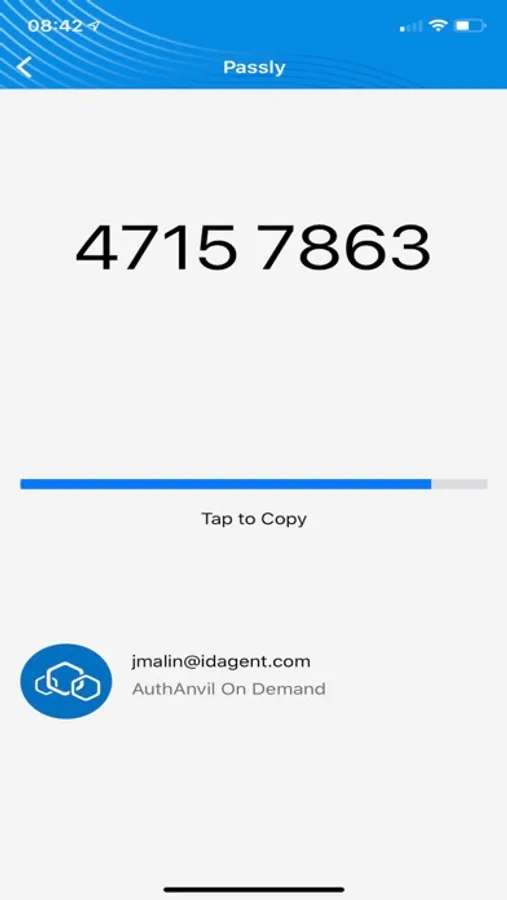
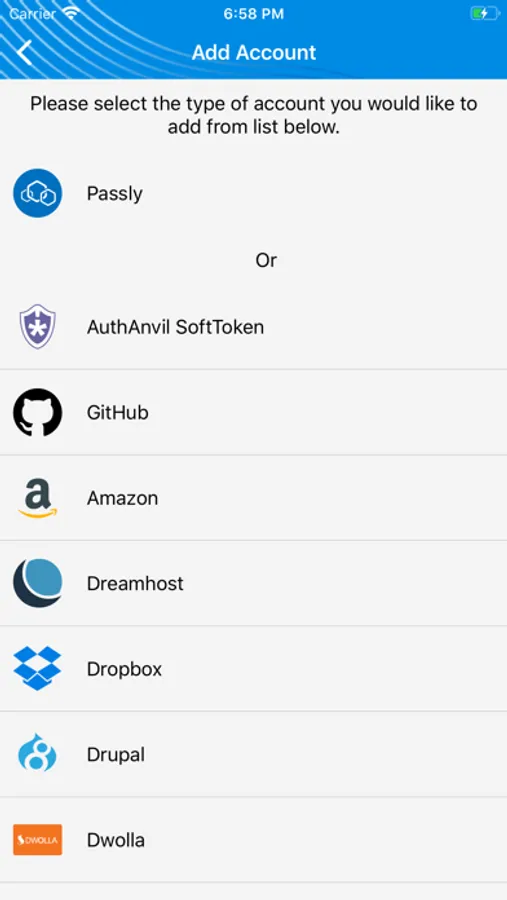
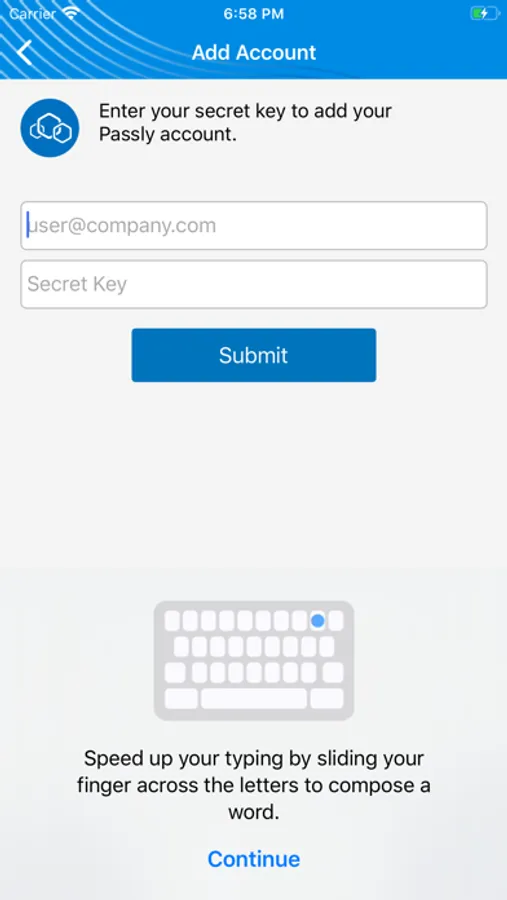
Passly Authenticator transforms your smartphone into a two-factor authentication device capable of receiving push notifications or generating unique one time passwords (OTP) to make logins more secure. You can also use the Passly Authenticator to securely manage two-factor authentication for many other popular 3rd party applications and services that make use of OTPs.
This app provides identity assurance protection when you need to log into protected resources such as Windows servers and workstations through Terminal Services and DirectAccess. It also provides credentials for VPNs, WLANs and web applications like Remote Web Workplace, Outlook Web Access and SharePoint. It provides your credentials to web applications like Office 365 and Google Apps, and offers direct access into thousands of your favorite applications and websites with Passly Single Sign On.
You can automatically provision the authenticator through your first time onboarding experience or at any time through your online profile if you have a Passly account.
If you are having any issues, please contact your IT Department or Managed Service Provider. They can open a ticket with our support department to assist.
This app provides identity assurance protection when you need to log into protected resources such as Windows servers and workstations through Terminal Services and DirectAccess. It also provides credentials for VPNs, WLANs and web applications like Remote Web Workplace, Outlook Web Access and SharePoint. It provides your credentials to web applications like Office 365 and Google Apps, and offers direct access into thousands of your favorite applications and websites with Passly Single Sign On.
You can automatically provision the authenticator through your first time onboarding experience or at any time through your online profile if you have a Passly account.
If you are having any issues, please contact your IT Department or Managed Service Provider. They can open a ticket with our support department to assist.