AppRecs review analysis
AppRecs rating 2.8. Trustworthiness 0 out of 100. Review manipulation risk 0 out of 100. Based on a review sample analyzed.
★★☆☆☆
2.8
AppRecs Rating
Ratings breakdown
5 star
40%
4 star
0%
3 star
0%
2 star
20%
1 star
40%
What to know
⚠
Mixed user feedback
Average 2.8★ rating suggests room for improvement
About saib token
saib token, is a security application providing saib's Internet & Mobile Banking customers a safer and more convenient way to carry out their daily online banking transactions.
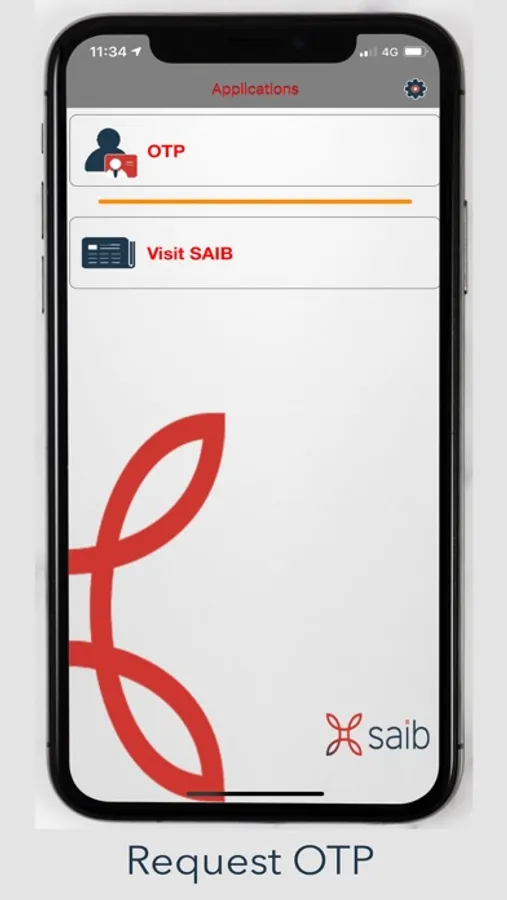
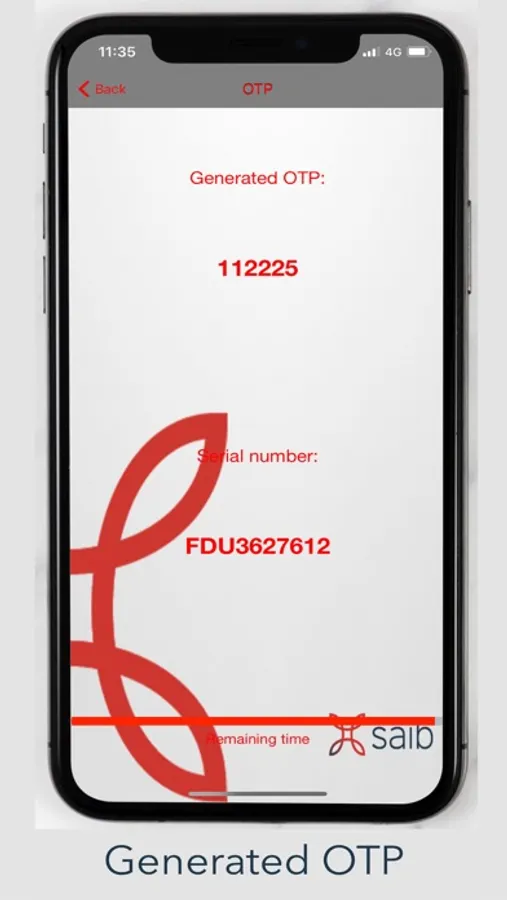
Once activated, saib token is used to generate OTP (One Time Password) to authorize your online banking transactions.
For your security, each generated OTP is used once and is only valid for a short period of time.
Security features on saib token include:
• User-defined PIN
• Online token activation
• PIN is not checked or stored on a mobile device
• Encrypted token key store
How to get started:
1) Download saib token on your mobile device.
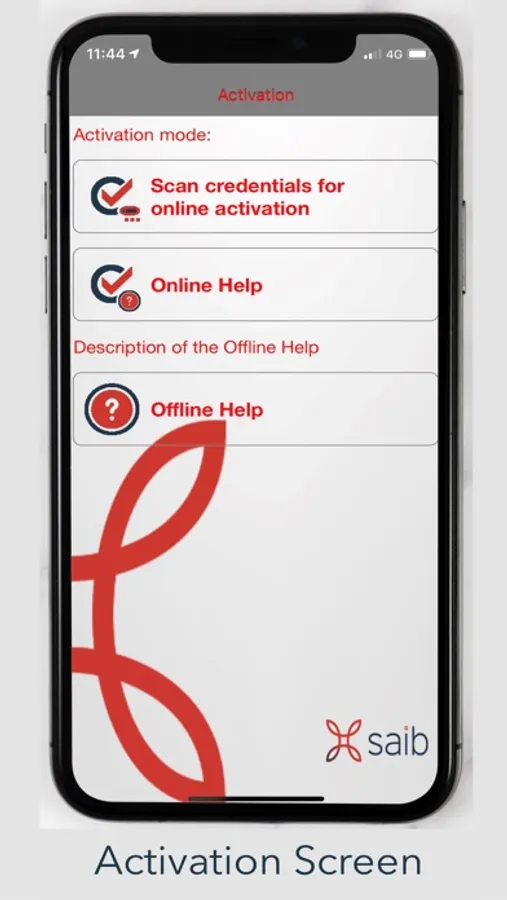
2) Activate saib token by login to your Internet / Mobile Banking using your account (Username & Password) then san QR-Code to activate your soft token "saib token".
3) Set your PIN to enable you generation of OTP (One Time Passwords).
Once activated, saib token is used to generate OTP (One Time Password) to authorize your online banking transactions.
For your security, each generated OTP is used once and is only valid for a short period of time.
Security features on saib token include:
• User-defined PIN
• Online token activation
• PIN is not checked or stored on a mobile device
• Encrypted token key store
How to get started:
1) Download saib token on your mobile device.
2) Activate saib token by login to your Internet / Mobile Banking using your account (Username & Password) then san QR-Code to activate your soft token "saib token".
3) Set your PIN to enable you generation of OTP (One Time Passwords).