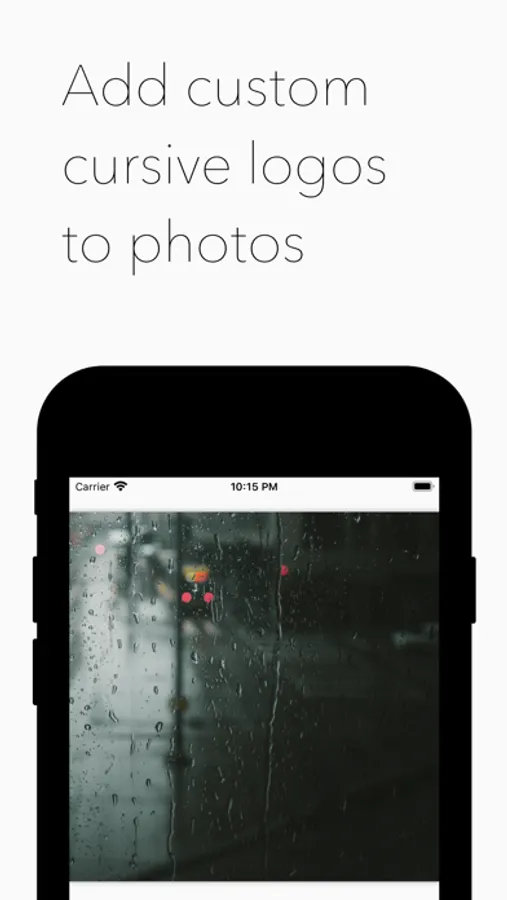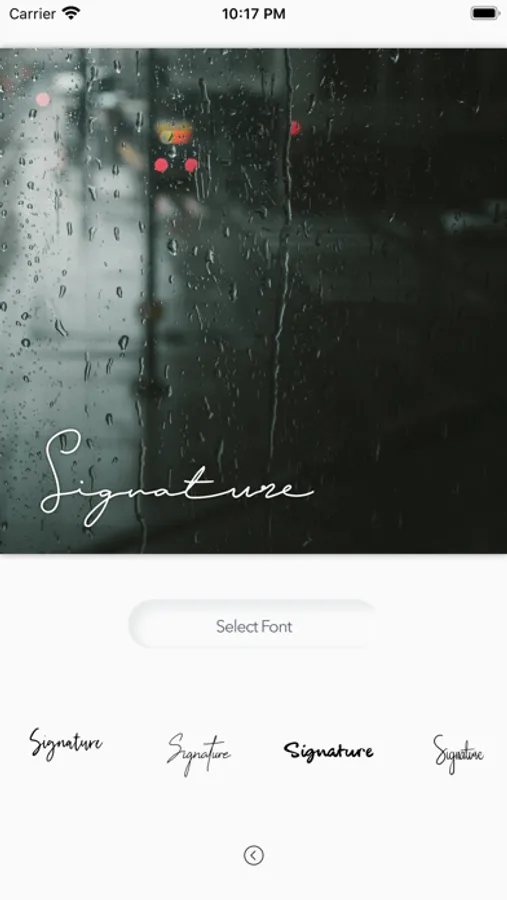
With this photo editing app, you can add custom cursive logos to images and adjust font, size, rotation, and color. Includes format options, text customization, and image preview features.
AppRecs review analysis
AppRecs rating 4.8. Trustworthiness 73 out of 100. Review manipulation risk 27 out of 100. Based on a review sample analyzed.
★★★★☆
4.8
AppRecs Rating
Ratings breakdown
5 star
88%
4 star
6%
3 star
3%
2 star
1%
1 star
2%
What to know
✓
Low review manipulation risk
27% review manipulation risk
✓
Credible reviews
73% trustworthiness score from analyzed reviews
✓
High user satisfaction
88% of sampled ratings are 5 stars
About Cursive Logo
Edit and add custom cursive logos to your photos.
▶ Choose between Square, Landscape and Portrait formats.
▶ Import photos from your photo library into the app to apply your logo.
▶ Add your own custom text to create a custom cursive logo.
▶ Customize your creation with different font, size, rotation and color options.
▶ Change the position of your logo anywhere on your canvas.
▶ Tap 'Preview Image' to see a full size preview of your image.
▶ Tap 'Save to Photo Library' to save your creation into your photo library.
Enjoy!
◆ Customer Support
You can reach us at contact@tlogicsofthouse.com and we will do our best to solve all of your problems and questions related to the app.
We would love to hear from you! Please let us know if you have any suggestions or questions by sending them to: contact@tlogicsofthouse.com
▶ Choose between Square, Landscape and Portrait formats.
▶ Import photos from your photo library into the app to apply your logo.
▶ Add your own custom text to create a custom cursive logo.
▶ Customize your creation with different font, size, rotation and color options.
▶ Change the position of your logo anywhere on your canvas.
▶ Tap 'Preview Image' to see a full size preview of your image.
▶ Tap 'Save to Photo Library' to save your creation into your photo library.
Enjoy!
◆ Customer Support
You can reach us at contact@tlogicsofthouse.com and we will do our best to solve all of your problems and questions related to the app.
We would love to hear from you! Please let us know if you have any suggestions or questions by sending them to: contact@tlogicsofthouse.com