Kyvol
Shenzhen VanTop Technology & Innovation Co., Ltd.
4.8 ★
store rating
Free
AppRecs review analysis
AppRecs rating 4.3. Trustworthiness 54 out of 100. Review manipulation risk 32 out of 100. Based on a review sample analyzed.
★★★★☆
4.3
AppRecs Rating
Ratings breakdown
5 star
85%
4 star
12%
3 star
2%
2 star
0%
1 star
1%
What to know
✓
High user satisfaction
85% of sampled ratings are 5 stars
About Kyvol
How to use Kyvol app
Step 1. Download the appDownload the app from Appstore
Step 2. Register your account:After downloading the app, create an account with your Email address. If you already have a Kyvol account, you can log in directly.
Step 3. Add your devices to Kyvol app: Open the Kyvol app and follow the setup procedure to pair new devices with your smartphone
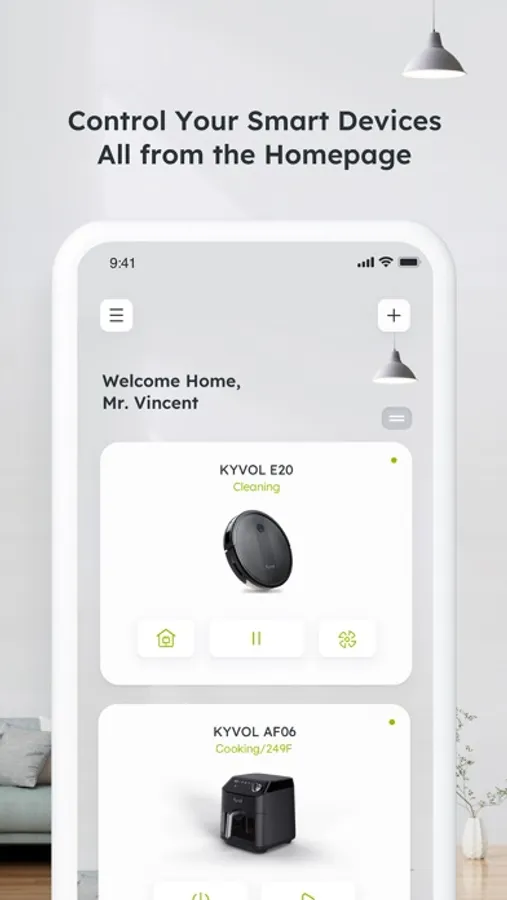
Step 4. Use your devices: After the pairing the succeed, the new device will show up in the device list. You can simply tap the icon and start enjoying the Kyvol smart home experience.
Step 1. Download the appDownload the app from Appstore
Step 2. Register your account:After downloading the app, create an account with your Email address. If you already have a Kyvol account, you can log in directly.
Step 3. Add your devices to Kyvol app: Open the Kyvol app and follow the setup procedure to pair new devices with your smartphone
Step 4. Use your devices: After the pairing the succeed, the new device will show up in the device list. You can simply tap the icon and start enjoying the Kyvol smart home experience.