About Peak Loyalty POS
The app is installed on iPhone's to scan the barcode/QR code on loyalty cards that customers have added as a pass to their Apple Wallet or Google Pay app.
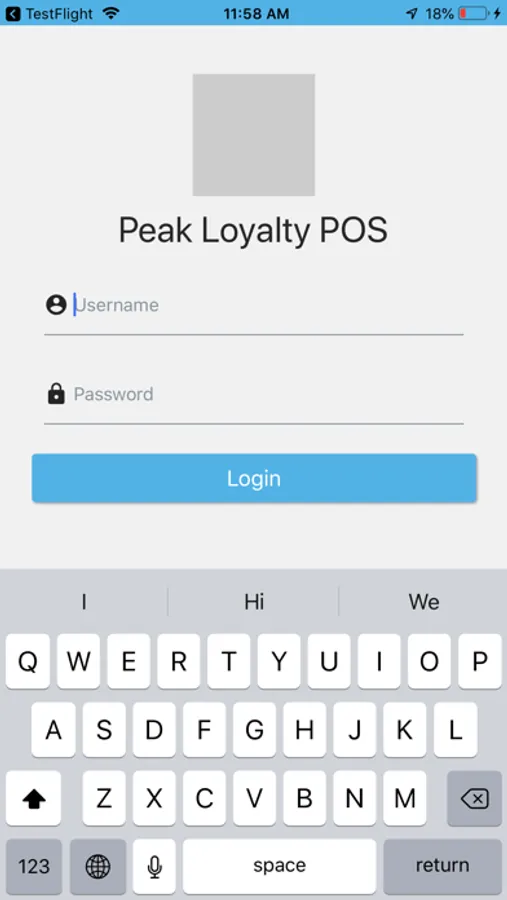
- The app requires staff members to be provisioned for login access by the business owner/admin
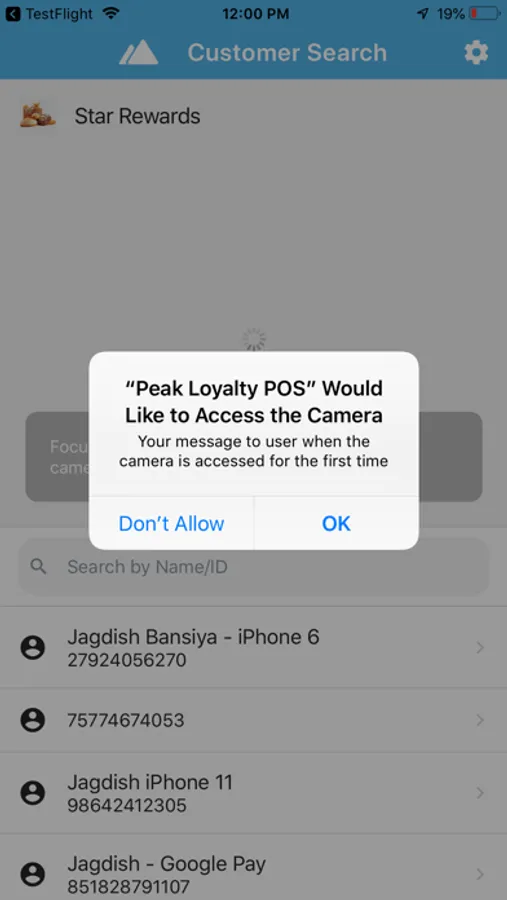
- The app uses the 'Camera' to scan the barcodes/QR codes and therefore will require camera usage permission be granted when opened first time.
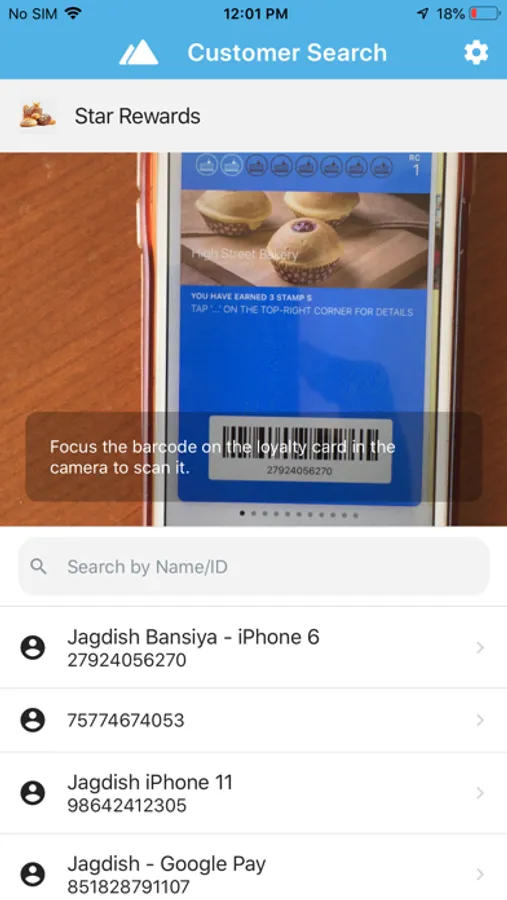
- To find customer, point phone's camera to the bar code/QR code displayed on customers' loyalty pass/card.
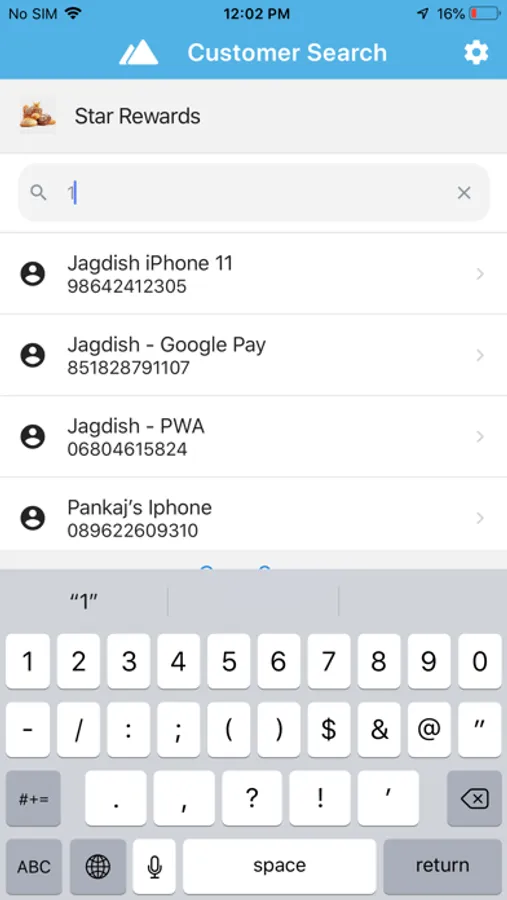
- Customers can also be found thru manual entry of loyalty/membership number displayed on the passes.
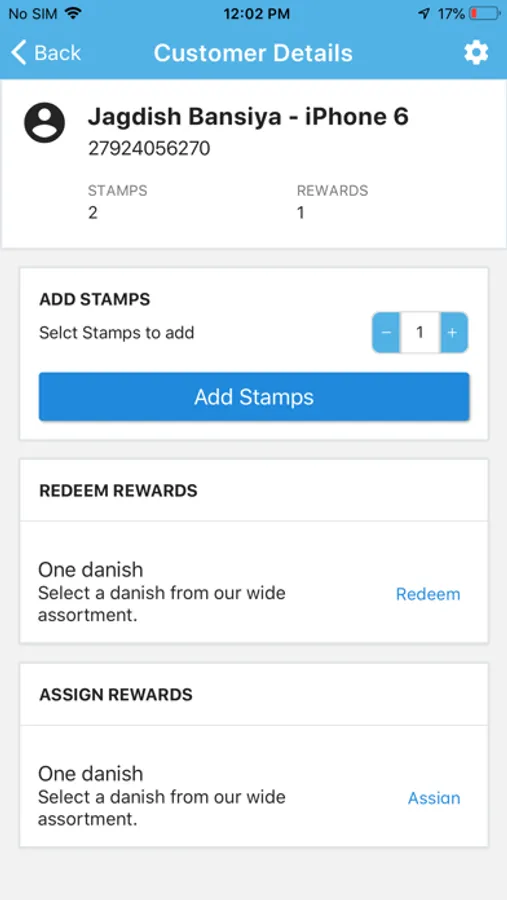
- The customer detail screen shows rewards summary (stamp count, points available, rewards earned)
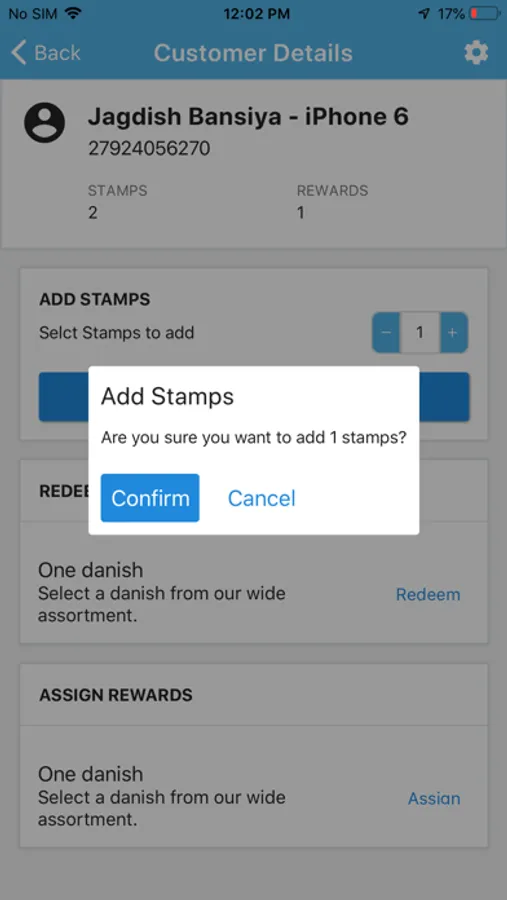
- Add stamp(s) or enter spend amount to mark the customer visit and record transaction
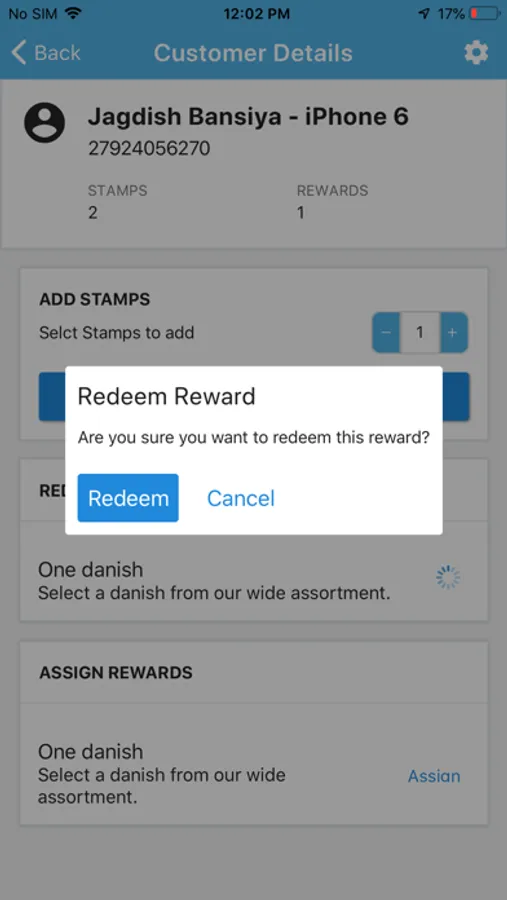
- Redeem available rewards
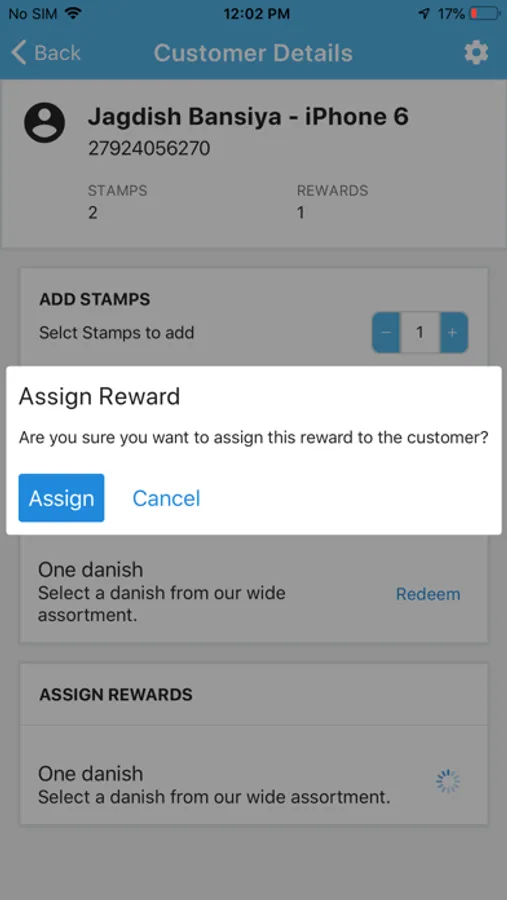
- Assign an available reward to customer
- The app requires staff members to be provisioned for login access by the business owner/admin
- The app uses the 'Camera' to scan the barcodes/QR codes and therefore will require camera usage permission be granted when opened first time.
- To find customer, point phone's camera to the bar code/QR code displayed on customers' loyalty pass/card.
- Customers can also be found thru manual entry of loyalty/membership number displayed on the passes.
- The customer detail screen shows rewards summary (stamp count, points available, rewards earned)
- Add stamp(s) or enter spend amount to mark the customer visit and record transaction
- Redeem available rewards
- Assign an available reward to customer