AppRecs review analysis
AppRecs rating 1.8. Trustworthiness 78 out of 100. Review manipulation risk 26 out of 100. Based on a review sample analyzed.
★☆☆☆☆
1.8
AppRecs Rating
Ratings breakdown
5 star
0%
4 star
0%
3 star
50%
2 star
0%
1 star
50%
What to know
✓
Low review manipulation risk
26% review manipulation risk
✓
Credible reviews
78% trustworthiness score from analyzed reviews
⚠
Mixed user feedback
Average 2.0★ rating suggests room for improvement
About Flat Color Camera
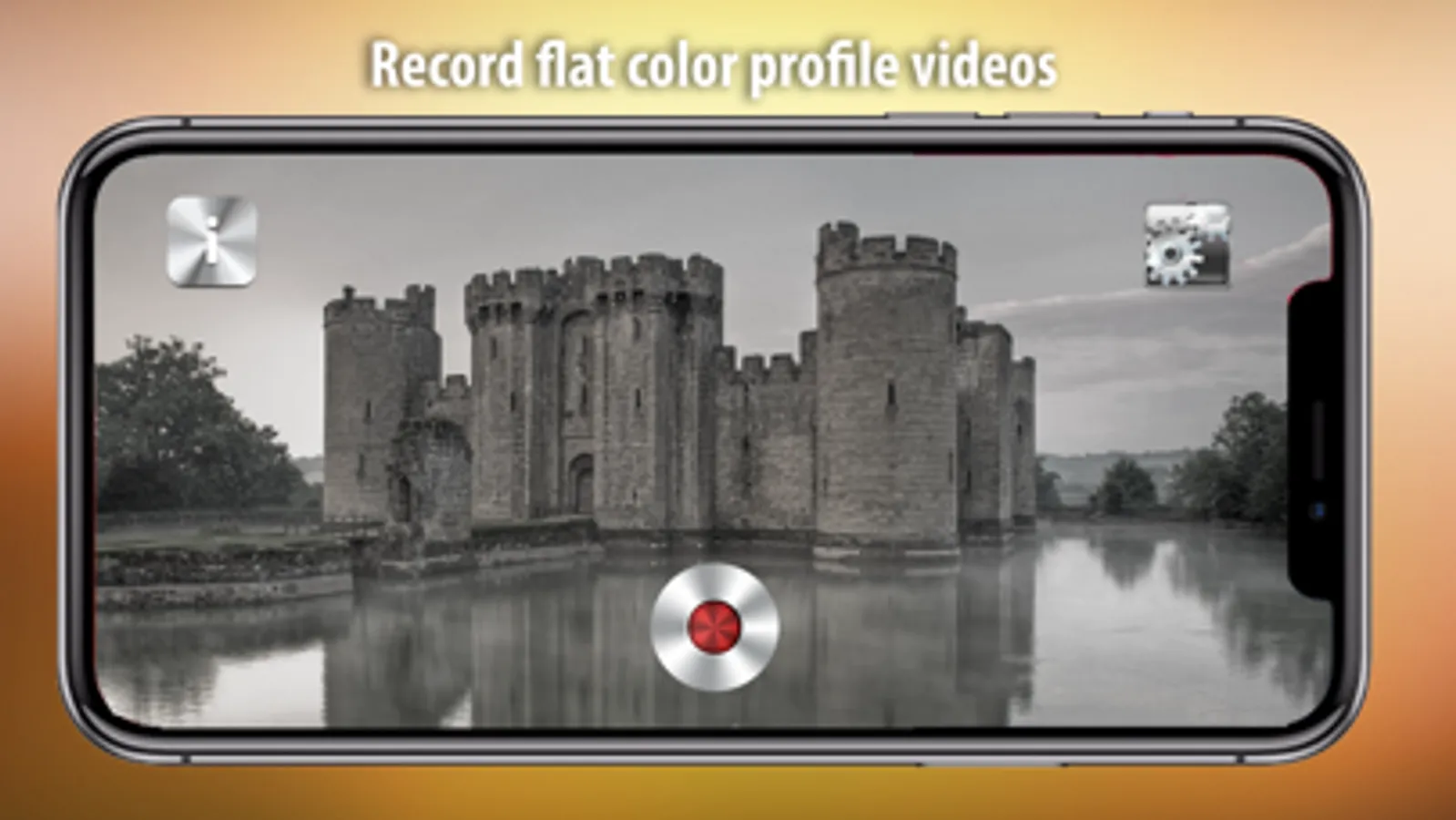
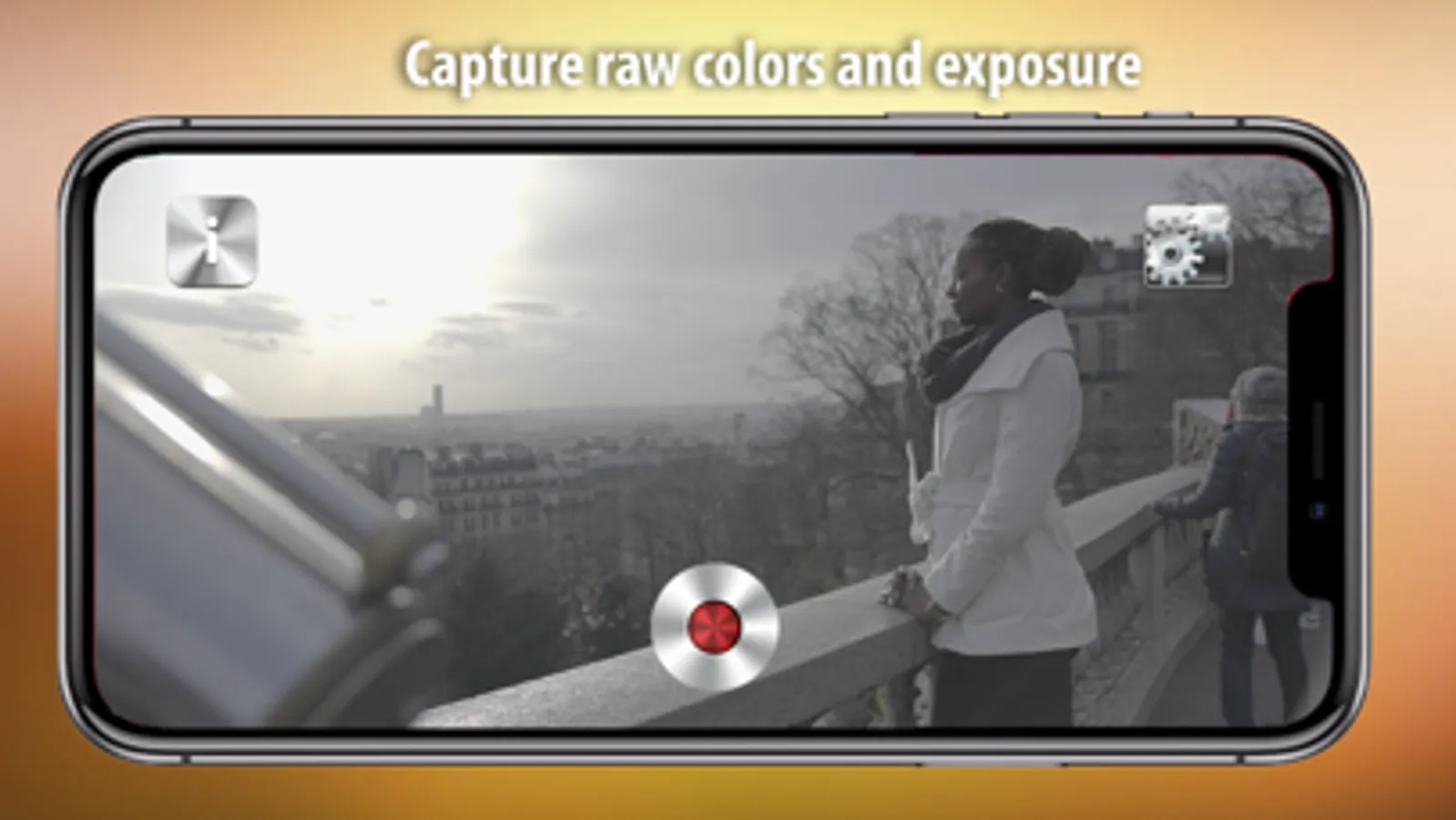
No more over-exposed and over-saturated videos. This app allows you to record 4K and HD videos with a flat, log color profile, which can be used in color correction software (not included in the app). It allows you to get more control over color tones and better exposure. It records in a wider dynamic range with flattened colors, so that you have maximum control in post-production.
Do the colors look grey and washed out? That’s exactly the intention. The videos are captured with a log profile, meaning low contrast, low saturation and extended exposure range.
You get up to 2 stops of extra dynamic range, preserving highlights and shadows !
Recorded videos must be corrected with editing tools, such as DaVinci Resolve, Adobe Premiere, AVID Media Composer and Final Cut Pro. In grading, you should boost saturation, add contrast and lift the gamma curve. You can also use LUTs (for Sony, Panasonic, RED, Canon or Blackmagic), to see which preset color correction looks best on your shots.
Record in 24, 25 or 30 frames per second.
Select 4K or HD resolution.
Choose from 5 flat color profiles: OFF, CINE, M-LOG1, M-LOG2, M-LOG3
Focus, ISO and exposure are automatically adjusted.
Works with back camera. Front-camera is not (yet) supported
Do the colors look grey and washed out? That’s exactly the intention. The videos are captured with a log profile, meaning low contrast, low saturation and extended exposure range.
You get up to 2 stops of extra dynamic range, preserving highlights and shadows !
Recorded videos must be corrected with editing tools, such as DaVinci Resolve, Adobe Premiere, AVID Media Composer and Final Cut Pro. In grading, you should boost saturation, add contrast and lift the gamma curve. You can also use LUTs (for Sony, Panasonic, RED, Canon or Blackmagic), to see which preset color correction looks best on your shots.
Record in 24, 25 or 30 frames per second.
Select 4K or HD resolution.
Choose from 5 flat color profiles: OFF, CINE, M-LOG1, M-LOG2, M-LOG3
Focus, ISO and exposure are automatically adjusted.
Works with back camera. Front-camera is not (yet) supported