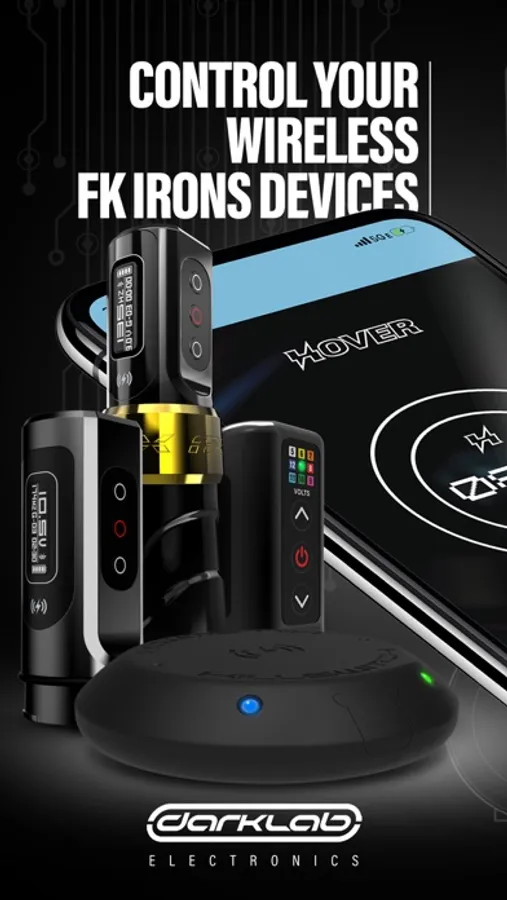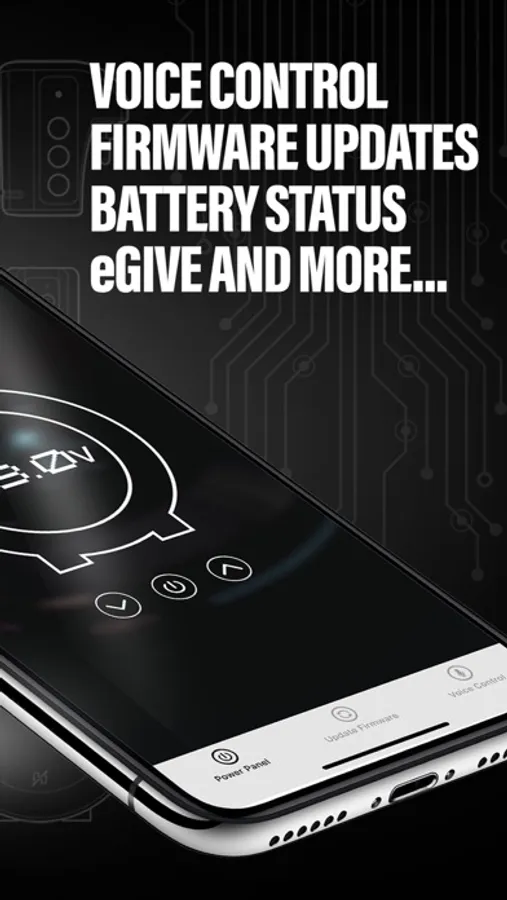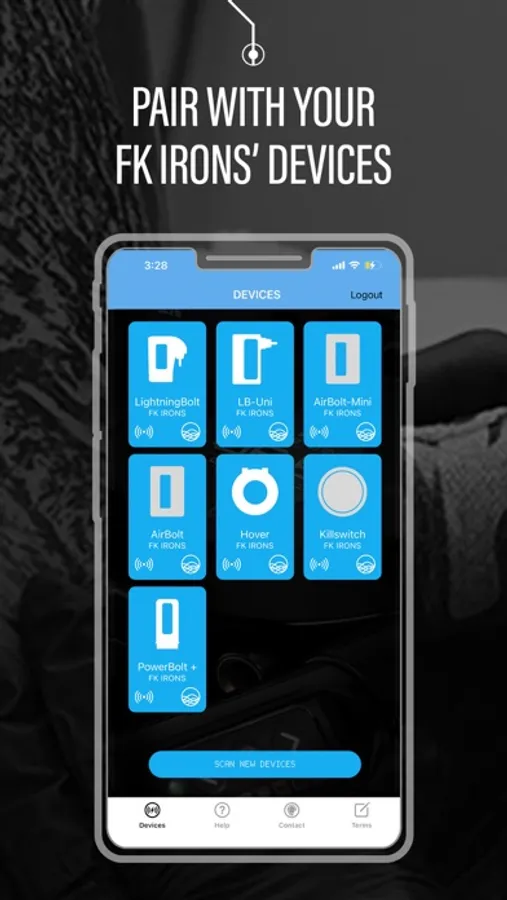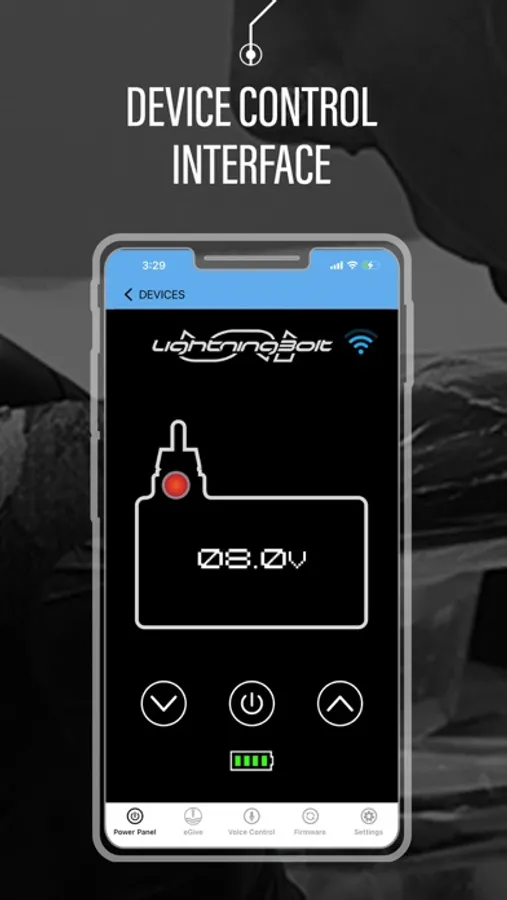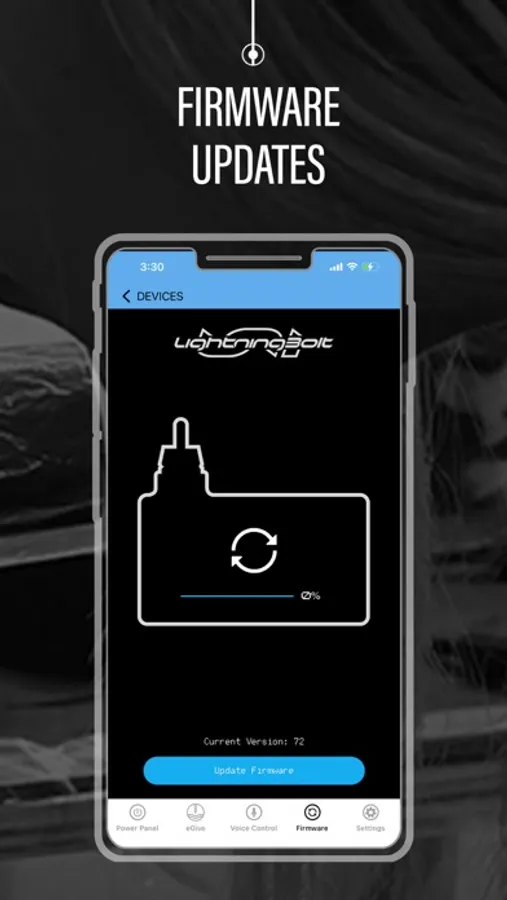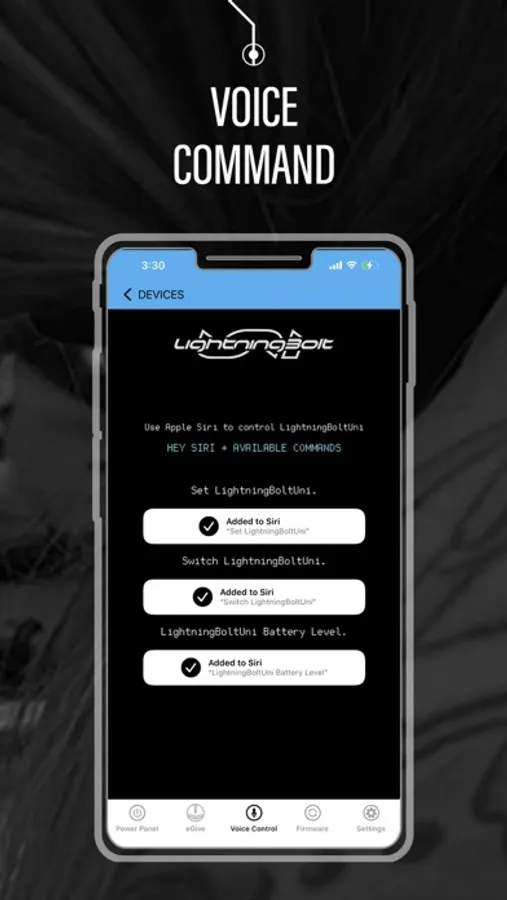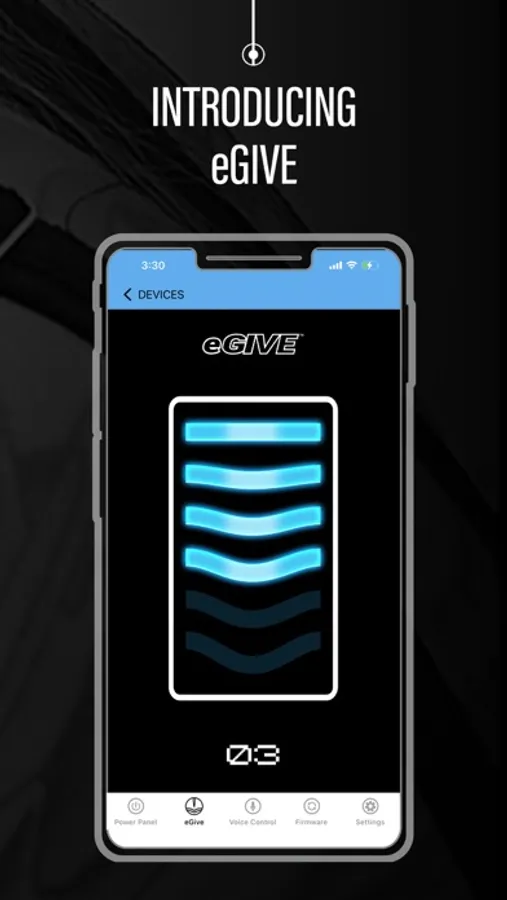
With this app, users can wirelessly control power settings, adjust voltage, and update firmware for FK Irons devices. Includes voice control via Siri, device power management, and firmware update options.
AppRecs review analysis
AppRecs rating 1.5. Trustworthiness 71 out of 100. Review manipulation risk 26 out of 100. Based on a review sample analyzed.
★☆☆☆☆
1.5
AppRecs Rating
Ratings breakdown
5 star
18%
4 star
6%
3 star
1%
2 star
6%
1 star
68%
What to know
✓
Low review manipulation risk
26% review manipulation risk
⚠
Mixed user feedback
Average 2.0★ rating suggests room for improvement
⚠
High negative review ratio
74% of sampled ratings are 1–2 stars
About Darklab
Toggle your device’s power, adjust its voltage, unlock eGive and update firmware – wirelessly, from one place.
Enable any direct drive machine with eGive using FK Irons’ Power Solutions. Plus, keep your devices’ firmware up to date through the iOS Darklab app. With wireless control of FK Irons and Darklab devices, we give artists maximum control.
The latest version of this app is not backwards compatible. All users must update both the Darklab iOS app to Version 1.14, and their device’s current Firmware update for better functionality, and to continue utilizing Bluetooth® connectivity and in-app controls.
Proudly designed and developed by the FK Irons team in the USA, the latest upgrade is a breakthrough for artists across the globe.
Current Darklab App Features:
● Hover
○ Customizable Voice Control via Siri
○ Voltage Adjustment
○ Power ON/OFF
○ Control eGive
○ Update Firmware
● LightningBolt
○ Customizable Voice Control via Siri
○ Voltage Adjustment
○ Power ON/OFF
○ Control eGive
○ Check Battery Charge Level
○ Update Firmware
● PowerBolt (Flux and EXO)
○ Update Firmware
○ Enable eGive
■ Controlled via keypad.
● LightningBolt UNI
○ Customizable Voice Control via Siri
○ Voltage Adjustment
○ Power ON/OFF
○ Control eGive
○ Check Battery Charge Level
○ Update Firmware
● AirBolt
○ Voice Control via Siri
○ Voltage Adjustment
○ Power ON/OFF
○ Control eGive
○ Check Battery Life
○ Update Firmware
● AirBolt Mini
○ Voice Control via Siri
○ Voltage Adjustment
○ Power ON/OFF
○ Control eGive
○ Check Battery Life
○ Update Firmware
● PowerBolt +
○ Voice Control via Siri
○ Voltage Adjustment
○ Power ON/OFF
○ Control eGive
○ Check Battery Life
○ Update Firmware
● Killswitch
○ Update Firmware
● PowerBolt II
○ Voice Control via Siri
○ Voltage Adjustment
○ Power ON/OFF
○ Control eGive
○ Check Battery Life
○ Update Firmware
● PowerBolt II +
○ Voice Control via Siri
○ Voltage Adjustment
○ Power ON/OFF
○ Control eGive
○ Check Battery Life
○ Update Firmware
● LightningBolt 3.5
○ Voice Control via Siri
○ Voltage Adjustment
○ Power ON/OFF
○ Control eGive
○ Check Battery Life
○ Update Firmware
● Bellar Air
○ Voice Control via Siri
○ Voltage Adjustment
○ Power ON/OFF
○ Control eGive
○ Check Battery Life
○ Update Firmware
● ONE
○ Update Firmware
● Device Screen:
○ A signal strength status icon will be present on each device.
○ Holding down the device icon will prompt a new pop-up menu to appear, allowing you to enable the following options:
■ Re-name device
■ Siri prioritization
*This option excludes the PowerBolt.
■ Remove device
● Help Menu Screen:
○ New button will link to Darklab’s FAQ web page
● Power Control Panel:
○ Animated buttons will match the pushed buttons on the selected, physical device.
● Firmware Screen:
○ Current installed version is now displayed above the update button.
○ Under the firmware icon, a new update notification will appear to notify users whenever a new firmware update is available to install.
○ If an error occurs during an update, a code will be displayed for technical support reference.
● Settings Screen:
○ Resolution
■ Allows to change the voltage precision by increments of 0.1 volts or 0.5 volts.
○ Automatic LED fading (excludes PowerBolt II, PowerBolt II+, and BellarAir)
■ Fades the light of the LED brightness automatically, from high to low.
○ Manual LED Dimmer (excludes PowerBolt II, PowerBolt II+, and BellarAir)
■ Allows to dim the brightness of the LED with a slider, from high to low or vice versa.
○ KillSwitch
■ Allows to synchronize or de-synchronize the KillSwitch(s) that are seen in the Devices page.
Enable any direct drive machine with eGive using FK Irons’ Power Solutions. Plus, keep your devices’ firmware up to date through the iOS Darklab app. With wireless control of FK Irons and Darklab devices, we give artists maximum control.
The latest version of this app is not backwards compatible. All users must update both the Darklab iOS app to Version 1.14, and their device’s current Firmware update for better functionality, and to continue utilizing Bluetooth® connectivity and in-app controls.
Proudly designed and developed by the FK Irons team in the USA, the latest upgrade is a breakthrough for artists across the globe.
Current Darklab App Features:
● Hover
○ Customizable Voice Control via Siri
○ Voltage Adjustment
○ Power ON/OFF
○ Control eGive
○ Update Firmware
● LightningBolt
○ Customizable Voice Control via Siri
○ Voltage Adjustment
○ Power ON/OFF
○ Control eGive
○ Check Battery Charge Level
○ Update Firmware
● PowerBolt (Flux and EXO)
○ Update Firmware
○ Enable eGive
■ Controlled via keypad.
● LightningBolt UNI
○ Customizable Voice Control via Siri
○ Voltage Adjustment
○ Power ON/OFF
○ Control eGive
○ Check Battery Charge Level
○ Update Firmware
● AirBolt
○ Voice Control via Siri
○ Voltage Adjustment
○ Power ON/OFF
○ Control eGive
○ Check Battery Life
○ Update Firmware
● AirBolt Mini
○ Voice Control via Siri
○ Voltage Adjustment
○ Power ON/OFF
○ Control eGive
○ Check Battery Life
○ Update Firmware
● PowerBolt +
○ Voice Control via Siri
○ Voltage Adjustment
○ Power ON/OFF
○ Control eGive
○ Check Battery Life
○ Update Firmware
● Killswitch
○ Update Firmware
● PowerBolt II
○ Voice Control via Siri
○ Voltage Adjustment
○ Power ON/OFF
○ Control eGive
○ Check Battery Life
○ Update Firmware
● PowerBolt II +
○ Voice Control via Siri
○ Voltage Adjustment
○ Power ON/OFF
○ Control eGive
○ Check Battery Life
○ Update Firmware
● LightningBolt 3.5
○ Voice Control via Siri
○ Voltage Adjustment
○ Power ON/OFF
○ Control eGive
○ Check Battery Life
○ Update Firmware
● Bellar Air
○ Voice Control via Siri
○ Voltage Adjustment
○ Power ON/OFF
○ Control eGive
○ Check Battery Life
○ Update Firmware
● ONE
○ Update Firmware
● Device Screen:
○ A signal strength status icon will be present on each device.
○ Holding down the device icon will prompt a new pop-up menu to appear, allowing you to enable the following options:
■ Re-name device
■ Siri prioritization
*This option excludes the PowerBolt.
■ Remove device
● Help Menu Screen:
○ New button will link to Darklab’s FAQ web page
● Power Control Panel:
○ Animated buttons will match the pushed buttons on the selected, physical device.
● Firmware Screen:
○ Current installed version is now displayed above the update button.
○ Under the firmware icon, a new update notification will appear to notify users whenever a new firmware update is available to install.
○ If an error occurs during an update, a code will be displayed for technical support reference.
● Settings Screen:
○ Resolution
■ Allows to change the voltage precision by increments of 0.1 volts or 0.5 volts.
○ Automatic LED fading (excludes PowerBolt II, PowerBolt II+, and BellarAir)
■ Fades the light of the LED brightness automatically, from high to low.
○ Manual LED Dimmer (excludes PowerBolt II, PowerBolt II+, and BellarAir)
■ Allows to dim the brightness of the LED with a slider, from high to low or vice versa.
○ KillSwitch
■ Allows to synchronize or de-synchronize the KillSwitch(s) that are seen in the Devices page.