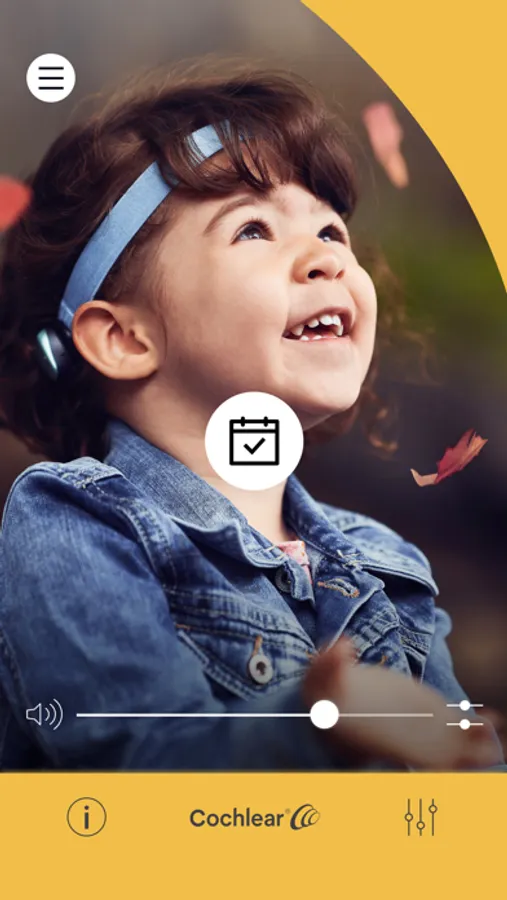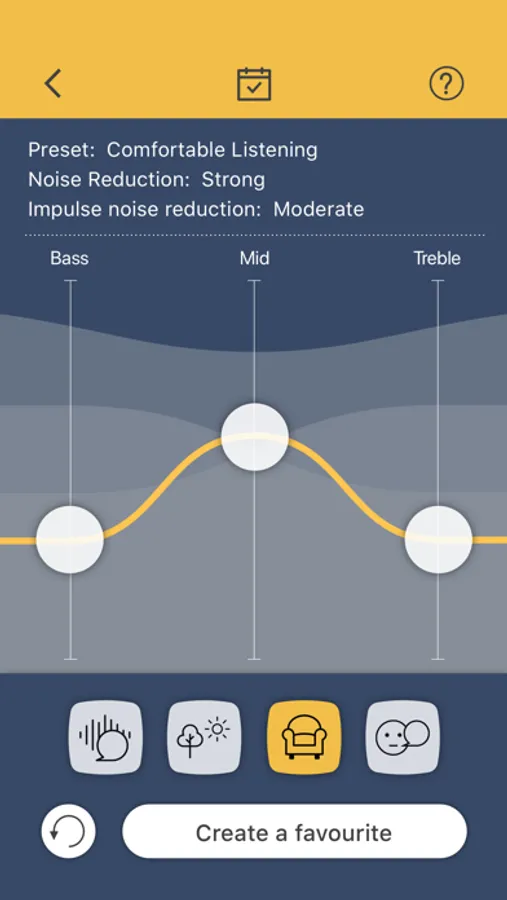
With this app, you can control your compatible Baha sound processor, adjust volume and select programs. Includes program management, sound customization, and location tracking features.
AppRecs review analysis
AppRecs rating 1.7. Trustworthiness 77 out of 100. Review manipulation risk 21 out of 100. Based on a review sample analyzed.
★☆☆☆☆
1.7
AppRecs Rating
Ratings breakdown
5 star
18%
4 star
4%
3 star
10%
2 star
12%
1 star
56%
What to know
⚠
Pricing complaints
Many low ratings mention paywalls or pricing
⚠
Mixed user feedback
Average 2.2★ rating suggests room for improvement
⚠
High negative review ratio
68% of sampled ratings are 1–2 stars
About Baha Smart App
Control your compatible* Baha sound processor directly from your iPhone.
To use the Baha Smart App, you first need to pair your iPhone to your sound processor and wait for pairing confirmation.
With the Baha Smart App, you can...
- Change programs on your sound processor and activate streaming from your wireless accessories
- Adjust volume and sound on your sound processor and wireless accessories
- Create Favourites, and link them to specific locations
- Locate a lost or misplaced sound processor
- View sound processor status and usage
- Access support information
Note: Some features require you to log into the app using your Cochlear account details.
For more information and support, visit www.bahasmartapp.com
*For up-to-date compatibility, visit www.cochlear.com/compatibility
Note: Continued use of GPS running in the background can dramatically decrease phone battery life.
To use the Baha Smart App, you first need to pair your iPhone to your sound processor and wait for pairing confirmation.
With the Baha Smart App, you can...
- Change programs on your sound processor and activate streaming from your wireless accessories
- Adjust volume and sound on your sound processor and wireless accessories
- Create Favourites, and link them to specific locations
- Locate a lost or misplaced sound processor
- View sound processor status and usage
- Access support information
Note: Some features require you to log into the app using your Cochlear account details.
For more information and support, visit www.bahasmartapp.com
*For up-to-date compatibility, visit www.cochlear.com/compatibility
Note: Continued use of GPS running in the background can dramatically decrease phone battery life.