Super Messaging
Michael Baron
3.0 ★
store rating
Free
AppRecs review analysis
AppRecs rating 2.5. Trustworthiness 79 out of 100. Review manipulation risk 25 out of 100. Based on a review sample analyzed.
★★☆☆☆
2.5
AppRecs Rating
Ratings breakdown
5 star
43%
4 star
4%
3 star
4%
2 star
3%
1 star
46%
What to know
✓
Low review manipulation risk
25% review manipulation risk
⚠
Mixed user feedback
Average 3.0★ rating suggests room for improvement
⚠
High negative review ratio
49% of sampled ratings are 1–2 stars
About Super Messaging
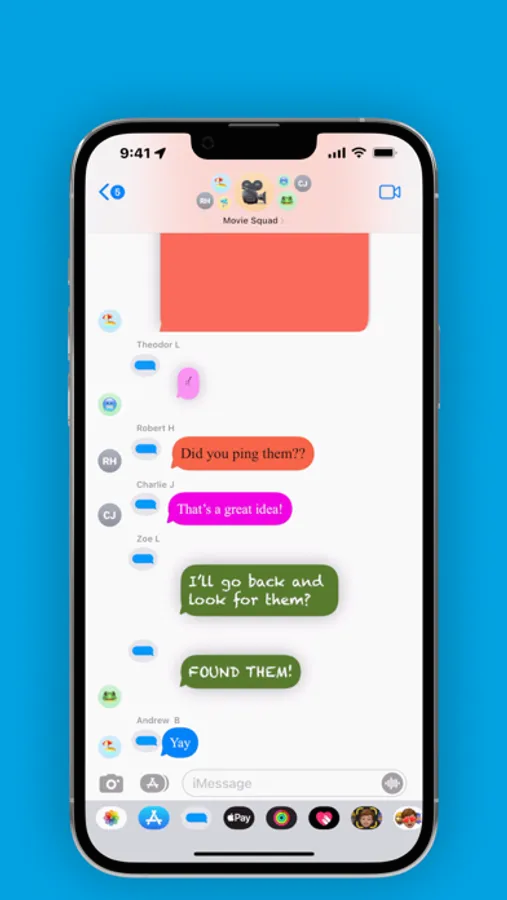
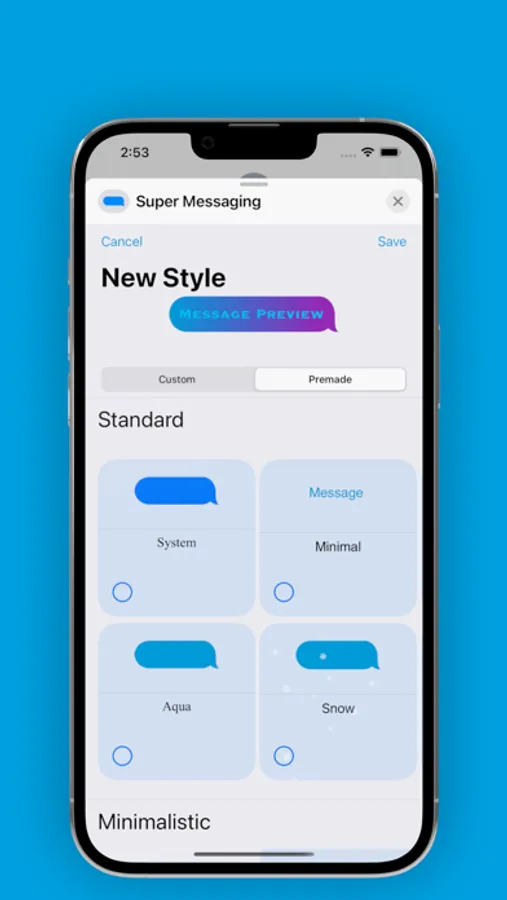
Are you tired of sending and seeing messages that all look the same? With Super Messaging, you can create and share custom message bubble styles that you can use in your conversations in the iMessage app. These custom message bubbles appear right in the transcript alongside all other iMessages.
You can do things like:
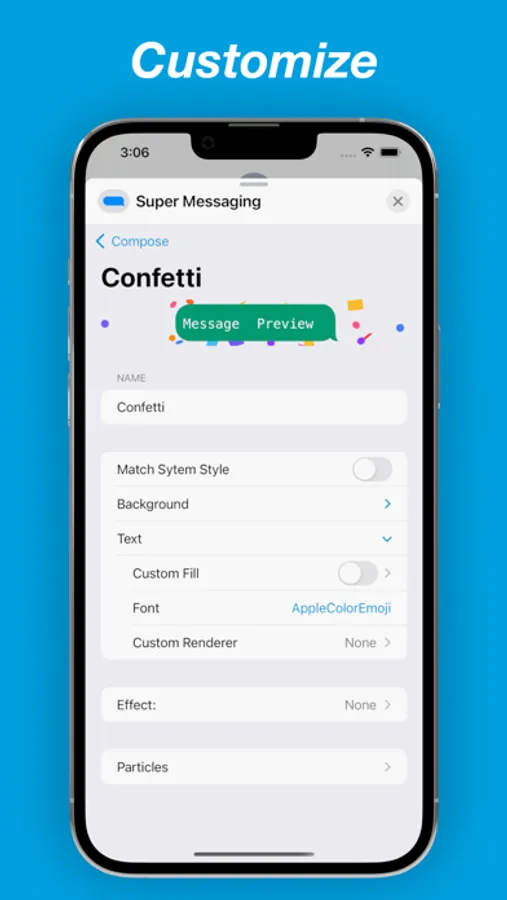
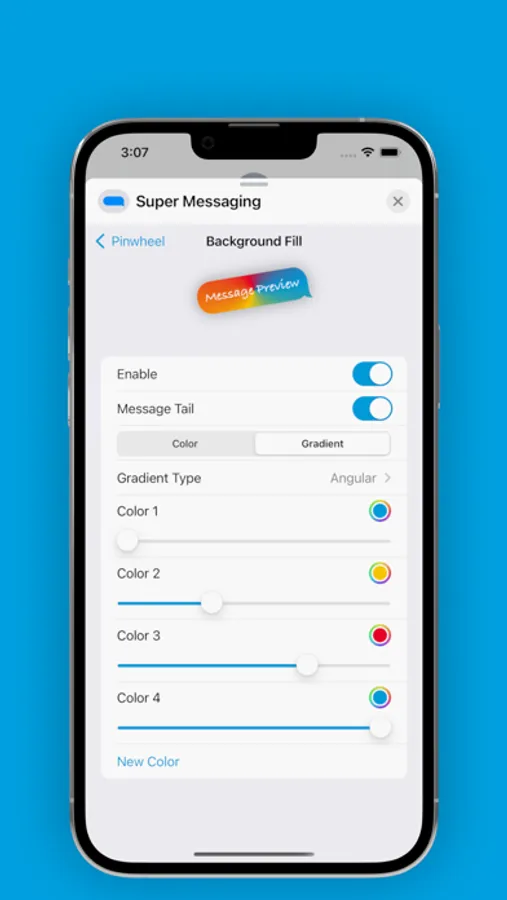
• Customize and animate background color or gradient
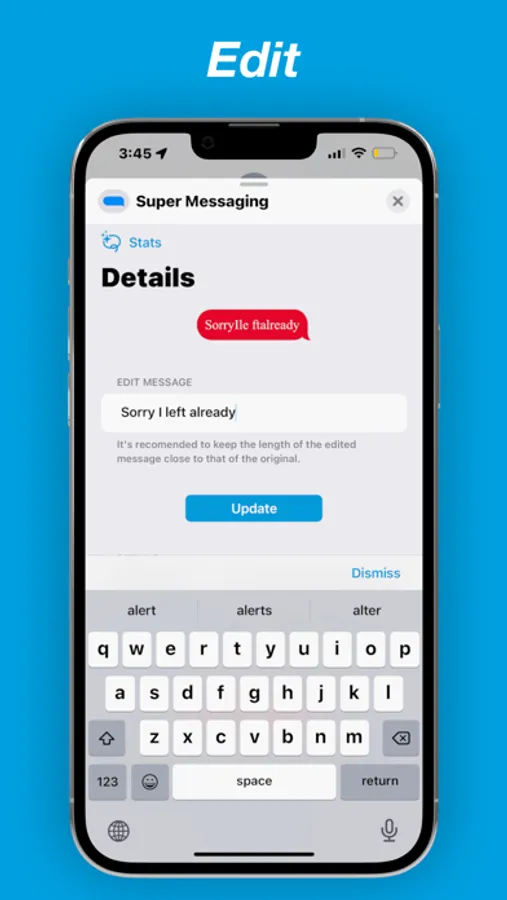
• Edit Messages after they are sent (great for fixing typos)
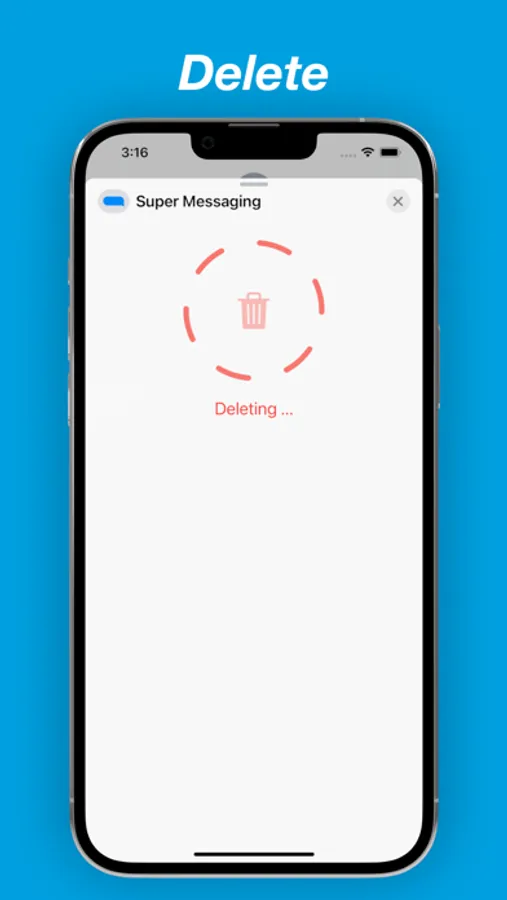
• Delete Messages after they are sent (great for when you accidentally message the wrong person)
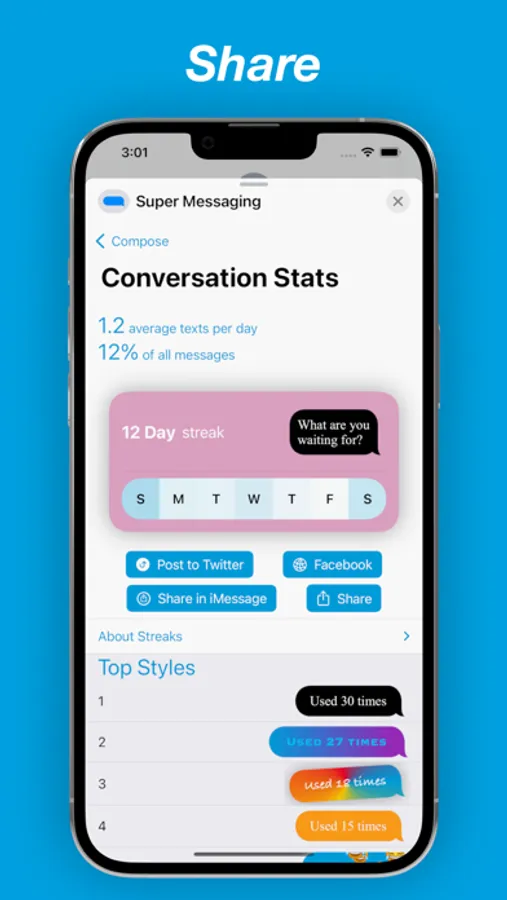
• View Streaks for your iMessage conversations - get to 10 days to have a "golden" streak
• Animate properties (over time or when the device is tilted)
• Customize font to any of many provided fonts
• Add a drop shadow
• Add effects like rotation
• Add particles like snow or any emoji
• Create custom particles with powerful editor
• Send math equations with LaTeX
• Encrypt messages with a key so that only some people in a group chat can view them.
You can set default styles so you can send styled messages quickly:
Conversation default: Set this so that every time you open the app in a conversation that style will be used.
Global default: Used when a conversation default is not set for a particular conversation.
Once you have created a unique style, you can send iMessages with it or share it with someone else, so they can use it.
You can do things like:
• Customize and animate background color or gradient
• Edit Messages after they are sent (great for fixing typos)
• Delete Messages after they are sent (great for when you accidentally message the wrong person)
• View Streaks for your iMessage conversations - get to 10 days to have a "golden" streak
• Animate properties (over time or when the device is tilted)
• Customize font to any of many provided fonts
• Add a drop shadow
• Add effects like rotation
• Add particles like snow or any emoji
• Create custom particles with powerful editor
• Send math equations with LaTeX
• Encrypt messages with a key so that only some people in a group chat can view them.
You can set default styles so you can send styled messages quickly:
Conversation default: Set this so that every time you open the app in a conversation that style will be used.
Global default: Used when a conversation default is not set for a particular conversation.
Once you have created a unique style, you can send iMessages with it or share it with someone else, so they can use it.