AppRecs review analysis
AppRecs rating 2.7. Trustworthiness 82 out of 100. Review manipulation risk 21 out of 100. Based on a review sample analyzed.
★★☆☆☆
2.7
AppRecs Rating
Ratings breakdown
5 star
29%
4 star
0%
3 star
29%
2 star
14%
1 star
29%
What to know
✓
Low review manipulation risk
21% review manipulation risk
✓
Credible reviews
82% trustworthiness score from analyzed reviews
⚠
Mixed user feedback
Average 2.9★ rating suggests room for improvement
About HEVC - Convert H.265 and H.264
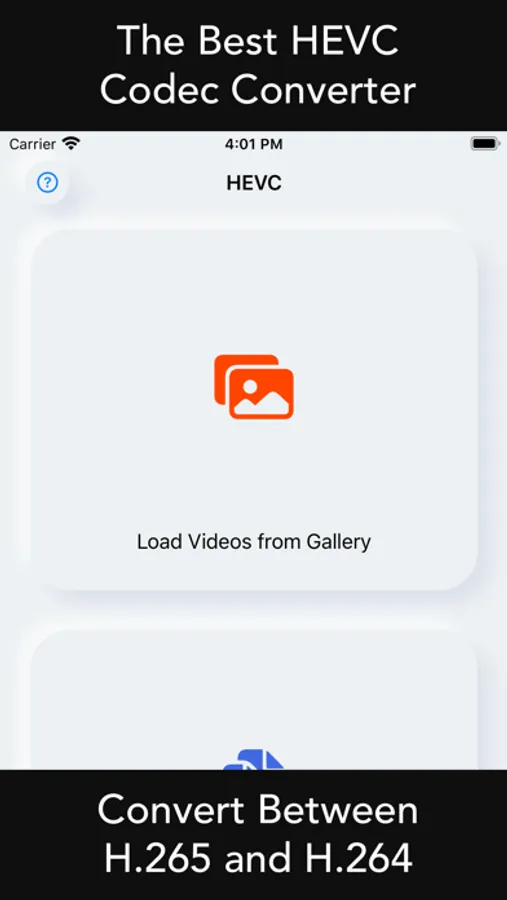
[HEVC] enables you to cross convert codec of H.265 and H.264 video files.
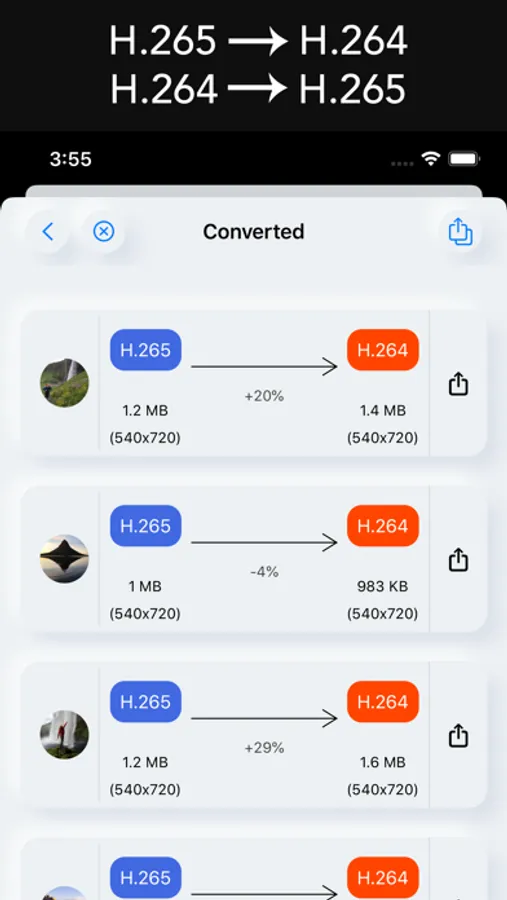
You can convert H.265 videos to H.264 videos for better compatability.
You can also conver H.264 videos to H.265 videos for better space effiency.
Unlike the systemwise selection of codec, [HEVC] enables you to convert individual video file to specific codec you want.
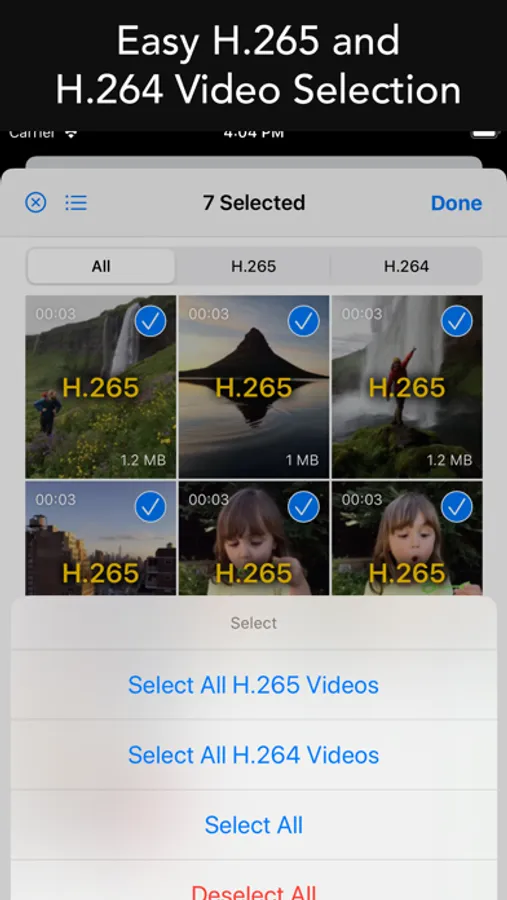
• Detect H.264 (old codec type) videos automatically.
• Detect H.265 (new code type) videos automatically.
• Convert old H.264 format to new H.265 format for space efficiency. It would compress video and let you regain more space.
• Convert new H.265 format to old H.264 format for better compatability. It would enlarge file size, but provide better compatabiity instead.
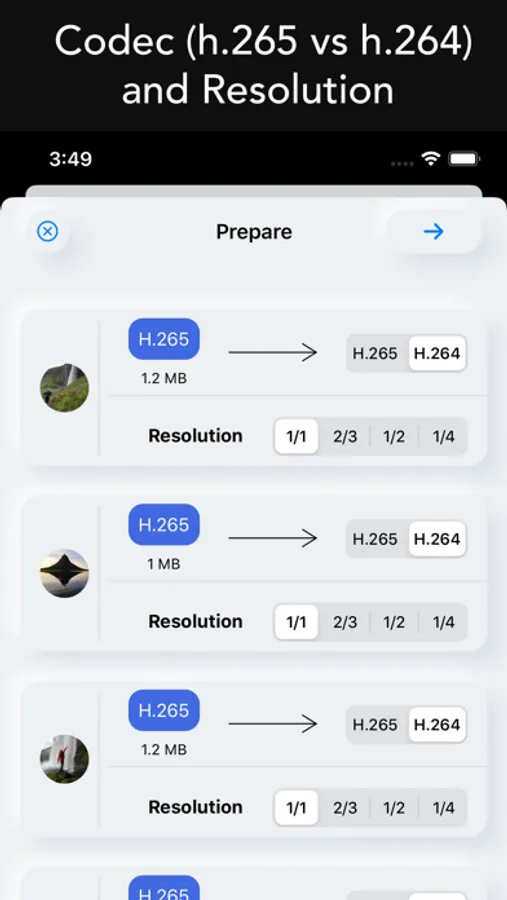
• Optionally reduce the resolution of the videos for additional compression.
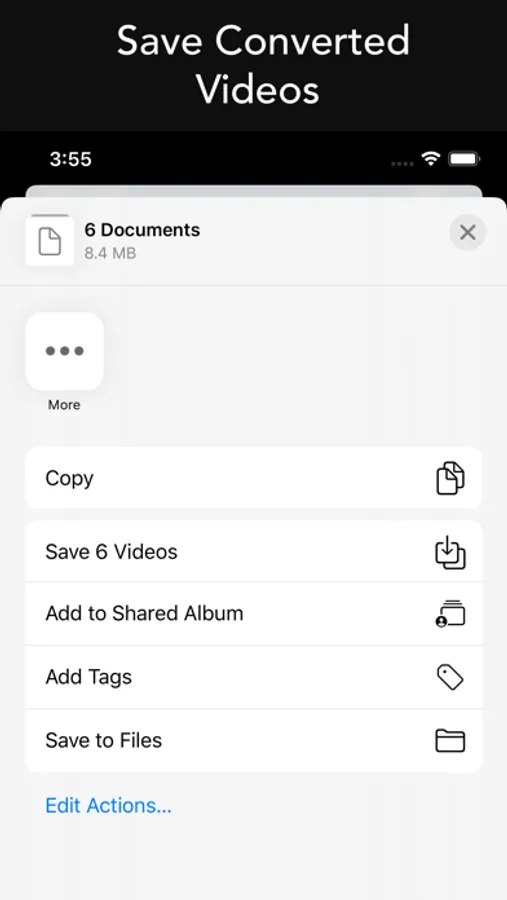
• Save the converted videos to device.
• Share the converted videos.
You can convert H.265 videos to H.264 videos for better compatability.
You can also conver H.264 videos to H.265 videos for better space effiency.
Unlike the systemwise selection of codec, [HEVC] enables you to convert individual video file to specific codec you want.
• Detect H.264 (old codec type) videos automatically.
• Detect H.265 (new code type) videos automatically.
• Convert old H.264 format to new H.265 format for space efficiency. It would compress video and let you regain more space.
• Convert new H.265 format to old H.264 format for better compatability. It would enlarge file size, but provide better compatabiity instead.
• Optionally reduce the resolution of the videos for additional compression.
• Save the converted videos to device.
• Share the converted videos.