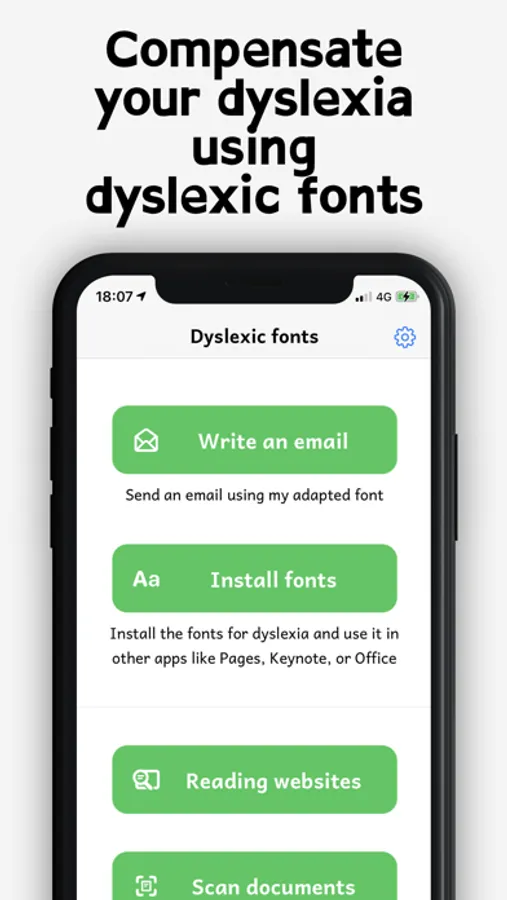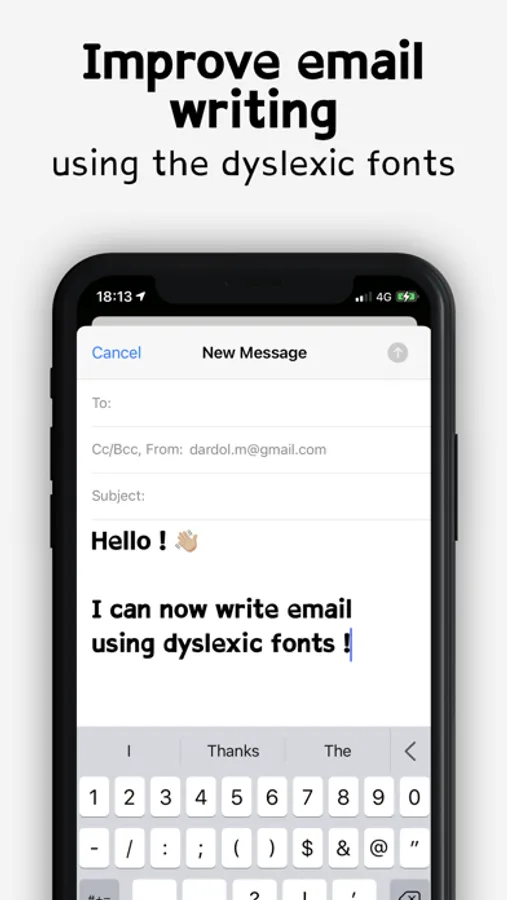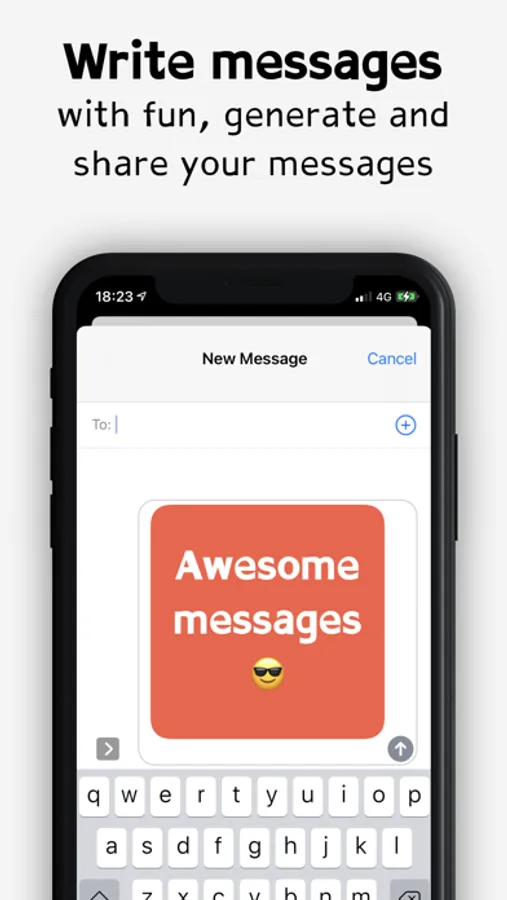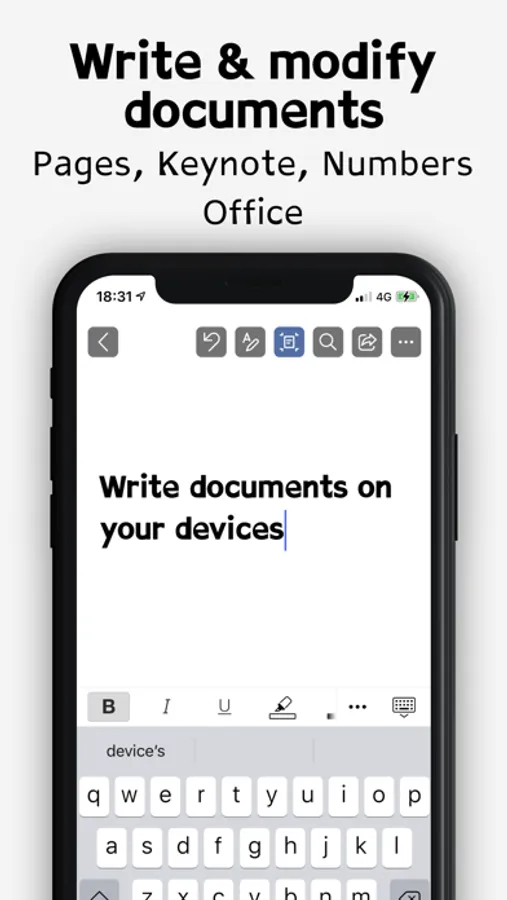
With this app, you can install dyslexia-friendly fonts and use them in compatible applications to format documents, emails, and messages. Includes font management, export options, and integration with office and design apps.
AppRecs review analysis
AppRecs rating 4.4. Trustworthiness 79 out of 100. Review manipulation risk 32 out of 100. Based on a review sample analyzed.
★★★★☆
4.4
AppRecs Rating
Ratings breakdown
5 star
75%
4 star
11%
3 star
4%
2 star
0%
1 star
10%
What to know
✓
Credible reviews
79% trustworthiness score from analyzed reviews
✓
High user satisfaction
86% of sampled ratings are 4+ stars (4.4★ average)
✓
Authentic reviews
Natural distribution, no red flags
About Dyslexia fonts
Install fonts to make it easier to read for people with dyslexia, as well as children.
This font is often used in schools to compensate for reading problems for dyslexic, dysorthographic and dyspraxic people.
You will be able to write or reformat documents to adapt them to these pathologies.
Tip: Besides using these fonts, I also advise airing out the text by increasing the font size, and the spacing between letters/words and lines. This will further improve the readability of the text.
With this application, you will be able to:
● Install dyslexia fonts and use them in other applications to write documents
● Send emails with dyslexia fonts
● Write messages and send them by generating an image with the font
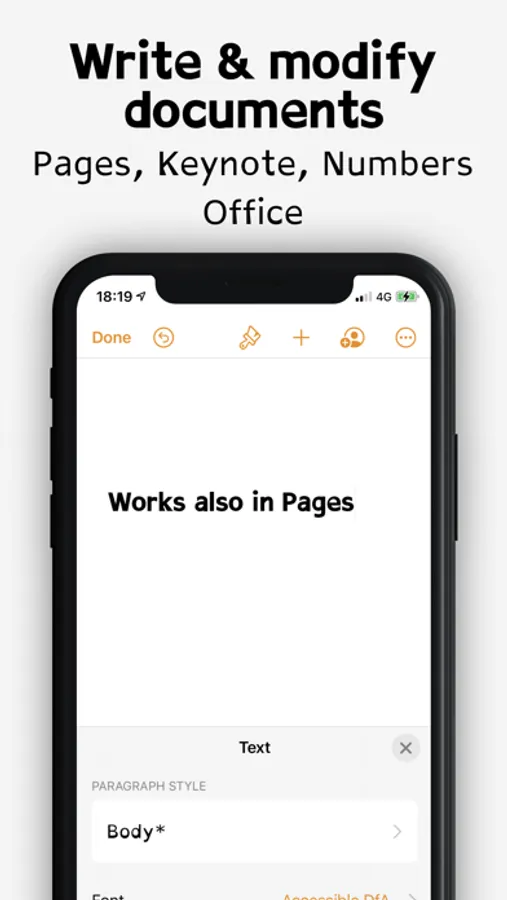
Here are the known compatible apps:
● Office 365, Word, Excel, Keynote
● Pages, Numbers, Keynote
● Cricut Design Space
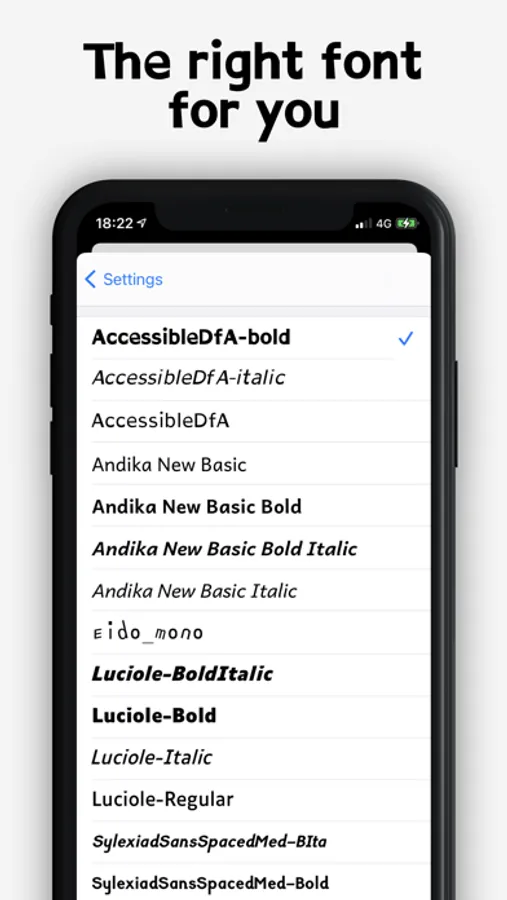
Here is the list of fonts installed by the application:
● AccessibleDfA (normal, bold, italic)
● Andika New Basic (regular, bold, italic, bold italic)
● Atkinson Hyperlegible (regular, bold, italic, bold italic)
● Eido Mono
● Luciole (regular, bold, italic, bold italic)
● Sylexiad Sans Spaced Medium (regular, bold, italic, bold italic)
This font is often used in schools to compensate for reading problems for dyslexic, dysorthographic and dyspraxic people.
You will be able to write or reformat documents to adapt them to these pathologies.
Tip: Besides using these fonts, I also advise airing out the text by increasing the font size, and the spacing between letters/words and lines. This will further improve the readability of the text.
With this application, you will be able to:
● Install dyslexia fonts and use them in other applications to write documents
● Send emails with dyslexia fonts
● Write messages and send them by generating an image with the font
Here are the known compatible apps:
● Office 365, Word, Excel, Keynote
● Pages, Numbers, Keynote
● Cricut Design Space
Here is the list of fonts installed by the application:
● AccessibleDfA (normal, bold, italic)
● Andika New Basic (regular, bold, italic, bold italic)
● Atkinson Hyperlegible (regular, bold, italic, bold italic)
● Eido Mono
● Luciole (regular, bold, italic, bold italic)
● Sylexiad Sans Spaced Medium (regular, bold, italic, bold italic)