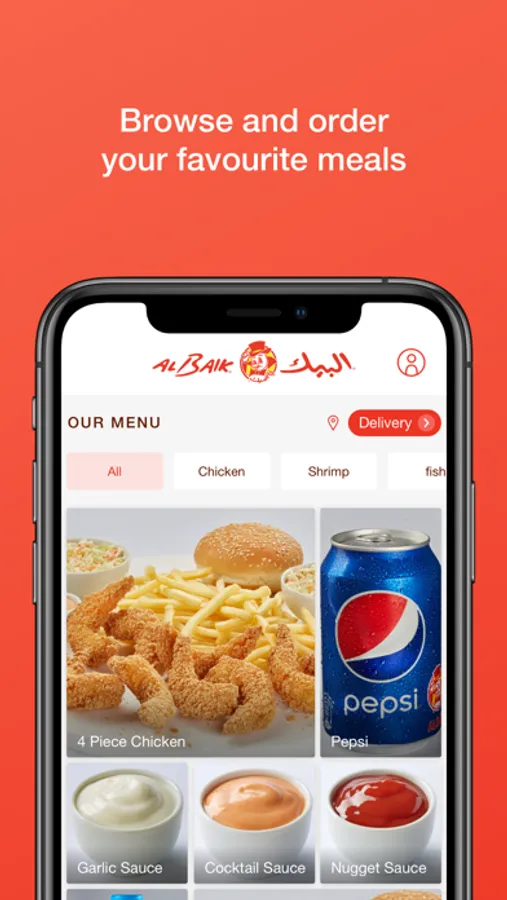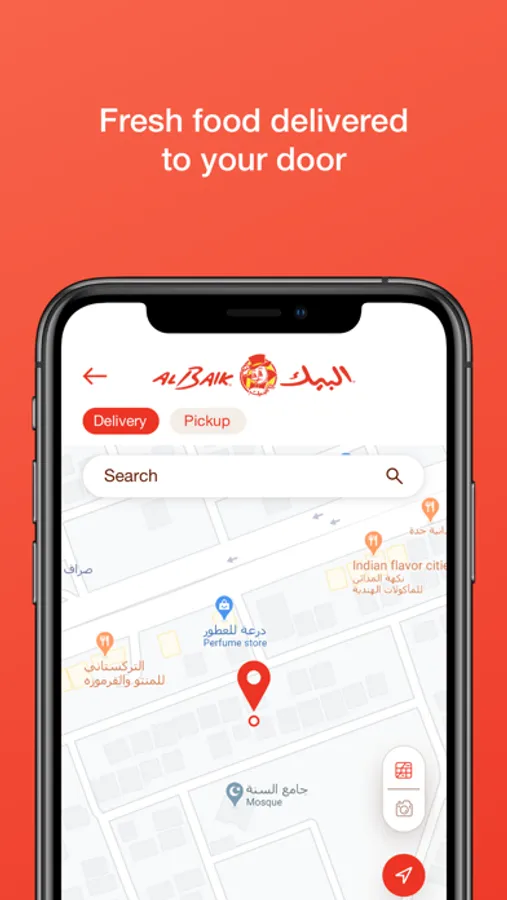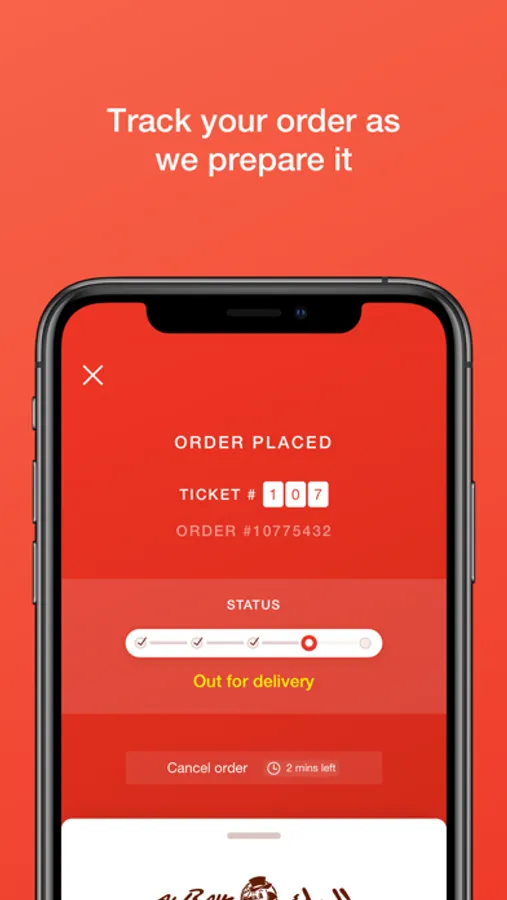
With this food ordering app, you can browse menus, select meals, and place orders for delivery. Includes payment processing, order tracking, and notifications.
AppRecs review analysis
AppRecs rating 3.8. Trustworthiness 72 out of 100. Review manipulation risk 23 out of 100. Based on a review sample analyzed.
★★★☆☆
3.8
AppRecs Rating
Ratings breakdown
5 star
83%
4 star
5%
3 star
2%
2 star
1%
1 star
8%
What to know
✓
Low review manipulation risk
23% review manipulation risk
✓
Credible reviews
72% trustworthiness score from analyzed reviews
⚠
Review quality concerns
30% of sampled 5-star reviews are very short
About ALBAIK
Order and Enjoy your favorite meal through the updated ALBAIK App
1. Download the App
2. Select your delivery location on the map
3. Choose the food category, then the meal from the category selected, followed by your choice of “Regular” or “Spicy” then the quantity desired.
4. After picking your desired meals, click on the red “Confirm Order” to continue
5. Create a new account or sign in
5. Enter your credit card details and complete your payment. Make sure to type your name the way it appears on the card.
6. You will receive push notifications confirming your order and with real-time status updates as we prepare your food and bring it to you.
1. Download the App
2. Select your delivery location on the map
3. Choose the food category, then the meal from the category selected, followed by your choice of “Regular” or “Spicy” then the quantity desired.
4. After picking your desired meals, click on the red “Confirm Order” to continue
5. Create a new account or sign in
5. Enter your credit card details and complete your payment. Make sure to type your name the way it appears on the card.
6. You will receive push notifications confirming your order and with real-time status updates as we prepare your food and bring it to you.