AppRecs review analysis
AppRecs rating 3.3. Trustworthiness 80 out of 100. Review manipulation risk 19 out of 100. Based on a review sample analyzed.
★★★☆☆
3.3
AppRecs Rating
Ratings breakdown
5 star
50%
4 star
0%
3 star
0%
2 star
0%
1 star
50%
What to know
✓
Low review manipulation risk
19% review manipulation risk
✓
Credible reviews
80% trustworthiness score from analyzed reviews
About Strecam
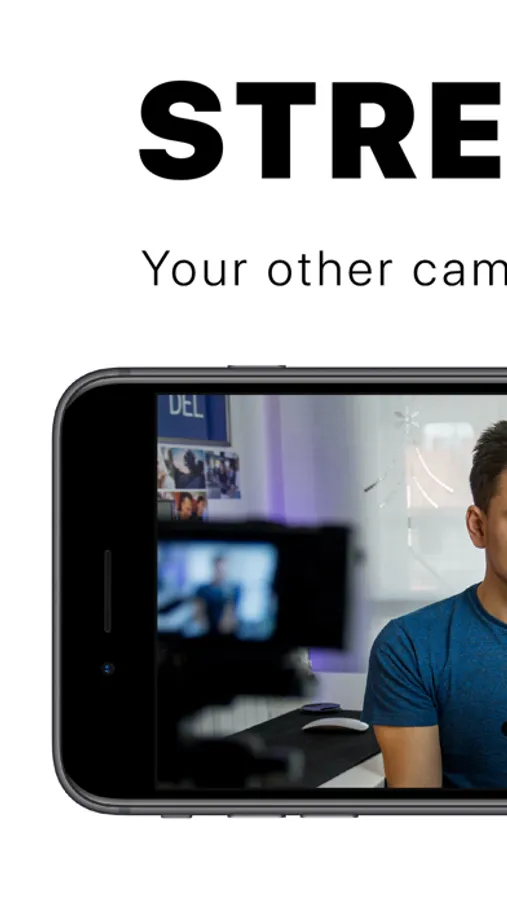
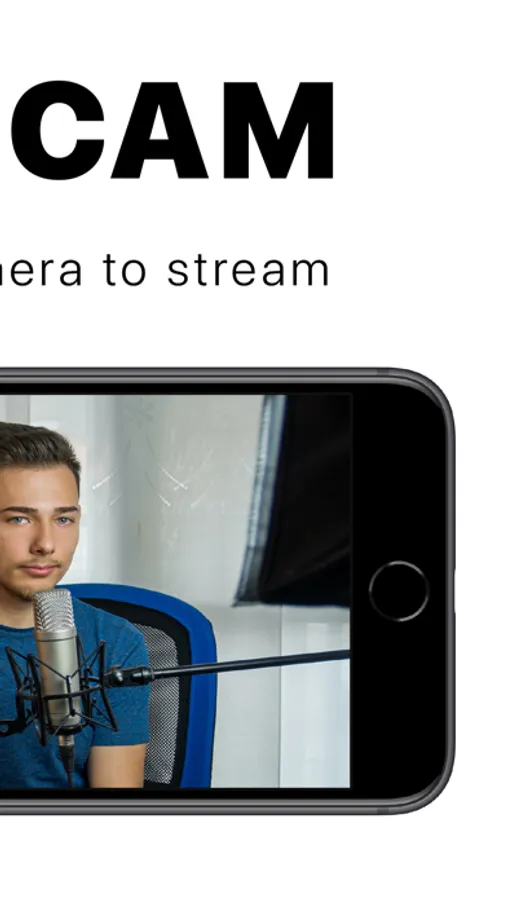
Use your iPhone or iPad as a camera to stream with OBS tools, record videos with Quicktime or using the Dock connector.
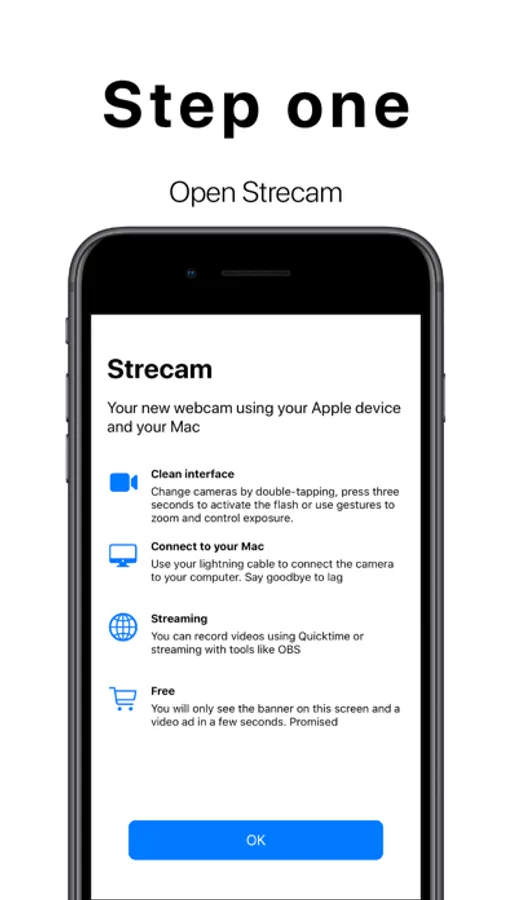
You will enjoy a clean, frame-free and lag-free camera interface. Press to focus, press and hold three seconds to turn the flash or off (only with the rear camera), double tap to change between cameras or use gestures to zoom.
It is recommended to put the device in not disturb mode and always mute option.
Instructions for OBS:
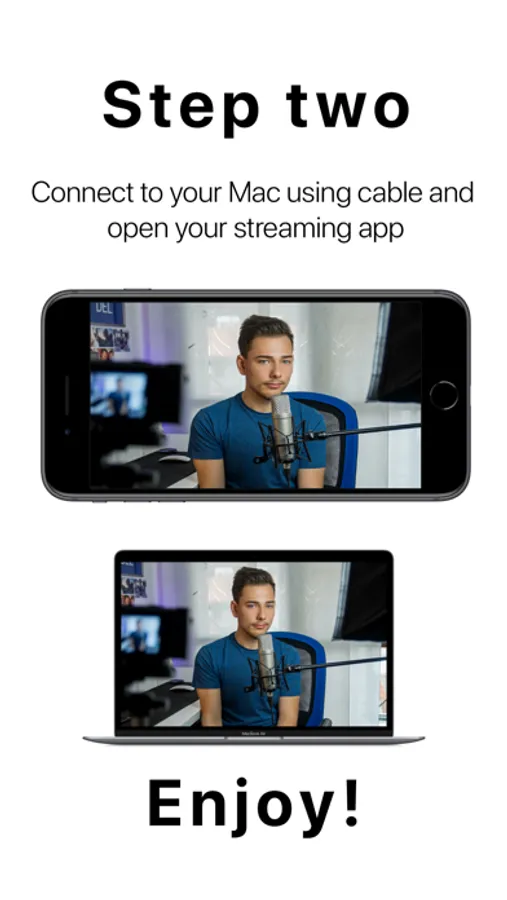
1.Connect your device using the lightning cable to your Mac.
2.Open Strecam on your device and OBS on your Mac
3.Press the + button on sources and then on Video Capture Device
4.Put a name
5.Select your iPhone or iPad on the device drop-down.
Done!
Quicktime Instructions:
1.Connect your device using the lightning cable to your Mac.
2.Open Strecam on your device and Quicktime on your Mac
3.Go to file and click on new video recording
4. Click on the arrow next to the record button and select your iPhone or iPad from the drop-down.
Done!
You can find more information about Apple Digital AV Adapters for iPhone, iPad, and iPod touch at https://support.apple.com/es-es/HT202044
You will enjoy a clean, frame-free and lag-free camera interface. Press to focus, press and hold three seconds to turn the flash or off (only with the rear camera), double tap to change between cameras or use gestures to zoom.
It is recommended to put the device in not disturb mode and always mute option.
Instructions for OBS:
1.Connect your device using the lightning cable to your Mac.
2.Open Strecam on your device and OBS on your Mac
3.Press the + button on sources and then on Video Capture Device
4.Put a name
5.Select your iPhone or iPad on the device drop-down.
Done!
Quicktime Instructions:
1.Connect your device using the lightning cable to your Mac.
2.Open Strecam on your device and Quicktime on your Mac
3.Go to file and click on new video recording
4. Click on the arrow next to the record button and select your iPhone or iPad from the drop-down.
Done!
You can find more information about Apple Digital AV Adapters for iPhone, iPad, and iPod touch at https://support.apple.com/es-es/HT202044