ByteEngine Translator
ByteEngine Technology (Shenzhen) Co., Ltd.
3.0 ★
store rating
Free
AppRecs review analysis
AppRecs rating 2.5. Trustworthiness 65 out of 100. Review manipulation risk 22 out of 100. Based on a review sample analyzed.
★★☆☆☆
2.5
AppRecs Rating
Ratings breakdown
5 star
36%
4 star
9%
3 star
0%
2 star
27%
1 star
27%
What to know
✓
Low review manipulation risk
22% review manipulation risk
About ByteEngine Translator
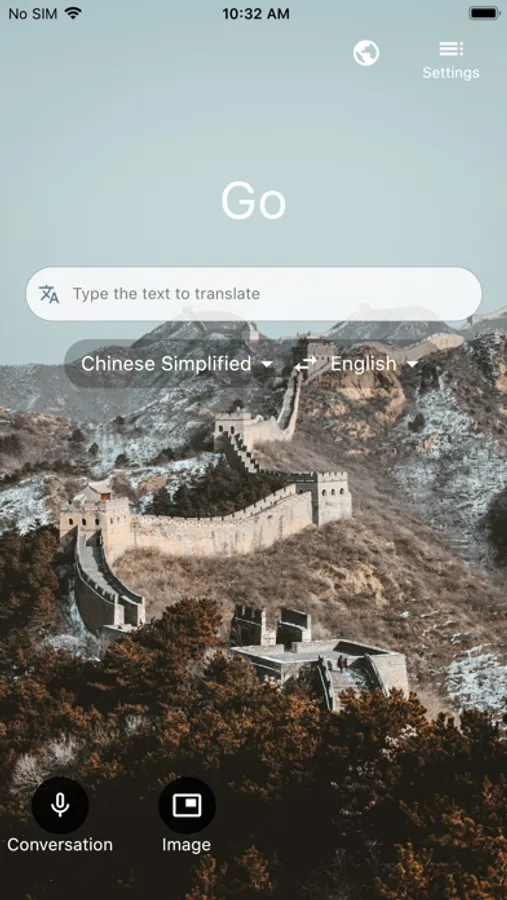
Byte Engine Translator is a personal translation app for 100+ languages, to translate text, voice, conversations, camera photos and screenshots. You can even download languages for offline translation for free to use when you travel!
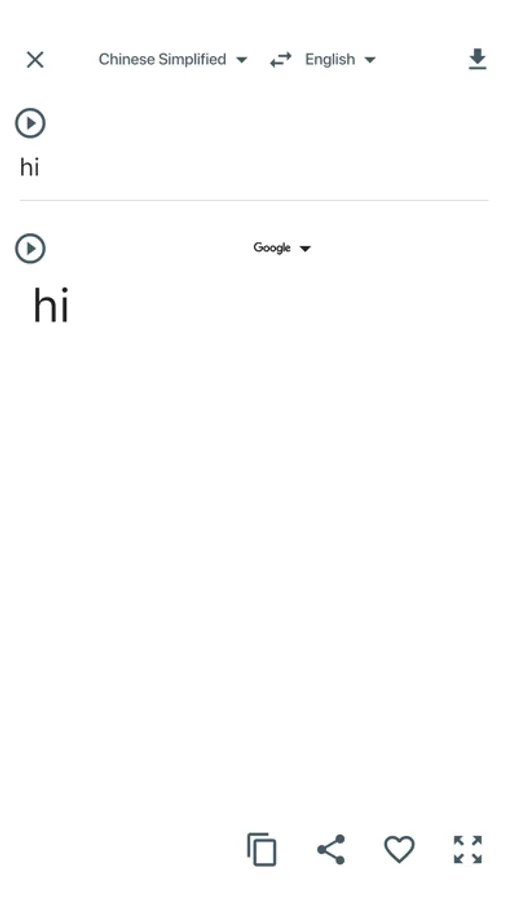
• Text translation into over 100 languages*, for online and offline use
• Camera translation to translate text within photos and screenshots
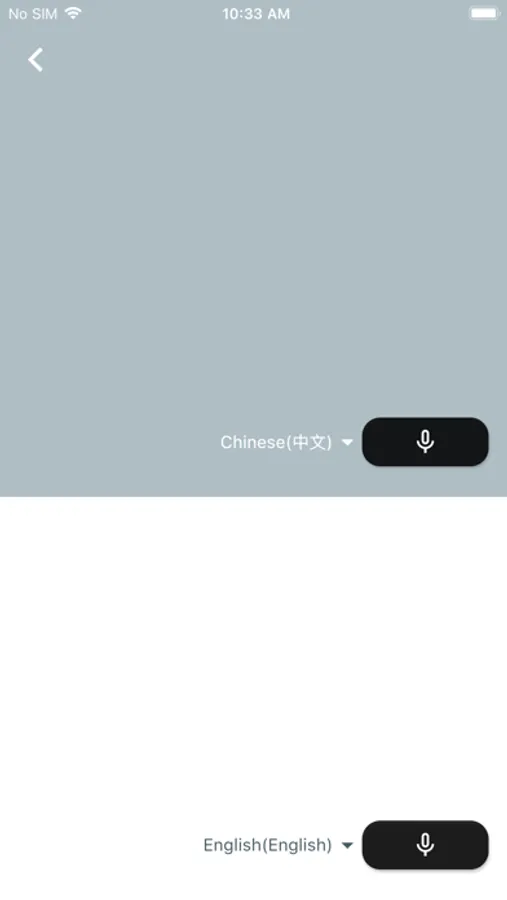
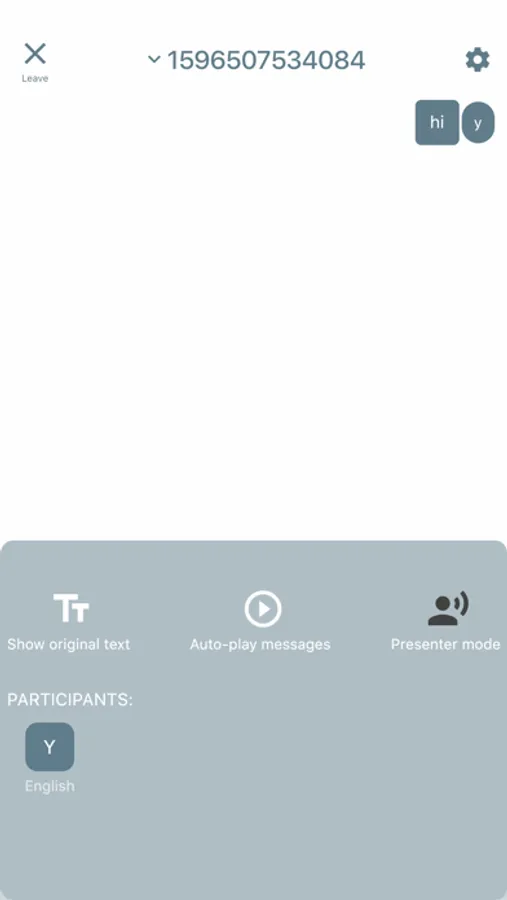
• Voice translation to translate speech, and a split-screen mode for two participants having a bilingual conversation
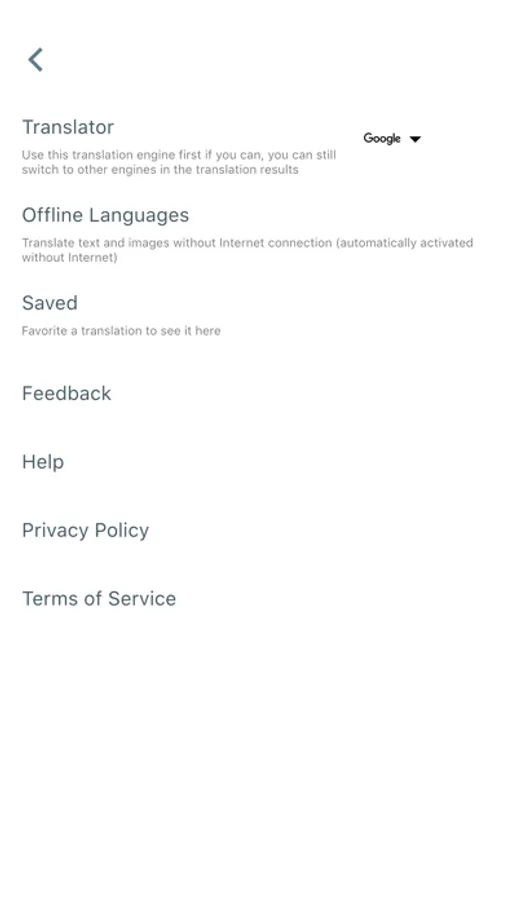
• Download languages for offline use for when you travel without an internet connection
• Share your translations with other apps
• Pin and save your most frequent translations for later
Translator supports the following languages: Afrikaans, Arabic, Bangla, Bosnian (Latin), Bulgarian, Cantonese (Traditional), Catalan, Chinese (Simplified), Chinese (Traditional), Croatian, Czech, Danish, Dutch, English, Estonian, Fijian, Filipino, Finnish, French, German, Greek, Haitian Creole, Hebrew, Hindi, Hmong Daw, Hungarian, Icelandic, Indonesian, Italian, Japanese, Kiswahili, Korean, Latvian, Lithuanian, Malagasy, Malay, Maltese, Norwegian, Persian, Polish, Portuguese, Quer'etaro Otomi, Romanian, Russian, Serbian (Cyrillic), Serbian (Latin), Slovak, Slovenian, Spanish, Swedish, Tahitian, Tamil, Telugu, Thai, Tongan, Turkish, Ukrainian, Urdu, Vietnamese, Welsh, and Yucatec Maya.
*Some features are not available in all languages.
// Request for User Permissions //
[Mandatory access]
1. View Network access
To detect whether the device is on Wi-Fi, mobile data, or not connected to a network. This helps the app know whether it should translate while online, or use an offline language pack.
2. Network access
For access to Wi-Fi or mobile data to perform text or speech translations, and download offline language packs.
[Optional access]
1. Camera
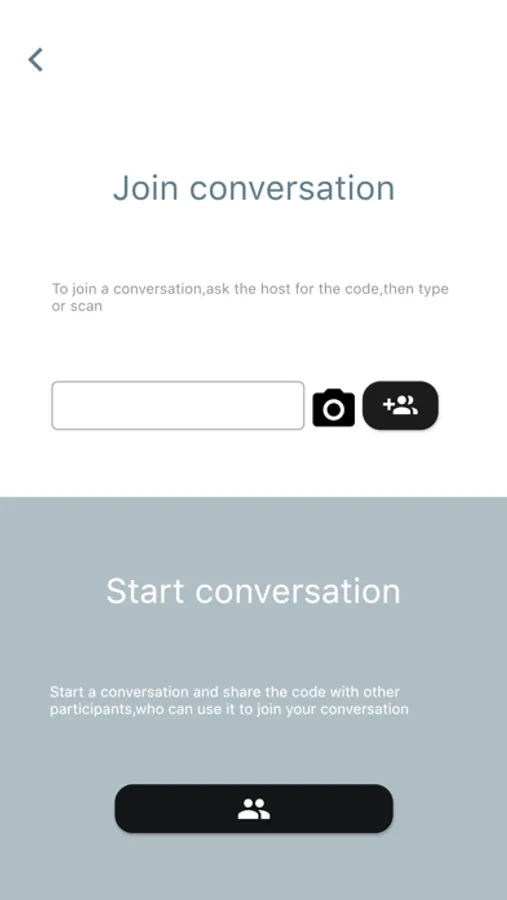
To take pictures for image translations, and to scan QR codes when joining a conversation.
2. Microphone
To translate speech.
3. Photos/Media/Files
To open photos from the device for image translation.
4. Storage
To open photos from the device for image translation, and to save downloaded offline language packs.
• Text translation into over 100 languages*, for online and offline use
• Camera translation to translate text within photos and screenshots
• Voice translation to translate speech, and a split-screen mode for two participants having a bilingual conversation
• Download languages for offline use for when you travel without an internet connection
• Share your translations with other apps
• Pin and save your most frequent translations for later
Translator supports the following languages: Afrikaans, Arabic, Bangla, Bosnian (Latin), Bulgarian, Cantonese (Traditional), Catalan, Chinese (Simplified), Chinese (Traditional), Croatian, Czech, Danish, Dutch, English, Estonian, Fijian, Filipino, Finnish, French, German, Greek, Haitian Creole, Hebrew, Hindi, Hmong Daw, Hungarian, Icelandic, Indonesian, Italian, Japanese, Kiswahili, Korean, Latvian, Lithuanian, Malagasy, Malay, Maltese, Norwegian, Persian, Polish, Portuguese, Quer'etaro Otomi, Romanian, Russian, Serbian (Cyrillic), Serbian (Latin), Slovak, Slovenian, Spanish, Swedish, Tahitian, Tamil, Telugu, Thai, Tongan, Turkish, Ukrainian, Urdu, Vietnamese, Welsh, and Yucatec Maya.
*Some features are not available in all languages.
// Request for User Permissions //
[Mandatory access]
1. View Network access
To detect whether the device is on Wi-Fi, mobile data, or not connected to a network. This helps the app know whether it should translate while online, or use an offline language pack.
2. Network access
For access to Wi-Fi or mobile data to perform text or speech translations, and download offline language packs.
[Optional access]
1. Camera
To take pictures for image translations, and to scan QR codes when joining a conversation.
2. Microphone
To translate speech.
3. Photos/Media/Files
To open photos from the device for image translation.
4. Storage
To open photos from the device for image translation, and to save downloaded offline language packs.