AppRecs review analysis
AppRecs rating 4.6. Trustworthiness 80 out of 100. Review manipulation risk 33 out of 100. Based on a review sample analyzed.
★★★★☆
4.6
AppRecs Rating
Ratings breakdown
5 star
81%
4 star
6%
3 star
6%
2 star
0%
1 star
6%
What to know
✓
Credible reviews
80% trustworthiness score from analyzed reviews
✓
High user satisfaction
81% of sampled ratings are 5 stars
About VVIO - Save Video & GIF
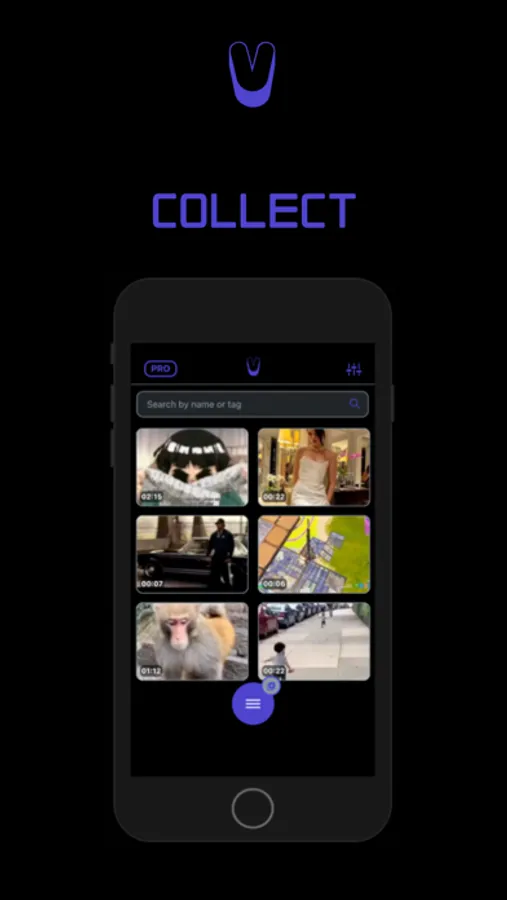
VVIO helps you save Video/GIFs/Photos from your Gallery and Shared sources for better organization and easy access.
Features:
• Video, GIF and Image support
• Import media from your Gallery
• Favorite, Tag & Search media for easy finds.
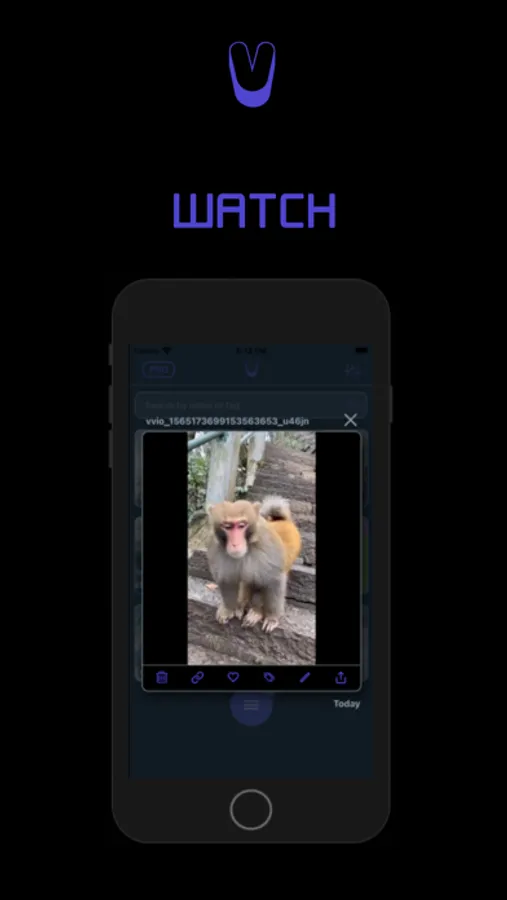
• Watch content in-app (Video Player)
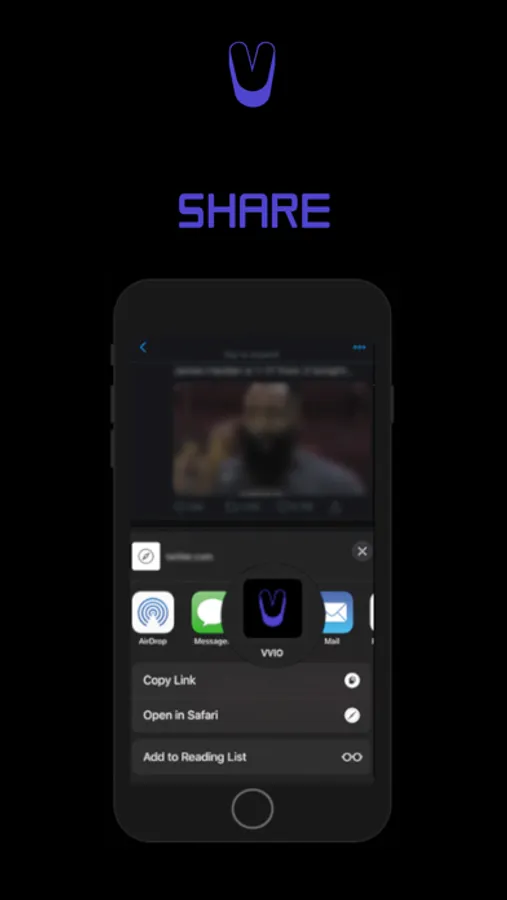
• Send media to VVIO (Share list availability)
• Share from VVIO to other Apps
How to use VVIO:
- BY IMPORTING (In-app)
1. Copy a link to a video, preferably with a .gif/.mp4 extension.
where you will click the big Save button.
2. Open the menu and click the Image+ looking icon
3. With the Save window open, paste the link and attempt to save if deemed valid.
- BY SHARING
(See in-app tutorial slides)
1. When viewing a Video or GIF that you love, find the nearest Share icon and send it to VVIO.
2. Choose the VVIO app from the iOS Share list that slides up. (Try the ...More button if you don't see it)
3. You will now be sent to VVIO where if eligible, your media will be imported and ready to play.
Follow Us on Twitter @VVIOApp :)
If you find this app helpful. Please Rate us.
---- VVIO Pro (optional)
Payment will be charged to the credit card connected to your iTunes Account when you confirm your Pro purchase.
For more information, see our https://vvio.app/terms-and-conditions/ and https://vvio.app/privacy-policy/ .
Features:
• Video, GIF and Image support
• Import media from your Gallery
• Favorite, Tag & Search media for easy finds.
• Watch content in-app (Video Player)
• Send media to VVIO (Share list availability)
• Share from VVIO to other Apps
How to use VVIO:
- BY IMPORTING (In-app)
1. Copy a link to a video, preferably with a .gif/.mp4 extension.
where you will click the big Save button.
2. Open the menu and click the Image+ looking icon
3. With the Save window open, paste the link and attempt to save if deemed valid.
- BY SHARING
(See in-app tutorial slides)
1. When viewing a Video or GIF that you love, find the nearest Share icon and send it to VVIO.
2. Choose the VVIO app from the iOS Share list that slides up. (Try the ...More button if you don't see it)
3. You will now be sent to VVIO where if eligible, your media will be imported and ready to play.
Follow Us on Twitter @VVIOApp :)
If you find this app helpful. Please Rate us.
---- VVIO Pro (optional)
Payment will be charged to the credit card connected to your iTunes Account when you confirm your Pro purchase.
For more information, see our https://vvio.app/terms-and-conditions/ and https://vvio.app/privacy-policy/ .