TimerTiTi - Timer for Study
Minsang Kang
4.6 ★
store rating
Free
AppRecs review analysis
AppRecs rating 4.4. Trustworthiness 74 out of 100. Review manipulation risk 22 out of 100. Based on a review sample analyzed.
★★★★☆
4.4
AppRecs Rating
Ratings breakdown
5 star
81%
4 star
5%
3 star
5%
2 star
10%
1 star
0%
What to know
✓
Low review manipulation risk
22% review manipulation risk
✓
Credible reviews
74% trustworthiness score from analyzed reviews
✓
High user satisfaction
81% of sampled ratings are 5 stars
About TimerTiTi - Timer for Study
TiTi Features
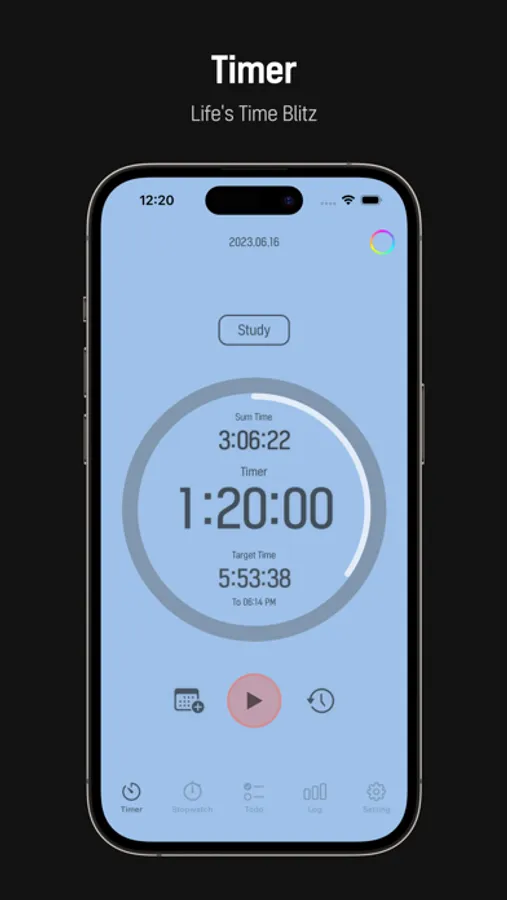
- Record Measurement - Timer Mode (Recording progresses even at the end of the app)
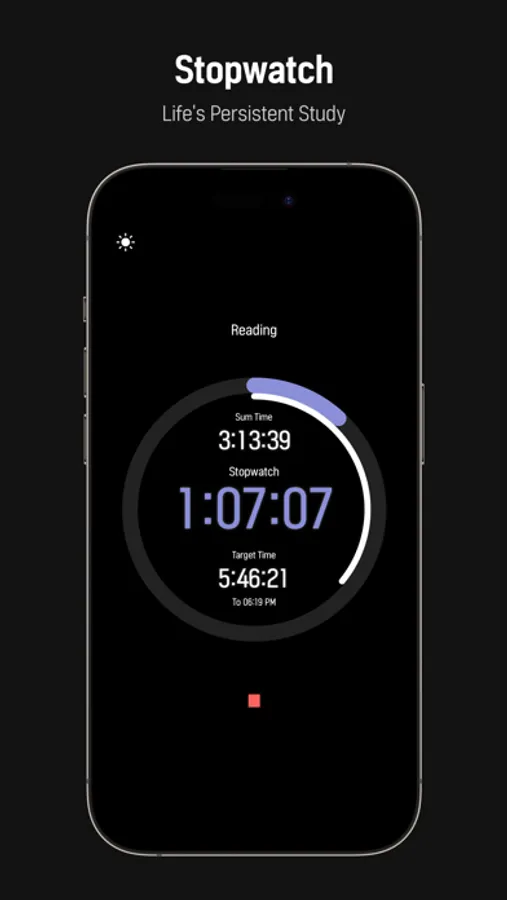
- Record measurement - Stopwatch mode (recorded even at the end of the app)
- Record Settings - Target Time, Timer Time Settings
- History Settings - Set Month, Week, Daily Target Time for Log Window Display
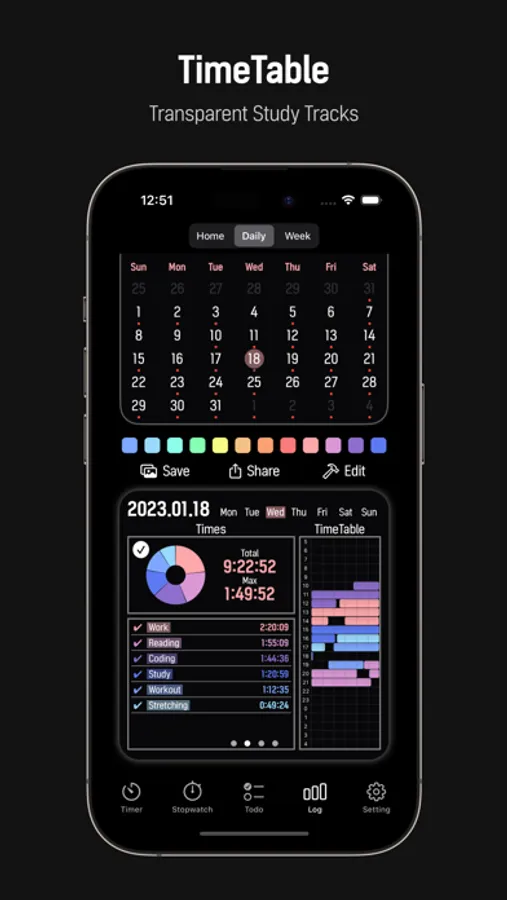
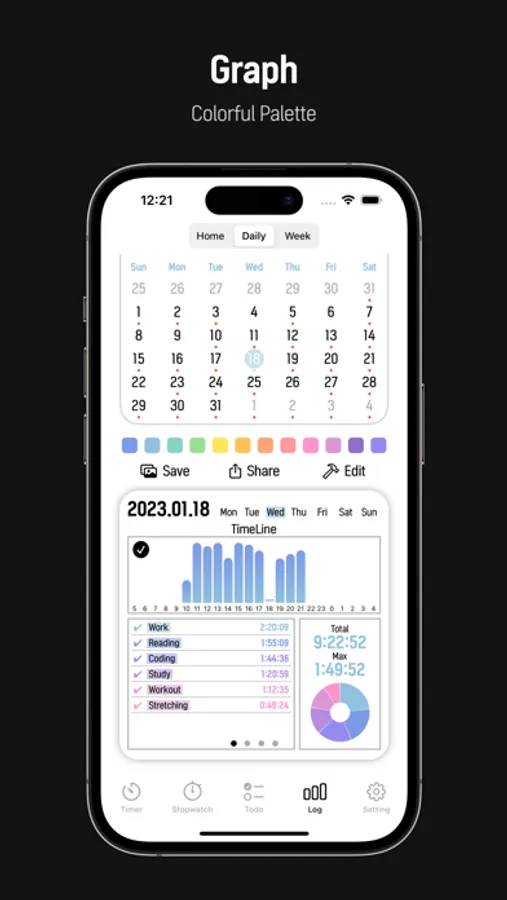
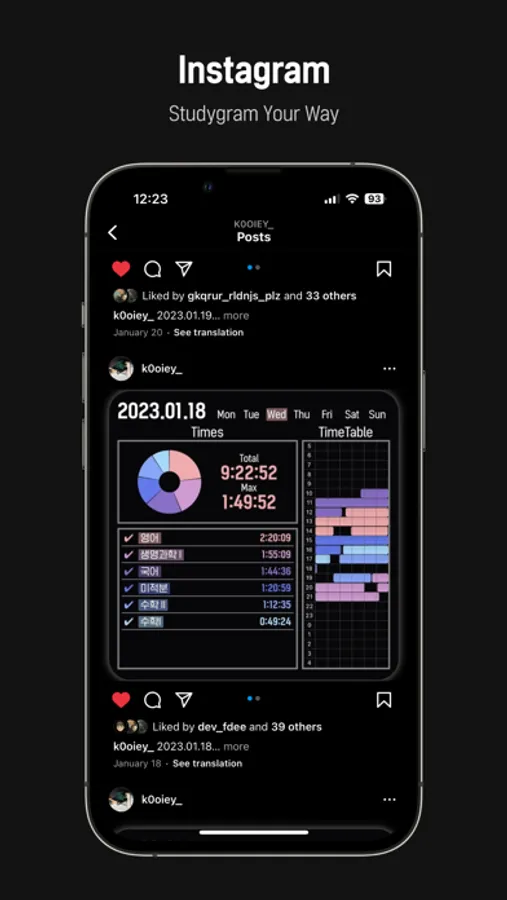
- Log Daily - Provides a cumulative time graph for each 24-hour time zone
- Log Daily - Provides a cumulative time graph by record name
- Log Week - Provides graphs of accumulated hours by week and by top five recorded names
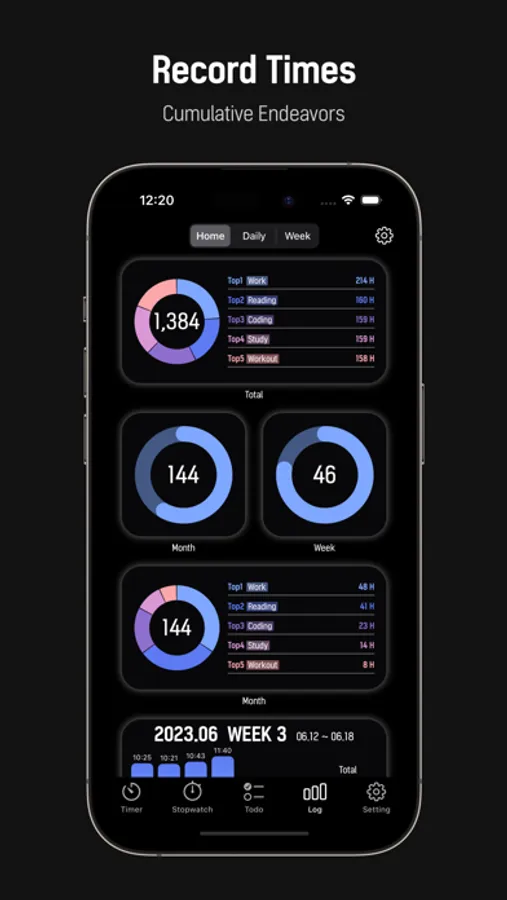
- Log Home - Provides total cumulative time and cumulative time graphs for each of the top five record names
- Log Home - Provides the current Month cumulative time graph
- Log Home - Provides a cumulative time graph for each of the top five current Month recorded names
- Log Home - Provides the current Week cumulative time graph
- Notification - 5 minutes before timer expires, notification of shutdown
- Notification - Stopwatch 1-hour elapsed notification
- Control - Always on screen function
- Control - Flip to start recording
- Color - Timer & Stopwatch Background Color Color Customization
- Color - 12 Graph Theme Colors (Dark & Light Mode)
- Todolist - Provides the ability to add, modify, check, and delete Todolist
- Developer FDEE(Korean Univ.student) -
- instagram : @study_withtiti / email : freedeveloper97@gmail.com -
- Record Measurement - Timer Mode (Recording progresses even at the end of the app)
- Record measurement - Stopwatch mode (recorded even at the end of the app)
- Record Settings - Target Time, Timer Time Settings
- History Settings - Set Month, Week, Daily Target Time for Log Window Display
- Log Daily - Provides a cumulative time graph for each 24-hour time zone
- Log Daily - Provides a cumulative time graph by record name
- Log Week - Provides graphs of accumulated hours by week and by top five recorded names
- Log Home - Provides total cumulative time and cumulative time graphs for each of the top five record names
- Log Home - Provides the current Month cumulative time graph
- Log Home - Provides a cumulative time graph for each of the top five current Month recorded names
- Log Home - Provides the current Week cumulative time graph
- Notification - 5 minutes before timer expires, notification of shutdown
- Notification - Stopwatch 1-hour elapsed notification
- Control - Always on screen function
- Control - Flip to start recording
- Color - Timer & Stopwatch Background Color Color Customization
- Color - 12 Graph Theme Colors (Dark & Light Mode)
- Todolist - Provides the ability to add, modify, check, and delete Todolist
- Developer FDEE(Korean Univ.student) -
- instagram : @study_withtiti / email : freedeveloper97@gmail.com -