With this printing app, you can connect to over 8,000 wireless printers, print documents and photos, and use built-in editing tools. Includes document sharing, file conversion, OCR scanning, and translation features.
AppRecs review analysis
AppRecs rating 3.6. Trustworthiness 55 out of 100. Review manipulation risk 22 out of 100. Based on a review sample analyzed.
★★★☆☆
3.6
AppRecs Rating
Ratings breakdown
5 star
66%
4 star
9%
3 star
9%
2 star
2%
1 star
14%
What to know
✓
High user satisfaction
75% of sampled ratings are 4+ stars (4.1★ average)
✓
Authentic reviews
Natural distribution, no red flags
About Smart Printer App: Printer
Experience the ultimate convenience in printing with the Smart Printer App: Printer, designed to support over 8,000 wireless printer models. Now you can print documents and photos in seconds - just select a file, use our handy built-in tools to tweak it as needed, and send it off to your printer effortlessly.
Key Features of the Smart Printer App:
- Print Documents and Photos: Effortlessly connect to your printer from anywhere using just your smartphone to print documents and photos anytime.
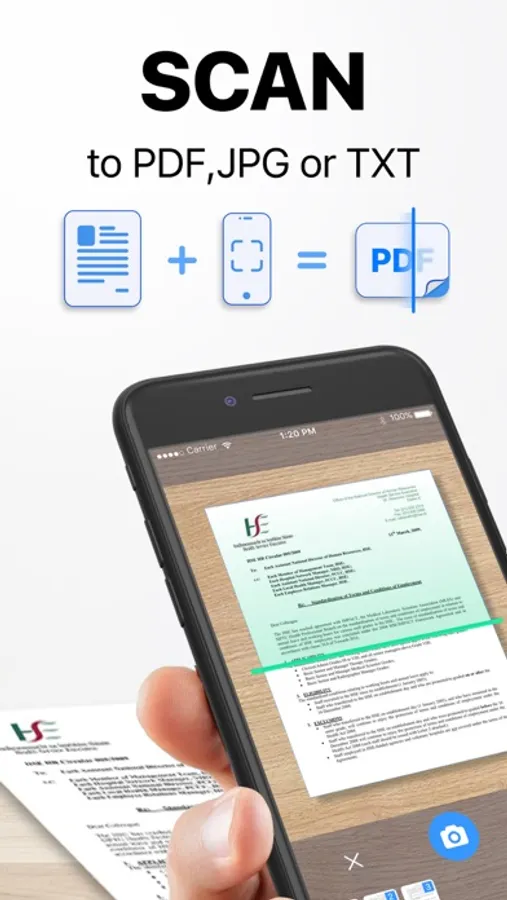
- Scan and Print: Quickly scan multiple files or photos you need to print, all at once.
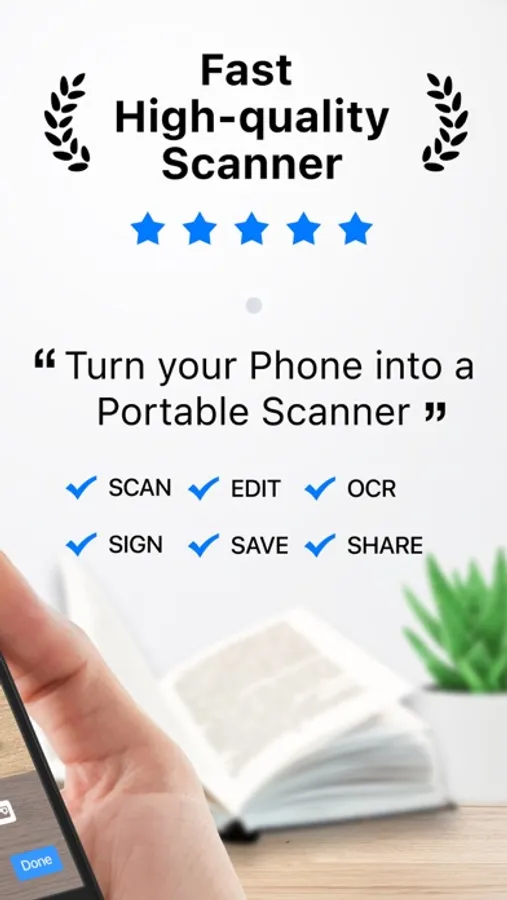
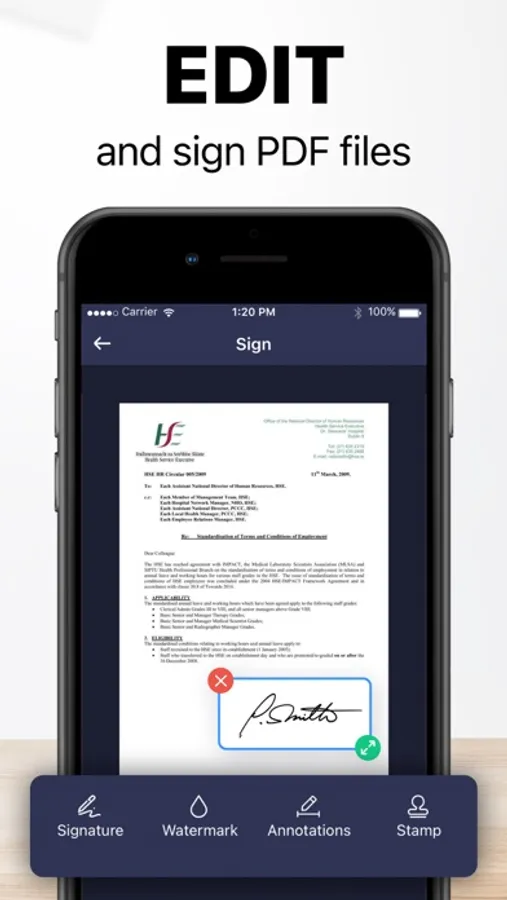
- Batch Document Scanning: After scanning documents in bulk, you can easily edit them by adding signatures and more.
- Photo to Text: Utilize our smart OCR technology to extract text directly from photos.
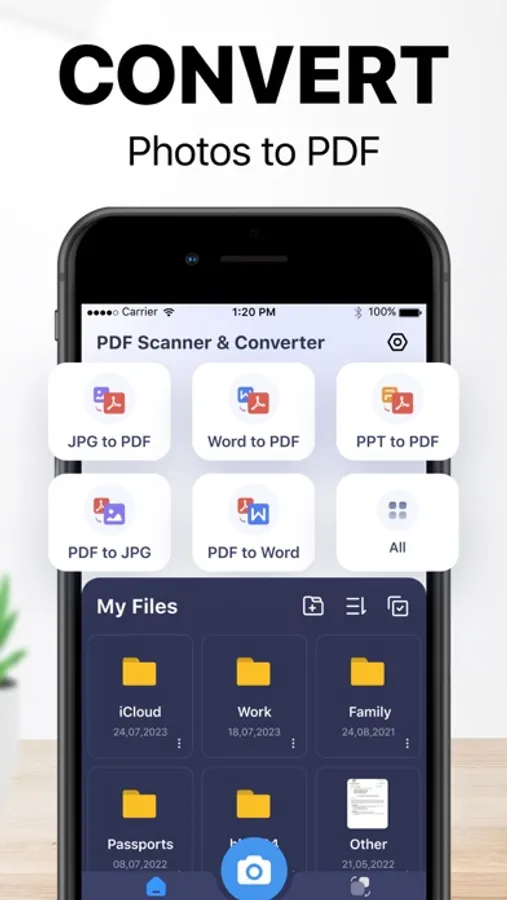
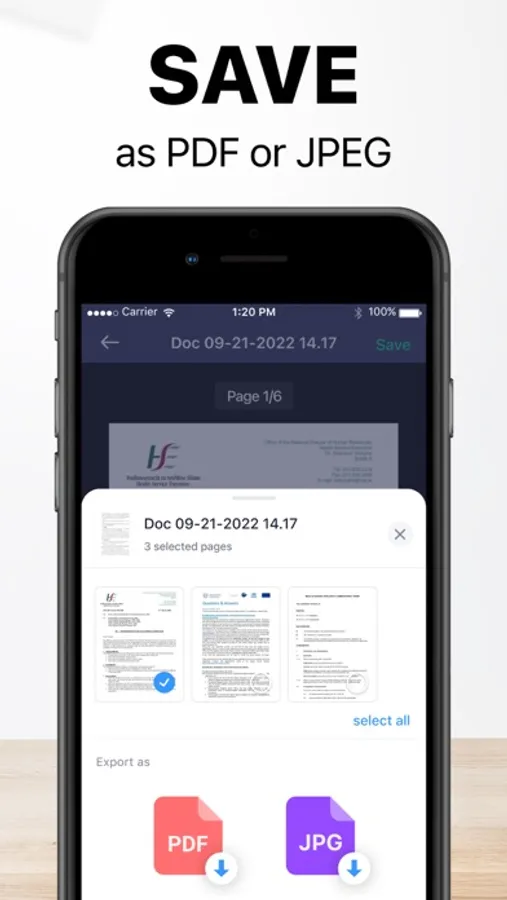
- Convert Files to PDF: Turn photos, Word documents, and PowerPoint presentations into PDF files seamlessly.
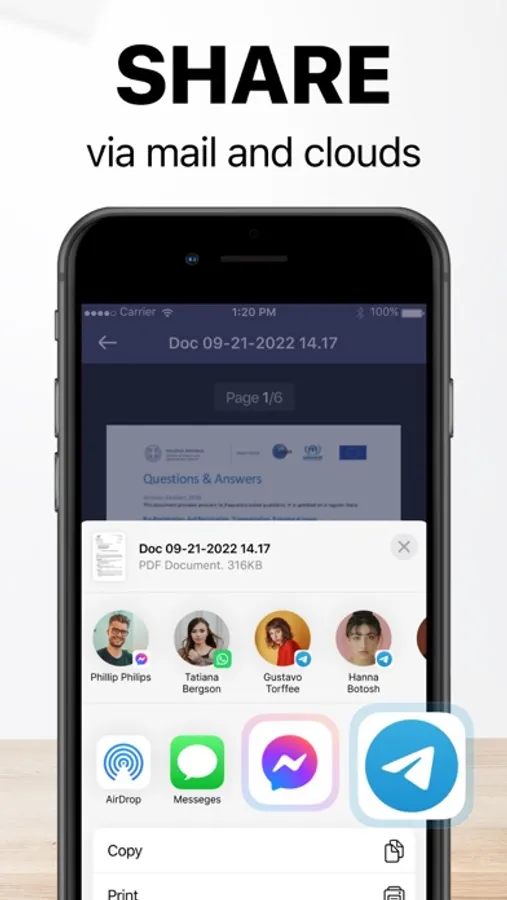
- File Sharing: Easily share your processed files with friends and family with just one click.
- Photo Translation: Our advanced OCR technology also enables you to extract and translate text from photos into multiple languages.
The Smart Printer App: Printer simplifies your printing needs and integrates powerful editing and sharing tools to enhance your productivity and keep you connected.
Rules that apply to all subscriptions:
Payment will be charged to iTunes Account at confirmation of purchase
Subscription automatically renews unless auto-renew is turned off at least 24-hours before the end of the current period
Account will be charged for renewal within 24-hours before the end of the current period, and identify the cost of the renewal
Subscriptions may be managed by the user and auto-renewal may be turned off by going to the user's Account Settings after purchase
Any unused portion of a free trial period, if offered, will be forfeited when the user purchases a subscription to that publication, where applicable
• Privacy: https://textscanner.dpintelligence.com/privacy
• Terms Of Use: https://textscanner.dpintelligence.com/terms
• Contact Us: https://textscanner.dpintelligence.com/contact
Key Features of the Smart Printer App:
- Print Documents and Photos: Effortlessly connect to your printer from anywhere using just your smartphone to print documents and photos anytime.
- Scan and Print: Quickly scan multiple files or photos you need to print, all at once.
- Batch Document Scanning: After scanning documents in bulk, you can easily edit them by adding signatures and more.
- Photo to Text: Utilize our smart OCR technology to extract text directly from photos.
- Convert Files to PDF: Turn photos, Word documents, and PowerPoint presentations into PDF files seamlessly.
- File Sharing: Easily share your processed files with friends and family with just one click.
- Photo Translation: Our advanced OCR technology also enables you to extract and translate text from photos into multiple languages.
The Smart Printer App: Printer simplifies your printing needs and integrates powerful editing and sharing tools to enhance your productivity and keep you connected.
Rules that apply to all subscriptions:
Payment will be charged to iTunes Account at confirmation of purchase
Subscription automatically renews unless auto-renew is turned off at least 24-hours before the end of the current period
Account will be charged for renewal within 24-hours before the end of the current period, and identify the cost of the renewal
Subscriptions may be managed by the user and auto-renewal may be turned off by going to the user's Account Settings after purchase
Any unused portion of a free trial period, if offered, will be forfeited when the user purchases a subscription to that publication, where applicable
• Privacy: https://textscanner.dpintelligence.com/privacy
• Terms Of Use: https://textscanner.dpintelligence.com/terms
• Contact Us: https://textscanner.dpintelligence.com/contact