Remote for Roku TV App
tv remote screen mirroring llc
3.9 ★
store rating
Free
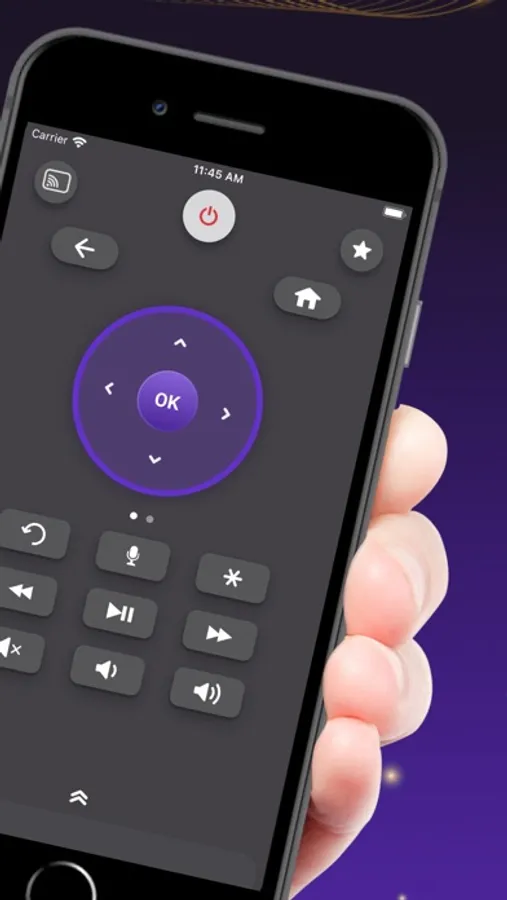
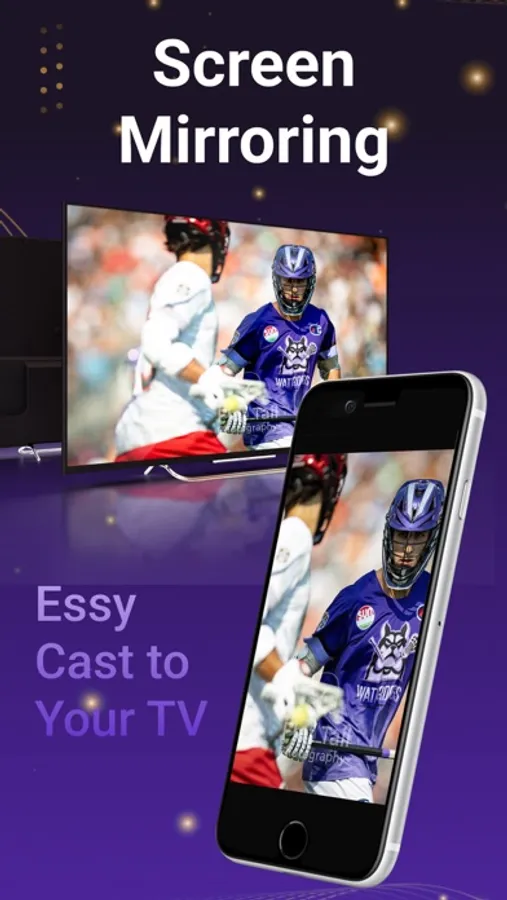
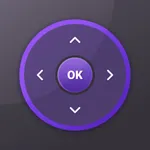
With this remote control app, you can operate your Rokie TV and open installed apps directly from your phone, adjust volume, and toggle HDMI sources. Includes automatic device scanning, all remote buttons, and a built-in keyboard.
AppRecs review analysis
AppRecs rating 2.6. Trustworthiness 69 out of 100. Review manipulation risk 25 out of 100. Based on a review sample analyzed.
★★☆☆☆
2.6
AppRecs Rating
Ratings breakdown
5 star
63%
4 star
7%
3 star
4%
2 star
4%
1 star
22%
What to know
⚠
Ad complaints
Many low ratings mention excessive ads
⚠
Pricing complaints
Many low ratings mention paywalls or pricing
⚠
Review quality concerns
60% of sampled 5-star reviews are very short
About Remote for Roku TV App
Remote Control for Rokie TV is a simple and easy to use Rokie remote control that works with Rokie TV.
This is a fully functional remote control which gives you the ease of opening apps installed on your Rokie TV / devices directly from your Phone.
Requirements
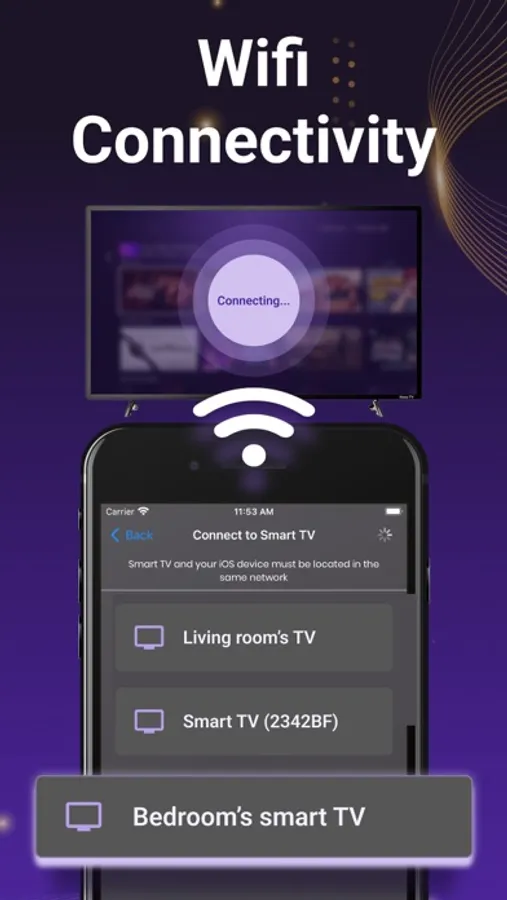
Please note that it’s important to connect your Phone and Roku TV/Devices with the same Wi-Fi network.
Supported Rokie Devices
- Streaming Stick Express , Express+, Premiere, Premiere+, Ultra
Feature List
- No Manual Setups. Automatic Scan of Roku Devices
- All Roku Remote buttons are supported
- Power ON/OFF and Volume Adjustments
- Write Text from Phone to TV directly with inbuilt fast keyboard.
- Toggle Input HDMI Sources
- Shake Phone to Play/Pause
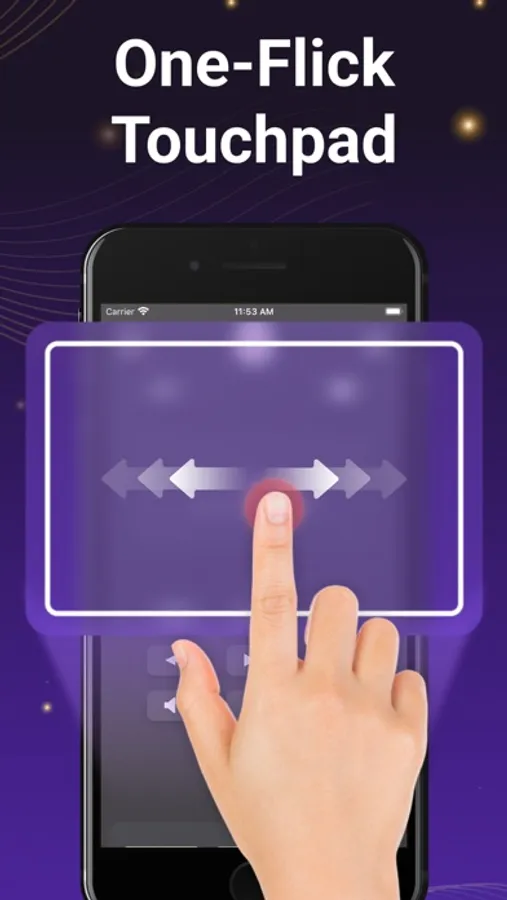
- Realistic Clean UI with Long press support on navigational buttons
DISCLAIMER:
We are NOT affiliated with Roku, Inc. and this app is an Unofficial product.
Privacy Policy: https://sites.google.com/view/nnprivacypolicy
Terms of Use: https://sites.google.com/view/nntermsofuse
License: https://docs.roku.com/published/developersdk/en/us
This is a fully functional remote control which gives you the ease of opening apps installed on your Rokie TV / devices directly from your Phone.
Requirements
Please note that it’s important to connect your Phone and Roku TV/Devices with the same Wi-Fi network.
Supported Rokie Devices
- Streaming Stick Express , Express+, Premiere, Premiere+, Ultra
Feature List
- No Manual Setups. Automatic Scan of Roku Devices
- All Roku Remote buttons are supported
- Power ON/OFF and Volume Adjustments
- Write Text from Phone to TV directly with inbuilt fast keyboard.
- Toggle Input HDMI Sources
- Shake Phone to Play/Pause
- Realistic Clean UI with Long press support on navigational buttons
DISCLAIMER:
We are NOT affiliated with Roku, Inc. and this app is an Unofficial product.
Privacy Policy: https://sites.google.com/view/nnprivacypolicy
Terms of Use: https://sites.google.com/view/nntermsofuse
License: https://docs.roku.com/published/developersdk/en/us