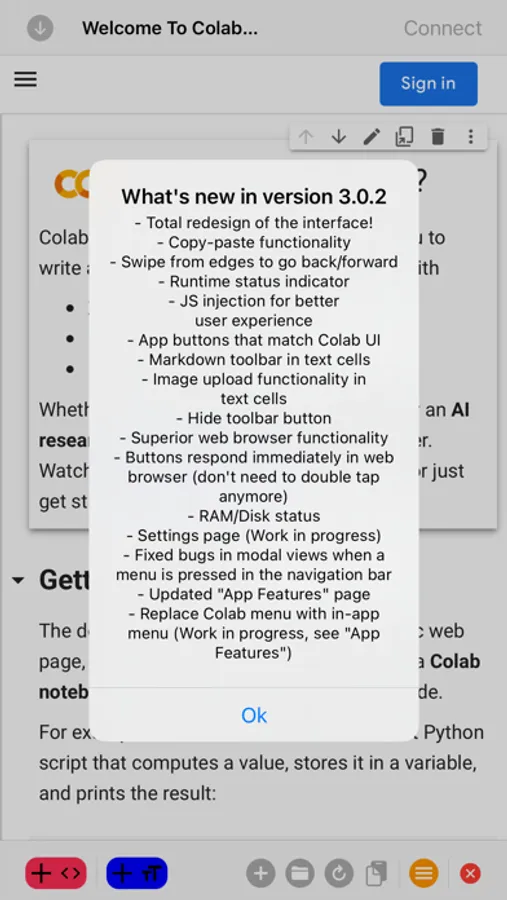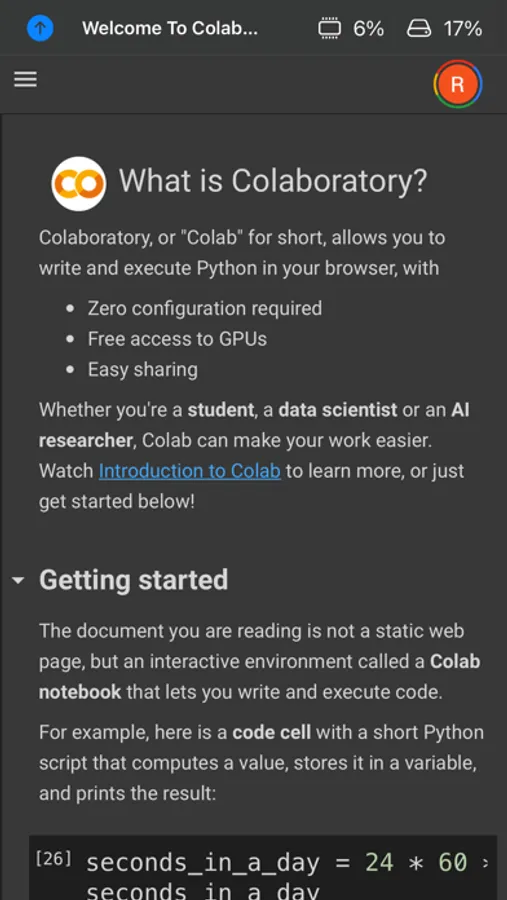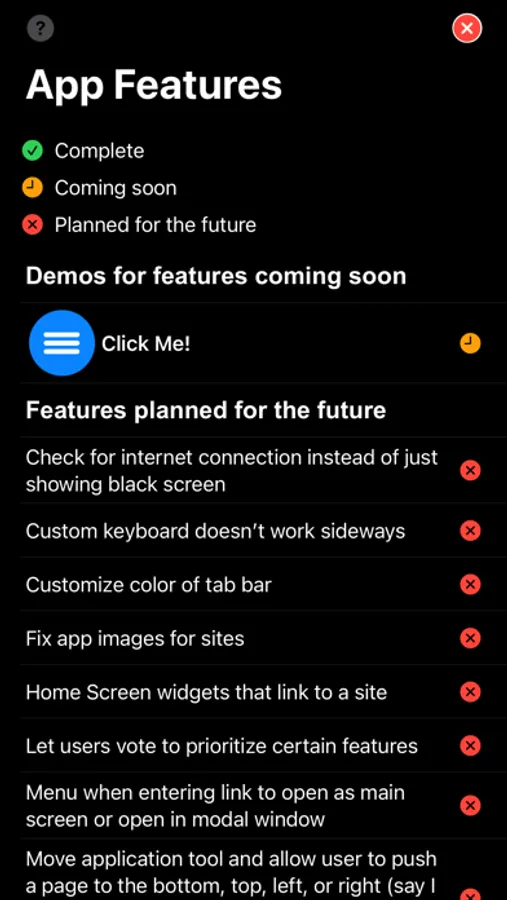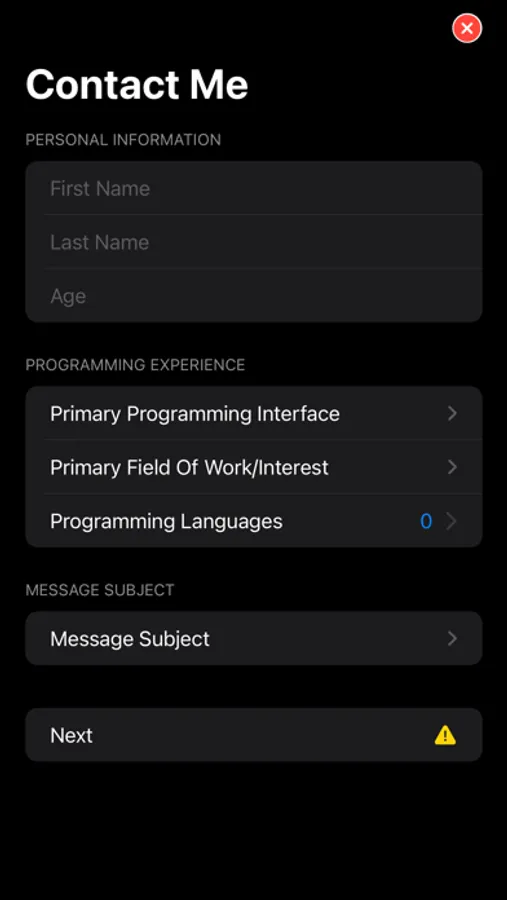
With this programming notebook app, you can edit code seamlessly using features like text box selection and horizontal scrolling. Includes dark mode support, Google Drive integration, and automatic link handling.
About Programming Notebook PRO
This is the PRO version of our free application, Programming Notebook.
FEATURES:
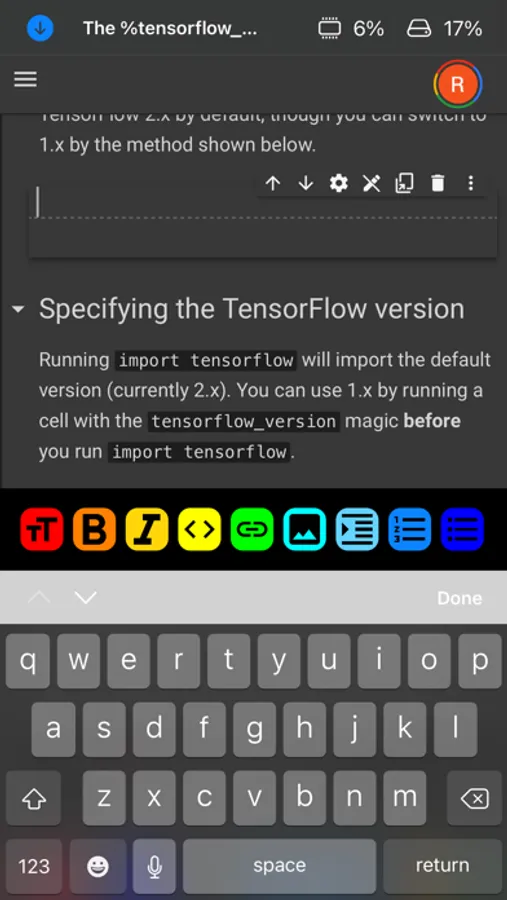
- Prevents automatic zooming when selecting text boxes to allow for code editing with ease.
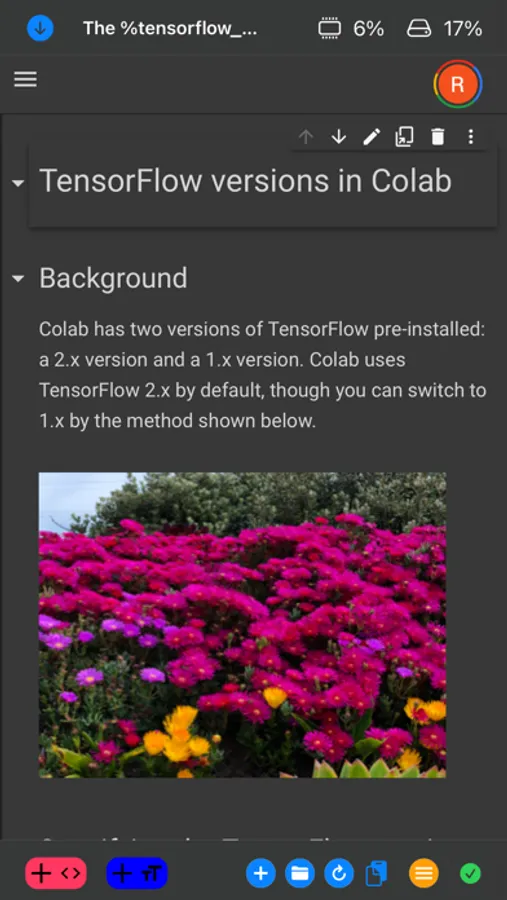
- Disables bouncing to allow for horizontal scrolling through code cells.
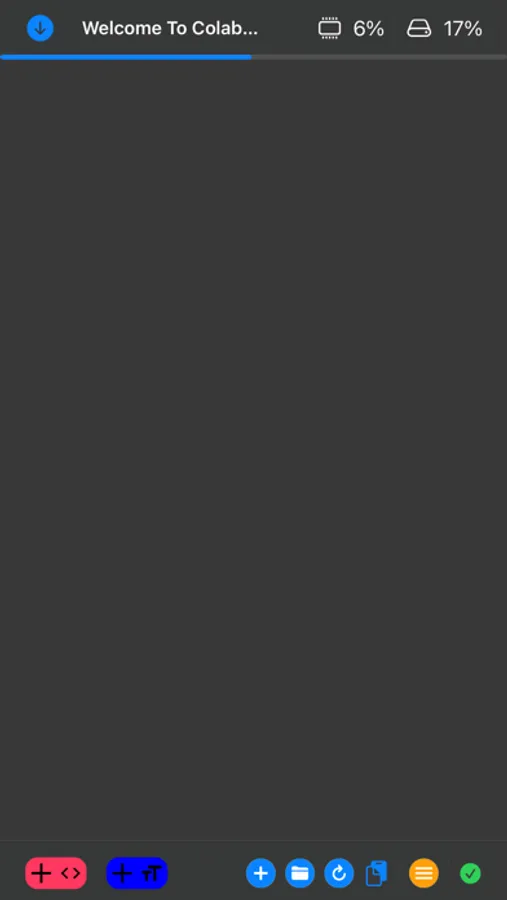
- ability to hide navigation bar
- status bar hidden automatically
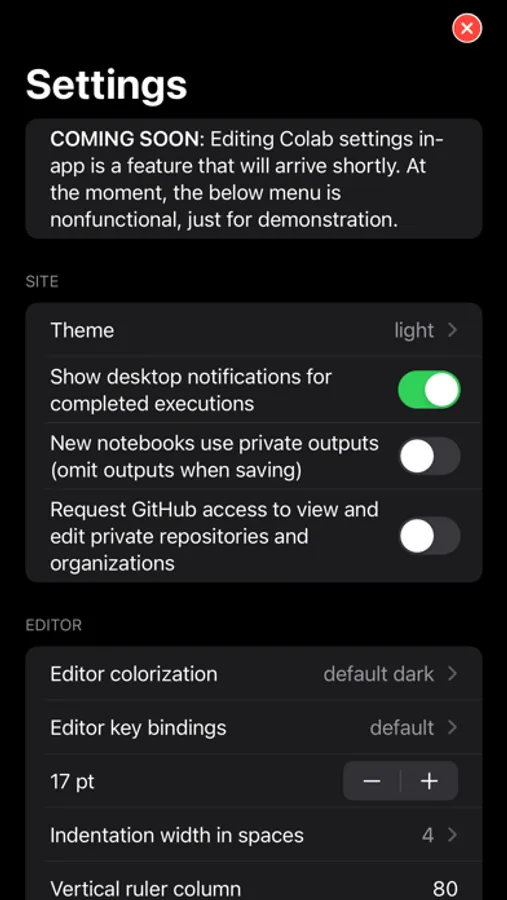
- dark mode support
- new buttons to enable easier navigation on tricky web pages
- JS injection to modify the site HTML slightly to remove contents that are unnecessary and consume space on a mobile device
- no need to double tap in the browser in order to be recognized by buttons
- automatic link handling, including authentication flow for Google sign-in
- ability to connect runtime to Google Drive, both that of the current account and another account, thanks to automatic link handling
- iPhone and iPad support
- No ads
COMING SOON
- Other programming sites will be returning shortly. The feature has briefly been removed with the latest update, as it is being reworked
- Split view for opening multiple sites at once
- Support for multitasking on iPad
- Markdown toolbar, automatically recognizes when a text cell is being edited
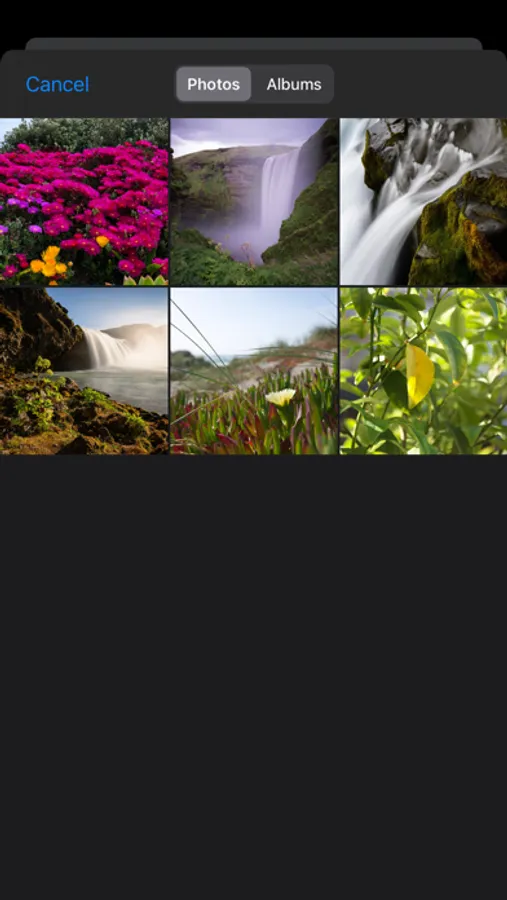
- Ability to upload an image from your photos album to a text cell.
- Copy/paste functionality
- Swipe from edges to navigate backwards/forwards, allows us to preserve space on screen by removing unnecessary navigation buttons
- Search history
FEATURES:
- Prevents automatic zooming when selecting text boxes to allow for code editing with ease.
- Disables bouncing to allow for horizontal scrolling through code cells.
- ability to hide navigation bar
- status bar hidden automatically
- dark mode support
- new buttons to enable easier navigation on tricky web pages
- JS injection to modify the site HTML slightly to remove contents that are unnecessary and consume space on a mobile device
- no need to double tap in the browser in order to be recognized by buttons
- automatic link handling, including authentication flow for Google sign-in
- ability to connect runtime to Google Drive, both that of the current account and another account, thanks to automatic link handling
- iPhone and iPad support
- No ads
COMING SOON
- Other programming sites will be returning shortly. The feature has briefly been removed with the latest update, as it is being reworked
- Split view for opening multiple sites at once
- Support for multitasking on iPad
- Markdown toolbar, automatically recognizes when a text cell is being edited
- Ability to upload an image from your photos album to a text cell.
- Copy/paste functionality
- Swipe from edges to navigate backwards/forwards, allows us to preserve space on screen by removing unnecessary navigation buttons
- Search history