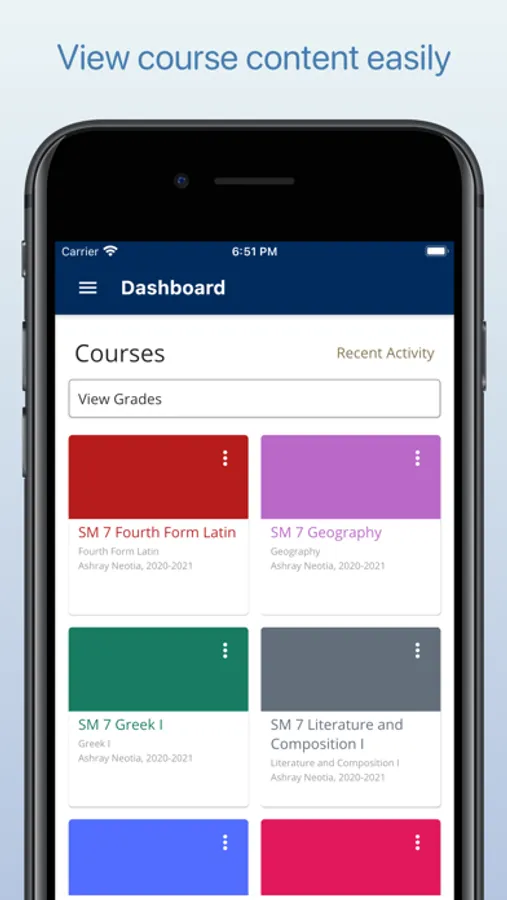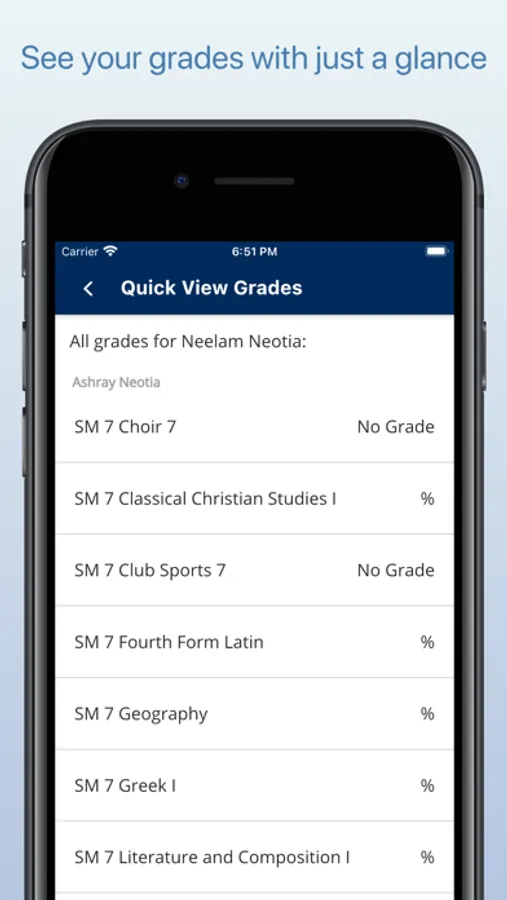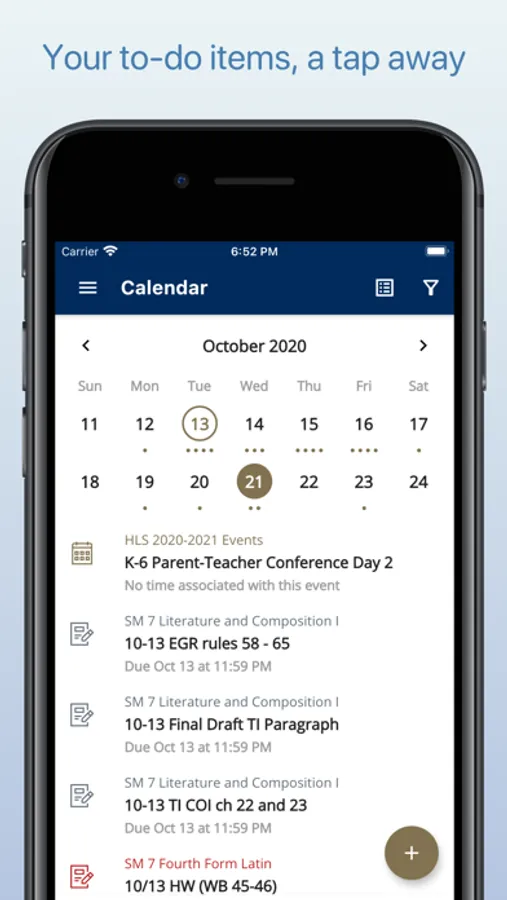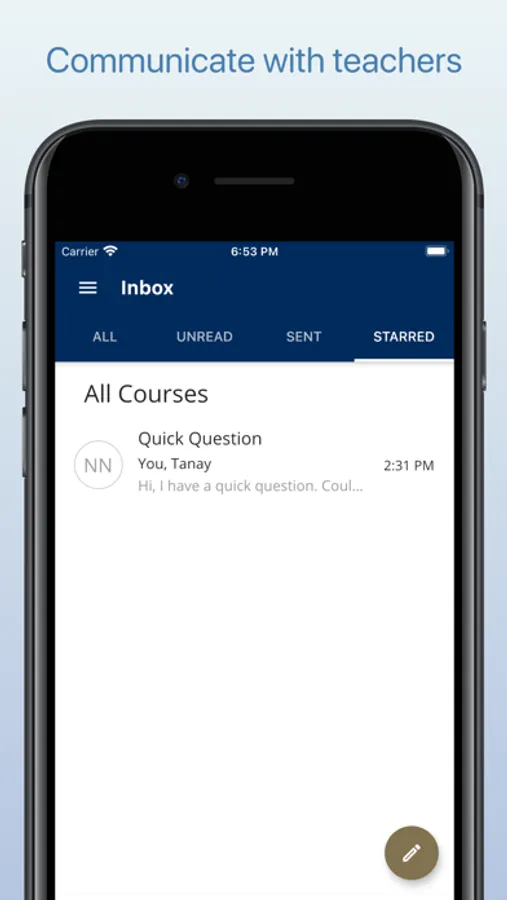
In this educational management app, users can view grades, assignments, and communicate with teachers. Includes grade tracking, assignment submissions, and messaging features.
AppRecs review analysis
AppRecs rating 4.4. Trustworthiness 0 out of 100. Review manipulation risk 0 out of 100. Based on a review sample analyzed.
★★★★☆
4.4
AppRecs Rating
Ratings breakdown
5 star
95%
4 star
0%
3 star
0%
2 star
0%
1 star
5%
What to know
✓
High user satisfaction
95% of sampled ratings are 5 stars
About HLS Grades
Access your HLS courses on the go with the HLS Grades mobile app! This app is compatible with Student, Parent, Teacher, and Admin account types.
Parents and Students can:
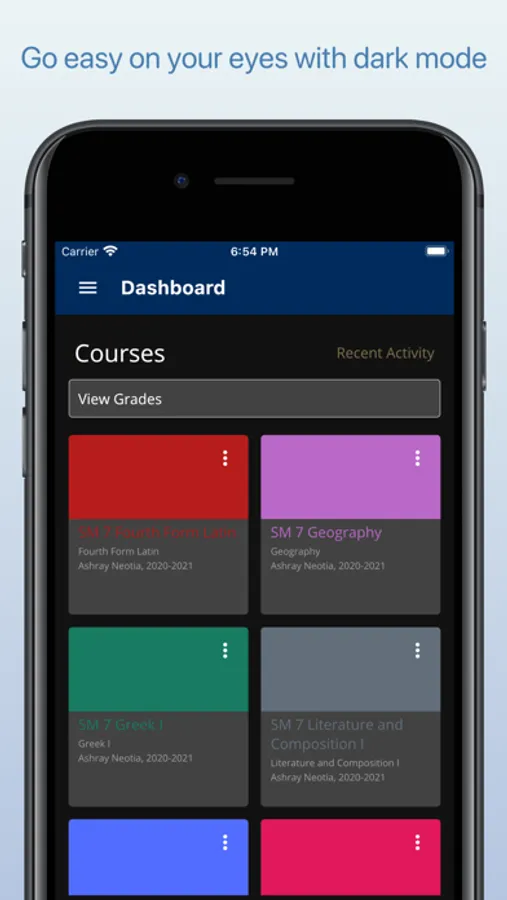
• View grades in an at a glance format with the "View Grades" page accessible from the bottom of the Dashboard page
• View past assignments and grades from previous trimesters in list format
• Keep track of upcoming assignments with the calendar
• Send and receive messages with teachers
• View and (sometimes) post to class discussions
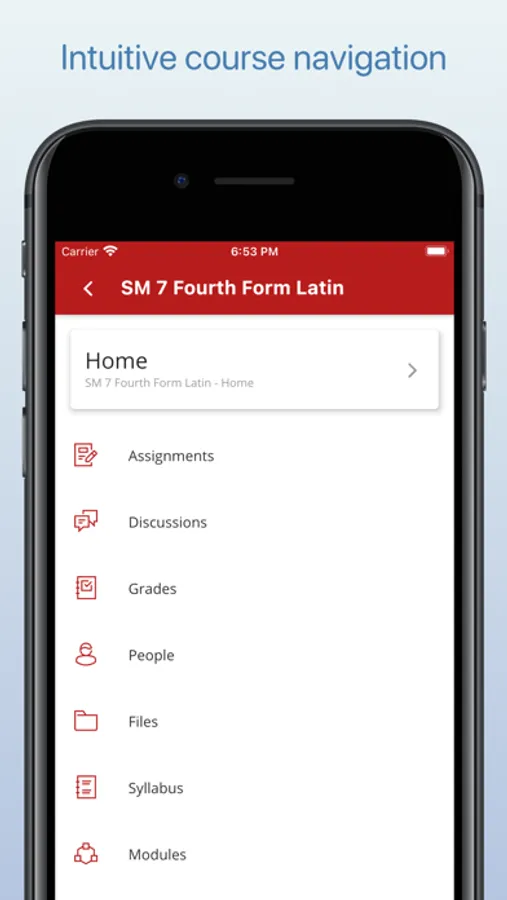
• View course syllabuses, users, and modules
• View and download course files
• View all information for past courses
Students can:
• Edit/resubmit already submitted assignments
• Submit upcoming assignments, quizzes, and tests
• Add comments to assignments
Teachers can:
• Enter & edit grades for students
• Create & edit assignments/modules/announcements/discussions/files, etc.
• Create & edit calendar entries
• Send messages to Parents and Students
There are currently no special features for admin accounts.
Other features:
• Dark mode for night-time readability
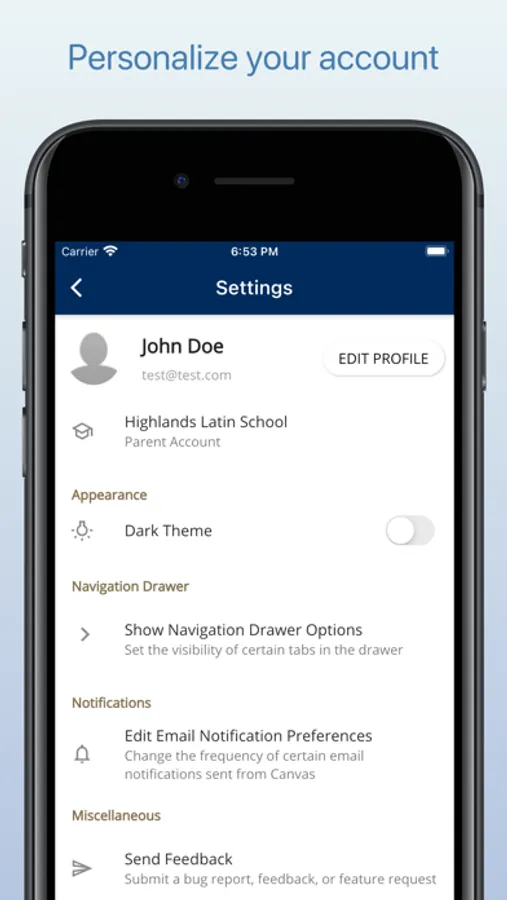
• Hide or show certain tabs in the Navigation Drawer to prioritize the features most meaningful to you
• Clicking on the "View Assignment" link in an email notification will open the app to the specific assignment
What's not possible:
• Notifications. Please rely on emails from Canvas for this functionality, which can be set up by clicking the profile button in settings.
• Downloading files already uploaded for submission.
Current issues and how to fix them:
https://github.com/tneotia/HLSGrades/blob/master/knownissues.md
Notes:
1. This app will not work if you are not using Highlands Latin School's Canvas domain!
Details on how to set this app up for your school's free (non-Instructure url) Canvas domain: https://tneotia.github.io/HLSGrades
2. Bugs or suggestions? Send feedback from within the app's settings!
3. This app is in no way affiliated with or endorsed by Instructure or Canvas. Canvas LMS is a registered trademark and property of Instructure, Inc.
Parents and Students can:
• View grades in an at a glance format with the "View Grades" page accessible from the bottom of the Dashboard page
• View past assignments and grades from previous trimesters in list format
• Keep track of upcoming assignments with the calendar
• Send and receive messages with teachers
• View and (sometimes) post to class discussions
• View course syllabuses, users, and modules
• View and download course files
• View all information for past courses
Students can:
• Edit/resubmit already submitted assignments
• Submit upcoming assignments, quizzes, and tests
• Add comments to assignments
Teachers can:
• Enter & edit grades for students
• Create & edit assignments/modules/announcements/discussions/files, etc.
• Create & edit calendar entries
• Send messages to Parents and Students
There are currently no special features for admin accounts.
Other features:
• Dark mode for night-time readability
• Hide or show certain tabs in the Navigation Drawer to prioritize the features most meaningful to you
• Clicking on the "View Assignment" link in an email notification will open the app to the specific assignment
What's not possible:
• Notifications. Please rely on emails from Canvas for this functionality, which can be set up by clicking the profile button in settings.
• Downloading files already uploaded for submission.
Current issues and how to fix them:
https://github.com/tneotia/HLSGrades/blob/master/knownissues.md
Notes:
1. This app will not work if you are not using Highlands Latin School's Canvas domain!
Details on how to set this app up for your school's free (non-Instructure url) Canvas domain: https://tneotia.github.io/HLSGrades
2. Bugs or suggestions? Send feedback from within the app's settings!
3. This app is in no way affiliated with or endorsed by Instructure or Canvas. Canvas LMS is a registered trademark and property of Instructure, Inc.