MXBus
Andreas Keldenich
4.2 ★
store rating
Free
AppRecs review analysis
AppRecs rating 4.0. Trustworthiness 79 out of 100. Review manipulation risk 21 out of 100. Based on a review sample analyzed.
★★★★☆
4.0
AppRecs Rating
Ratings breakdown
5 star
64%
4 star
17%
3 star
6%
2 star
3%
1 star
10%
What to know
✓
Low review manipulation risk
21% review manipulation risk
✓
Credible reviews
79% trustworthiness score from analyzed reviews
✓
High user satisfaction
81% of sampled ratings are 4+ stars (4.2★ average)
About MXBus
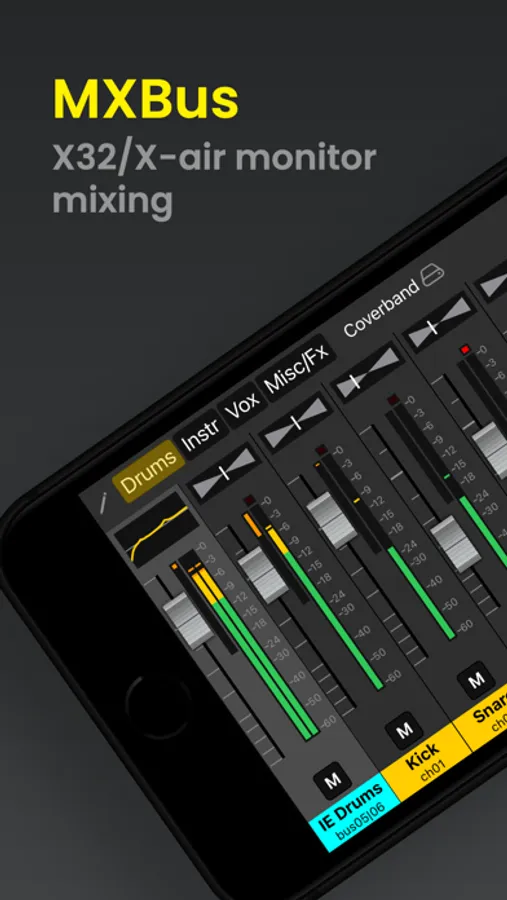
MXBus is a monitor mixing app for all Behringer X32 and X-Air mixing consoles that allows musicians on stage to control their own monitor mix with their iOS device. It also supports the Midas versions of these mixers (M32* and M-Air)
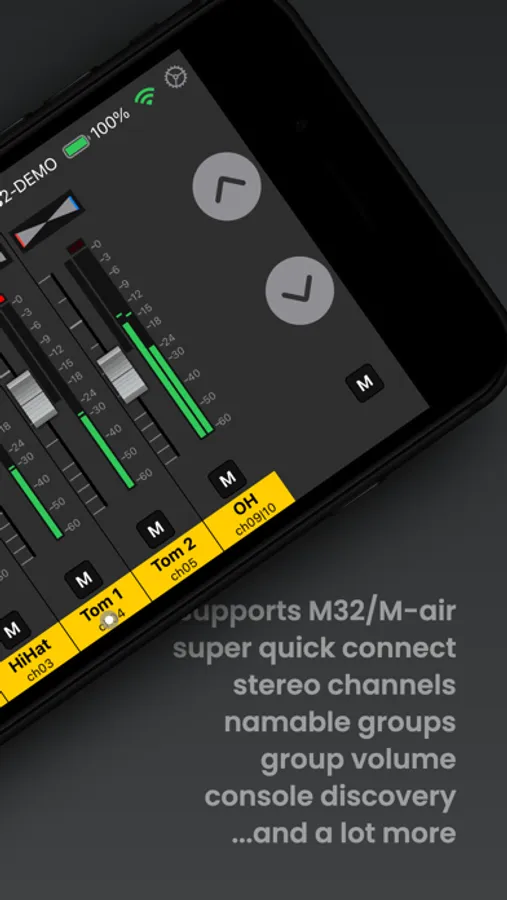
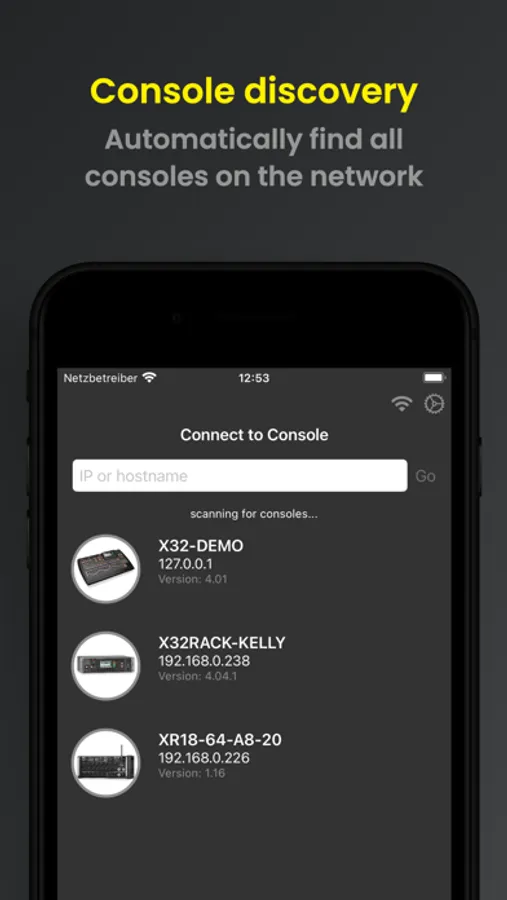
It features stereo channels to save screen real-estate, namable groups and automatic console discovery. Musicians can control the send levels into their monitoring mix bus for all channels aux tracks and effects returns. You can even reorder the channels within your groups to your liking.
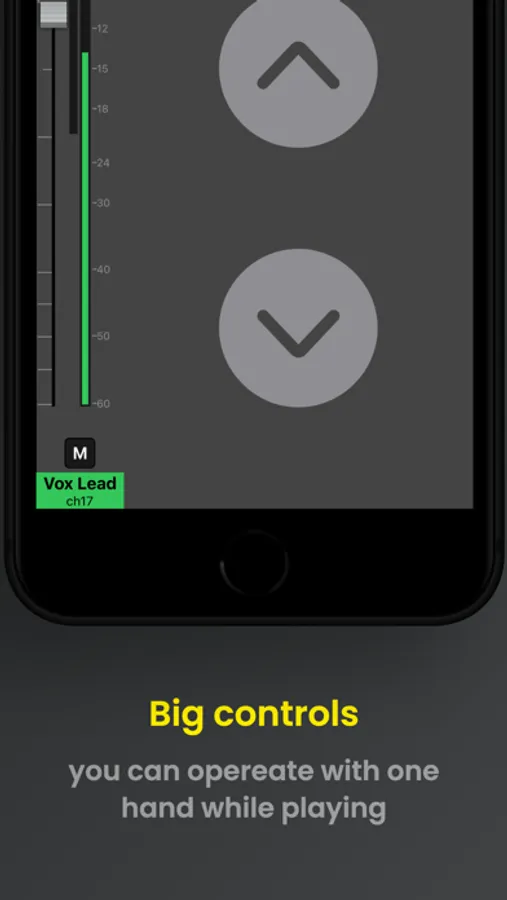
It makes the sound check painless and allows you to adjust the mix during the gig.
Some key differentiating Features:
• Linked channels are treated as a stereo channel to save screen space.
• Double tapping a fader knob sets it 0.
• Double tapping the panning control on a stereo channel pans the signal hard L/R. Another double tap reverses the panning.
• NEW: Springboard and Lock Screen widgets for quicker access.
And as always: The app is built with data privacy in mind - no adds, no tracking!
The PRO pack unlocks even more features like:
• Decayed meters with peak memory
• Compression meters
• Gate LEDs
• Channel mute buttons (X32)
• Group mute buttons (X32)
• Unlimited groups
• Scenes
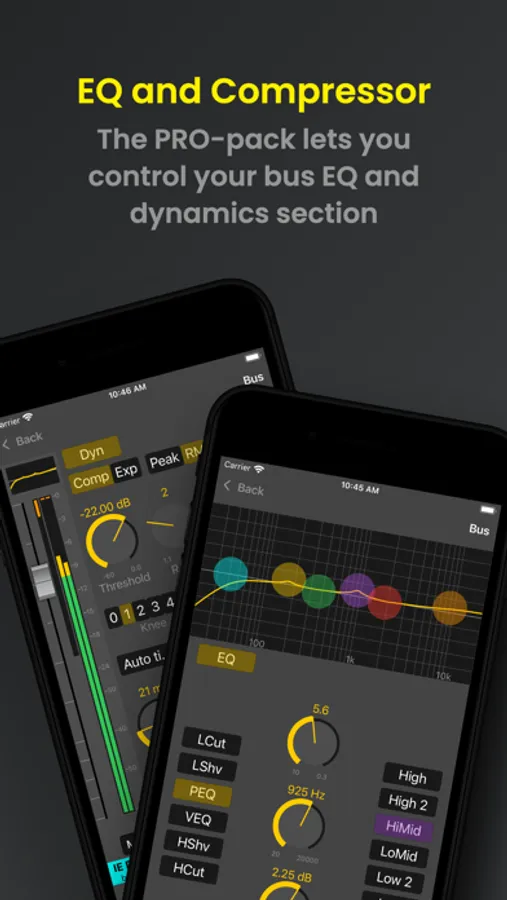
• Bus EQ
• Bus Compressor
It features stereo channels to save screen real-estate, namable groups and automatic console discovery. Musicians can control the send levels into their monitoring mix bus for all channels aux tracks and effects returns. You can even reorder the channels within your groups to your liking.
It makes the sound check painless and allows you to adjust the mix during the gig.
Some key differentiating Features:
• Linked channels are treated as a stereo channel to save screen space.
• Double tapping a fader knob sets it 0.
• Double tapping the panning control on a stereo channel pans the signal hard L/R. Another double tap reverses the panning.
• NEW: Springboard and Lock Screen widgets for quicker access.
And as always: The app is built with data privacy in mind - no adds, no tracking!
The PRO pack unlocks even more features like:
• Decayed meters with peak memory
• Compression meters
• Gate LEDs
• Channel mute buttons (X32)
• Group mute buttons (X32)
• Unlimited groups
• Scenes
• Bus EQ
• Bus Compressor