AppRecs review analysis
AppRecs rating 4.0. Trustworthiness 45 out of 100. Review manipulation risk 52 out of 100. Based on a review sample analyzed.
★★★★☆
4.0
AppRecs Rating
Ratings breakdown
5 star
100%
4 star
0%
3 star
0%
2 star
0%
1 star
0%
What to know
⚠
Questionable review patterns
52% review manipulation risk - some review patterns appear unusual
⚠
Unusually uniform ratings
100% of sampled ratings are 5 stars with very little variation
About Smart MFG 2
Participating in Manufacturing Day on Oct 2? Use the Smart MFG 2 app at the virtual event. See https://www.ptc.com/en/solutions/digital-manufacturing/smart-mfg-app.
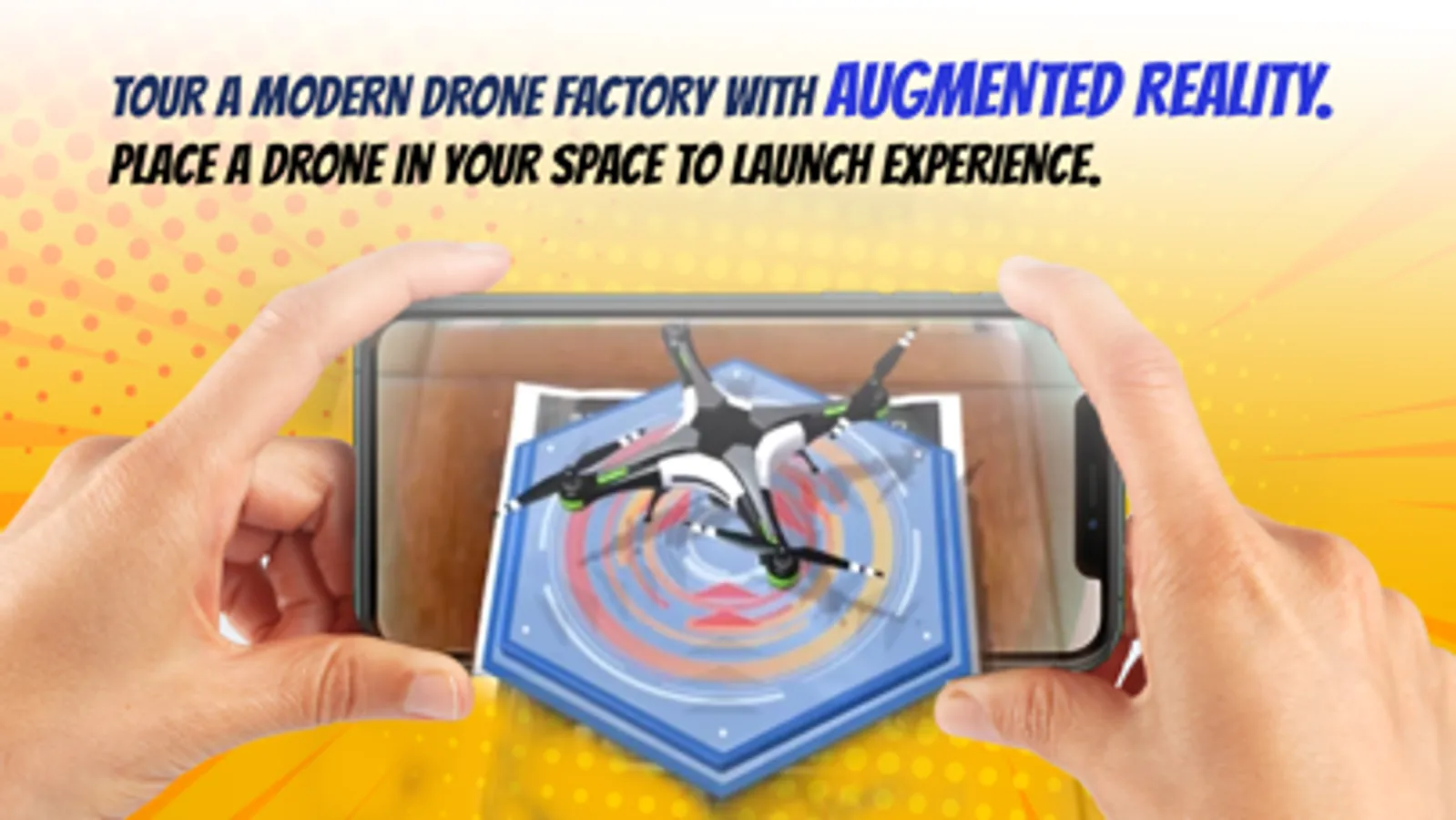
The Smart MFG 2 app gives everyone the chance to be a creator with augmented reality. Design and manufacture a drone. Begin by placing the drone in your current location—then move and tilt your device to see AR capabilities in action.
Getting started is easy:
1. Open the Smart MFG 2 app
2. Find a wide open, flat surface to place your drone. The ground or a large table are great choices. If you don’t see the drone appear, step back to get a wider view of your space.
3. After the drone lands, answer the call from Drone Industries to begin the experience.
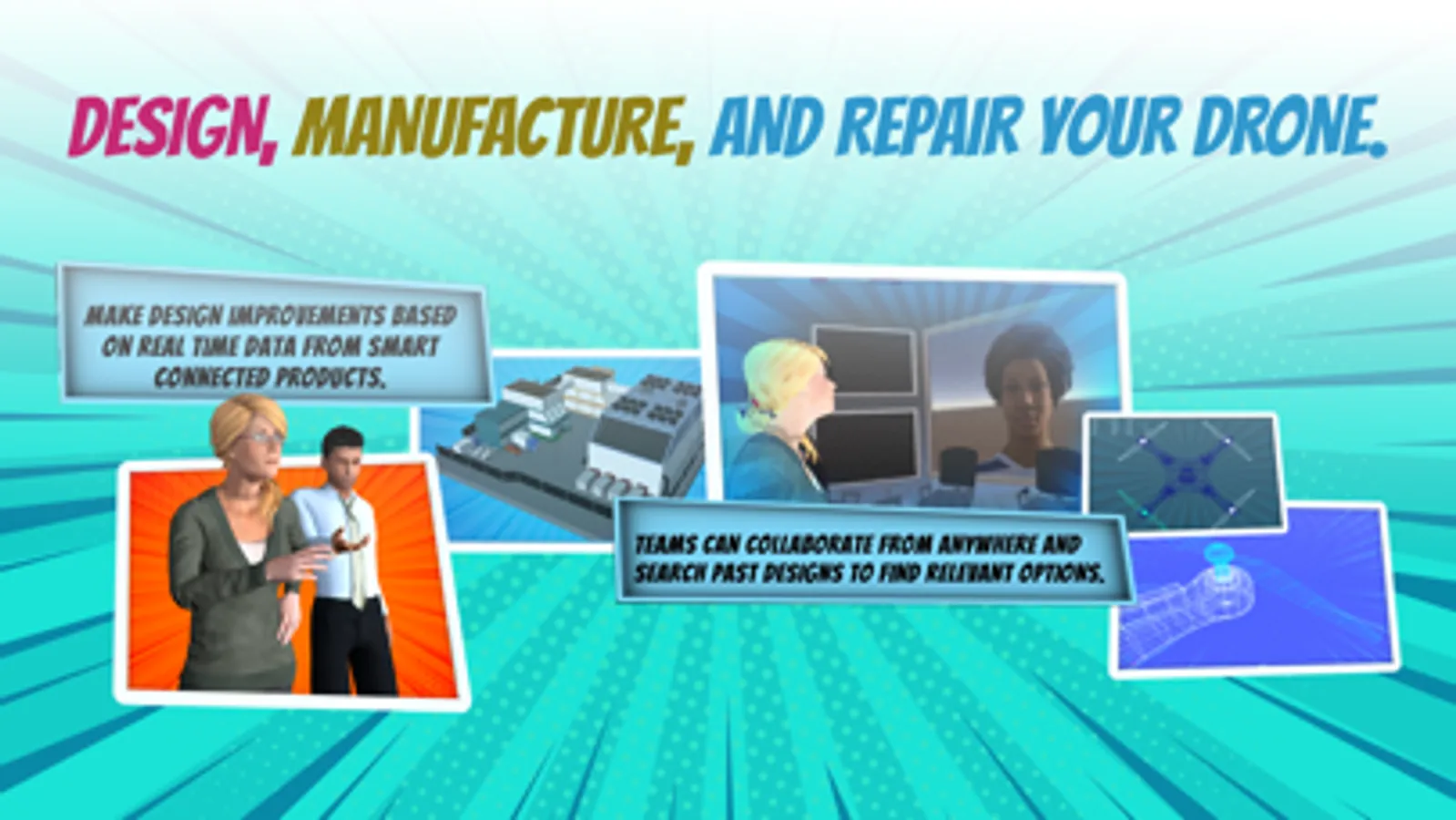
4. See how the team works to redesign and manufacture a better drone blade.
5. After the fix kit is manufactured, repair the broken blade with AR.
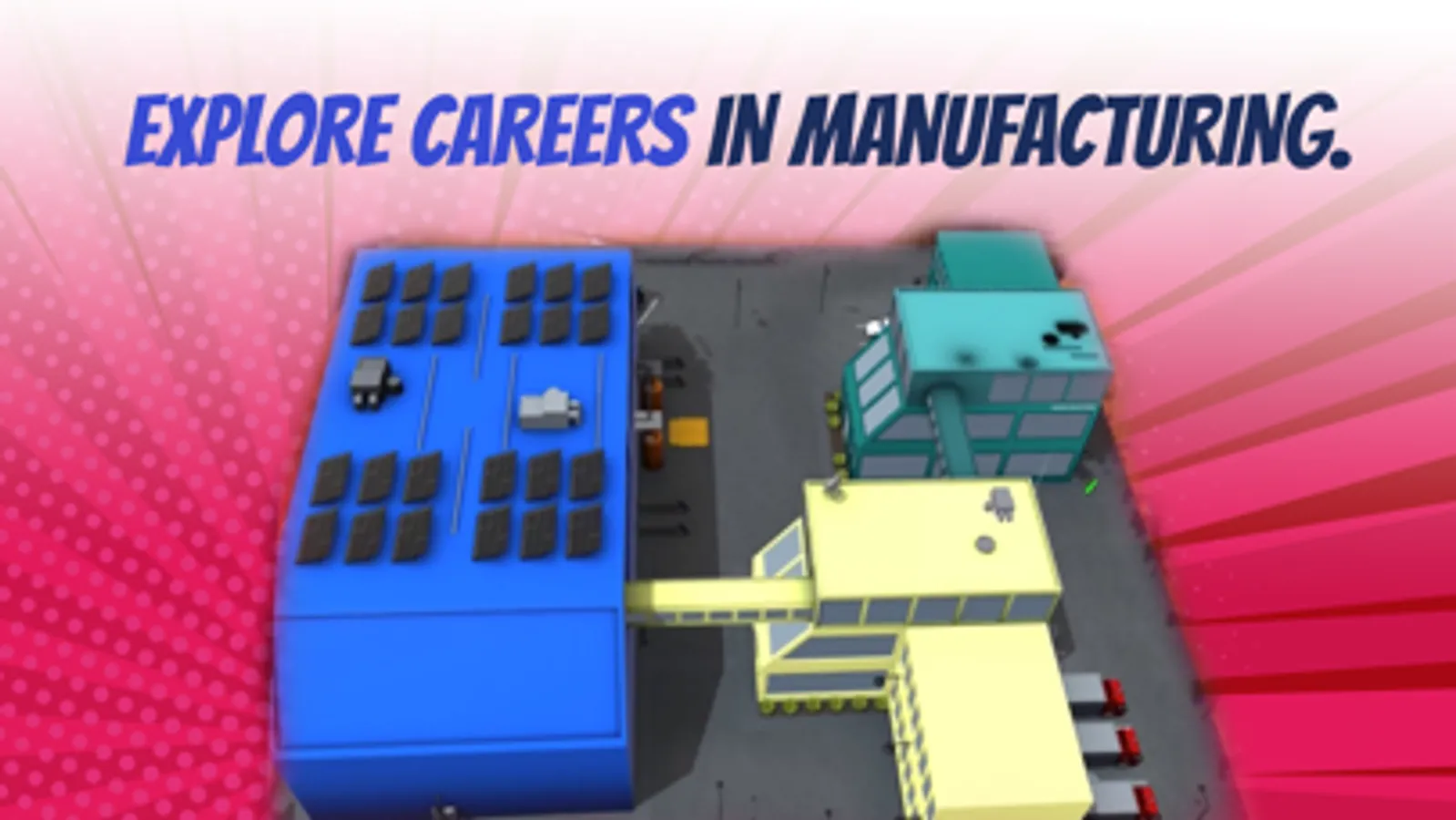
Want to learn more about manufacturing industry and manufacturing careers? Visit creatorswanted.org/youth (launching October 2020).
This experience was created by PTC for the National Association of Manufacturers and its 501(c)(3) nonprofit, workforce development and education partner, The Manufacturing Institute, which together are driving programs and research to promote modern manufacturing and jump-starting new approaches to growing manufacturing talent, such as MFG Day. For more information, visit themanufacturinginstitute.org.
This AR experience is powered by Vuforia, the leading industrial augmented reality platform from PTC. Learn more at https://www.ptc.com/en/products/vuforia.
For questions or support please reach out to Smart_MFG@ptc.com.
The Smart MFG 2 app gives everyone the chance to be a creator with augmented reality. Design and manufacture a drone. Begin by placing the drone in your current location—then move and tilt your device to see AR capabilities in action.
Getting started is easy:
1. Open the Smart MFG 2 app
2. Find a wide open, flat surface to place your drone. The ground or a large table are great choices. If you don’t see the drone appear, step back to get a wider view of your space.
3. After the drone lands, answer the call from Drone Industries to begin the experience.
4. See how the team works to redesign and manufacture a better drone blade.
5. After the fix kit is manufactured, repair the broken blade with AR.
Want to learn more about manufacturing industry and manufacturing careers? Visit creatorswanted.org/youth (launching October 2020).
This experience was created by PTC for the National Association of Manufacturers and its 501(c)(3) nonprofit, workforce development and education partner, The Manufacturing Institute, which together are driving programs and research to promote modern manufacturing and jump-starting new approaches to growing manufacturing talent, such as MFG Day. For more information, visit themanufacturinginstitute.org.
This AR experience is powered by Vuforia, the leading industrial augmented reality platform from PTC. Learn more at https://www.ptc.com/en/products/vuforia.
For questions or support please reach out to Smart_MFG@ptc.com.