SIMREX FLY
Shenzhen Jiandanzhijie Technology Co., Ltd.
1.7 ★
store rating
Free
AppRecs review analysis
AppRecs rating 1.7. Trustworthiness 71 out of 100. Review manipulation risk 29 out of 100. Based on a review sample analyzed.
★☆☆☆☆
1.7
AppRecs Rating
Ratings breakdown
5 star
13%
4 star
3%
3 star
5%
2 star
3%
1 star
77%
What to know
✓
Low review manipulation risk
29% review manipulation risk
✓
Credible reviews
71% trustworthiness score from analyzed reviews
⚠
Mixed user feedback
Average 1.7★ rating suggests room for improvement
About SIMREX FLY
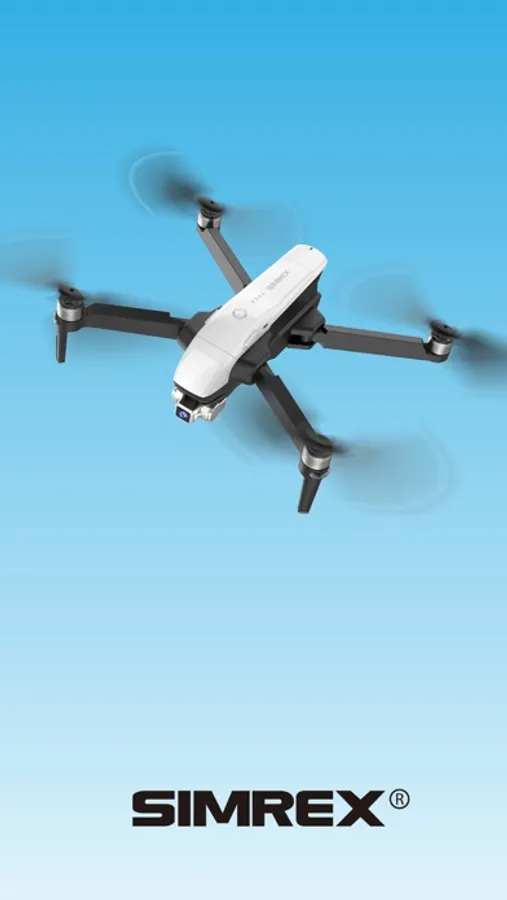
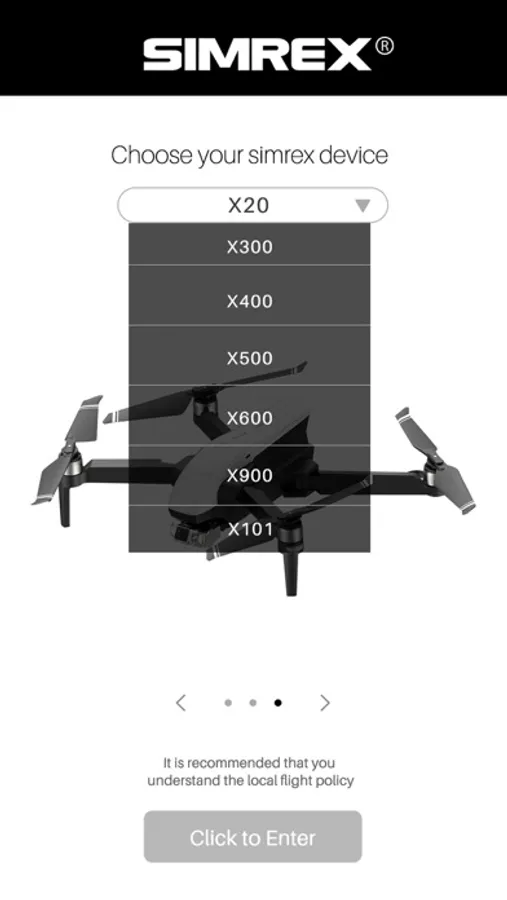
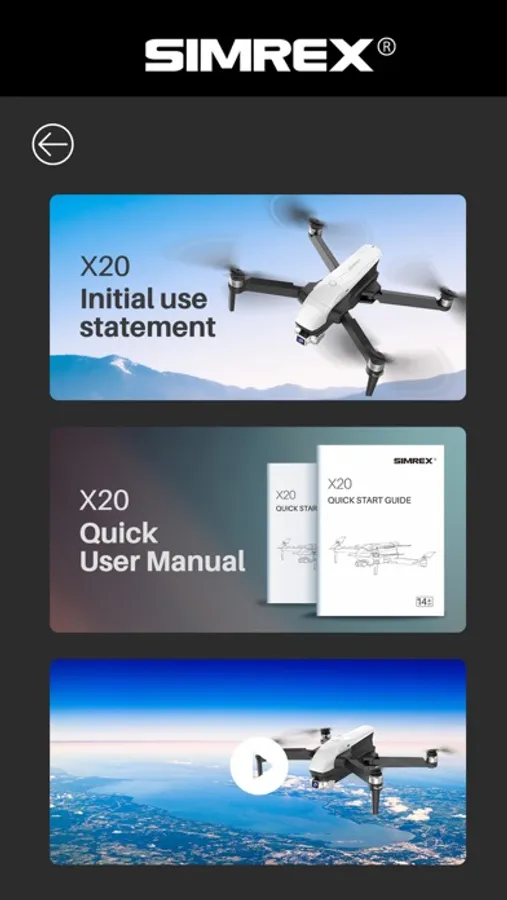
SIMREX FLY is a control application software for smart drones. Based on WI-FI wireless transmission technology, it realizes real-time transmission of images and flight data between mobile phones and drones.
Features
1. GPS status: Take off safely only after 6N stars
2. Latitude and longitude: Real-time display of aircraft coordinates
3. Battery power: Real-time display of the aircraft power percentage, low power automatically return to home
4. Shortcut keys for manual joystick operation: Click the button to unlock the aircraft joystick, which can replace the remote control joystick to operate the aircraft
5. Settings: There are operating joysticks (game mode setting, accelerometer calibration, geomagnetic calibration and beginner mode selection), map, and others (real-time preview pixel selection, device information, data center)
6. Flight mode: Turn on flight mode to choose waypoint planning, follow, point of interest orbit, and exit
7. Map: Click on the map to display the map in full screen, click again to switch to the scene shot by the aircraft
8. One key return to home: Click this function button to automatically return to home and land at short distances
9. One key take-off and landing: Click this function button to conduct take-off and landing
10. High and low speed display: Display the current speed of the aircraft
11. One-key unlock: Click this button to start the aircraft's brushless motor and prepare for take-off
12. Camera parameter setting: you can set the camera for single shooting, continuous shooting, and delayed shooting
13. Shooting: Click this button to directly shoot your favorite scene
14. Recording: Click this button to realize the scene recording function, click this button again to stop recording and save video automatically.
15. Gallery: Click this button to view the captured pictures, videos, and pictures and videos in the SD card (it need to install the SD card )
Features
1. GPS status: Take off safely only after 6N stars
2. Latitude and longitude: Real-time display of aircraft coordinates
3. Battery power: Real-time display of the aircraft power percentage, low power automatically return to home
4. Shortcut keys for manual joystick operation: Click the button to unlock the aircraft joystick, which can replace the remote control joystick to operate the aircraft
5. Settings: There are operating joysticks (game mode setting, accelerometer calibration, geomagnetic calibration and beginner mode selection), map, and others (real-time preview pixel selection, device information, data center)
6. Flight mode: Turn on flight mode to choose waypoint planning, follow, point of interest orbit, and exit
7. Map: Click on the map to display the map in full screen, click again to switch to the scene shot by the aircraft
8. One key return to home: Click this function button to automatically return to home and land at short distances
9. One key take-off and landing: Click this function button to conduct take-off and landing
10. High and low speed display: Display the current speed of the aircraft
11. One-key unlock: Click this button to start the aircraft's brushless motor and prepare for take-off
12. Camera parameter setting: you can set the camera for single shooting, continuous shooting, and delayed shooting
13. Shooting: Click this button to directly shoot your favorite scene
14. Recording: Click this button to realize the scene recording function, click this button again to stop recording and save video automatically.
15. Gallery: Click this button to view the captured pictures, videos, and pictures and videos in the SD card (it need to install the SD card )